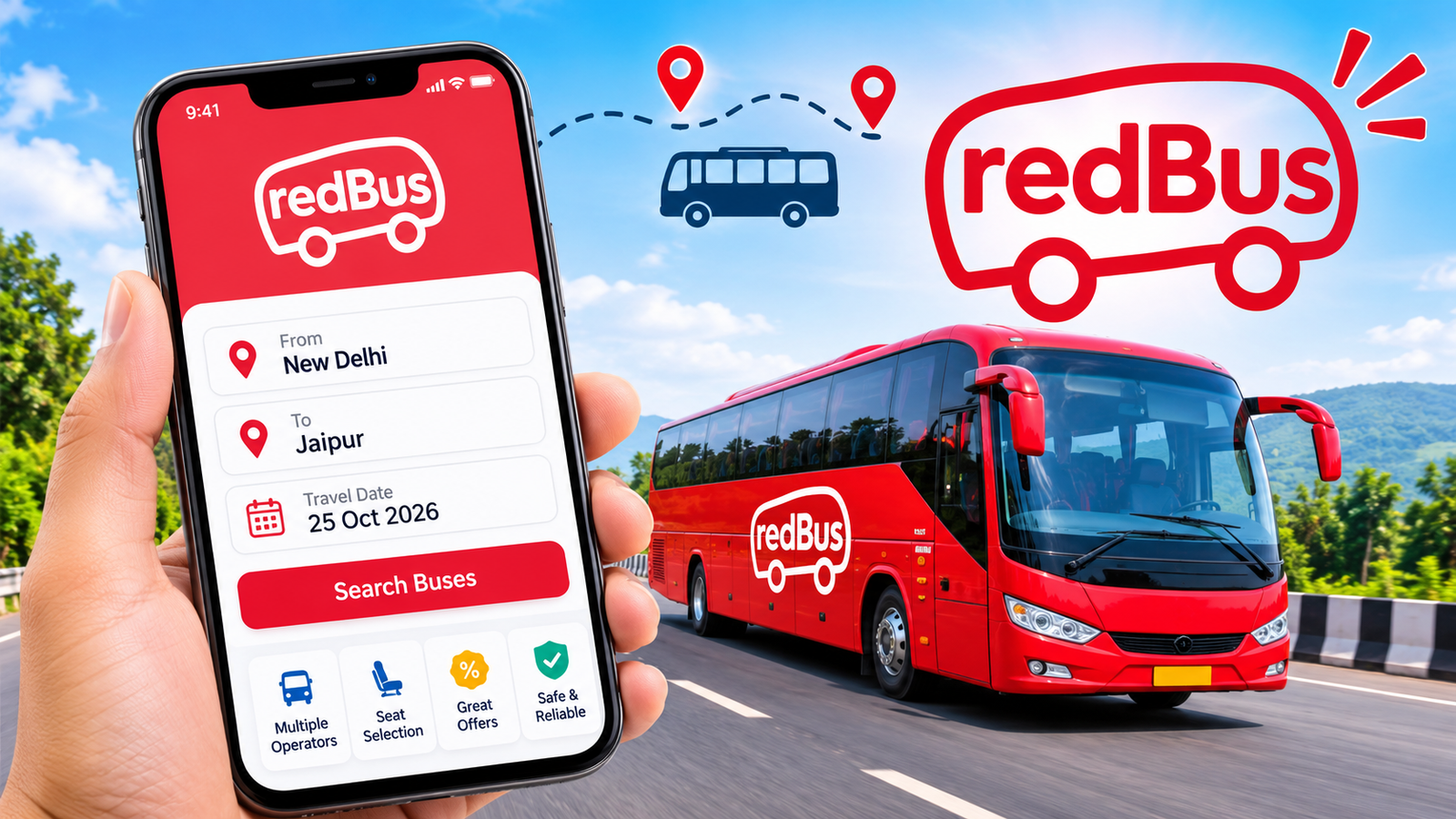
redBus App: Features, Benefits, Bus Booking Process, and Everything You Should Know
Planning a trip can sometimes be stressful, especially when you need to find a comfortable bus, compare ticket prices, and choose a suitable departure time. Traditionally, passengers had to visit bus stations or contact travel agents to reserve their seats. Today, online booking platforms have made this process much easier. One popular platform that helps travelers book bus tickets conveniently is redBus.
Whether you are planning a short journey or a long-distance trip, redBus provides a convenient way to explore available buses, compare travel options, select seats, and make reservations online. Instead of spending time searching through different bus operators, users can find multiple travel options in one place.
The redBus platform is particularly popular in India, where it connects passengers with private bus operators and state transport services. It also operates in several international markets, making it a recognizable name in online bus ticket booking.
In this article, we will explore what redBus is, how it works, its important features, benefits, booking process, and some useful tips for travelers.
What Is redBus?
Online bus ticket booking platform
redBus is an online travel booking platform that allows users to search for buses and reserve tickets through its website or mobile application. It was founded in 2006 and is part of MakeMyTrip Limited.
The platform connects passengers with different bus operators, allowing them to compare available services according to their travel requirements. Users can check departure schedules, ticket prices, seat availability, boarding locations, and other important journey details.
One of the main advantages of redBus is that travelers can complete most of the booking process without visiting a physical ticket counter.
The platform also provides additional travel-related services in supported markets. Depending on the country and availability, users may find options such as:
- Online bus ticket reservations.
- Train ticket booking.
- Live bus tracking.
- Seat selection.
- Travel offers and promotional discounts.
- Booking management and cancellation.
- Hotel reservations.
The exact services and features may differ depending on the user’s location.
How Does redBus Work?
Using redBus is relatively simple, even for people who have never booked transportation tickets online.
The platform works as a connection between passengers and bus operators. Instead of contacting each operator separately, users can search for available services through one interface.
Here is how the basic process works:
- Open the redBus website or mobile application.
- Enter your departure city and destination.
- Select your preferred travel date.
- Search for available buses.
- Compare ticket prices, schedules, and facilities.
- Choose a suitable bus and available seat.
- Enter passenger information.
- Complete the payment process.
- Receive your booking confirmation.
After completing the reservation, passengers can check their booking details and prepare for their journey.
The availability of particular buses and routes depends on the participating operators.

Main Features of redBus
redBus offers several features designed to make online bus reservations easier. These features help travelers find suitable transportation without spending too much time comparing different options manually.
67% of online bus ticket bookings in India come from non-metros: redBus report, ETAuto
#ux #userexperience #redbus #abhibus #ixigo | Sasikumar Sampath | 34 comments
From Bus Stop Blues to Bliss: How redBus conquered the ETA challenge | by Arushii Gupta | redbus India Blog | Medium
8
Let’s explore some of its most useful features.
1. Easy Online Bus Booking
The primary feature of redBus is its online ticket booking system.
Users can search for buses between different cities and explore available travel options. The platform displays relevant information, including departure times, arrival estimates, ticket prices, and operator details.
This makes it easier to arrange a journey from home instead of visiting a bus station.
2. Multiple Bus Operators
Another useful feature is access to different bus operators through one platform.
Depending on the selected route, users may find several types of transportation services, including:
- Government-operated buses.
- Private bus services.
- AC and non-AC buses.
- Sleeper buses.
- Semi-sleeper buses.
- Volvo and other premium services.
Having multiple choices allows passengers to select an option according to their budget and comfort requirements.
3. Seat Selection
redBus allows users to view available seating arrangements before completing their reservations on supported services.
Passengers can check the seat layout and select a preferred seat instead of accepting a randomly assigned option.
For example, someone traveling overnight might prefer a sleeper seat, while another passenger may choose a window seat for a daytime journey.
Seat availability can change quickly, particularly during holidays and busy travel periods.
4. Live Bus Tracking
Live bus tracking is another useful feature available on supported routes.
It allows passengers to check the approximate current location of their booked bus through a map.
This can help travelers:
- Check the progress of their journey.
- Estimate when the bus may reach the boarding point.
- Avoid unnecessary waiting.
- Share journey information with family members.
- Plan their arrival at the destination.
However, live tracking availability and accuracy may depend on the bus operator and its tracking system.
5. Different Payment Options
Online payment makes the reservation process more convenient.
Depending on the country and available payment services, users may be able to pay through supported methods such as:
- Credit cards.
- Debit cards.
- Internet banking.
- Digital wallets.
- Other supported online payment methods.
Before confirming a reservation, users should carefully review the final amount, including any additional service charges.
6. Cancellation and Refund Support
Travel plans can change unexpectedly. For this reason, cancellation support is an important part of an online booking platform.
redBus provides cancellation facilities for eligible bookings. However, cancellation charges and refund amounts depend on the selected bus operator, ticket conditions, and time remaining before departure.
Users should always check the cancellation policy before making a payment.
7. Special Offers and Discounts
redBus regularly promotes different travel deals and discount offers in supported markets.
These promotions may include:
- First-time booking discounts.
- Seasonal offers.
- Bank card promotions.
- Cashback deals.
- Special promotional coupons.
Not every offer applies to every passenger or route. Always read the terms and conditions before applying a coupon.
Benefits of Using redBus
Online travel platforms offer several advantages compared with traditional ticket booking methods. redBus brings different travel services together and makes it easier to organize journeys.
Here are some important benefits.
Saves Time and Effort
One of the biggest advantages is convenience.
Passengers do not need to visit multiple bus counters to compare available services. They can explore different options through their phones or computers.
This is particularly helpful for people with busy schedules.
Compare Ticket Prices
Travel costs can vary depending on the bus operator, departure time, available facilities, and travel date.
redBus allows users to compare available ticket prices before making a decision.
This makes it easier to find a service that matches their budget.
Convenient Seat Selection
Passengers can check available seats and select their preferred options where supported.
This is especially useful for families and people traveling together who want to sit close to one another.
Access to Travel Information
Before booking, users can explore important information about their journey.
This may include:
- Departure and arrival times.
- Boarding and dropping points.
- Bus type.
- Available facilities.
- Passenger reviews and ratings.
- Cancellation conditions.
Having these details available makes travel planning more organized.
Booking from Anywhere
Another advantage is that users can access redBus through its website or mobile application.
They can search for buses and manage eligible reservations without visiting a ticket office.
This flexibility makes online booking useful for both regular travelers and occasional passengers.
How to Book Bus Tickets Using redBus
If you are new to the platform, follow these steps to understand how the booking process works.
Enhancing the bus ticket booking experience in the redBus app for women — An evaluative UX case study to make travel safer | by Minakshi Joshi | Medium
medium.com
Step 1: Open the Official Platform
Visit the official redBus website or install its official application from a trusted app store.
Avoid downloading unofficial applications that use similar names or logos.
Step 2: Enter Your Travel Details
On the booking screen, enter your departure city and destination.
Select the date on which you want to travel.
Step 3: Search for Available Buses
Tap the search option to view available buses.
The platform will display matching services based on your selected route and travel date.
Step 4: Compare Different Options
Check the available buses carefully.
Consider the following factors:
- Ticket price.
- Departure time.
- Arrival time.
- Bus type.
- Passenger ratings.
- Boarding location.
- Available facilities.
Do not select a bus based only on its lowest price.
Step 5: Select Your Seat
Open the seat layout and choose an available seat according to your preference.
Check whether the selected seat is suitable for your journey.
Step 6: Enter Passenger Information
Provide the required passenger details.
Make sure the information is correct because incorrect details may create problems during boarding.
Step 7: Complete the Payment
Review your booking information and final payment amount.
Choose an available payment method and complete the transaction.
Step 8: Receive Your Ticket
After successful payment, you should receive a booking confirmation.
Check the ticket carefully and save a copy on your phone.
redBus App vs Traditional Bus Ticket Booking
Online booking platforms have changed the way passengers arrange their journeys.
The following table compares redBus with traditional bus ticket booking methods.
| Feature | redBus | Traditional Booking |
|---|---|---|
| Booking method | Online | Physical counter or agent |
| Price comparison | Available | Usually requires manual checking |
| Seat selection | Available on supported buses | Depends on the operator |
| Travel information | Online details | Provided by staff |
| Booking confirmation | Digital ticket | Paper ticket or receipt |
| Cancellation | Online for eligible bookings | Depends on the operator |
| Convenience | Accessible remotely | Requires visiting a counter |
| Offers | Online promotions | Depends on the operator |
Both methods can be useful, but online booking offers more flexibility for passengers who prefer arranging their journeys digitally.
Is redBus Safe and Reliable to Use?
Generally, using the official redBus platform is a convenient way to search for and book bus tickets.
However, like any online booking service, users should take a few precautions before making reservations.
Here are some recommendations:
- Download the application from Google Play or Apple’s App Store.
- Check the official website address before entering personal information.
- Review bus operator ratings and passenger feedback.
- Read cancellation and refund conditions.
- Check the boarding point carefully.
- Never share your payment PIN or one-time password with anyone.
- Keep your booking confirmation available during travel.
It is also important to remember that redBus acts as a booking platform for participating operators. The actual transportation service is generally provided by the selected bus company.
Therefore, the quality of the journey can depend on the operator, vehicle, route, and travel conditions.
Important Things to Check Before Booking a Ticket
Finding an available bus does not automatically mean it is the best option for your journey.
Before confirming your reservation, consider these important points.
Check the Departure and Arrival Times
Make sure the departure time fits your schedule.
Also, consider the estimated arrival time, especially if you have another journey or appointment afterward.
Verify the Boarding Point
Some buses offer multiple boarding locations.
Select the most convenient location and confirm its address before leaving home.
Review Bus Facilities
Different buses provide different facilities.
Depending on the service, you may find:
- Air conditioning.
- Sleeper seats.
- Charging points.
- Reading lights.
- Blankets.
- Entertainment facilities.
Do not assume every bus offers the same amenities.
Read the Cancellation Policy
Cancellation policies can vary significantly between operators.
Check the possible cancellation charges and refund conditions before completing the booking.
Keep Your Ticket Accessible
Save your e-ticket or booking confirmation on your mobile phone.
It is also helpful to keep your booking details available offline in case you experience internet connectivity problems.
Advantages and Disadvantages of redBus
Like other online travel platforms, redBus has both advantages and limitations.
| Advantages | Disadvantages |
|---|---|
| Convenient online reservations | Not every route is available |
| Multiple bus options | Prices can vary |
| Online seat selection | Preferred seats may sell out |
| Travel information in one place | Information depends on operators |
| Eligible online cancellations | Cancellation charges may apply |
| Promotional discounts | Offers have conditions |
| Live tracking on supported buses | Tracking may not be available everywhere |
Understanding these points can help travelers make better booking decisions.

Tips to Get the Best Experience with redBus
A little preparation can make your travel experience more comfortable.
Consider following these practical tips:
- Book early: Reserve tickets in advance during busy travel seasons.
- Compare operators: Check different buses before choosing one.
- Read reviews: Passenger feedback can help you understand service quality.
- Check the location: Confirm your boarding and dropping points.
- Look for discounts: Check available promotional offers before payment.
- Review luggage rules: Different operators may have different baggage policies.
- Arrive early: Reach the boarding location with enough time to avoid missing your bus.
- Save your ticket: Keep your booking confirmation accessible throughout the journey.
These simple steps can help reduce common travel-related problems.
Frequently Asked Questions (FAQs)
1. What is redBus used for?
redBus is an online travel booking platform mainly used for searching and booking bus tickets. Depending on the country, it may also offer additional services such as train reservations, hotel bookings, and other travel-related facilities.
2. Is redBus available as a mobile application?
Yes. redBus provides mobile applications for supported Android and iOS devices. Users can download the official application through their respective app stores.
3. Can I cancel my ticket on redBus?
Yes, eligible tickets can generally be canceled through the platform. However, cancellation charges and refund amounts depend on the bus operator’s policies and the conditions of your booking.
4. Does redBus provide live bus tracking?
Yes, live bus tracking is available for supported services. Passengers can use the tracking feature to check their bus location and monitor its journey.
5. Can I select my seat while booking through redBus?
Yes. The platform provides seat selection for supported buses. Users can view the available seating layout and choose a preferred seat before completing their reservation.
6. Is redBus suitable for long-distance travel?
Yes. redBus can be useful for finding long-distance bus services between supported cities. Travelers can compare departure times, bus types, prices, and available facilities before selecting an option.
Final Thoughts
redBus has made online bus ticket booking more convenient by bringing different bus operators and travel options together on one platform. Its booking system, seat selection, price comparison, live tracking, and cancellation facilities help travelers organize their journeys more easily.
Whether you are planning a short trip or a long-distance journey, the platform provides a practical way to explore available transportation options without visiting multiple ticket counters.
Also Read: Nykaa App: Features, Benefits, Shopping Experience, and How to Use It














1 comment