BeeTV App: Features, Installation Guide, Compatibility, and Safety Tips
Introduction
The BeeTV app is a name commonly associated with Android applications for browsing and streaming movies and TV shows. It has attracted attention from users looking for entertainment on their smartphones, Android TV devices, and other compatible screens. However, different apps use the BeeTV name, so it is important to identify the correct application before downloading or installing anything.
One version of BeeTV is a third-party streaming app distributed as an APK file, while another is an official television service available through Google Play in Kazakhstan. These are not necessarily the same product.
In this guide, you will learn what the BeeTV app is, which features users may encounter, how APK installation works, what to check before downloading, and how to protect your device while exploring streaming applications.
What Is the BeeTV App?
The BeeTV app generally refers to an Android entertainment application associated with movies and television content. The third-party version is commonly discussed in connection with APK downloads and streaming links.
An APK, or Android Package Kit, is the file format used to distribute and install Android applications. Some apps are available directly through Google Play, while others are distributed outside the official store.
It is important to understand that the name alone does not establish an application’s identity, safety, or legitimacy.
For example, the BeeTV app listed on Google Play is a Kazakhstan television service developed by QazCode. Its listing describes live television channels, films, cartoons, and TV series. It should not automatically be confused with similarly named third-party streaming applications.
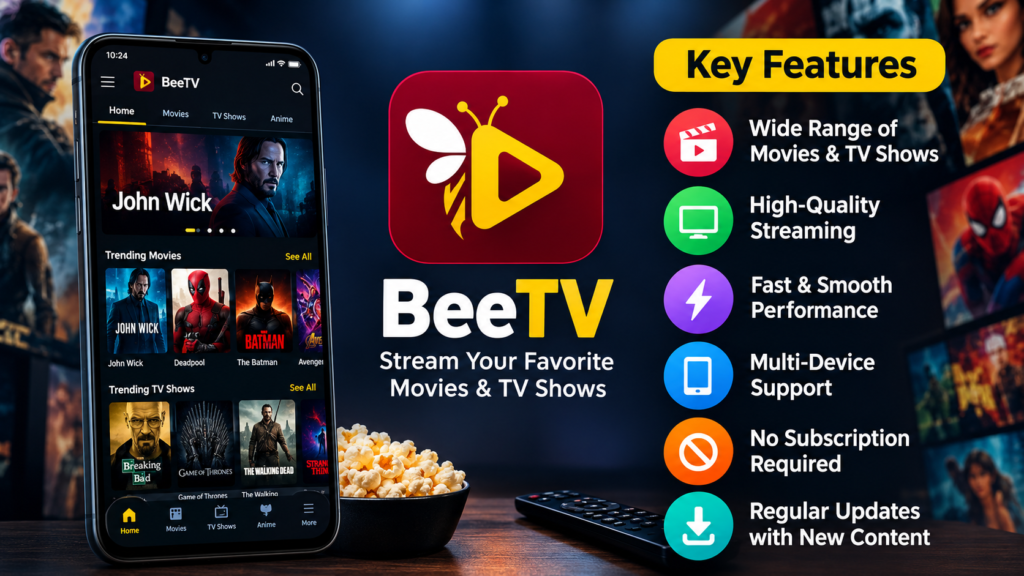
Key Features of the BeeTV App
Features depend on the specific version you install. Third-party streaming versions and official television services can offer different experiences.
1. Movie and TV Show Browsing
The third-party version of BeeTV is commonly associated with browsing movies and television episodes through a single interface. Users may be able to search for titles, explore categories, and select available streaming sources.
However, content availability and playback reliability can change. A title appearing in an app does not guarantee that it will play correctly or that the source is authorized.
2. Simple Navigation
Entertainment apps often organize their content into categories such as movies, television series, and recently added titles.
A straightforward interface can make it easier to browse a library without navigating through multiple menus. Nevertheless, the quality of the interface and available features depends on the particular app version.
3. Android Device Compatibility
BeeTV-branded applications are frequently discussed in relation to Android phones and tablets. Some third-party versions may also be promoted for Android TV or Fire TV devices.
Compatibility is not guaranteed across every device. Android version requirements, processor architecture, screen layout, and installation restrictions can affect whether an application works properly.
4. Streaming Playback Options
Some versions may provide multiple playback sources or external video-player options. These features can be useful when a particular stream is unavailable, although the options depend on the application and its sources.
Users should be cautious if a streaming app redirects them to unfamiliar websites, requests unrelated permissions, or displays suspicious download prompts.
5. Internet-Based Entertainment
Streaming usually requires an internet connection. Video quality and playback stability depend on the connection speed, server performance, device capabilities, and the source providing the video.
A fast connection cannot resolve every playback problem, particularly when a stream has been removed or its server is unavailable.
BeeTV App at a Glance
The following table summarizes common considerations when researching the third-party BeeTV streaming app.
| Item | Details |
|---|---|
| App category | Entertainment and streaming |
| Commonly discussed platform | Android |
| Installation format | APK for versions distributed outside app stores |
| Content | Movies and TV shows, depending on the version and sources |
| Account requirement | Depends on the particular application |
| Internet connection | Generally required for online streaming |
| Android TV support | Depends on the version |
| Safety status | Must be assessed for the specific APK |
| Official availability | Verify the developer and exact app listing |
These details are general guidance for the third-party streaming version. They should not be treated as verified specifications for every app carrying the BeeTV name.
How to Download and Install the BeeTV App on Android
Before installing BeeTV, identify the application you actually want. The safest approach is to use a verified official listing whenever one exists for that product and your region.
Step 1: Identify the Correct Application
Search for the app’s developer, official website, and published store listing. Compare the application name, package information, developer details, and privacy disclosures.
Do not assume that a website offering a file called “BeeTV APK” is affiliated with the original developer.
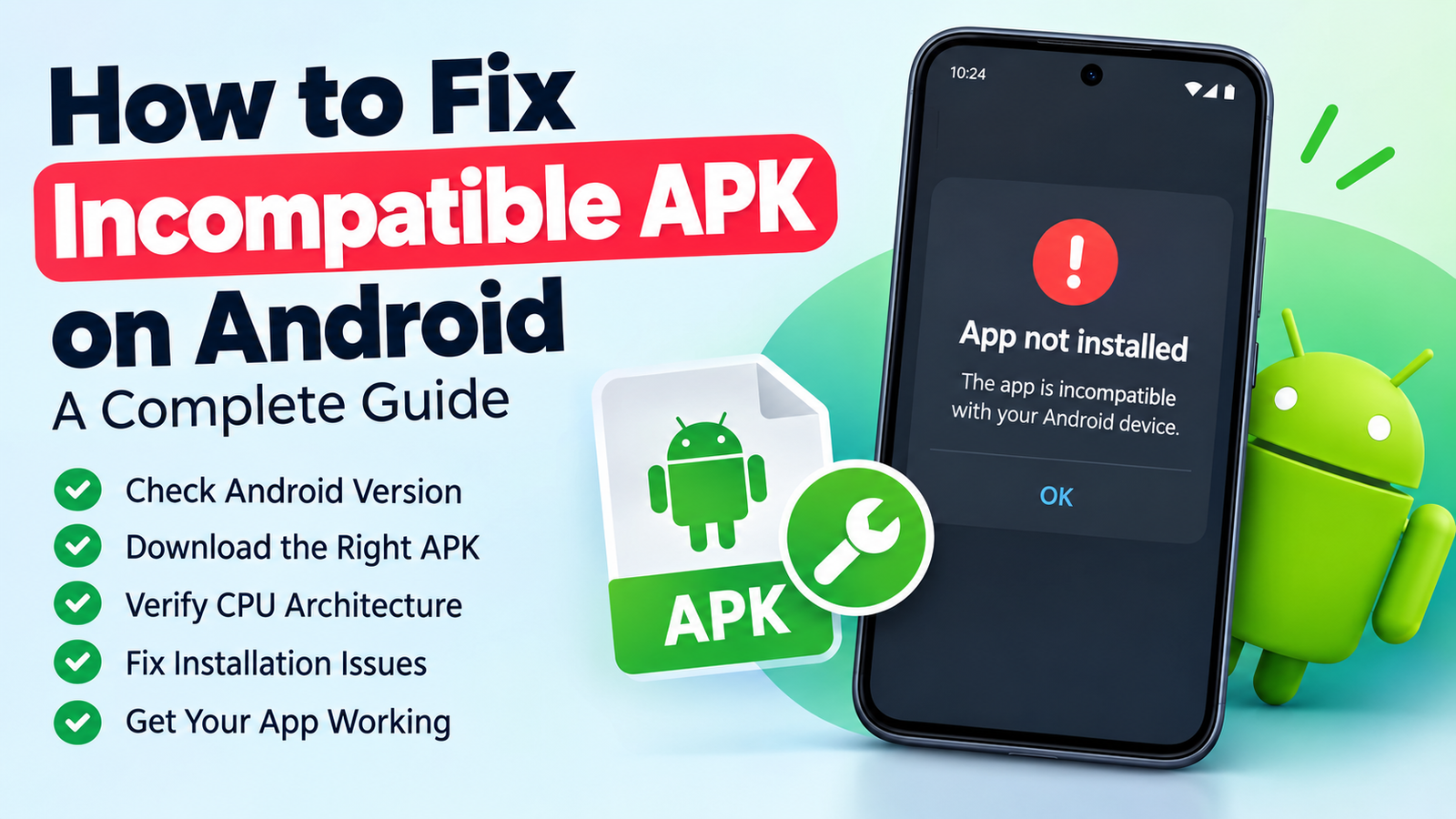
Step 2: Check Device Compatibility
Before downloading an APK, review your phone’s Android version and the application’s requirements.
Check the following:
- Whether the app supports your Android version.
- Whether the APK matches your device’s processor architecture.
- Whether enough storage space is available.
- Whether the application supports your screen type, especially on televisions.
- Whether the developer provides installation and update instructions.
If these details are unavailable, consider that a warning sign rather than guessing which version will work.
Step 3: Scan the Downloaded File
If you obtain an APK from outside Google Play, do not install it immediately.
Use Google Play Protect and review any security warnings. Google explains that Play Protect checks applications for potentially harmful behavior, including apps installed from sources outside the Play Store. It may warn about, disable, or remove harmful applications. Read Google’s Android TV security guidance.
You can also check the file with a reputable security scanner. A clean scan reduces some risks but does not guarantee that an application is safe.
Step 4: Install Only If You Trust the Source
Android may ask for permission to install applications from an external source. This permission should be granted only when necessary and only for a source you trust.
Avoid disabling security protections just to force an installation. If Play Protect identifies a serious threat, stop and investigate instead of ignoring the warning.
Step 5: Review the App After Installation
Once installed, check its permissions and behavior before using it.
A streaming application generally needs internet access, but requests for accessibility controls, SMS access, contacts, or unrelated sensitive information deserve careful scrutiny.
If the app behaves suspiciously, remove it and run a security scan.
Can You Use BeeTV on Android TV or Fire TV?
Some third-party BeeTV guides advertise support for Android TV and Amazon Fire TV devices. However, compatibility depends on the exact application version, device model, and installation method.
A phone-oriented interface may not work well with a television remote. Some applications may also fail to install because of operating-system restrictions or outdated software requirements.
Before trying to use BeeTV on a television, consider these points:
- Confirm that the app supports your specific device.
- Check whether navigation works with a remote control.
- Avoid APK files that require unnecessary system permissions.
- Do not bypass security warnings without understanding the risk.
- Consider official streaming applications available through your device’s app store.
Fire TV and Android TV are not identical platforms, so successful installation on one does not guarantee compatibility with the other.
Is the BeeTV App Safe to Use?
The safety of BeeTV depends on the exact application, its developer, the distribution source, and the permissions it requests.
Third-party APK files can be modified or repackaged. A file using a familiar name or icon may not be the application its distributor claims it is.
There is no reliable way to declare every BeeTV-branded APK safe without verifying the specific file and its origin.
Important Security Checks
Before installing an unfamiliar application, follow these precautions:
- Verify the developer: Look for a trustworthy official website or verified store listing.
- Check permissions: Be cautious about access unrelated to video streaming.
- Scan the APK: Keep Google Play Protect enabled and investigate warnings.
- Avoid suspicious download pages: Do not follow deceptive buttons, pop-ups, or unexpected redirects.
- Protect personal information: Avoid entering passwords or payment details into unverified applications.
- Keep Android updated: Security updates help protect against known vulnerabilities.
- Uninstall questionable apps: Remove applications that behave unexpectedly or request suspicious access.
For the strongest protection, choose applications distributed through trusted stores with identifiable developers and transparent privacy policies.
Is the BeeTV App Legal?
The legality of using a streaming application depends on your location, the content being accessed, and whether the service has the necessary distribution rights.
An app’s availability does not automatically mean that every movie or television episode it lists is legally authorized for streaming. Similarly, using an APK file is not inherently illegal; many legitimate Android applications are distributed in APK format.
Before watching content, consider whether the provider has permission to distribute it in your region. Copyright laws and enforcement practices vary by country.
When possible, use licensed streaming services or official broadcaster applications. These services generally offer clearer information about content rights, account security, customer support, and subscription terms.
Common BeeTV App Problems and Possible Solutions
Users may experience installation failures, buffering, playback errors, or compatibility problems. The correct solution depends on the cause.
| Problem | Possible reason | What to try |
|---|---|---|
| App won’t install | Incompatible Android version or damaged APK | Verify requirements and obtain a valid file |
| App crashes | Outdated build or device incompatibility | Update through a trusted source or uninstall it |
| Videos keep buffering | Slow connection or unavailable stream | Test your connection and try an authorized source |
| Black screen during playback | Player or stream problem | Restart the app and check supported playback options |
| App requests unusual permissions | Potentially unsafe or modified application | Deny unnecessary access and investigate the app |
| App fails after an update | Changed requirements or broken compatibility | Check developer guidance or use a trusted alternative |
Avoid downloading several APK files from random websites to fix one problem. Repeated installations can increase your exposure to malicious or modified software.
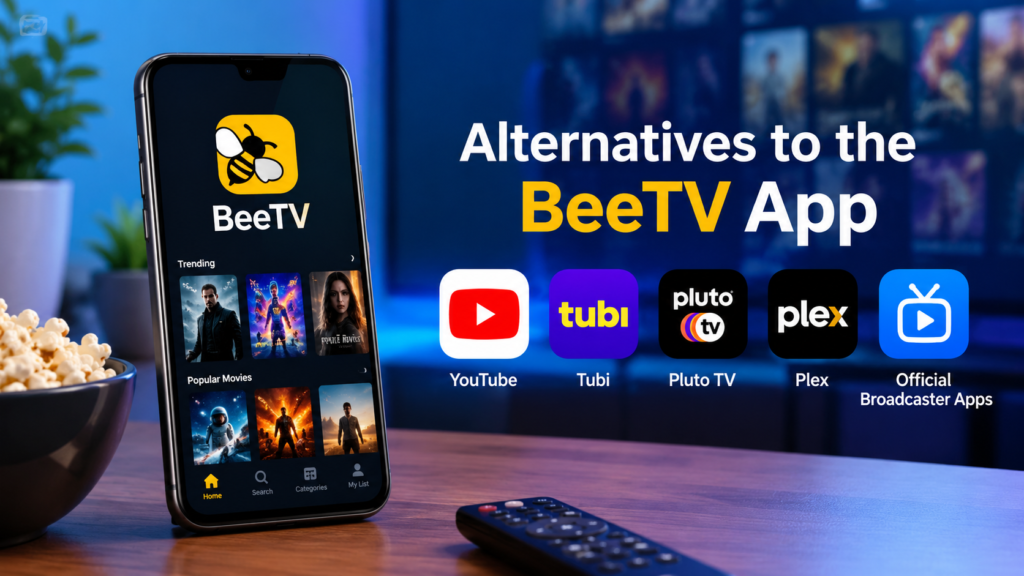
Alternatives to the BeeTV App
If you want a more predictable streaming experience, consider services with identifiable developers and authorized content libraries.
Options include:
- YouTube: Offers official channels, free videos, movies in supported markets, and licensed content.
- Tubi: Provides an ad-supported streaming library in supported regions.
- Pluto TV: Offers free, ad-supported channels and on-demand content where available.
- Plex: Provides media-management features and access to free streaming content in supported markets.
- Official broadcaster apps: These can be useful for regional television, news, sports, and licensed entertainment.
Availability varies by country and device. Check the official app store and the service’s regional catalog before installing an alternative.
Frequently Asked Questions About the BeeTV App
1. What is the BeeTV app used for?
The name is associated with Android entertainment applications, including third-party apps for browsing movies and TV shows. Other products with the same name provide television services. Check the developer and exact listing to identify the version you mean.
2. Is BeeTV available on the Google Play Store?
A BeeTV application is available on Google Play as a Kazakhstan television service developed by QazCode. This does not mean that every third-party app called BeeTV is available through Google Play or that the applications are related.
3. Can I install the BeeTV APK on my Android phone?
An APK can be installed on compatible Android devices when the file is valid and installation is permitted. Before installing a third-party version, verify its source, system requirements, permissions, and security status.
4. Is the BeeTV app safe for Android devices?
Safety cannot be guaranteed for every application using the BeeTV name. Unverified APKs may be modified or contain harmful code. Use trusted distribution sources, keep Play Protect enabled, and avoid applications requesting unnecessary sensitive permissions.
5. Does BeeTV work on Android TV or Fire TV?
Some versions may be advertised for television devices, but compatibility depends on the specific app and operating system. Confirm device support before installing anything, and avoid bypassing security protections to force an incompatible app to run.
6. What should I do if BeeTV stops working?
Check your internet connection, device compatibility, and available storage. Restart the device and review the application’s official troubleshooting information, if available. Avoid installing replacement APKs from unknown sources simply because the original application no longer works.
Final Thoughts
The BeeTV app is a name worth researching carefully before downloading, because different applications may use similar branding. The third-party streaming version is commonly associated with Android APK installation, while an independently identifiable BeeTV service on Google Play offers television and entertainment content in Kazakhstan.
Before installing any version, verify its developer, check compatibility, review permissions, and scan unfamiliar files. Remember that a familiar name or a successful installation does not prove that an application is secure or that its streaming sources are authorized.
Also Read: How to Check APK Certificate Fingerprint: A Complete Guide












Post Comment