
APK Guide: The Complete Beginner’s Guide to Downloading, Installing, and Using APK Files Safely
APK Guide is one of the most searched topics among Android users who want greater control over their apps. Whether you want early access to new features, install applications unavailable in your region, or keep older versions of your favorite apps, understanding APK files is essential. This comprehensive guide explains everything you need to know about APK files, how they work, how to install them safely, and the best practices to protect your Android device.
If you have ever wondered what an APKGuide is or whether downloading APK files is safe, this guide will answer your questions with clear, practical information that both beginners and experienced Android users can benefit from.
What Is an APK?
An APK, short for Android Package Kit, is the installation file format used by the Android operating system. Just as Windows uses EXE files and macOS uses DMG files, Android relies on APK files to install mobile applications.
Every Android app you download contains all the necessary resources required for installation, including:
- Application code
- Images and graphics
- Audio files
- Configuration settings
- App permissions
- Security certificates
When you install an application from the Google Play Store, the installation process happens automatically in the background. When you manually install an APK file, you perform the same installation yourself.
Why People Download APK Files
Many Android users choose APK files for reasons beyond simply installing apps.
Some common reasons include:
- Accessing apps before their official release
- Installing apps unavailable in specific countries
- Restoring older versions after unwanted updates
- Testing beta versions
- Installing apps on devices without Google Play
- Backing up favorite applications
- Accessing discontinued applications
For developers and technology enthusiasts, APK files also provide an excellent way to test applications during development.
How APK Files Work
Every Android application is packaged into a single APK file before distribution. Once downloaded, Android verifies the file and extracts its contents before installing the application.
The installation process includes:
- Checking digital signatures
- Extracting application resources
- Creating app directories
- Registering permissions
- Preparing the app for execution
This process usually takes only a few seconds, depending on the application’s size.

APK Guide for Beginners
If you are installing an APK for the first time, following the correct process is important.
Begin by downloading the APK from a trusted source. Once the download finishes, locate the file in your Downloads folder.
Before installation, Android may ask for permission to install applications from unknown sources. This setting allows manual installation outside the Google Play Store.
After enabling the permission:
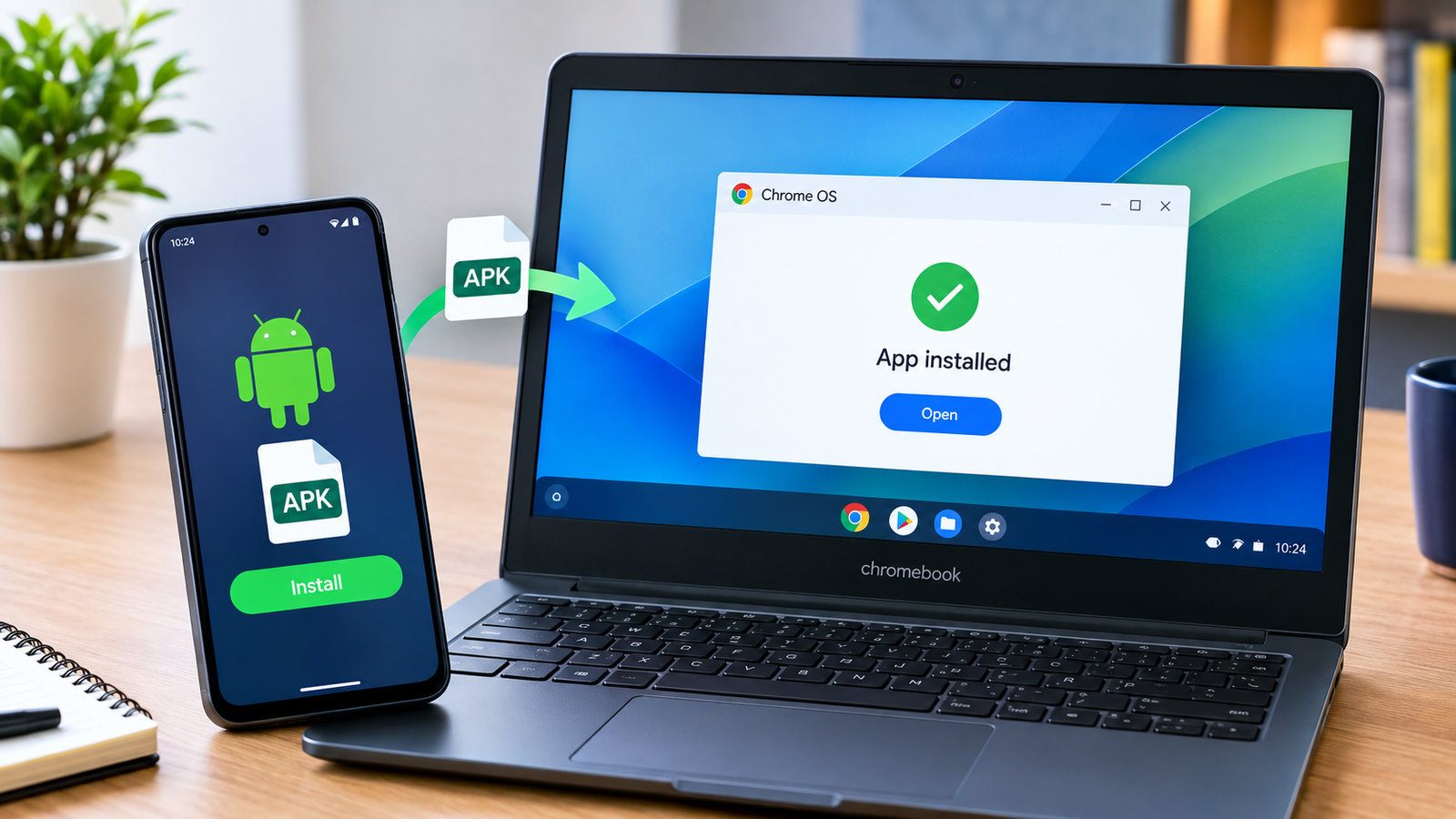
- Open the APK file.
- Review requested permissions.
- Tap Install.
- Wait for installation to finish.
- Launch the application.
Modern Android versions allow this permission on a per-app basis, making the process more secure than older Android releases.
Is Downloading APK Files Safe?
Safety depends entirely on where the APK comes from.
Official app stores verify applications before publishing them. Third-party websites may not always perform the same security checks.
A trustworthy APK should:
- Match the developer’s official release
- Be digitally signed
- Be free from malware
- Come from a reputable source
- Receive regular updates
Never install APK files from unknown websites promising modified or premium apps for free. These files often contain malicious code capable of stealing personal information or damaging your device.
How to Verify an APK Before Installing
Before installing any APK, spend a few minutes checking its authenticity.
Important checks include:
- Confirm the developer’s name.
- Compare the file version with the official release.
- Scan the file using antivirus software.
- Read user reviews if available.
- Verify the file size.
- Avoid modified or cracked versions.
Taking these precautions significantly reduces security risks.
Advantages of Using APK Files
Manual installation offers several benefits that regular app stores cannot always provide.
Some advantages include:
Greater Flexibility
Users can install applications without waiting for regional availability.
Early Access
Developers often release beta versions before official launches.
Version Control
Users can install older versions when newer updates remove useful features.
Offline Installation
APK files can be transferred between devices without being downloaded repeatedly.
Device Compatibility
Older Android devices may support APK versions unavailable on Google Play.
Common Risks of APK Downloads
Although APK files are extremely useful, they also come with certain risks.
Potential dangers include:
- Malware infections
- Spyware
- Fake applications
- Stolen personal information
- Excessive permissions
- Fake updates
Understanding these risks helps users make informed decisions before installation.
APK vs Google Play Store
Many users wonder whether downloading APK files is better than using the Play Store.
Google Play offers:
- Automatic updates
- Malware scanning
- Verified developers
- Easy installation
- Account synchronization
APK installation offers:
- More installation freedom
- Access to unavailable apps
- Older app versions
- Beta testing opportunities
- Regional flexibility
For everyday users, Google Play remains the safest option. APK files are most beneficial when used responsibly for legitimate purposes.
Understanding APK Permissions
Every Android application requests certain permissions.
Examples include:
- Camera access
- Contacts
- Microphone
- Storage
- Location
- Notifications
Always review requested permissions carefully.
A calculator app should not require access to your contacts or microphone. Suspicious permission requests may indicate a malicious application.
Tips for Safe APK Installation
Following basic security practices keeps your Android device protected.
Recommended tips include:
Download only from trusted websites.
Keep Android updated.
Use reputable antivirus software.
Read user reviews before downloading.
Avoid cracked applications.
Do not disable Android security features permanently.
Delete APK files after installation if no longer needed.
Back up important data regularly.
These habits greatly improve device security.
Common Problems During APK Installation
Sometimes APK installation fails.
Possible reasons include:
Incompatible Android version
Older devices may not support newer applications.
Corrupted APK File
Interrupted downloads can damage installation files.
Insufficient Storage
Free up storage before attempting installation.
Conflicting Versions
Existing installations may conflict with manually downloaded APKs.
Unknown Sources Disabled
Enable installation permission for your browser or file manager.
Most installation issues are easy to resolve once the cause is identified.
Best Practices for Managing APK Files
If you regularly use APK files, staying organized is helpful.
Consider these practices:
Create a dedicated APK folder.
Keep only current versions.
Delete duplicate files.
Rename files clearly.
Store backups securely.
Regularly update installed applications.
These habits make managing APK libraries much easier over time.

The Future of APK Files
Android continues to evolve with new installation technologies such as Android App Bundles (AAB). Even so, APK files remain widely used for manual installations, testing, backups, and app distribution outside official stores.
Developers continue to rely on APK packages during development, while advanced users appreciate the flexibility they provide.
As Android security improves, APK installation will likely become even safer through stronger verification methods and enhanced permission management.
Frequently Asked Questions
What does APK stand for?
APK stands for Android Package Kit, the standard file format Android uses for installing mobile applications.
Can APK files harm my phone?
APK files themselves are not dangerous. Problems occur when files come from untrusted or malicious sources. Always download from reputable providers and verify files before installation.
Do APK files update automatically?
Most manually installed APK files do not update automatically unless managed by the same application source. You may need to install newer versions manually.
Is installing APK files legal?
Installing APK files is generally legal when the application is distributed legally by its developer. Downloading pirated or modified paid apps without permission may violate copyright laws.
Can I uninstall an APK later?
Yes. Applications installed through APK files can usually be removed just like any app installed from the Google Play Store.
Conclusion
Understanding how APK files work gives Android users greater flexibility while maintaining control over their devices. This APK Guide has covered everything from installation and security to permissions, benefits, and best practices.
The key to safely using APK files is choosing trusted sources, verifying downloads, and following Android security recommendations. Whether you are installing an app unavailable in your country, testing a beta release, or preserving an older version of your favorite application, informed decisions help you enjoy the benefits without unnecessary risks.
As Android continues to grow, APK files remain an important part of the ecosystem, giving users more freedom, convenience, and control over their mobile experience.







1 comment