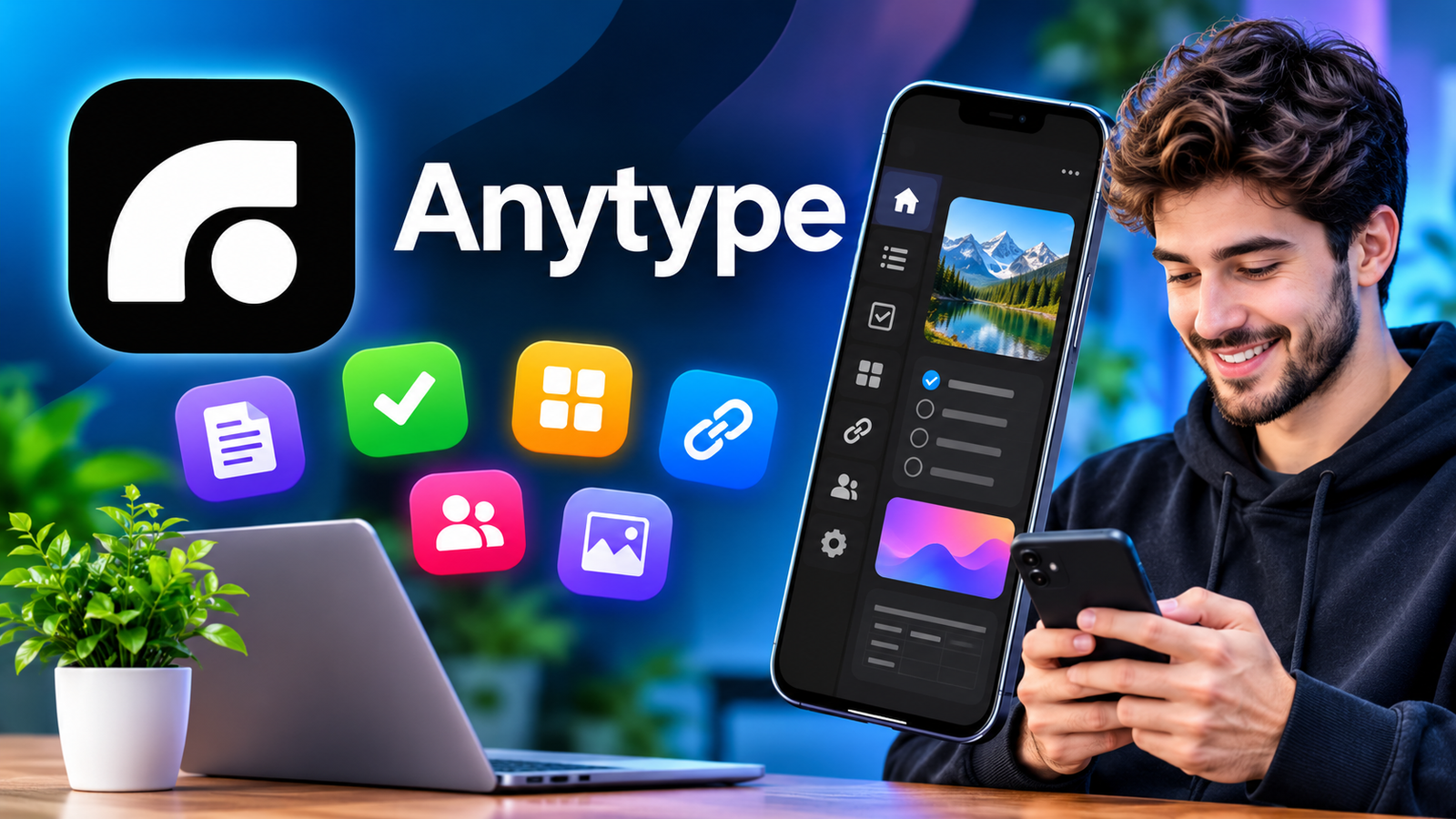
Anytype: Features, Benefits, Privacy, and How to Use the App
In today’s digital world, keeping notes, managing tasks, organizing projects, and storing important information can quickly become overwhelming. Many people use different applications for these activities, which makes it difficult to keep everything organized in one place. This is where Anytype comes in. It is a productivity and knowledge management application designed to help users organize their digital lives while maintaining greater control over their personal information.
Whether you want to create notes, manage daily tasks, build a personal knowledge library, or organize work projects, Anytype provides several useful tools in one platform. Its focus on privacy, offline functionality, and flexible organization makes it an interesting option for students, professionals, creators, and everyday users.
Unlike traditional note-taking applications that primarily depend on cloud-based storage, Anytype follows a local-first approach. This means your information is stored on your device and protected through encryption.
In this guide, we will explore what Anytype is, how it works, its key features, benefits, limitations, and everything you should know before using the application.
What Is Anytype?
Anytype is a private productivity and knowledge management application that allows users to create, organize, and connect different types of information. It combines several useful tools, including note-taking, document creation, task management, databases, and personal knowledge organization.
The application is designed around the idea that users should have more control over their digital information. Instead of depending entirely on traditional cloud storage, Anytype uses a local-first system that keeps information on your device.
Users can create different workspaces, known as Spaces, to separate personal information from professional projects or collaborative activities.
For example, you can create one Space for personal notes, another for university assignments, and a separate Space for business planning.
Anytype is available on multiple platforms, including Windows, macOS, Linux, Android, and iOS. This makes it possible to organize information across different devices.

Key Features of Anytype
Any type offers several features designed to improve productivity and make information management easier. Here are some of the most useful capabilities.
1. Private and Secure Storage
Privacy is one of the main reasons people consider Anytype. The application uses end-to-end encryption to protect user information.
Your content is encrypted, and your encryption keys remain under your control. This approach helps prevent unauthorized access to your personal notes and documents.
It can be particularly useful for people who regularly store private information, research materials, personal journals, or business documents.
2. Offline Access
Another useful feature is offline functionality. You do not always need an active internet connection to access and work with your locally stored information.
This is helpful when traveling, working in areas with limited connectivity, or simply trying to avoid interruptions.
You can create notes, edit documents, and organize information while offline. Synchronization can take place when a suitable connection becomes available.
3. Flexible Note-Taking
Anytype provides a flexible editor that supports different types of content.
You can create documents using various blocks, including:
- Regular text and headings.
- Bullet points and numbered lists.
- Images and videos.
- Tables and links.
- Files and nested pages.
- Tasks and other structured content.
This flexibility allows users to create simple notes as well as detailed documents without switching between multiple applications.
4. Spaces for Better Organization
Spaces help users organize information into separate environments.
For instance, a student might create different Spaces for study notes, assignments, research, and personal planning.
Similarly, a professional can separate client information, meeting notes, and project documents.
Keeping information separated makes large collections easier to manage and reduces unnecessary clutter.
5. Databases and Collections
Anytype supports structured information management through databases and different organizational views.
You can create collections of related information and organize them according to your needs.
For example, you could build:
- A book reading list.
- A personal project tracker.
- A research database.
- A contact directory.
- A collection of useful websites.
- A task management system.
Properties and filters can help you find and organize information more efficiently.
6. Templates for Faster Work
Creating similar documents repeatedly can take time. Templates help simplify this process.
You can use existing templates or create reusable structures for different activities.
For example, you might prepare templates for daily journals, meeting notes, project planning, or study sessions.
This makes it easier to maintain consistency across your workspace.
7. Collaboration and Sharing
Anytype is not limited to individual productivity. It also provides collaboration features for people who want to work together.
Users can create shared environments, communicate through chats, exchange files, and work with shared information.
The application also supports publishing selected content to the web, allowing other people to access published pages through a browser.
These options make it useful for small teams, families, and collaborative projects.
How Does Anytype Work?
Anytype uses an object-based system to organize information. Instead of treating every document as an isolated file, it allows users to create different objects and connect related information.
For example, you can create a project object and connect it with tasks, notes, resources, and related documents.
This creates a connected knowledge system where information is easier to explore.
Here is a simple explanation of its working process:
- Download and install the application on your supported device.
- Create your account and securely store your recovery phrase.
- Set up your first Space according to your requirements.
- Create notes, documents, tasks, or other objects.
- Organize your information using properties, collections, and links.
- Access your content whenever you need it.
The more consistently you organize your information, the more useful the application can become.
Benefits of Using Anytype
There are several reasons why users may prefer Anytype over traditional productivity applications.
| Benefit | How It Helps |
|---|---|
| Privacy-focused design | Helps protect personal information through encryption |
| Offline functionality | Allows users to work without constant internet access |
| Flexible editor | Supports different types of content |
| Multiple Spaces | Separates personal and professional information |
| Databases | Helps organize large collections of information |
| Templates | Saves time when creating repeated documents |
| Cross-platform support | Makes information management possible across supported devices |
| Collaboration | Supports shared work and communication |
One major advantage is that you can build a personal information system according to your own requirements rather than following a fixed organizational structure.
Anytype vs. Traditional Note-Taking Apps
Traditional note-taking applications are often designed around simple documents and folders. Anytype takes a more flexible approach by connecting notes, tasks, databases, and other information.
Here are some important differences.
| Feature | Traditional Note Apps | Anytype |
|---|---|---|
| Basic note-taking | Yes | Yes |
| Structured databases | Varies by app | Yes |
| Connected objects | Limited in many apps | Yes |
| Offline functionality | Depends on app | Local-first approach |
| End-to-end encryption | Depends on app | Yes |
| Custom organization | Varies | Flexible |
| Collaboration | Depends on app | Supported |
| Templates | Often available | Available |
The best option depends on how you prefer to organize information. Someone who only needs quick notes may not require the advanced features of Anytype.
However, people who want to build a connected personal knowledge system may find its approach more useful.
Who Should Use Anytype?
Anytype can be useful for different types of users. Its flexible organization system makes it suitable for people with different productivity requirements.
Students
Students can use the application to organize class notes, research materials, assignments, and study schedules.
Creating separate Spaces for different subjects can make academic information easier to manage.
Professionals
Professionals can organize meeting notes, project details, business documents, and daily tasks.
Its database features can also help users maintain structured records.
Content Creators
Bloggers, writers, and digital creators can use Anytype to collect ideas, organize research, plan articles, and maintain content calendars.
Keeping everything connected can make the content creation process more organized.
Privacy-Conscious Users
People who value data ownership and encrypted storage may appreciate its local-first approach.
It provides an alternative to productivity tools that depend heavily on centralized cloud storage.
Is Anytype Safe to Use?
Anytype is designed with privacy and security as important priorities. It uses end-to-end encryption and stores information locally on your device.
The application also provides users with a recovery phrase during account setup. This phrase is important because it helps protect access to the account.
However, users should understand that security also depends on their own habits.
For better protection, consider these precautions:
- Keep your recovery phrase in a secure location.
- Never share your recovery phrase with anyone.
- Use a strong device password.
- Install updates from official sources.
- Avoid downloading modified or unofficial versions.
- Keep independent backups of important information.
Remember that encryption does not protect against every possible problem. Losing your recovery phrase or access to your devices can create difficulties when recovering your information.
Limitations of Anytype
Although Anytype offers many useful features, it may not be the perfect choice for everyone.
There are a few things worth considering before making it your primary productivity application.
1. Learning Curve: Its object-based organization system can feel unfamiliar to people who are used to simple note-taking applications.
2. Initial Setup: Creating Spaces, objects, templates, and databases may require some time and experimentation.
3. Advanced Organization: The flexibility of the application can sometimes make organization more complicated than necessary.
4. Recovery Responsibility: Users need to protect their recovery phrase and understand how their data is stored.
5. Feature Differences: Some features and workflows may differ between desktop and mobile versions.
Understanding these limitations can help you decide whether the application matches your daily requirements.

Tips for Getting the Most Out of Anytype
If you are new to Anytype, starting with a simple organizational structure is usually the best approach.
Here are some practical suggestions:
- Start with a few Spaces: Avoid creating too many workspaces at the beginning.
- Use templates: Create reusable layouts for frequently repeated activities.
- Connect related information: Link projects, tasks, notes, and resources.
- Keep databases organized: Use suitable properties and filters.
- Review your content regularly: Remove unnecessary clutter and update outdated information.
- Protect your recovery phrase: Store it somewhere safe and private.
- Explore gradually: Learn additional features as your requirements grow.
These simple habits can make your experience more productive without creating an unnecessarily complicated system.
Frequently Asked Questions (FAQs)
1. What is Anytype used for?
Anytype is used for note-taking, document creation, task management, personal knowledge organization, databases, and collaboration. It allows users to manage different types of information within one application.
2. Is Anytype free to use?
Anytype offers access to its application, with additional membership options and features depending on the current plan. Check its official website for the latest pricing, storage allowances, and membership details.
3. Does Anytype work offline?
Yes. Anytype follows a local-first approach, allowing users to access and edit locally available information without a constant internet connection. Some synchronization and online features require connectivity.
4. Is Anytype available for Android and iPhone?
Yes. Anytype has official applications for Android and iOS. It also supports desktop operating systems, including Windows, macOS, and Linux.
5. Is Anytype safe for storing personal notes?
Anytype uses end-to-end encryption and a local-first storage approach to protect user information. However, users should protect their recovery phrase, secure their devices, and maintain appropriate backups.
6. Can I use Anytype for project management?
Yes. You can organize projects using tasks, databases, properties, collections, and connected objects. These features can help you track project information and manage different activities.
Final Thoughts
Anytype is an interesting productivity and knowledge management application for people who want more control over their digital information. It combines note-taking, document creation, databases, task management, and collaboration features in one flexible environment.
Its local-first architecture, encryption, and offline functionality make it particularly appealing to users who care about privacy and data ownership.
Also Read: Pocket FM Mod APK: Download Features Premium Access, Benefits, and Safety Guide














1 comment