VidMate APK: Download for Android (Latest Version Guide)
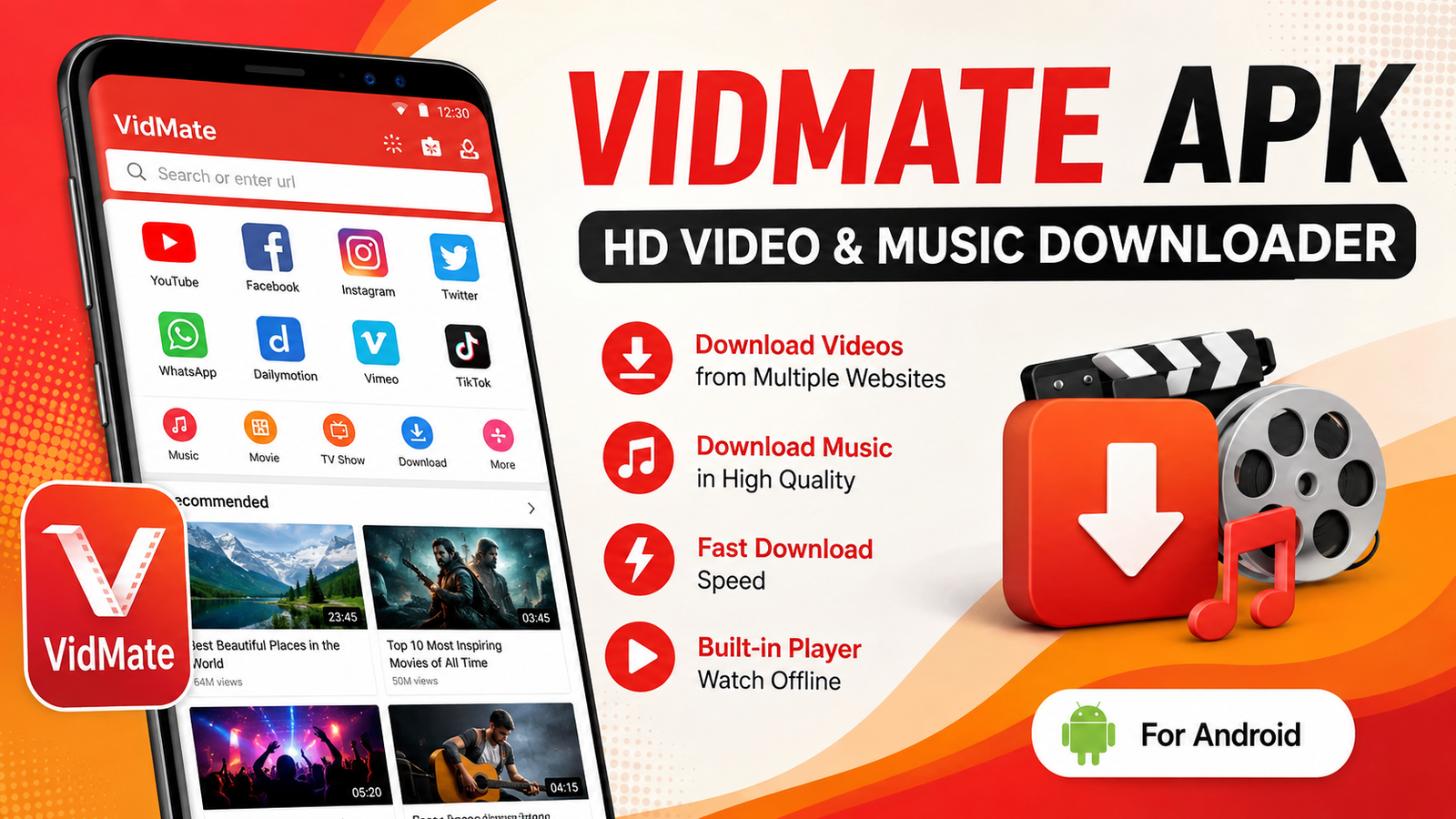
If you’re looking for an easy way to download videos, music, and other media directly to your Android device, VidMate APK is one of the most searched options. It has gained popularity because it supports downloading content from multiple platforms, offers various video quality options, and provides a simple interface that is easy for beginners.
In this guide, you’ll learn what VidMate APK is, its features, installation process, advantages, disadvantages, safety tips, and the best alternatives. Whether you’re downloading videos for offline viewing or saving music for later, this article will help you understand everything you need to know.
What Is VidMate APK?
VidMate APK is an Android application that allows users to download videos, music, and other multimedia content from various supported websites. Since the app is not available through the Google Play Store, users typically install it by downloading its APK file from trusted third-party sources.
The application is designed for people who want offline access to their favorite content without relying on a continuous internet connection. It supports multiple download resolutions, including standard definition (SD), high definition (HD), and, when available, Full HD.
Besides video downloads, the app also includes features such as audio extraction, media management, and download acceleration.
Key Features of VidMate APK
One reason why many Android users prefer this application is its wide range of useful features.
Fast Download Speeds
The application uses multiple connections during downloads, helping reduce waiting time compared to traditional download methods.
Multiple Video Quality Options
Users can select different video resolutions depending on available storage space and internet speed.
Popular quality options include:
- 144p
- 240p
- 360p
- 480p
- 720p HD
- 1080p Full HD (when available)
Audio Download Support
Instead of downloading a complete video, users can often choose to save only the audio version, making it convenient for music lovers.
Built-in Media Player
The app includes a media player that allows downloaded videos and music to be played without requiring another application.
Download Manager
A built-in download manager lets users:
- Pause downloads
- Resume interrupted downloads
- Cancel downloads
- Monitor download progress
User-Friendly Interface
The layout is clean and simple, making navigation easy even for first-time users.
Main Features at a Glance
| Feature | Description |
|---|---|
| Video Downloads | Save videos for offline viewing |
| Music Downloads | Download audio files from supported sources |
| HD Support | Multiple video resolutions available |
| Download Manager | Pause, resume, and organize downloads |
| Built-in Player | Play media without external apps |
| Fast Downloads | Multi-thread downloading technology |
| Search Function | Find videos directly within the app |
How to Download and Install VidMate APK
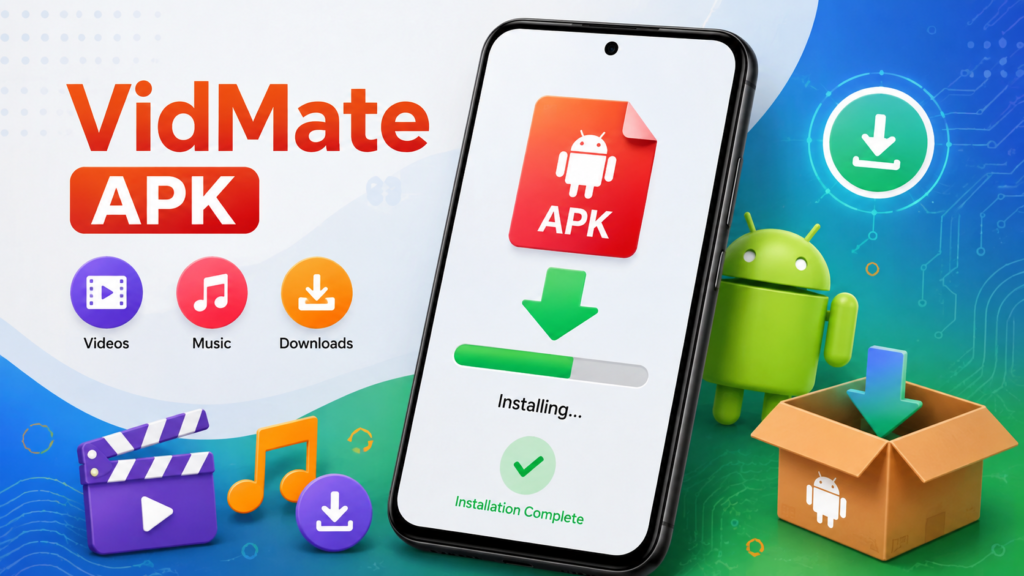
Since the application isn’t distributed through Google Play, installation requires a few additional steps.
Step 1: Download the APK File
Download the latest version from a trusted website that regularly updates APK files.
Step 2: Enable Unknown Sources
Open:
Settings → Security → Install Unknown Apps
Allow installation from the browser or file manager you used to download the APK.
Step 3: Install the APK
Locate the downloaded APK file and tap it.
Select Install and wait for the process to complete.
Step 4: Launch the Application
After installation finishes, open the application and allow the necessary permissions for storage and downloads.
Why People Use VidMate APK
Many users prefer offline access to videos, especially when internet connectivity is slow or expensive.
Common reasons include:
- Watching videos during travel
- Saving mobile data
- Creating offline playlists
- Downloading educational content
- Listening to music without streaming
- Managing media in one place
Advantages of VidMate APK
The application offers several benefits for Android users.
Supports Multiple Platforms
Users can download content from numerous supported websites through a single application.
Offline Entertainment
Downloaded videos remain available even without an internet connection.
Easy Navigation
Menus are organized clearly, making downloads straightforward.
Flexible Download Options
Users can choose between:
- Video
- Audio
- Different resolutions
- Different file sizes
Storage Control
Lower-quality downloads help users save storage space when needed.
Things to Consider Before Installing
Although many people use the application, there are some important considerations.
Not Available on Google Play
Because the app isn’t listed on Google Play, users should be cautious when downloading APK files.
Third-Party Downloads
Always download from reputable websites to reduce security risks.
Advertisements
Some versions may display advertisements during use.
Permission Requests
Review requested permissions before installing any APK.
Is VidMate APK Safe?
Safety depends largely on where the APK file is downloaded.
To stay safe:
- Download only from trusted APK websites.
- Avoid modified or suspicious versions.
- Scan downloaded files with antivirus software.
- Keep your Android device updated.
- Review requested permissions carefully.
These simple precautions can significantly reduce security risks.
Tips for Better Performance
To improve your experience:
- Keep enough free storage space.
- Update to the latest available version.
- Use a stable internet connection.
- Clear cache occasionally.
- Remove unfinished downloads if they are no longer needed.
Best Alternatives
If you’re exploring similar applications, consider these popular alternatives:
- TubeMate
- NewPipe
- SnapTube
- YTD Video Downloader
- Seal Downloader
Each offers different features, download options, and user interfaces, so choosing the right one depends on your needs.
Common Installation Problems
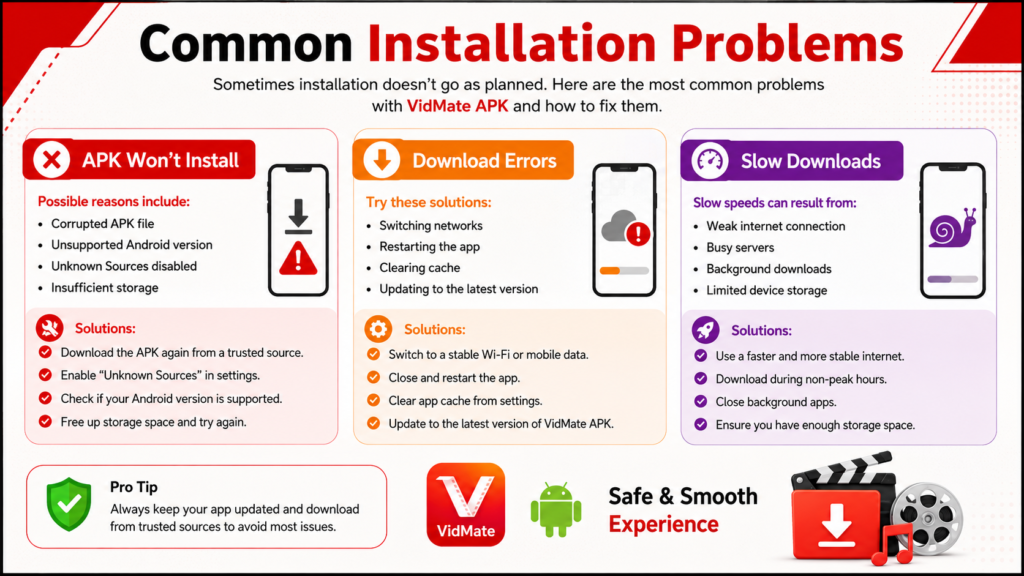
Sometimes installation doesn’t go as planned.
APK Won’t Install
Possible reasons include:
- Corrupted APK file
- Unsupported Android version
- Unknown Sources disabled
- Insufficient storage
Download Errors
Try:
- Switching networks
- Restarting the app
- Clearing cache
- Updating to the latest version
Slow Downloads
Slow speeds can result from:
- Weak internet connection
- Busy servers
- Background downloads
- Limited device storage
Frequently Asked Questions
Is VidMate APK free to use?
Yes. Most versions are available free of charge, although some may include advertisements.
Can I install VidMate APK on all Android phones?
It supports many Android devices, but compatibility depends on your Android version and device specifications.
Does VidMate APK require an internet connection?
An internet connection is required to search and download content. Once downloaded, media can usually be viewed offline.
Why isn’t VidMate APK available on Google Play?
Google Play has policies regarding certain categories of download applications. As a result, some apps are distributed only through third-party APK websites.
Is it safe to update the application?
Yes, provided you download updates from a reliable source and verify the APK before installation.
Final Thoughts
VidMate APK remains a popular choice among Android users who want convenient offline access to videos and music. Its fast downloads, multiple quality options, built-in media player, and simple interface make it appealing for everyday use.
However, because the application is distributed as an APK rather than through the Google Play Store, users should always prioritize safety by downloading from reputable sources, checking permissions, and keeping their devices protected with updated security software.
When used responsibly and obtained from a trusted source, VidMate APK can be a practical solution for managing offline media on Android devices.
Also Read: Castle APK: Download for Android (Latest Version) Features, Installation & Complete Guide












1 comment