Why APK Installation Takes Too Long: Causes and Fixes
Installing an APK on Android is usually a quick process. You download the file, tap it, confirm the installation, and wait for the app to finish installing. However, sometimes the installation screen stays open for several minutes without showing much progress.
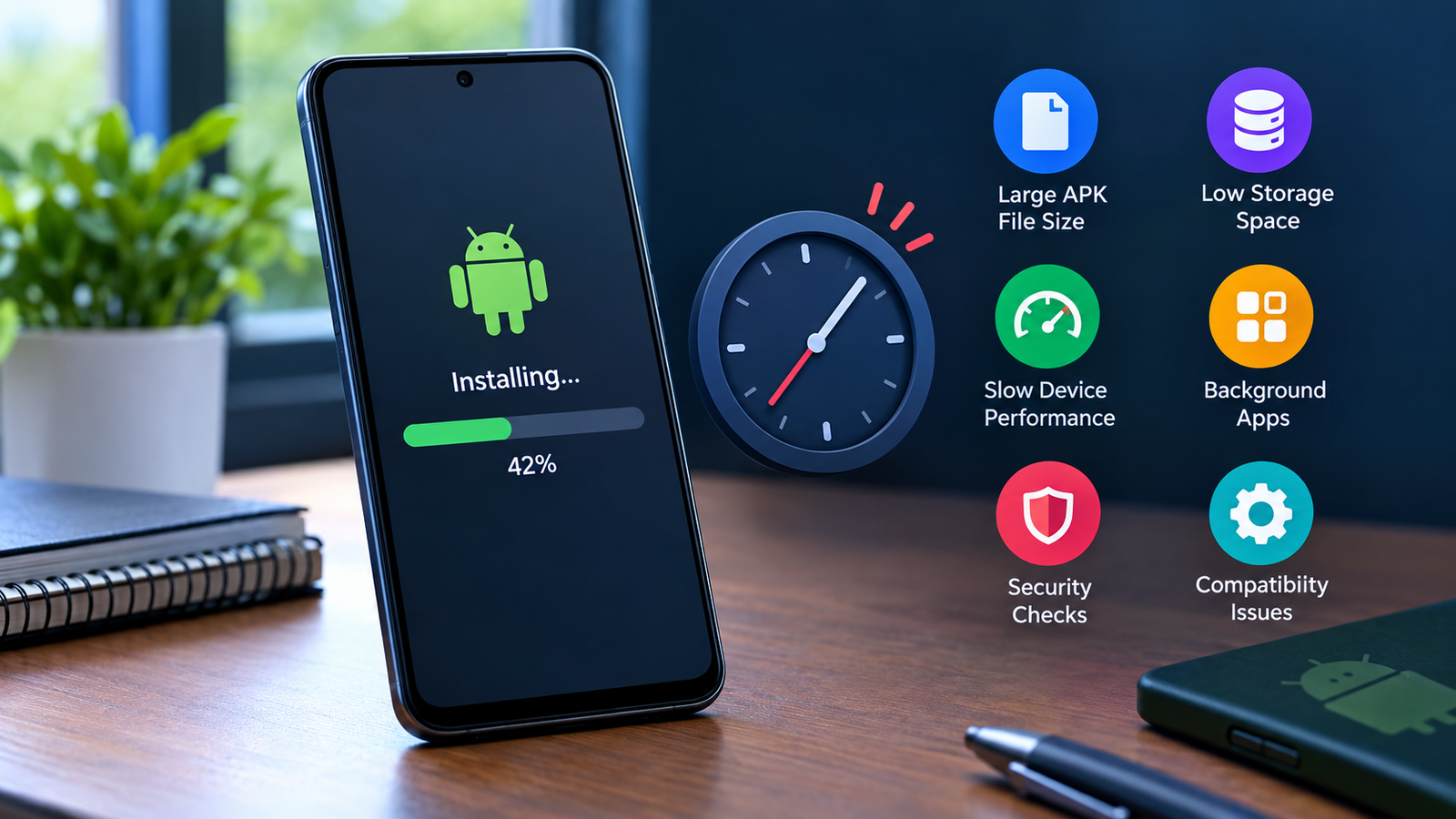
If you are wondering why APK installation takes too long, there are several possible reasons. A large APK file, limited storage, an outdated Android version, background processes, security scanning, or a damaged APK can all slow down installation.
The good news is that a slow APK installation does not always mean something is seriously wrong with your phone. In many cases, you can identify the cause and fix it with a few simple steps.
This guide explains the most common reasons an APK takes a long time to install and what you can do to make the process smoother.
Why Does APK Installation Take So Long?
APK installation involves more than simply copying a file to your phone. Android needs to examine the package, verify its signature, extract or process its contents, check compatibility, and prepare the application for use.
Several factors can affect how long this process takes.
Common causes include:
- The APK file is very large.
- Your phone has limited free storage.
- The APK is damaged or incomplete.
- Your device is running many background apps.
- Android is performing security checks.
- The app contains many files or resources.
- The APK is not optimized for your device.
- Your Android version has compatibility issues.
- The phone is temporarily experiencing performance problems.
- You are installing a split package or a format such as APKM or APKS incorrectly.
Understanding which situation applies to your device can help you avoid unnecessary troubleshooting.
1. The APK File Is Very Large
One of the simplest explanations is the size of the APK.
A small utility app may install within seconds, while a large game or media-heavy application can take considerably longer. Android may need additional time to process the package before installation is completed.
Large APKs may contain:
- High-resolution images
- Audio files
- Video resources
- Game assets
- Multiple libraries
- Configuration files
- Other application resources
If the APK is several hundred megabytes or more, waiting longer can be normal.
Before assuming that the installation has frozen, give the process some time. If the installation remains stuck for an unusually long period, continue with the troubleshooting steps below.
2. Your Phone Does Not Have Enough Free Storage
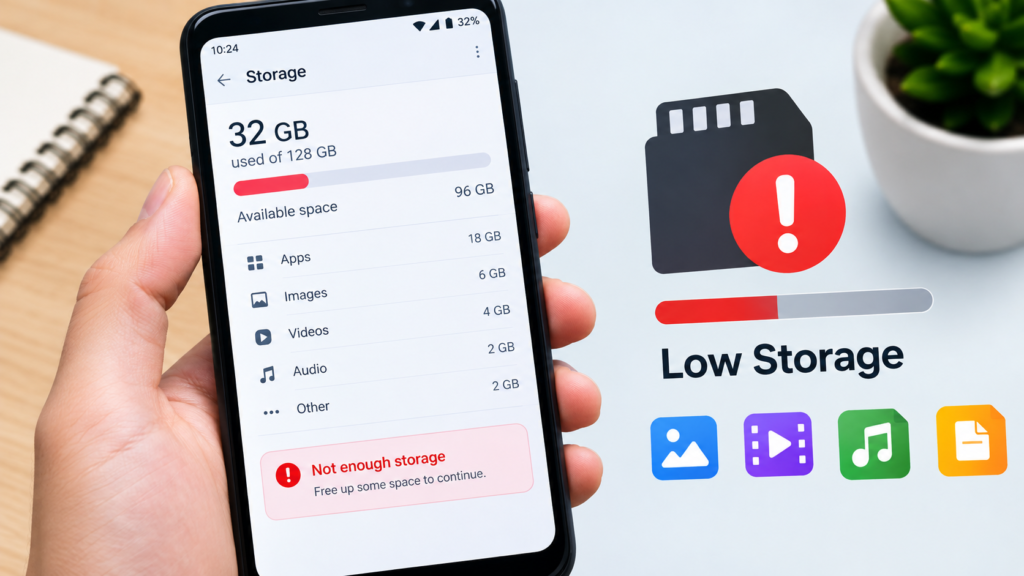
Low storage is another common reason APK installation takes too long.
The size displayed for an APK does not always represent the total space Android may need during installation. Temporary files and the installed application can require additional storage.
For example, an APK may appear to be 500 MB, but your phone may need more free space while processing and installing it.
Check your available storage by opening your phone’s storage settings.
If storage is nearly full, consider removing:
- Unused apps
- Old downloads
- Large videos
- Duplicate photos
- Temporary files
- Unnecessary documents
After freeing up space, restart the installation and check whether it completes more quickly.
3. The APK File May Be Corrupted
A damaged APK can cause installation problems, including unusually long installation times.
This can happen if the download was interrupted, the file was modified incorrectly, or the source provided an incomplete package.
Signs of a potentially damaged APK include:
- Installation remains stuck for a long time.
- Android eventually reports that the app was not installed.
- The file size looks unusually small.
- The APK fails repeatedly after downloading it again from the same source.
If you suspect the file is damaged, delete it and obtain a fresh copy from a trustworthy source.
Avoid repeatedly installing an APK that produces errors. A broken package is unlikely to become functional simply by trying the installation again.
4. Android Is Performing Security Checks
Android may perform security-related checks when you install applications from outside the Google Play Store.
These checks can take additional time, especially when the package is large or the device needs to examine the application before allowing installation.
Security checks are an important part of protecting your device. Do not disable Android security features simply because an APK is taking longer than expected.
Instead, make sure the APK comes from a source you trust.
If Android displays a warning about the application, read the message carefully before deciding whether to continue.
5. Too Many Apps Are Running in the Background
Your phone’s available processing power can affect installation speed.
If numerous applications are running simultaneously, the system may have fewer resources available for the installation process. This can be more noticeable on older phones or devices with limited RAM.
Before installing a large APK, close applications you are not using.
You can also restart your phone and try the installation again. A restart can temporarily clear background activity and resolve minor system slowdowns.
6. Your Phone Has Limited RAM or Processing Power
Older Android phones may take longer to process large applications.
Modern apps can contain substantial resources, libraries, and other components. A device with an older processor or limited memory may simply need more time.
This is particularly noticeable with:
- Large games
- Editing applications
- Social media applications with large packages
- Apps containing extensive media resources
- Applications designed for newer Android hardware
If other APKs install normally but one particularly large application takes much longer, the size and complexity of that specific package may be the explanation.
7. The APK Is Not Fully Compatible With Your Device
Compatibility can also affect installation.
Android applications can be built for different Android versions and processor architectures. If an APK was designed for a different environment, Android may have difficulty processing or installing it.
Compatibility problems are more likely when you are dealing with:
- Very old Android versions
- Unofficial modified APKs
- Apps designed for specific processor architectures
- Packages intended for newer devices
- Applications requiring features your device does not support
Check the application’s requirements before attempting installation.
If the developer provides a version specifically intended for your Android version or device architecture, use that version instead.
8. You Are Installing a Split APK Package
Not every Android application is distributed as one traditional APK file.
Some applications use packages such as APKS, APKM, or XAPK, which may contain multiple components. These packages generally require an appropriate installer rather than being treated exactly like a standard APK.
If you try to handle a split package incorrectly, the process may fail or behave unexpectedly.
Before installing, identify the file type.
| File Type | General Description | Typical Installation Approach |
|---|---|---|
| APK | Standard Android application package | Open and install directly |
| APKS | Package containing multiple APK components | Use a compatible installer |
| APKM | Package format containing app components | Use an appropriate package installer |
| XAPK | May contain APK plus additional data | Requires compatible installation method |
Using the correct installation method can prevent unnecessary delays and errors.
9. The APK Is Being Processed From Slow Storage
Where the APK is stored can also make a difference.
If the file is located on a slower external storage device, such as an older SD card or USB storage, Android may need more time to read the package.
Try copying the APK to your phone’s internal storage before installing it.
This can be especially useful when the APK is large.
A faster storage location does not guarantee an instant installation, but it can remove one potential bottleneck.
10. Your Android System May Need a Restart
Sometimes the problem is temporary rather than related to the APK itself.
Android can experience background processes, temporary resource shortages, or other system conditions that make an installation unusually slow.
A simple restart is worth trying.
After restarting:
- Wait for the phone to finish loading.
- Close unnecessary applications.
- Confirm that enough storage is available.
- Locate the APK.
- Start the installation again.
If the installation completes normally after restarting, the original delay may have been caused by temporary system activity.
How to Fix a Slow APK Installation
If your APK installation appears to be taking too long, work through these solutions one at a time.
Check Free Storage
Make sure your phone has enough available internal storage. For a large APK, leave considerably more free space than the APK’s displayed size.
Restart Your Android Device
Restarting can clear temporary processes and give the installer more system resources.
Re-download the APK
If the file may be incomplete or corrupted, download a fresh copy from a reputable source.
Move the APK to Internal Storage
If the APK is stored on an SD card or USB drive, copy it to internal storage and try again.
Close Background Apps
Close resource-heavy applications before starting the installation.
Check Android Compatibility
Verify that the application supports your Android version and device architecture.
Use the Correct Installer
If the file is APKS, APKM, XAPK, or another multi-component package, use an installation method that supports that format.
How Long Should APK Installation Take?
There is no single installation time that applies to every APK.
A small APK on a modern phone may install very quickly. A large game on an older device may take considerably longer.
The following factors have the biggest impact:
- APK size
- Device performance
- Available storage
- Android version
- Package complexity
- Storage speed
- Security checks
- Background system activity
Instead of focusing on an exact number of seconds, pay attention to whether the installation is making progress and whether your device remains responsive.
If the process remains completely unchanged for an unusually long time and repeatedly fails, troubleshooting is appropriate.
What Not to Do When an APK Is Installing Slowly
A slow installation can be frustrating, but some actions can make the situation worse.
Avoid repeatedly tapping the install button while the process is still running. You should also avoid downloading APKs from random websites simply because the first file is slow to install.
Do not disable important Android security protections just to speed up installation.
It is also better not to force-install an application that appears incompatible with your device. Compatibility problems can lead to crashes, installation errors, or unstable behavior.
A Simple Checklist for Faster APK Installation
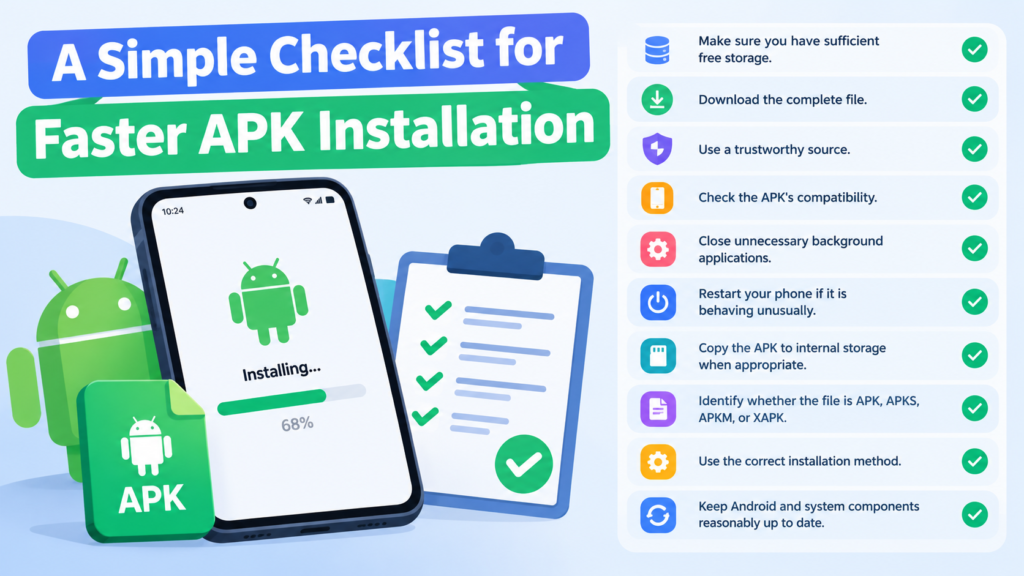
Before installing an APK, use this checklist:
- Make sure you have sufficient free storage.
- Download the complete file.
- Use a trustworthy source.
- Check the APK’s compatibility.
- Close unnecessary background applications.
- Restart your phone if it is behaving unusually.
- Copy the APK to internal storage when appropriate.
- Identify whether the file is APK, APKS, APKM, or XAPK.
- Use the correct installation method.
- Keep Android and system components reasonably up to date.
Following these steps can prevent many common installation delays.
Frequently Asked Questions
Why does APK installation take so long on Android?
APK installation can take a long time because Android needs to process the package, verify it, perform security checks, and prepare its files. Large APKs, low storage, older hardware, and background activity can make the process slower.
Does a large APK take longer to install?
Yes. Larger APKs generally contain more files and resources that Android must process. Large games and media-heavy applications can therefore take longer than small utility apps.
Can low storage make APK installation slow?
Yes. Limited free storage can affect installation because Android may need temporary space while processing the APK. Freeing up storage can resolve the problem.
Should I cancel an APK installation if it is taking too long?
If the installation has been unchanged for an unusually long time, you can cancel it and troubleshoot the cause. However, avoid immediately assuming there is a problem simply because a large application takes longer than expected.
Can a corrupted APK cause a slow installation?
Yes. A damaged or incomplete APK can cause the installer to hang, fail, or eventually display an installation error. Re-downloading the file from a reliable source can help.
Why do APKS and XAPK files take longer to install?
These formats can contain multiple components or additional application data. They may require a compatible installer to process all components correctly, so their installation process can differ from that of a standard APK.
Final Thoughts
If you are searching for why APK installation takes too long, the cause is usually related to the APK itself, available storage, device performance, compatibility, security checks, or the installation method.
Start with the simplest checks: make sure you have enough storage, restart your phone, close unnecessary apps, and verify that the APK is complete and compatible with your device.
Also Read: Why Android Keeps Blocking APK Files: Causes and Fixes













1 comment