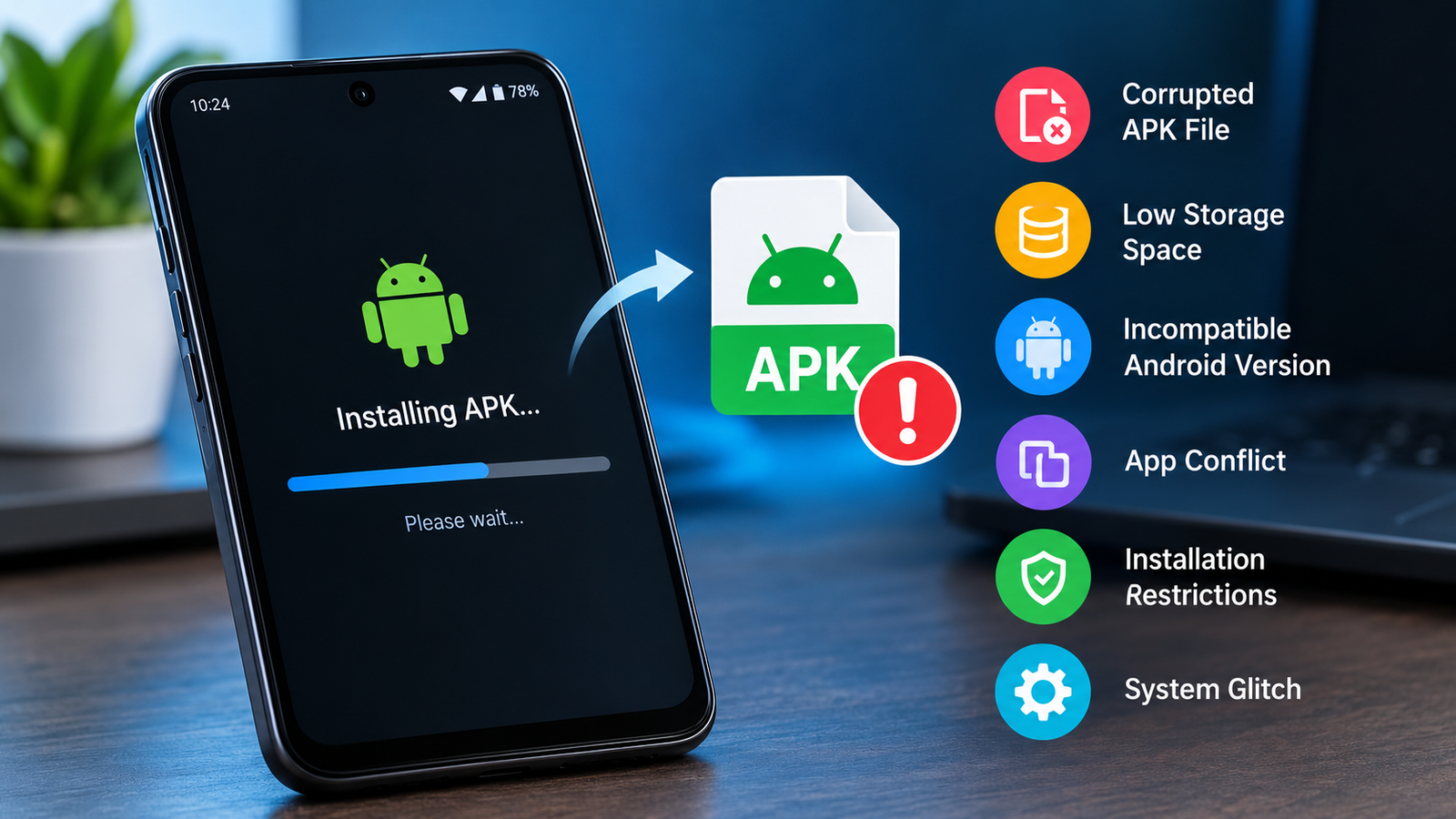
Why APK Gets Stuck During Installation: Causes and Fixes
Installing an APK on Android is usually a quick process. You download the file, open it, confirm the installation, and wait for the app to appear on your device. However, sometimes the installation screen stays stuck for several minutes without making any progress.
If you are wondering why APK gets stuck during installation, the problem can come from several different sources. A damaged APK file, insufficient storage, incompatible Android versions, security restrictions, background processes, or an existing version of the same app can all interfere with installation.
The good news is that a stuck APK installation does not always mean your phone has a serious problem. In many cases, a few simple checks can identify the cause and get the installation moving again.
Why Does an APK Get Stuck During Installation?
Android performs several checks before completing an APK installation. It verifies the package, checks compatibility, processes permissions, and prepares the application for use.
If any part of this process encounters an issue, the installation may appear frozen.
Common causes include:
- Corrupted or incomplete APK downloads
- Not enough free storage
- Android version incompatibility
- A conflict with an existing app
- Installation restrictions
- Problems with the Package Installer
- Large or resource-heavy APK files
- Background system activity
- Incorrect APK format
- Temporary Android software glitches
Identifying the specific cause is important because repeatedly trying the same installation may not solve the underlying problem.
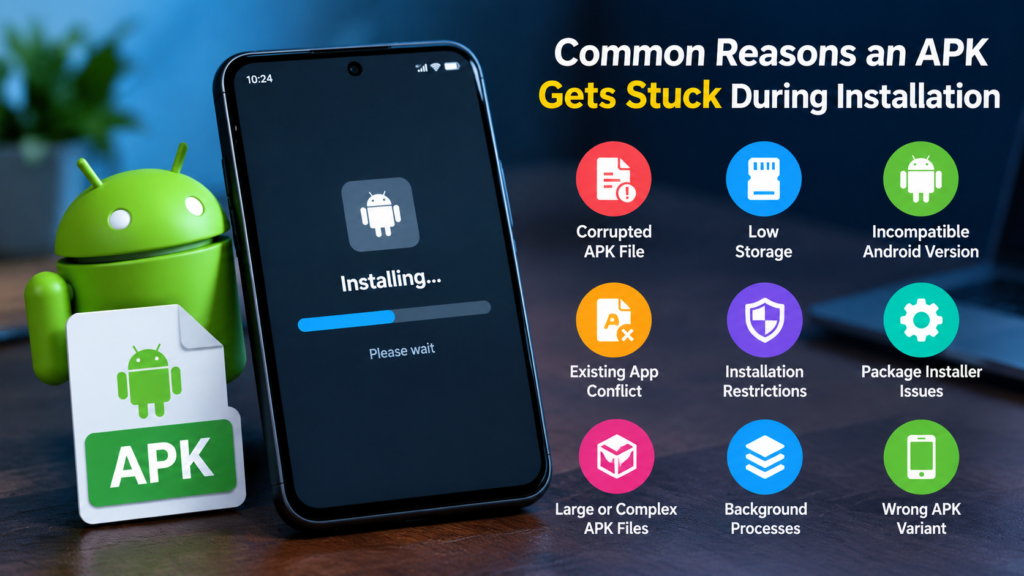
Common Reasons an APK Gets Stuck During Installation
Different installation problems can produce similar symptoms. The following table summarizes some of the most common causes.
| Possible Cause | What You May Notice | Recommended Action |
|---|---|---|
| Corrupted APK | Installation never finishes | Download the APK again |
| Low storage | Installation pauses or fails | Free up storage space |
| Incompatible Android version | Installation does not progress | Check Android requirements |
| Existing app conflict | Installer appears stuck | Remove or update the old version |
| Unknown-source restriction | Installation cannot proceed | Review installation permissions |
| Package Installer issue | Multiple APKs have problems | Restart or clear installer data |
| Wrong APK variant | App refuses to install properly | Download the correct variant |
| System glitch | Installation works after reboot | Restart the device |
Checking these possibilities one by one is usually more effective than immediately resetting your phone.
1. The APK File May Be Corrupted
One of the most common explanations for why APK gets stuck during installation is a damaged or incomplete file.
APK files can become corrupted if the download is interrupted, the connection repeatedly drops, or the file source provides an incomplete package. The file may still open on your device, but Android can have trouble processing it.
Try deleting the APK and downloading it again from a reliable source.
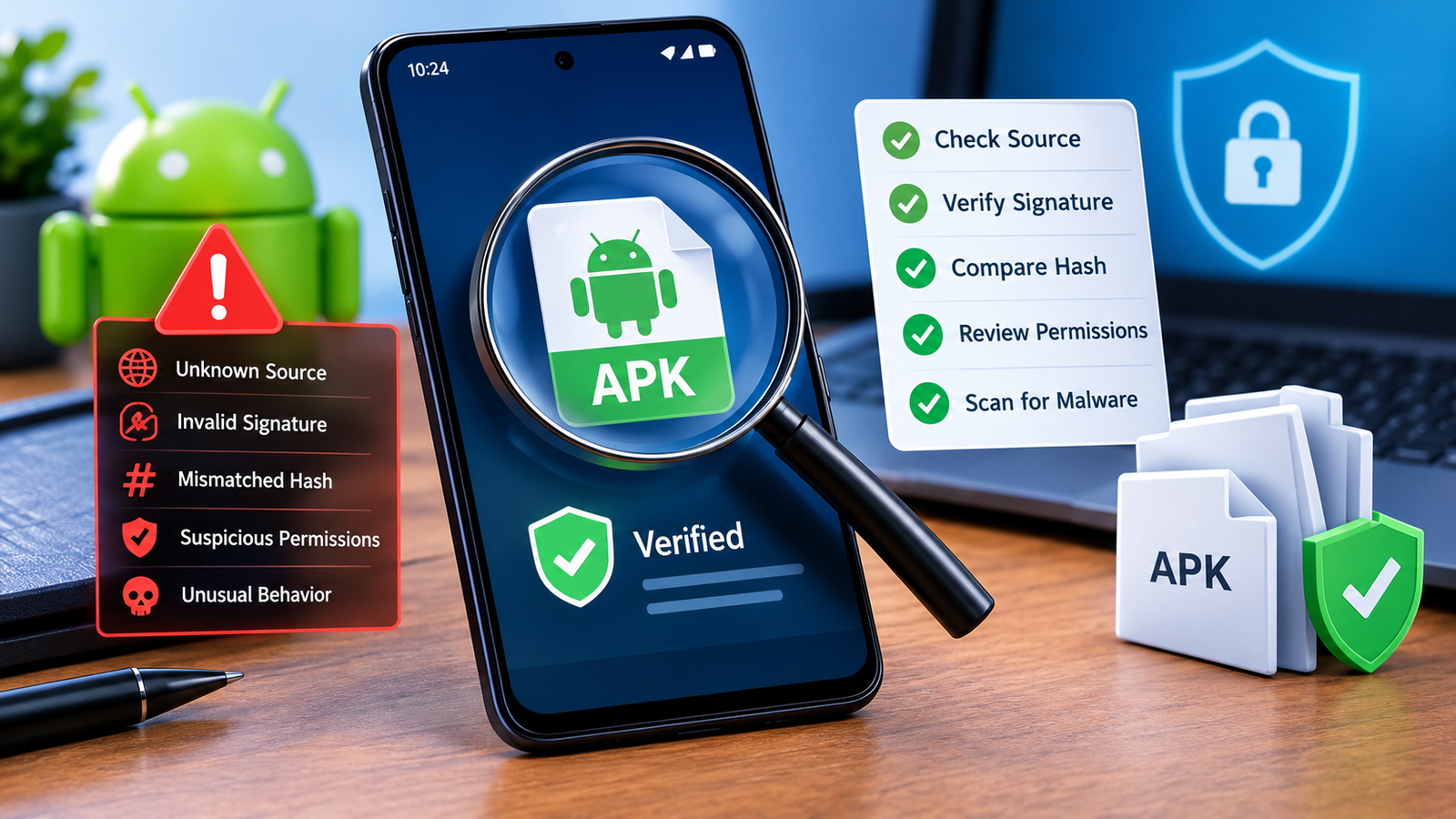
Avoid installing a file that was only partially downloaded. If the website provides file size or checksum information, you can also compare the downloaded file against the published information.
2. Your Android Device May Not Have Enough Storage
An APK needs more than just enough space for the downloaded file. Android may need additional temporary storage while unpacking and installing the application.
For example, an APK that appears relatively small may require considerably more space during installation.
Check your available storage under your Android device’s storage settings. If space is nearly full, remove unnecessary files, unused applications, videos, or downloads.
After freeing some space, restart the installation.
3. The APK May Not Be Compatible With Your Android Version
Android applications can require specific operating system versions. An APK designed for a newer Android release may not work correctly on an older device.
Compatibility can also depend on the device’s processor architecture and other application requirements.
Before installing an APK, check:
- Required Android version
- CPU architecture
- App version
- Supported device type
- Whether the APK is designed for your Android release
If the package is incompatible, downloading another copy of the same APK may not help.
4. An Existing Version of the App Can Cause a Conflict
Sometimes the app is already installed, but the APK you are trying to install does not match the existing version properly.
This can happen when the installed application was signed differently or when you are trying to install a modified or differently packaged version over the original app.
If you do not need the existing installation, you can consider uninstalling it before installing the new APK.
Important: Uninstalling an app can remove its locally stored data. Back up anything important before doing so.
5. Android May Be Blocking the Installation
Android includes security controls that can restrict installations from sources outside the official app store.
Depending on your Android version and device manufacturer, you may need to allow the specific application you are using to install APK files.
For example, if you open an APK through a browser or file-management application, Android may require permission for that particular source.
If the installation is being blocked rather than simply taking a long time, check your device’s app installation permissions.
Only enable installation from sources you trust, and review the APK carefully before proceeding.
6. The Package Installer May Be Having a Temporary Problem
Android uses system components to process APK installations. A temporary problem with these components can cause an installation to remain stuck.
A simple restart is often worth trying.
Restart your Android device, wait for the system to load completely, and then attempt the installation again.
If several unrelated APK files are experiencing the same problem, the issue may be with the device’s installation system rather than one particular APK.
7. The APK May Be Too Large or Complex
Some applications contain large amounts of resources, libraries, media files, or other components. These packages can naturally take longer to process.
A large APK does not automatically indicate a problem.
If the device is older or has limited storage and processing resources, installation may take longer than expected.
Give the process some time before cancelling it, especially when installing a large application.
However, if the installation remains completely unchanged for an unusually long period, continue with the troubleshooting steps below.
8. The APK May Be the Wrong Variant
Some Android applications are distributed in multiple variants. These versions may target different processor architectures, screen configurations, Android versions, or device types.
Installing an incorrect variant can result in installation problems.
If the source provides multiple APK options, check which one is intended for your device.
You should also be careful with packages that are actually part of a split-app distribution. Some applications require multiple related packages rather than one standalone APK.
How to Fix an APK That Is Stuck During Installation
If the installation appears frozen, work through these solutions in order.
Restart Your Android Device
Start with the simplest solution.
Restarting Android clears many temporary processes and can resolve minor system glitches. After the restart, open the APK again and try the installation.
Check Available Storage
Make sure your phone has sufficient free space.
If storage is almost full, remove unnecessary files and applications before trying again.
Re-download the APK
Delete the current APK and download a fresh copy.
A new download can solve problems caused by an incomplete or damaged file.
Check Android Compatibility
Confirm that the APK supports your Android version and device architecture.
Do not assume that every APK works on every Android phone.
Close Background Applications
If your device is under heavy load, close unnecessary applications and try again.
This is particularly useful on devices with limited RAM or older hardware.
Check Installation Permissions
If Android is restricting the installation, review the permission for the browser, file manager, or other application from which you opened the APK.
Only grant the permission when you understand and trust the source of the file.
Remove Conflicting App Versions
If the application already exists on your phone, check whether the new APK is intended as an update.
If necessary, uninstall the previous version after backing up important data, then try installing the new package.
What Not to Do When an APK Is Stuck
It can be tempting to try random fixes when an installation refuses to move. Some approaches can create additional problems.
Avoid:
- Downloading the same APK repeatedly from unknown websites
- Installing several modified versions at once
- Disabling Android security features unnecessarily
- Deleting important system files
- Factory-resetting the phone as a first step
- Installing APKs that do not match your device
- Ignoring warnings about suspicious applications
A methodical approach is safer and usually saves time.
How to Prevent APK Installation Problems
Preventing installation problems starts before you open the APK.
Use these basic practices:
- Download APKs from sources you trust.
- Keep Android updated when possible.
- Maintain sufficient free storage.
- Check the APK’s compatibility requirements.
- Avoid incomplete downloads.
- Keep important app data backed up.
- Scan unfamiliar files with appropriate security tools.
- Avoid installing unnecessary modified packages.
- Make sure you have the correct APK variant.
These steps can reduce the chances of encountering installation errors in the future.
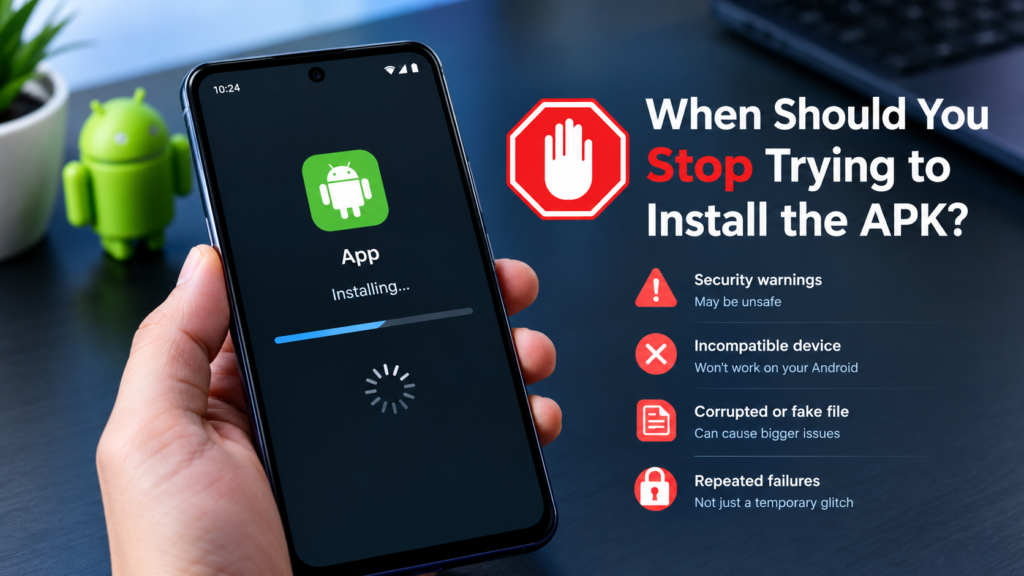
When Should You Stop Trying to Install the APK?
If one APK repeatedly gets stuck while other applications install normally, the problem may be specific to that package.
On the other hand, if every APK gets stuck during installation, the issue may be related to Android itself, available storage, system components, permissions, or device software.
You should also stop if your device displays a security warning about a suspicious or potentially harmful application.
Do not bypass a security warning simply to complete an installation. Investigate the file and its source first.
Frequently Asked Questions
Why APK gets stuck during installation?
An APK can get stuck because of a corrupted download, insufficient storage, Android incompatibility, an existing app conflict, installation restrictions, or a temporary problem with Android’s package installer.
How long should an APK installation take?
Most normal APK installations finish relatively quickly, but the exact time depends on the application’s size, device performance, available storage, and system activity. Very large applications can take longer.
Can low storage cause an APK to get stuck?
Yes. Android may require additional temporary space while processing an APK. If your device has very little free storage, the installation may become extremely slow or fail.
Should I delete the old version of an app before installing an APK?
Not always. If the APK is a compatible update, you may be able to install it over the existing version. However, conflicts can occur when the packages use different signatures or configurations. Back up important data before uninstalling an existing app.
What should I do if every APK gets stuck?
If multiple unrelated APK files have the same problem, restart the device, check storage, review installation permissions, and make sure Android is functioning normally. If the issue continues, the problem may involve system software rather than a single APK.
Is it safe to keep trying a stuck APK installation?
Repeatedly trying the same APK will not fix a corrupted or incompatible file. Before trying again, determine whether the problem is caused by the file, your device, storage, compatibility, or installation permissions.
Final Thoughts
Understanding why APK gets stuck during installation makes troubleshooting much easier. The problem is often connected to a damaged download, limited storage, compatibility issues, an existing application conflict, or Android’s installation restrictions.
Start with simple solutions such as restarting the device, checking storage, and downloading the APK again. Then verify compatibility and look for conflicts with an existing app.
Also Read: Why APK Installation Takes Too Long: Causes and Fixes











1 comment