Meesho App: Features, Shopping Guide, Benefits, and Safety Tips
Online shopping has become a convenient way to find clothing, household essentials, accessories, and everyday products without visiting multiple stores. Among the popular shopping platforms in India, the Meesho app has gained attention for its wide product selection and budget-friendly shopping experience.
Whether you want to buy fashionable outfits, decorate your home, discover useful gadgets, or compare prices before making a purchase, Meesho offers a variety of products in one place. Its simple shopping process also makes it accessible to people who prefer browsing products on their smartphones.
However, knowing how to use a shopping app effectively is just as important as finding attractive deals. Checking product descriptions, comparing prices, reading customer reviews, and understanding return policies can help you make better purchasing decisions.
In this guide, we will explore the Meesho app, its main features, popular product categories, payment options, advantages, limitations, and practical tips for a better online shopping experience.
What Is the Meesho App?
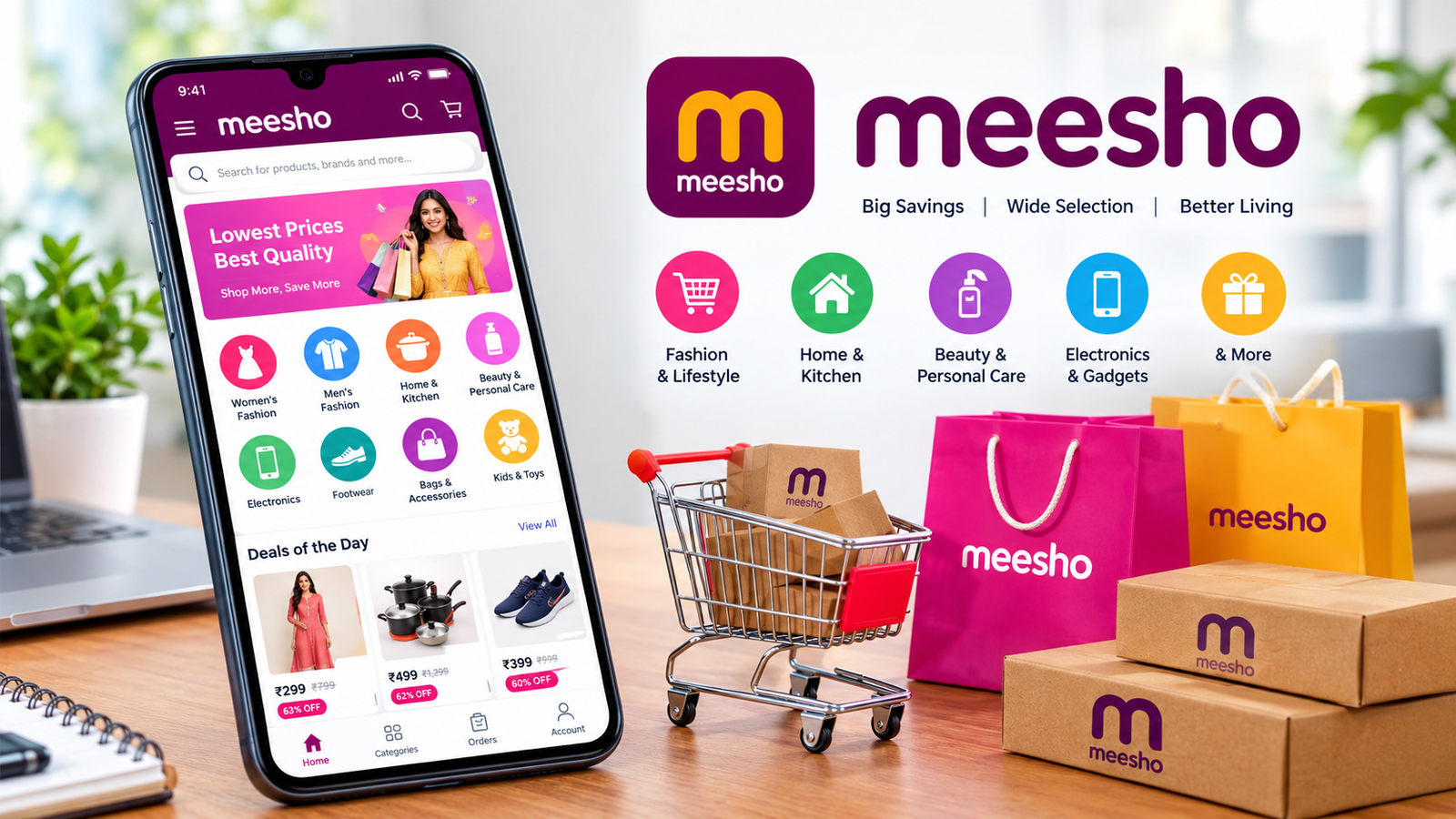
The Meesho app is an online shopping platform associated with Meesho, an Indian e-commerce company. It allows customers to browse and purchase products across categories such as fashion, home and kitchen, beauty, electronics, footwear, accessories, and more.
The platform focuses on making online shopping accessible to customers looking for products at different price points. Its official website also provides access to product collections and shopping categories for people who prefer shopping through a browser.
One of the main attractions of the Meesho app is the variety of products available through its marketplace. Customers can compare different listings, explore designs, check available sizes, and review product information before placing an order.
You can visit the official website at https://www.meesho.com/ to explore available products and access the platform’s shopping options.
It is important to remember that products are offered through marketplace sellers, so quality, materials, sizing, and other details can vary from one listing to another.
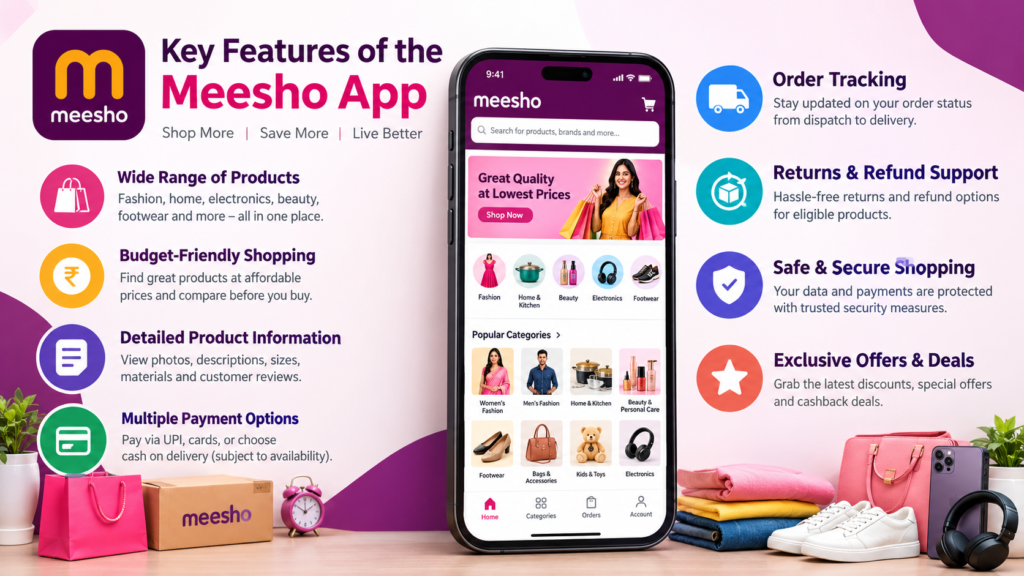
Key Features of the Meesho App
The Meesho app includes several features designed to make product discovery and order management more convenient.
1. Wide Range of Products
The platform offers products for different shopping needs. Instead of using separate websites for every category, customers can explore multiple types of items in one place.
Popular categories include:
- Women’s clothing, sarees, kurtis, and dresses
- Men’s clothing and fashion accessories
- Children’s clothing, toys, and related products
- Home decor, kitchen tools, and household essentials
- Beauty products and personal care items
- Bags, footwear, and jewellery
- Electronic accessories and everyday gadgets
- Stationery, books, sports products, and selected grocery items
The selection may change over time, and availability can depend on the seller and delivery location.
2. Budget-Friendly Shopping
Many customers explore the Meesho app because they want affordable products for everyday use. The marketplace features items at different price points, making it possible to compare several options before deciding what to buy.
For example, if you are searching for a handbag, you may find multiple designs with different materials, sizes, and prices. Comparing these listings helps you understand which option offers the best value for your needs.
However, the lowest price is not always the best deal. Consider product quality, customer feedback, delivery charges where applicable, and the return conditions before completing your purchase.
3. Product Photos and Descriptions
Product listings typically provide photos and information that help customers evaluate an item before ordering.
Depending on the listing, you may find details about:
- Product dimensions and measurements
- Available colours and sizes
- Material or fabric
- Included accessories
- Product specifications
- Seller-provided descriptions
- Customer ratings and reviews
Read these details carefully, particularly when purchasing clothing, electronics, or products where measurements and compatibility matter.
4. Online Payments and Cash on Delivery
The official Meesho website lists payment options that include UPI, debit cards, credit cards, and cash on delivery, subject to availability for the particular order.
These options provide flexibility for customers with different payment preferences.
Before confirming an order, check the payment methods shown at checkout. Availability can vary depending on the item, location, and current platform policies.
For online payments, use a trusted payment method and never share your banking PIN, OTP, or password with someone claiming to be a delivery agent or customer support representative.
5. Order Tracking
After placing an order, customers can check its progress through the order-management section of their account.
Order tracking helps you understand whether an order is being processed, shipped, or delivered. It can also help you check estimated delivery information when it becomes available.
Keep your order details accessible until the product arrives and you have confirmed that everything is correct.
6. Returns and Refund Support
Sometimes, a product may arrive damaged, differ from the listing, or fail to meet your expectations. The Meesho platform provides return and refund processes for eligible purchases.
The available options depend on the product and its applicable return conditions. Check the return window displayed for your specific item before ordering.
If you experience a problem, open the relevant order in your account and follow the available Help Centre instructions. Keep photos of damaged or incorrect items if they may help explain your complaint.
Popular Product Categories on the Meesho App
The following table provides an overview of the main categories you can explore.
| Category | Examples of Products | What to Check Before Buying |
|---|---|---|
| Women’s fashion | Sarees, kurtis, dresses | Size chart, fabric, customer photos |
| Men’s fashion | Shirts, trousers, casual wear | Measurements, material, fit |
| Home and kitchen | Storage boxes, cookware, decor | Dimensions, material, durability |
| Beauty and personal care | Skincare and grooming products | Ingredients, expiry date, authenticity |
| Electronics | Earphones, chargers, accessories | Compatibility, specifications, warranty |
| Footwear | Sandals, shoes, slippers | Size, comfort, material |
| Bags and accessories | Handbags, backpacks, jewellery | Dimensions, construction, design |
| Kids and toys | Clothing, toys, accessories | Age suitability, safety information |
Product availability, pricing, and specifications may change. Always use the current product listing as your reference.
How to Download and Install the Meesho App
If you want to shop using your smartphone, download the app through an official distribution channel.
Follow these general steps:
- Open the Google Play Store on your Android phone or the Apple App Store on your iPhone.
- Search for Meesho.
- Check the developer information and app details to ensure you have selected the official application.
- Tap the installation or download option.
- Wait for the installation to finish.
- Open the app and follow the sign-in or account setup instructions.
- Browse the available categories and search for the products you need.
You can also visit the official Meesho website at https://www.meesho.com/ to find its shopping options.
Avoid downloading modified APK files or installation packages from unknown websites. Such files may contain malicious software, request unnecessary permissions, or put your personal information at risk.
If the app is unavailable in your region, check the official store listing and local availability rather than relying on an unofficial download.
How to Shop on the Meesho App
Shopping through the app is straightforward once you understand the basic process.
Step 1: Search for a Product
Open the app and enter the name of the item you want to purchase. For example, you could search for cotton kurtis, kitchen organizers, or wireless earphones.
Using specific search terms can help you find more relevant results.
Step 2: Compare Different Listings
Do not select the first product simply because it has an attractive price. Compare multiple listings and examine their photos, specifications, ratings, and available options.
For clothing, pay attention to fabric and measurements. For electronic products, check compatibility and technical specifications.
Step 3: Read Customer Reviews
Customer reviews can provide useful information about fit, appearance, packaging, and actual product quality.
Look for detailed feedback rather than relying entirely on a high rating. Recent reviews and customer-uploaded photographs may offer additional context.
Remember that reviews are helpful indicators, not guarantees that your experience will be identical.
Step 4: Check the Total Cost
Before adding an item to your final order, review the listed price and any applicable delivery charges or other fees shown at checkout.
Compare the total cost instead of focusing only on the advertised price. This makes it easier to identify genuine value.
Step 5: Confirm Your Delivery Details
Enter your delivery address and verify your contact information. Choose from the payment methods available for your order.
Review the product, quantity, size, colour, and final amount before confirming the purchase.
Step 6: Track Your Order
After placing the order, use the order section to check its status and estimated arrival information. If anything goes wrong, use the official support options available in your account.
Advantages of Using the Meesho App
The Meesho app offers several potential benefits for people who prefer online shopping.
Affordable options: Customers can compare products across a range of price points and choose items that fit their budgets.
Multiple categories: Fashion, household essentials, accessories, and other products are available through one marketplace.
Convenient shopping: You can browse listings and place orders from home without visiting physical shops.
Product comparisons: Different listings make it possible to compare prices, styles, specifications, and reviews.
Order management: The app provides tools for checking order progress and accessing available return or refund processes.
Flexible payment choices: Supported payment methods can include UPI, cards, and cash on delivery, depending on order eligibility.
These benefits make the platform worth considering for shoppers who value convenience and want to compare budget-friendly products.
Disadvantages and Limitations of the Meesho App
Although the platform has several advantages, customers should understand its limitations before purchasing products.
Product Quality Can Vary
Different sellers may offer similar products with different levels of quality. A product photograph may not fully represent its actual appearance, fabric, or durability.
Reading descriptions and reviews can reduce uncertainty, but it cannot eliminate every risk.
Sizing May Be Inconsistent
Clothing sizes can vary between sellers and product designs. Always consult the measurements provided for the specific item instead of assuming your usual size will fit.
Delivery Times Can Differ
Delivery estimates depend on factors such as location, seller processing, logistics, and other circumstances. Check the estimated delivery date at checkout and follow the tracking information.
Return Conditions Are Not Identical for Every Item
Some products may have different return windows or eligibility requirements. Review the specific policy shown on the product page and retain your order information.
Very Low Prices Require Careful Evaluation
An unusually cheap item may be attractive, but it is worth checking the specifications, quantity, material, and customer feedback.
A lower price should not be the only factor in your purchasing decision.
Is the Meesho App Safe to Use?
The official Meesho app and website provide a way to shop online, but safe shopping also depends on how you use the platform and which products you choose.
Follow these precautions to protect yourself:
- Download the application from an official app store.
- Check the product description and seller-provided details.
- Read customer reviews before ordering unfamiliar items.
- Review the return and refund conditions.
- Use the payment options provided through the official checkout.
- Never share OTPs, passwords, or UPI PINs with callers or messages claiming to offer support.
- Avoid payment links sent by unknown people outside the official shopping process.
- Contact support through the official app or website if an order problem occurs.
- Be cautious of offers that promise unrealistic discounts in exchange for sensitive information.
For additional assistance, use the official website’s Help Centre and published support information. You can also review Meesho’s legal and privacy policies at https://www.meesho.com/legal.
No online marketplace can guarantee that every listing will be suitable for every buyer. Taking time to verify product information and follow safe payment practices can help you shop more confidently.

Tips for Getting Better Deals on the Meesho App
If you want to save money, use a practical approach rather than buying products simply because they appear inexpensive.
Compare similar products. Look at the price, material, size, specifications, and reviews of several listings before deciding.
Check available offers. Review discounts and promotions displayed within the official app. Confirm the eligibility requirements before using a coupon.
Read the full description. Make sure you understand what is included in the package, especially for accessories, furniture, and electronic products.
Check product measurements. For clothing, shoes, bags, and home organizers, measurements can be more useful than photographs alone.
Consider long-term value. A slightly more expensive product may be a better purchase if its construction, specifications, or expected durability are more suitable.
Review your cart. Remove items you do not need and check the total amount before paying.
Keep order records. Save relevant order details and follow the return instructions if an item arrives damaged or incorrect.
These habits help you make informed decisions and avoid unnecessary purchases.
Meesho App vs. Traditional Shopping
Both online and offline shopping have advantages. The better option depends on the type of product you need and how you prefer to shop.
| Factor | Meesho App | Traditional Shopping |
|---|---|---|
| Convenience | Shop using a phone or browser | Usually requires visiting a store |
| Product comparison | Compare online listings | Compare products at different stores |
| Physical inspection | Usually unavailable before delivery | Often possible before purchase |
| Product variety | Browse available marketplace listings | Depends on the store’s inventory |
| Delivery | Wait for shipping and delivery | Often take the item home immediately |
| Price evaluation | Compare listed prices and offers | Compare shop prices and negotiate where possible |
| Returns | Follow the applicable online return process | Depends on the store’s policy |
The Meesho app can be convenient when you want to browse a broad selection from home. Traditional shopping may be preferable when you need to inspect an item physically, try on clothing, or take a product home immediately.
Frequently Asked Questions About the Meesho App
1. What is the Meesho app used for?
The Meesho app is used for online shopping. It offers products across categories such as clothing, footwear, home and kitchen, beauty, accessories, and electronics. Customers can browse listings, compare products, place orders, and check order updates.
2. Is the Meesho app free to download?
The official app is generally available to download without a separate app purchase through supported app stores. However, the price of products, delivery charges, and other applicable costs should be checked before placing an order.
3. Can I use the Meesho app without making an online payment?
Cash on delivery may be available for eligible products and locations. Check the payment options displayed at checkout because availability can vary by order.
4. How can I return a product purchased through the Meesho app?
Open your account, navigate to your orders, select the relevant purchase, and check the available return options. Follow the instructions provided for that item, including the applicable return window and pickup requirements.
5. How do I track an order on the Meesho app?
Open the order-management section in your account and select the purchase you want to track. Available shipping updates and estimated delivery information should appear there as the order progresses.
6. Is it safe to download the Meesho APK from a third-party website?
Downloading APK files from unknown websites carries security risks because the files may be modified or contain malicious code. The safer approach is to use the official Google Play Store or another official distribution channel supported for your device and region.
Final Thoughts
The Meesho app is an option for people who want to explore affordable fashion, home essentials, accessories, electronics, and other everyday products through online shopping. Its broad product selection, listing comparisons, order tracking, and available payment choices can make shopping more convenient.
However, a positive shopping experience depends on making informed decisions. Compare prices, examine product specifications, read customer reviews, and understand the return policy before placing an order. Avoid suspicious downloads and protect your payment information when shopping online.
Also Read: How to Scan APK Before Installing: 7 Essential Safety Checks














1 comment