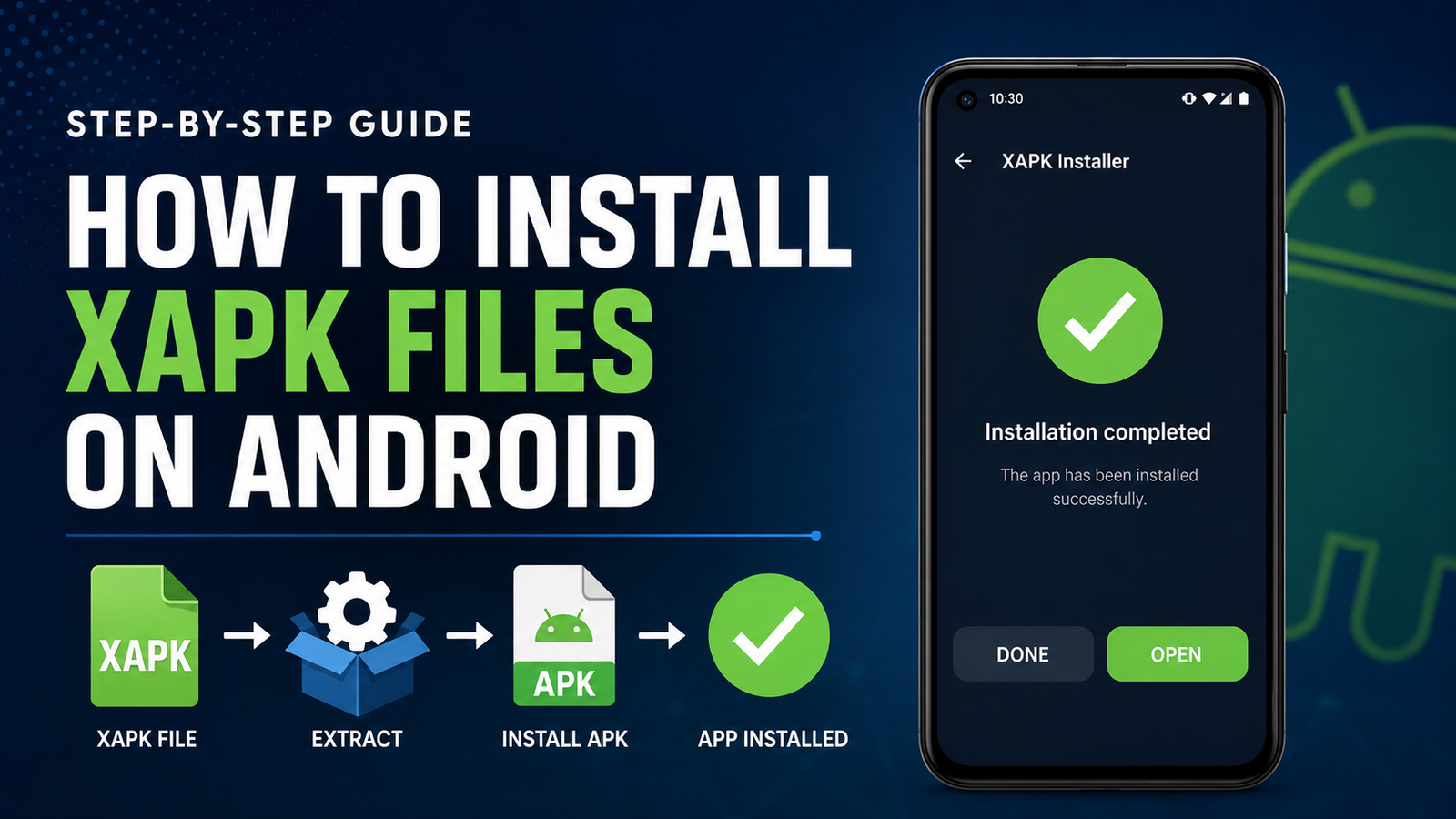
How to Install XAPK Files on Android: A Complete Step-by-Step Guide
How to Install XAPK Files on Android is a common question among Android users who download apps from sources outside the Google Play Store. Unlike a standard APK, an XAPK package can contain the application installer along with additional files such as OBB data or split APK components.
Because Android does not normally recognize XAPK files as regular app packages, trying to open one directly may result in an error. The good news is that installing an XAPK is usually straightforward when you use the right method and understand what the file contains.
This guide explains what XAPK files are, how they work, how to install them safely, and what to do if the installation fails.
What Is an XAPK File?
An XAPK file is a package format used to distribute Android applications that require more than a basic APK file. It can bundle an APK together with additional resources needed by the app.
For example, a large game may require several gigabytes of graphics, maps, audio, or other data. Instead of downloading these files separately, an XAPK package can keep the required components together.
An XAPK may contain:
- A standard APK file
- OBB data files
- Split APK components
- Additional app resources
- Information required by an installer
This makes XAPK files convenient for distributing larger Android applications.
However, Android’s standard package installer generally expects an APK rather than an XAPK container. That is why a dedicated XAPK installation method is often necessary.
XAPK vs APK: What’s the Difference?
Although the names are similar, APK and XAPK are not exactly the same.
An APK is the standard Android application package. In many cases, you can tap an APK file and install it after allowing installation from the relevant source.
An XAPK is essentially a larger package that can contain an APK plus additional files.
| Feature | APK | XAPK |
|---|---|---|
| Main application file | Yes | Usually included |
| Additional OBB data | Not normally bundled | Can be included |
| Split APK support | Limited | Can contain multiple components |
| Android default installer | Usually supported | Usually not supported directly |
| Installation method | Tap and install | Often requires an XAPK-compatible installer |
| Common use | Standard apps | Large apps and games |
Understanding this difference is important before attempting an installation.
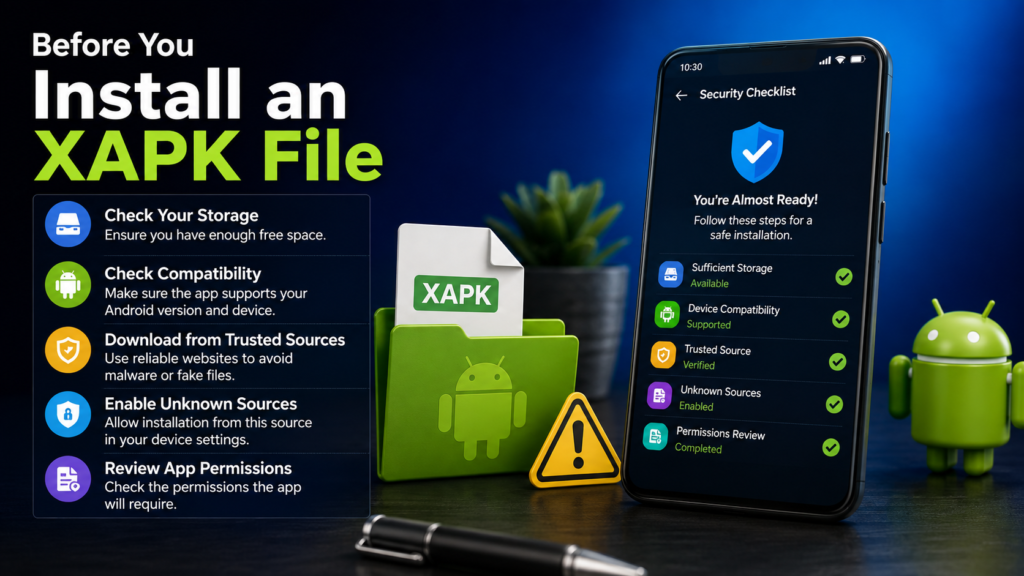
Before You Install an XAPK File
Before starting, check a few things on your Android phone. Preparation can prevent many common installation problems.
Check Your Available Storage
Some XAPK packages contain large game data files. The package itself may also be compressed, meaning additional space could be required during installation.
Try to keep enough free storage for both the installation process and the final application.
Check Android Compatibility
An application may require a specific Android version or processor architecture. If your phone does not meet those requirements, installing the package may not solve the problem.
Check the app’s listed requirements before proceeding.
Download From a Trusted Source
Be careful when downloading XAPK packages. Files from unknown websites can potentially be modified or bundled with unwanted software.
Before installing, consider checking:
- The reputation of the download source
- User reviews and feedback
- File size
- App version
- Required Android version
- Requested permissions
Avoid installing a package simply because its name looks familiar.
How to Install XAPK Files on Android
There are several ways to install an XAPK file. The easiest approach for most users is to use an XAPK-compatible installer.
Method 1: Use an XAPK-Compatible Installer
A dedicated installer can recognize the contents of an XAPK package and place the required files in the appropriate locations.
The general process is:
- Download the XAPK file to your Android device.
- Install a reputable XAPK-compatible installer.
- Open the installer.
- Allow it to access the required files if Android requests permission.
- Let the installer scan your device for XAPK packages.
- Select the XAPK file you downloaded.
- Start the installation process.
- Wait while the APK and additional data are installed.
- Open the application after installation is complete.
The exact buttons and menus can differ between Android versions and installer applications.
Enable Installation From the Relevant Source
Android may prevent an installer from installing an APK if the source has not been authorized.
On newer Android versions, this permission is usually controlled on a per-app basis.
You may see an option similar to:
Settings → Apps → Special app access → Install unknown apps
From there, select the application you are using to install the package and enable the relevant permission.
The exact location can vary depending on the Android manufacturer and software version.
Only enable this permission for a source you trust. After installation, you can disable it again if you do not need it.
Method 2: Extract the XAPK Manually
Advanced Android users can sometimes install an XAPK without a dedicated installer by extracting its contents.
An XAPK is often structured similarly to an archive. After extracting it, you may find an APK file and an OBB folder or other supporting components.
A general manual process looks like this:
- Make a backup of the original XAPK file.
- Use a reliable archive or file-management application to extract it.
- Locate the APK file inside the extracted folder.
- Install the APK if Android accepts it.
- Locate any OBB or additional data included with the package.
- Place the required files in their appropriate Android directories.
- Launch the application.
This method requires more technical knowledge and may not work with every XAPK package.
Some packages contain split APKs rather than a single APK. In those cases, manually installing one file may not be enough.
How to Install XAPK With OBB Data
Large Android games sometimes use OBB files to store additional resources.
If your XAPK contains an OBB file, the installer may automatically move it to the appropriate location. When installing manually, the process can be more complicated.
Typically, OBB data belongs in a directory associated with the application package, commonly under the Android obb folder.
However, Android’s newer storage restrictions can make direct access to certain folders more difficult than it was on older versions.
For that reason, a compatible installer is generally easier for users who do not want to manage application data manually.
Why Won’t My XAPK File Install?
If your XAPK does not install correctly, several issues could be responsible.
The File Is Corrupted
An incomplete download can prevent the package from being extracted or installed.
If the file size does not match the information provided by the download source, download it again.
The XAPK Is Incompatible
The application may require:
- A newer Android version
- A particular CPU architecture
- More storage
- Specific hardware capabilities
Check the app’s requirements before trying repeated installations.
Unknown App Installation Is Blocked
Android may block installation if the application you’re using has not been granted permission to install unknown apps.
Check the relevant Android security settings and make sure the permission is enabled for the trusted installer.
Insufficient Storage
A package can require considerably more storage after extraction than its downloaded size suggests.
Free additional storage and try again.
The App Is Already Installed
An existing version of the application can sometimes conflict with the package you’re trying to install.
If appropriate, uninstalling the existing version before installing the new package may resolve the problem. Keep in mind that uninstalling an app can remove locally stored data, so back up important information first.
Split APK Components Are Missing
Some modern Android applications are distributed as multiple APK components. Installing only one component may result in an incomplete installation.
In such cases, use an installer designed to handle the package format rather than extracting and installing individual files manually.
Is It Safe to Install XAPK Files?
The XAPK format itself is not inherently dangerous. The bigger concern is where the file came from and what it contains.
An XAPK can package legitimate application files, but a modified or malicious package could potentially contain harmful software.
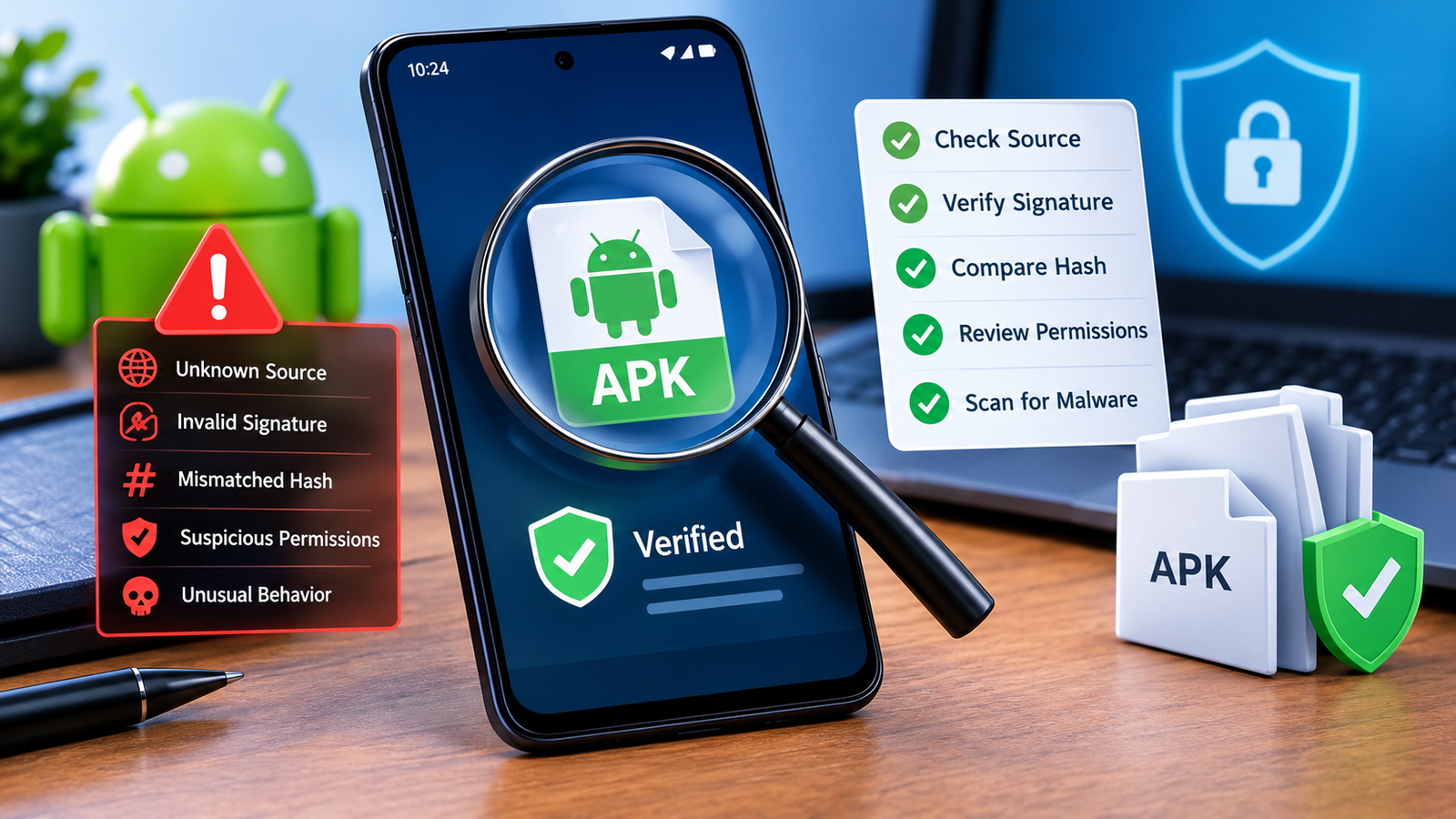
Before installing an XAPK, consider these safety practices:
- Download from reputable sources.
- Avoid suspicious pop-ups and misleading download buttons.
- Check the application’s developer information.
- Compare the version and file size with reliable information.
- Scan downloaded files when possible.
- Review the permissions requested by the installed application.
- Keep Android and security software updated.
- Do not provide unnecessary permissions.
If a package requests permissions that seem unrelated to its purpose, stop and investigate before continuing.
How to Remove an XAPK-Installed App
Once an XAPK has been successfully installed, removing the application is usually similar to uninstalling any other Android app.
You can generally:
- Open Android Settings.
- Go to Apps.
- Find the installed application.
- Select Uninstall.
- Confirm the removal.
If the package placed additional data on your device, some files may remain after uninstalling. A compatible installer or file manager may help you identify leftover data.
Be careful when manually deleting folders because removing the wrong Android files can affect other applications.
Tips for a Smooth XAPK Installation
A few simple habits can make the process much easier.
Keep Enough Free Space
Large games can consume significant storage. Check available space before beginning.
Use the Correct Version
Make sure the XAPK matches your Android version and device architecture.
Avoid Random Installer Apps
There are many third-party tools available online. Use a reputable application rather than installing an unknown installer simply because it promises one-click installation.
Keep the Original File
If the installation fails, having the original package available makes troubleshooting easier.
Restart After a Failed Installation
A restart will not fix every problem, but it can clear temporary system issues and allow you to try the installation again.
Can You Install XAPK Without a PC?
Yes. In many cases, you can install an XAPK entirely from an Android phone.
A compatible mobile installer can handle the package directly on the device. Manual extraction is also possible for certain packages, although it may require additional steps.
A PC is generally unnecessary unless the package is unusually large, the phone has storage restrictions, or you prefer managing files from a computer.
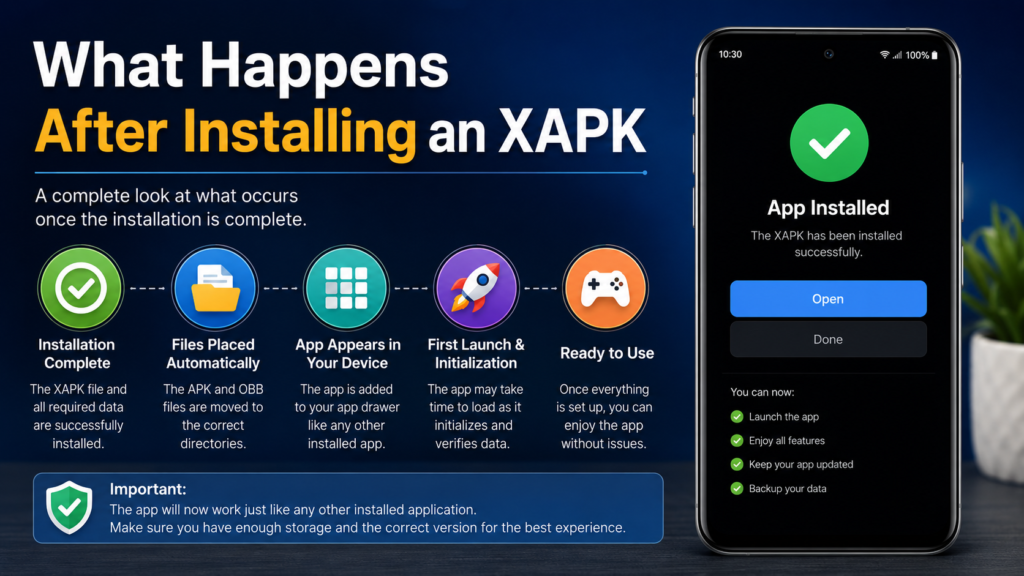
What Happens After Installing an XAPK?
After successful installation, the application should appear in your Android app drawer like other installed applications.
If the XAPK contained additional game or application data, the installer should place those files where the application can access them.
The first launch may take longer than usual because the app may need to initialize its data.
If the application immediately crashes or displays a missing-data message, check whether the package was completely installed and whether your device meets the application’s requirements.
Frequently Asked Questions
Can I open an XAPK file directly on Android?
Usually, Android’s standard installer does not treat an XAPK as a normal APK. You generally need an XAPK-compatible installer or, for certain packages, you can extract and install its contents manually.
Is XAPK better than APK?
Neither format is automatically better. APK is the standard Android package format, while XAPK is useful when an application requires additional files or multiple components. XAPK can make large app distributions more convenient.
Do XAPK files work on all Android phones?
Not necessarily. Compatibility depends on factors such as Android version, processor architecture, available storage, and the application’s own requirements.
Can I install an XAPK without a computer?
Yes. Many XAPK packages can be installed directly on an Android phone using a compatible installer. Manual extraction can also be performed on the device, although it may be more complicated.
Why does my XAPK installation stop or fail?
Common causes include a corrupted download, insufficient storage, incompatible Android versions, blocked installation permissions, missing package components, or an existing conflicting app installation.
Are XAPK files safe?
The file format itself is simply a packaging method. Safety depends largely on the contents and the source of the download. Use trusted sources and review the package before installation.
Final Thoughts
Learning How to Install XAPK Files on Android becomes much easier once you understand how XAPK packages differ from standard APK files. Instead of treating an XAPK as an ordinary application installer, think of it as a container that may include the APK along with additional data or split components.
Also Read: How to Check APK Compatibility Before Installing: A Complete Android Guide












1 comment