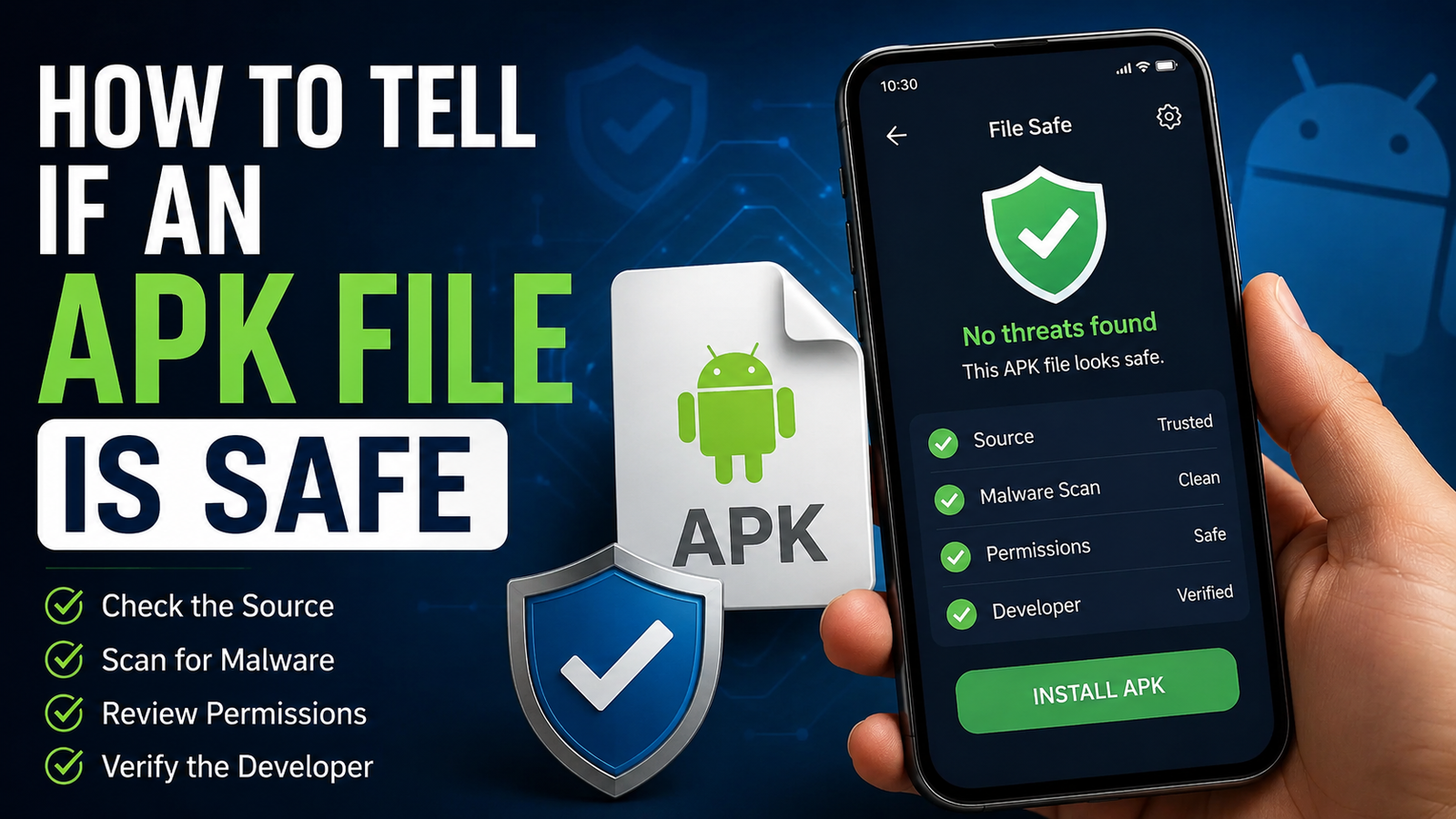
How to Tell if an APK File Is Safe: Before Installing It on Android
How to Tell if an APK File Is Safe is an important question for anyone who downloads Android apps outside the Google Play Store. APK files can be useful when an app is unavailable in your region, an older version is needed, or you want to install an app manually. However, downloading an APK from an unknown source can also expose your device to malware, spyware, adware, or other unwanted software.
Unlike apps installed directly through Google Play, APK files downloaded from websites require more careful checking. A file can look legitimate while containing hidden modifications or malicious code.
The good news is that you do not need to be a cybersecurity expert to perform basic safety checks. By examining the download source, file information, permissions, digital signature, scan results, and app behavior, you can significantly reduce the risk of installing a dangerous APK.
What Is an APK File?
APK stands for Android Package Kit. It is the standard file format used to distribute and install applications on Android devices.
When you download an app from Google Play, the installation process is handled automatically. When you download an APK manually, you are obtaining the application package yourself and asking Android to install it.
APK files can be legitimate and completely safe. The problem is that malicious applications can also be distributed in the same format.
An APK should therefore be treated like any downloadable software file. Its safety depends largely on where it came from, whether it has been modified, and what the application does after installation.
Why You Should Check an APK Before Installing It
Installing an unsafe APK can create several security and privacy problems.
A malicious application may attempt to:
- Steal login credentials
- Display aggressive advertisements
- Collect personal information
- Access sensitive device data
- Send unauthorized messages
- Monitor certain activities
- Download additional unwanted software
- Abuse accessibility or notification permissions
- Consume excessive battery or mobile data
Not every suspicious APK is obviously dangerous. Some malicious apps behave normally at first and perform unwanted activities quietly in the background.
That is why checking an APK before installation is better than trying to remove a problem afterward.
How to Tell if an APK File Is Safe
There is no single test that can guarantee an APK is completely harmless. Instead, use several checks together. The more warning signs you eliminate, the more confidence you can have in the file.
Check the Download Source
The first thing to investigate is where the APK came from.
A reputable developer or recognized APK distribution platform is generally a better choice than a random download page. Be particularly cautious with websites that use aggressive pop-ups, misleading download buttons, forced redirects, or suspicious browser notifications.
Before downloading, ask yourself:
- Is this the official developer?
- Does the website have a clear reputation?
- Does the app have a recognizable publisher?
- Does the website provide useful information about the APK?
- Are there multiple suspicious download buttons?
- Does the page redirect unexpectedly?
If a website makes it difficult to identify what you are downloading, it is better to find another source.

Verify the App Developer
The developer name is another useful clue.
Suppose you are downloading an APK for a well-known application. Compare the developer information with the publisher listed on the application’s official website or another trusted source.
Be careful when the APK claims to be from a famous company but uses an unrelated developer name.
Small differences can also matter. A malicious developer may use a name that looks almost identical to a legitimate company in an attempt to trick users.
For example, an unfamiliar publisher with a slightly altered company name deserves additional investigation.
Look at the APK File Name
The file name itself cannot prove whether an APK is safe, but it can reveal obvious inconsistencies.
A normal APK may contain information such as:
- App name
- Version number
- Release identifier
A file with an unusual name, excessive random characters, or misleading descriptions should receive additional scrutiny.
Also check the file extension. A genuine Android package normally ends in .apk. Do not assume a file is safe simply because its name contains the word “APK.”
Check the APK Version
Version information can help identify suspicious files.
If the official developer currently offers a particular version but a third-party website claims to provide a completely different version, investigate before installing it.
Older APK versions are not automatically unsafe. In some cases, users intentionally need an older release because of device compatibility.
However, extremely old versions can contain known security vulnerabilities or outdated components. If you need an older APK, understand why you need it and download it from a source with a reliable history.
Scan the APK for Malware
One of the most useful steps is scanning the file with a reputable malware-scanning service or security application before installing it.
A multi-engine scanner can compare the APK against several security detection systems. This does not provide an absolute guarantee, but it can identify many known threats.
You should scan the actual APK file you downloaded rather than relying only on the website’s description.
If multiple reputable security engines flag the same file, do not ignore the warning.
A single detection can sometimes be a false positive, but several independent detections are a much stronger reason to avoid installation.
Compare the APK’s File Information
APK file details can provide additional clues.
Depending on the tools available to you, you may be able to inspect information such as:
- Package name
- Version code
- Version name
- Minimum Android version
- Target Android version
- Application permissions
- Developer certificate
- Digital signature
The package name is particularly useful when comparing an APK with an official application.
If the package name is completely different from the expected application, investigate further instead of assuming the file is genuine.
Verify the APK Signature
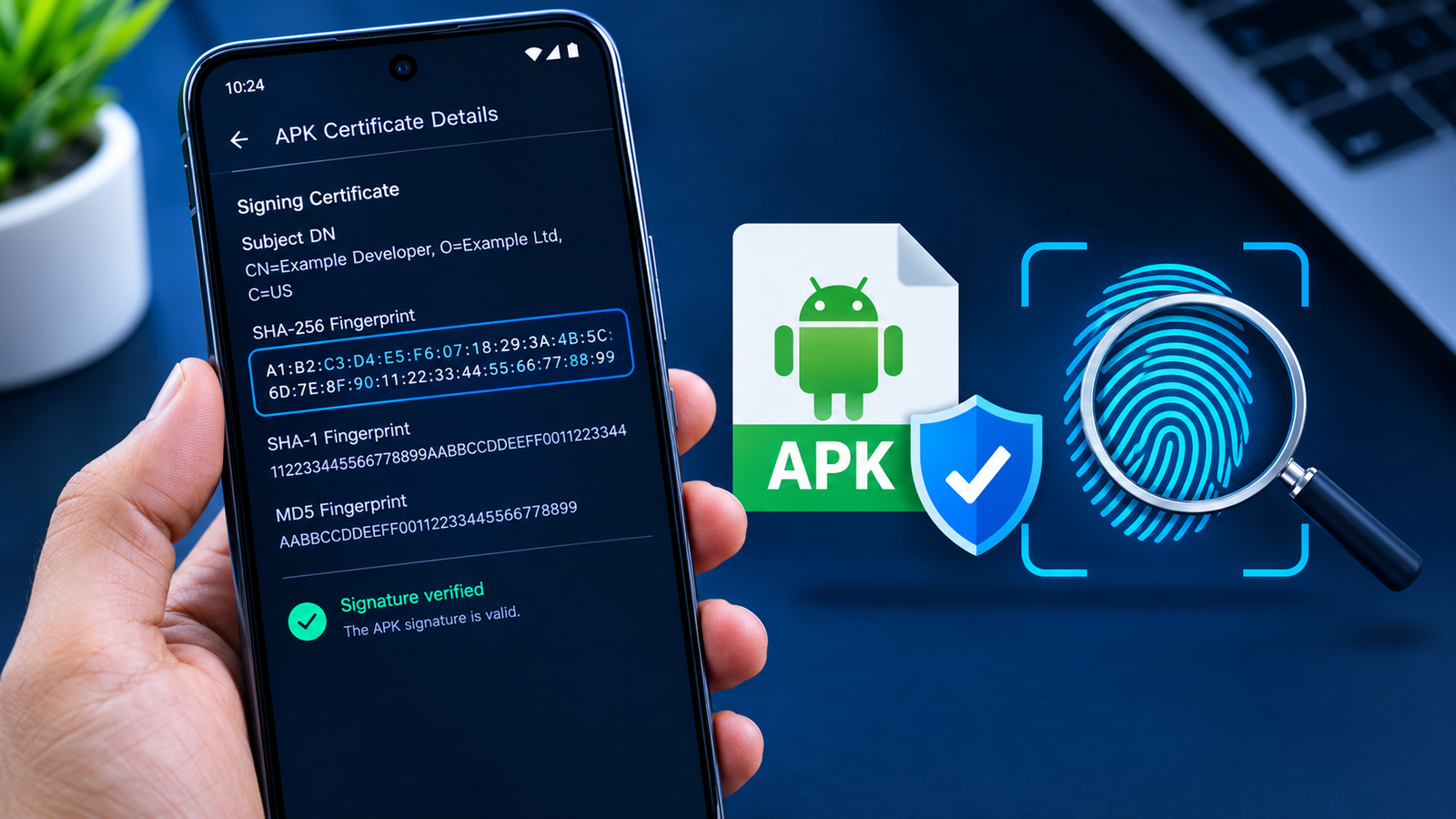
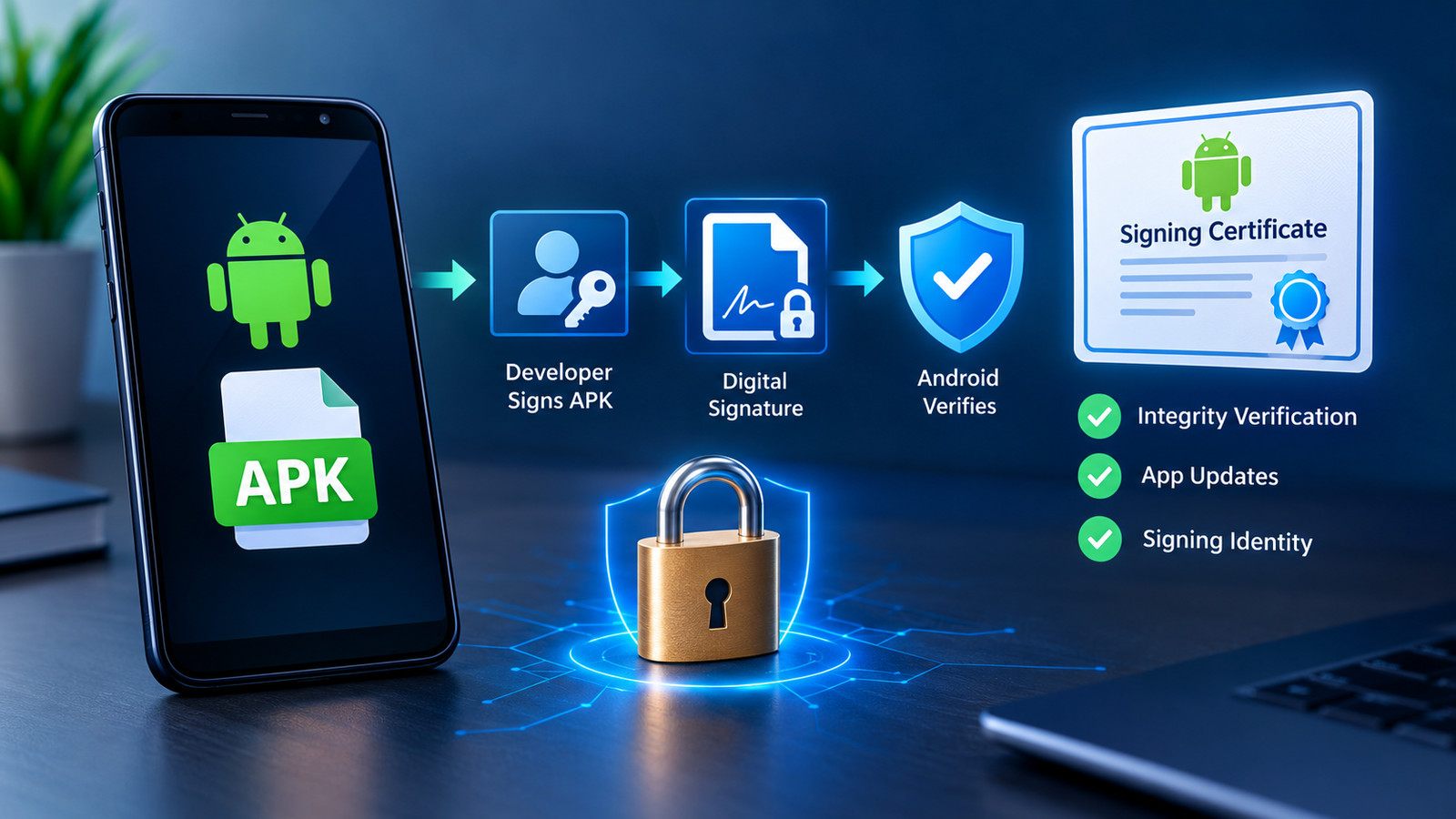
Android applications are digitally signed by their developers. A signature helps establish whether an APK was signed by the same signing identity as another version of the application.
This is especially useful when checking whether an APK has been modified.
If you have access to a trusted APK analysis tool, compare the certificate or signing information with a known legitimate version.
A signature check is more technical than simply looking at the file name, but it can be valuable when you frequently install APK files manually.
Remember that a valid signature does not automatically mean an application is trustworthy. It is one part of a larger verification process.
Review the App Permissions
Permissions are one of the easiest things for ordinary Android users to examine.
Before installing an APK, consider what access the application actually needs.
For example, a simple calculator probably has little reason to request access to contacts, SMS messages, microphone recordings, or extensive device information.
This does not mean every unusual permission proves an app is malicious. Some applications genuinely need broad access to perform their advertised functions.
The important question is whether the requested permissions make sense for the app.
Be Careful With Sensitive Permissions
Pay particular attention to permissions involving:
- SMS
- Contacts
- Microphone
- Camera
- Location
- Phone functions
- Files and media
- Notifications
- Accessibility services
An APK requesting powerful permissions without a clear reason should be treated cautiously.
Check the APK Against a Known Version
If possible, compare the downloaded APK with an official or previously verified copy.
Look for differences in:
- Package name
- Version
- File size
- Developer
- Signing certificate
- Permissions
- Application behavior
A significantly different file size does not automatically mean something is wrong. Different builds can legitimately have different sizes.
However, several unexplained differences together can indicate that the APK deserves closer examination.
Be Suspicious of “Premium Unlocked” APKs
Modified or “premium unlocked” APKs deserve extra caution.
These files may have been changed from the original application to remove restrictions, unlock paid features, alter advertisements, or provide other modifications.
The modification itself can introduce security risks.
A modified APK may contain additional code that was not included by the original developer. Users may have no reliable way to know what changes were made.
If security and privacy are your priorities, an official, unmodified application is generally the safer choice.
Watch for Fake APK Websites
Search engines can sometimes display pages that imitate legitimate download sites.
A fake APK website may use:
- A familiar-looking logo
- Copied app descriptions
- Fake download buttons
- Misleading advertisements
- Countdown timers
- Multiple redirect pages
- Suspicious browser notifications
Do not click every button labeled “Download APK.” Some are advertisements or redirects rather than the actual file.
Check the page carefully before downloading anything.
Check User Reviews Carefully
Reviews can provide useful information, but they should not be your only security test.
Look for patterns rather than relying on one review.
Users may mention:
- Unexpected advertisements
- Installation problems
- Suspicious permissions
- Battery drain
- Redirects
- Crashes
- Unwanted behavior
- Differences from the original application
Be cautious if reviews appear copied, overly generic, or artificially positive.
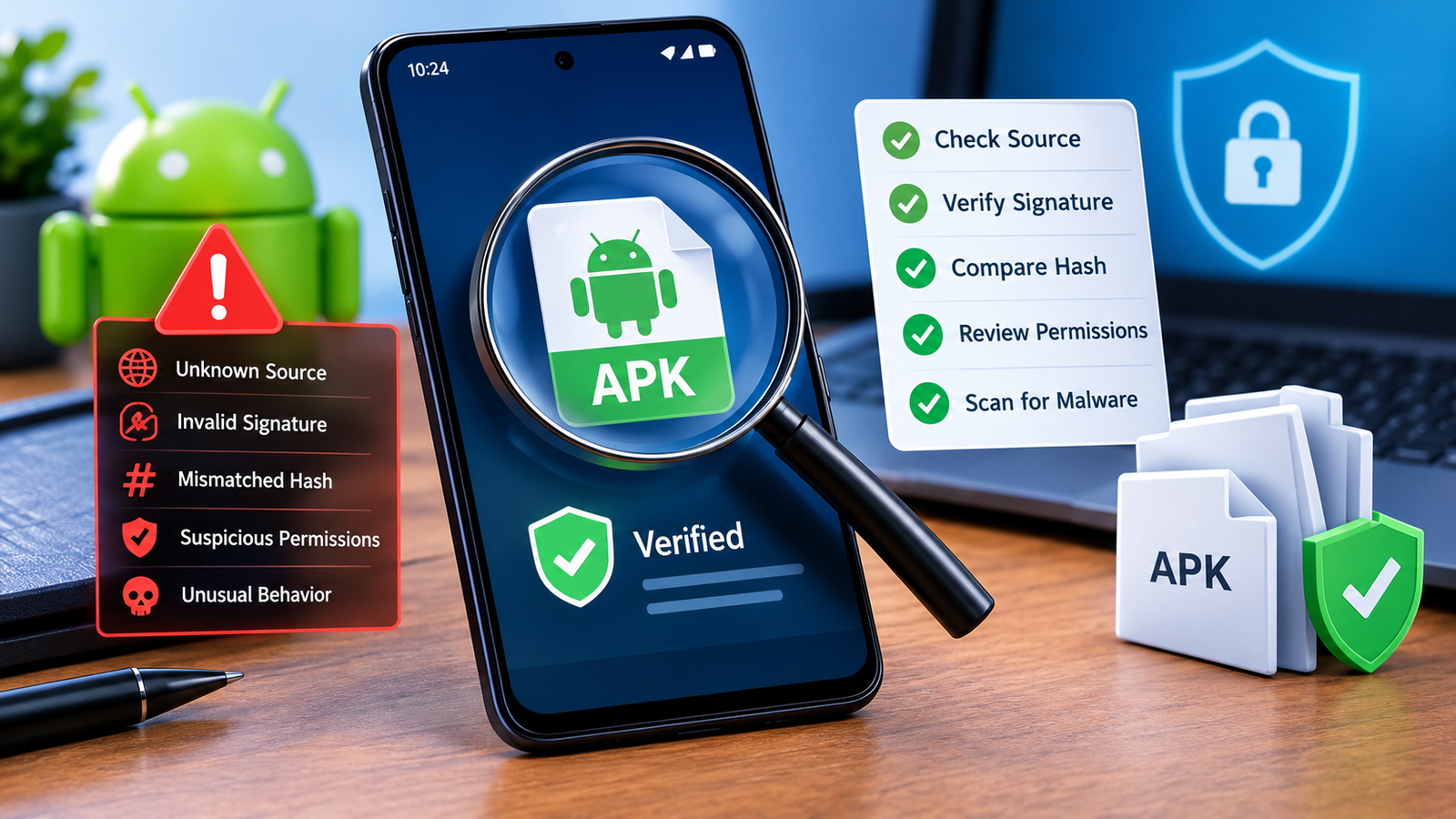
Use This APK Safety Checklist
The following checklist can make your verification process much easier:
| Safety Check | What to Look For | Risk Level if Suspicious |
|---|---|---|
| Download source | Reputable developer or trusted distributor | High |
| Developer name | Matches the legitimate publisher | High |
| APK version | Reasonable and explainable version | Medium |
| File name | Normal and consistent | Low to Medium |
| Malware scan | No significant detections | High |
| Permissions | Appropriate for the app’s purpose | High |
| Package name | Matches the expected application | High |
| Digital signature | Consistent with a trusted version | High |
| User feedback | No widespread security complaints | Medium |
| App behavior | No unexplained activity | High |
No single row can guarantee safety. Think of the checks as layers of protection.
What to Do If an APK Looks Suspicious
If an APK produces multiple warning signs, the safest decision is usually not to install it.
If you have already installed it and something feels wrong, take action quickly.
You can:
- Disconnect from the internet if you suspect active malicious behavior.
- Uninstall the suspicious application.
- Run a reputable mobile security scan.
- Review recently installed applications.
- Check for unusual permissions.
- Change important passwords if you suspect credential theft.
- Monitor your accounts for unusual activity.
- Keep Android and other installed applications updated.
If the suspicious app cannot be removed normally, additional troubleshooting may be necessary.
Does Google Play Protect Make APKs Safe?
Google Play Protect provides an important layer of Android security, including checks for potentially harmful applications. However, users should not treat it as a reason to ignore other safety checks.
Security systems can detect many known threats, but no automated security tool can identify every possible malicious modification immediately.
When installing an APK from outside the normal app distribution process, it is still sensible to verify the source, permissions, developer, and file itself.
Can an APK Be Safe but Still Have Privacy Risks?
Yes.
An APK does not have to contain obvious malware to create privacy concerns.
An application might function as advertised while collecting more information than you are comfortable sharing.
For that reason, APK safety includes both security and privacy.
Before installing an app, consider:
- What information does it collect?
- Why does it need certain permissions?
- Who developed it?
- Does the developer explain its privacy practices?
- Does the application’s behavior match its stated purpose?
An app that is technically free of malware can still be a poor privacy choice.
Common Mistakes to Avoid When Installing APKs
Many APK-related problems happen because users rush through the installation process.
Avoid these common mistakes:
- Downloading from the first website that appears in search results
- Ignoring security warnings
- Installing every “mod” or “premium unlocked” version
- Granting unnecessary permissions
- Disabling security features without understanding the consequences
- Assuming a familiar app name means the file is genuine
- Installing files sent by unknown people
- Keeping suspicious apps installed after noticing unusual behavior
Taking a few extra minutes to verify a file can prevent much bigger problems later.
Frequently Asked Questions
Is every APK file dangerous?
No. APK files are simply Android application packages, and many are completely legitimate. The main risk comes from downloading modified, fake, or malicious APKs from untrusted sources.
How can I check an APK before installing it?
Start by verifying the download source, developer, package name, version, permissions, digital signature, and malware scan results. Looking at several factors together is more reliable than depending on one check.
Can a malware scanner guarantee that an APK is safe?
No scanner can provide an absolute guarantee. Security scanners are valuable for detecting known or suspicious threats, but they should be combined with source verification and other checks.
Are modified APKs safe to use?
Modified APKs can carry additional risks because someone other than the original developer has changed the application. You may not know exactly what code was added or removed, so official and unmodified versions are generally preferable.
What should I do if Android warns me about an APK?
Do not automatically ignore the warning. Check where the APK came from, scan the file, and investigate the application before continuing. If you cannot establish that the file is trustworthy, avoid installing it.
Can an APK steal my personal information?
A malicious application can potentially misuse permissions or exploit vulnerabilities to access sensitive information. This is why permissions, source reputation, and security scanning are important before installation.
Final Thoughts
Learning How to Tell if an APK File Is Safe can help Android users avoid many unnecessary security and privacy risks. APK files themselves are not inherently dangerous, but an APK from an unknown or unreliable source can be.
Also Read: How to Check APK Permissions Before Installation: A Complete Android Safety Guide











1 comment