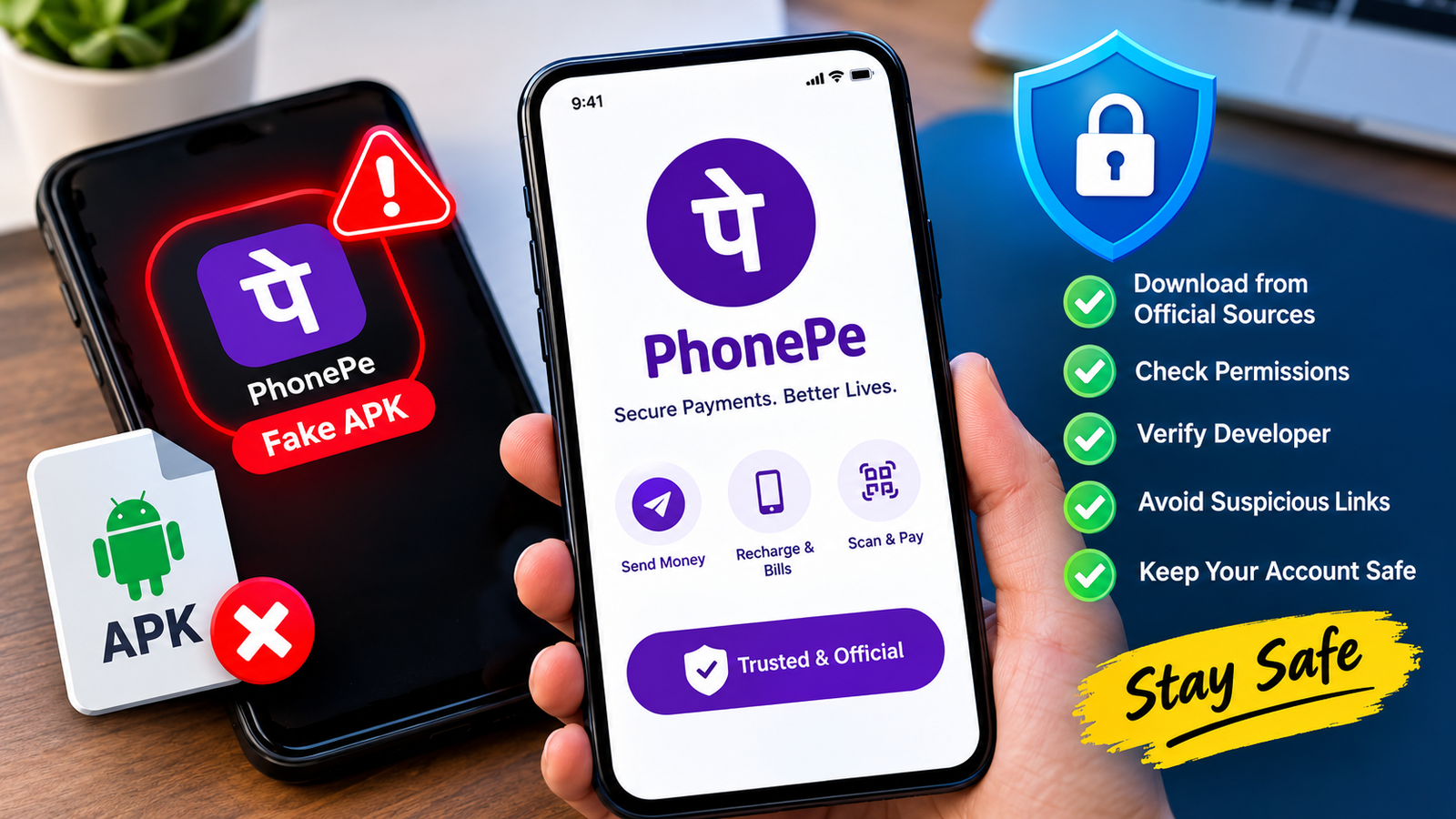
Fake PhonePe APK: How to Identify Fake Apps and Stay Safe
PhonePe is a popular digital payment app in India, used for sending money, paying bills, recharging mobile phones, and making online purchases. Because digital payments are so common, scammers sometimes create fake apps that imitate PhonePe’s appearance to trick people into believing they have received money or completed a transaction.
Searching for a fake PhonePe APK can lead users to modified applications, imitation payment interfaces, or suspicious downloads. Some of these apps are designed to display misleading payment confirmations, while others may attempt to steal personal information or misuse sensitive permissions.
Understanding how these fake applications work is important for anyone who uses digital payments. Whether you want to verify a PhonePe APK, recognize a fake payment screenshot, or protect your phone from suspicious software, this guide explains the warning signs and the practical steps you can take to stay safe.
What Is a Fake PhonePe APK?
An APK is an Android application package used to install apps on Android devices. A fake PhonePe APK is an unofficial application that imitates the genuine PhonePe app or its payment interface.
Unlike the authentic application, a fake version may not connect to the actual payment system. Instead, it might display fabricated balances, transaction histories, or payment success messages.
Scammers may use these applications to deceive shopkeepers, online sellers, customers, or other individuals who rely on payment notifications as proof of payment.
Not every unofficial APK is necessarily malicious, but an application pretending to be a trusted financial service creates significant security risks.
Why Do Scammers Create Fake PhonePe Apps?
Fake payment applications are often designed to exploit trust and encourage people to act before verifying a transaction.
Here are some common reasons scammers create them:
- Fake payment confirmations: To make a recipient believe money has been transferred when no real transaction occurred.
- Fraudulent online purchases: To convince sellers to release products without receiving payment.
- Personal information theft: To collect sensitive information through deceptive screens or unsafe permissions.
- Impersonation: To make an unofficial application appear similar to the genuine PhonePe app.
- Social engineering: To pressure victims into trusting a payment message, screenshot, or notification.
The exact behavior depends on the application. Some fake apps primarily imitate a payment interface, while others may contain more dangerous functionality.
7 Warning Signs of a Fake PhonePe APK
Recognizing suspicious applications before installing them can help prevent financial loss and privacy problems.
1. The APK Comes From an Unknown Website
One of the biggest warning signs is an APK shared through an unfamiliar website, random download page, messaging group, or file-sharing link.
Scammers can create convincing pages that use familiar branding and misleading descriptions. A professional-looking website does not guarantee that its downloads are legitimate.
Always look for the official PhonePe website or its verified app-store listing rather than relying on links shared by strangers.
2. The App Promises Fake Payment Features
Be cautious of applications advertised as tools for generating payment receipts, creating instant payment confirmations, or showing transactions that never happened.
A displayed success message is not proof that money has reached your account. Never trust an app simply because its interface looks convincing.
If you receive a payment, verify it independently through your genuine payment application or bank account.
3. The App Requests Unnecessary Permissions
A suspicious application may request access that does not make sense for its advertised purpose.
Examples of permissions that deserve careful examination include:
- Accessibility access that could allow extensive interaction with the device.
- SMS access that could expose sensitive messages or verification codes.
- Notification access that could reveal private payment alerts.
- Screen-recording or screen-sharing capabilities that could expose confidential information.
- Contacts, files, or other personal data without a clear reason.
Permission requirements vary by app and Android version. A single permission does not automatically prove an application is fake, but unexplained requests should raise concerns.
4. The App Name or Developer Information Looks Wrong
Fraudulent developers may use similar names, copied logos, or misleading descriptions to make an application appear authentic.
Check the developer identity, app-store listing, official website, and available support information. Be especially careful with APK files that have no trustworthy source or verifiable publisher information.
Remember that an icon and app name can be copied easily.
5. The App Displays Transactions That Cannot Be Verified
A fake payment interface might display a successful transaction even when no money has moved.
For example, a customer could show a seller a payment confirmation screen and ask to collect a product immediately. The seller may assume the payment is complete without checking their own account.
Always verify the actual incoming payment independently. Do not rely exclusively on another person’s phone, screenshot, notification, or recorded video.
6. The App Behaves Unusually After Installation
Unexpected behavior may indicate that an application is unsafe or malfunctioning.
Watch for signs such as:
- Frequent pop-up advertisements.
- Unexpected redirects to unfamiliar websites.
- Unexplained permission requests.
- Unusual battery consumption or background activity.
- Attempts to install additional applications.
- Suspicious login prompts asking for sensitive information.
These symptoms are not conclusive evidence of malware, but they justify further investigation.
7. The Download Page Makes Unrealistic Claims
Be cautious of pages promising guaranteed payment generation, unlimited balances, instant money, or other features that seem inconsistent with a legitimate payment service.
Fraudulent download pages may also use countdown timers, fake reviews, or exaggerated claims to create urgency.
Avoid downloading financial applications from sources that pressure you to act quickly or discourage independent verification.
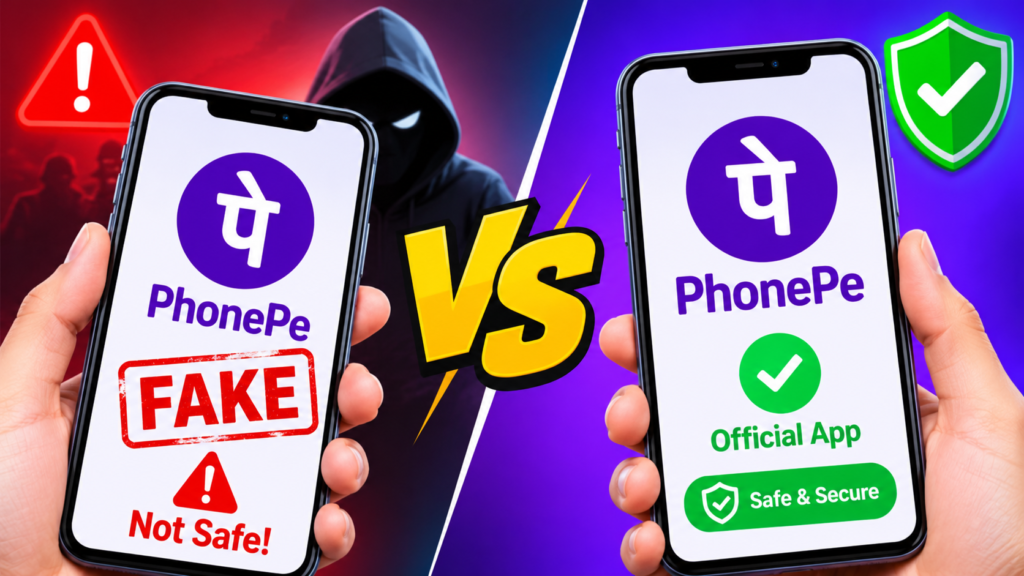
Fake PhonePe APK vs. Official PhonePe App
The following table highlights important differences between a genuine payment application and a suspicious imitation.
| Feature | Official PhonePe app | Fake PhonePe APK |
|---|---|---|
| Download source | Verified official listing or trusted official source | Often an unknown website or shared file |
| Developer identity | Verifiable official publisher | May be misleading or unverifiable |
| Payment verification | Transactions can be checked through genuine payment records | May display fabricated confirmations |
| Security updates | Distributed through official channels | Updates may be absent or untrustworthy |
| Permissions | Reviewable and related to app functionality | May request excessive or unexplained access |
| Trustworthiness | Use the verified application and official support | Treat as untrusted until independently verified |
A fake application may look almost identical to the genuine app. Visual appearance alone is not a reliable way to determine authenticity.
How to Check Whether a PhonePe APK Is Genuine
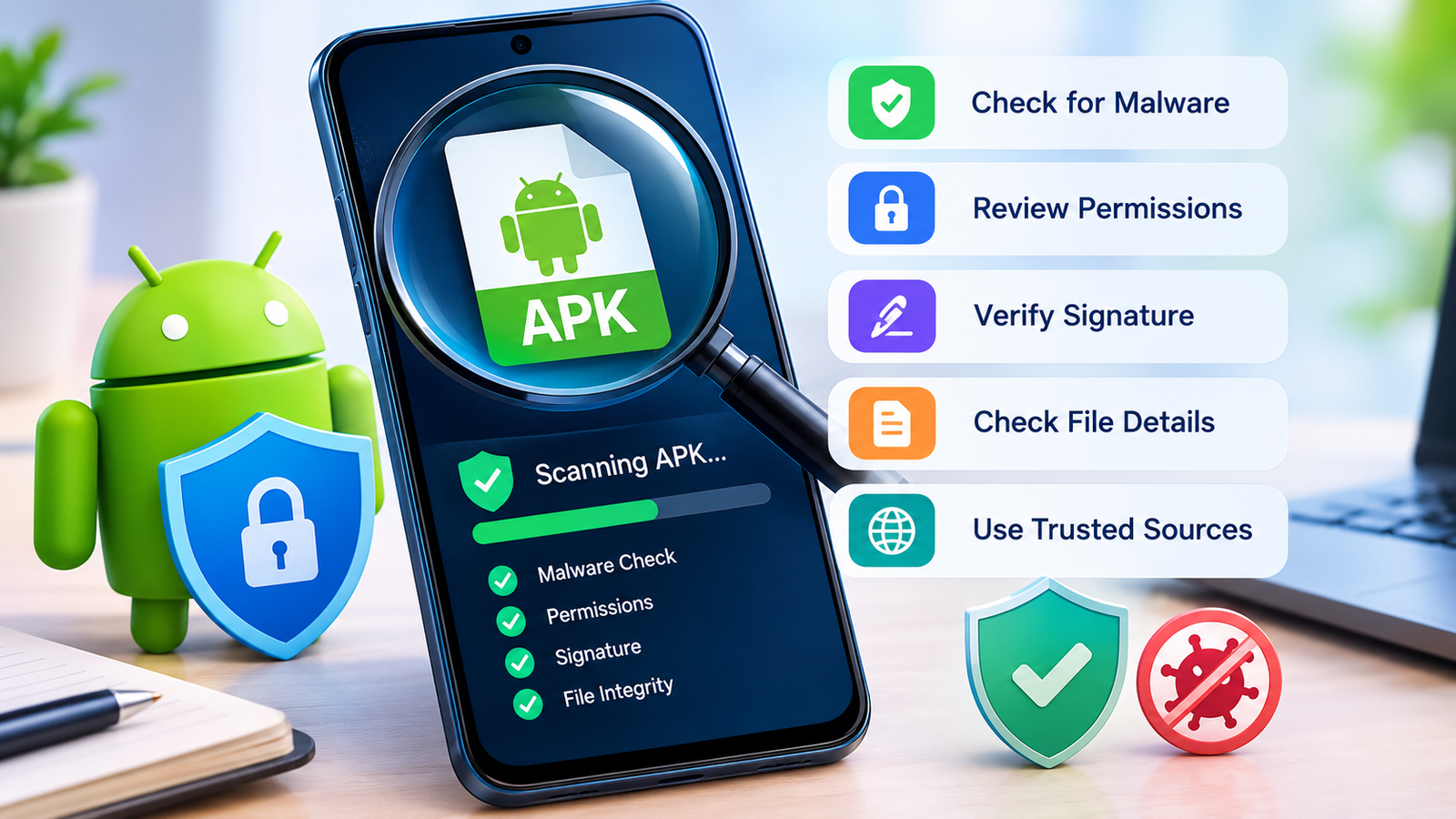
If you have downloaded an APK and want to determine whether it is legitimate, follow these precautions before opening or installing it.
Step 1: Verify the Download Source
Start by identifying where the file came from.
Visit PhonePe’s official website at https://www.phonepe.com/ and follow its official app-download instructions. You can also search for PhonePe through the Google Play Store and verify the publisher before installing it.
Avoid third-party download pages that imitate official branding or make unsupported claims about modified versions.
Step 2: Check the Developer and App Details
Review the developer name, application description, support details, and update information available through the official listing.
Do not assume that matching names, icons, or screenshots establish authenticity. Those elements can be copied by anyone.
Step 3: Examine the File Carefully
Check the APK’s filename, file size, version information, and source. Unexpected differences may warrant caution, although these details alone cannot establish whether an application is genuine.
More advanced users can inspect an APK’s package name, digital signature, and certificate information. The results should be compared with information obtained from a trusted official source. A valid signature alone does not guarantee that an application is safe.
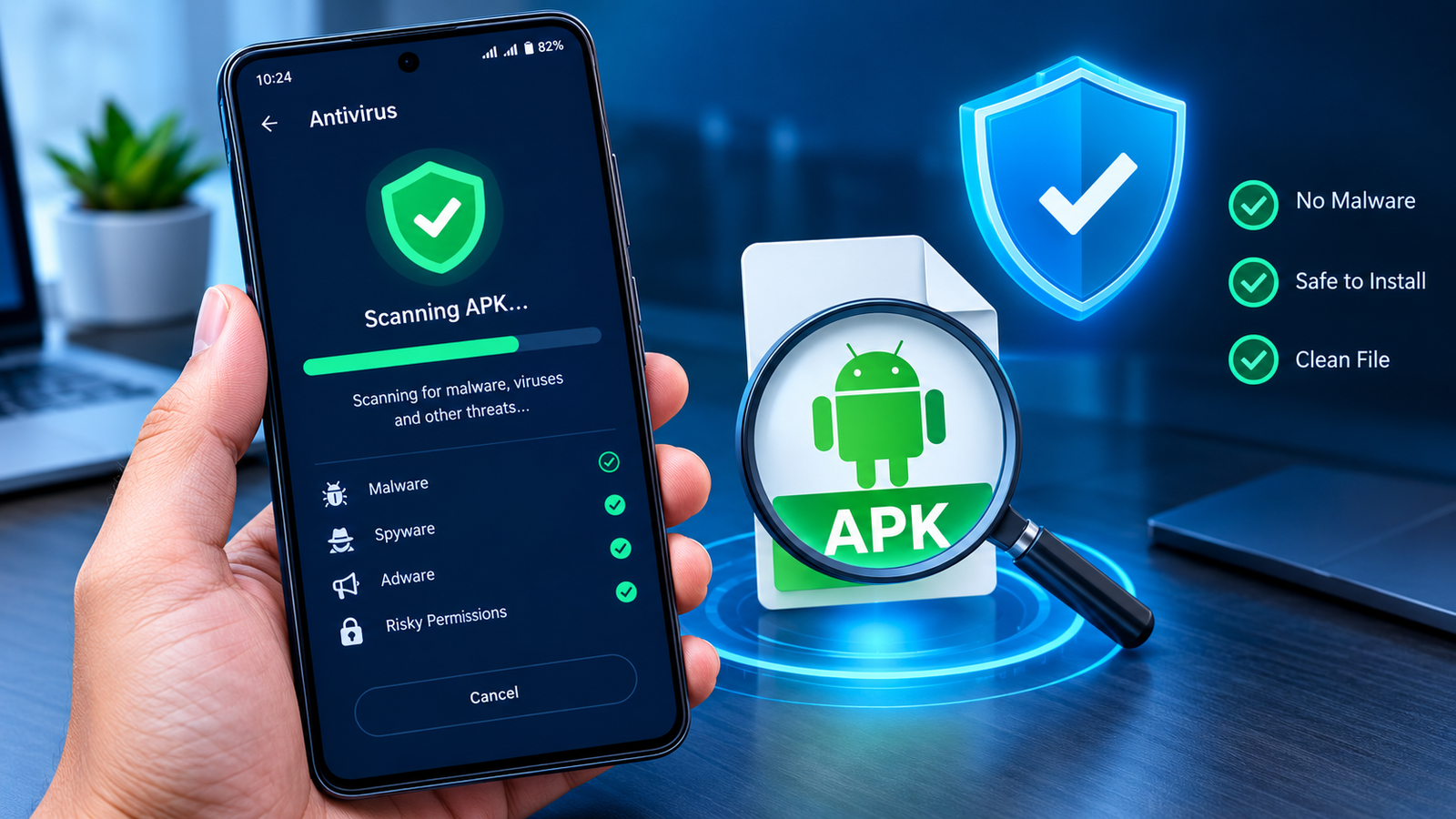
Step 4: Use Android Security Features
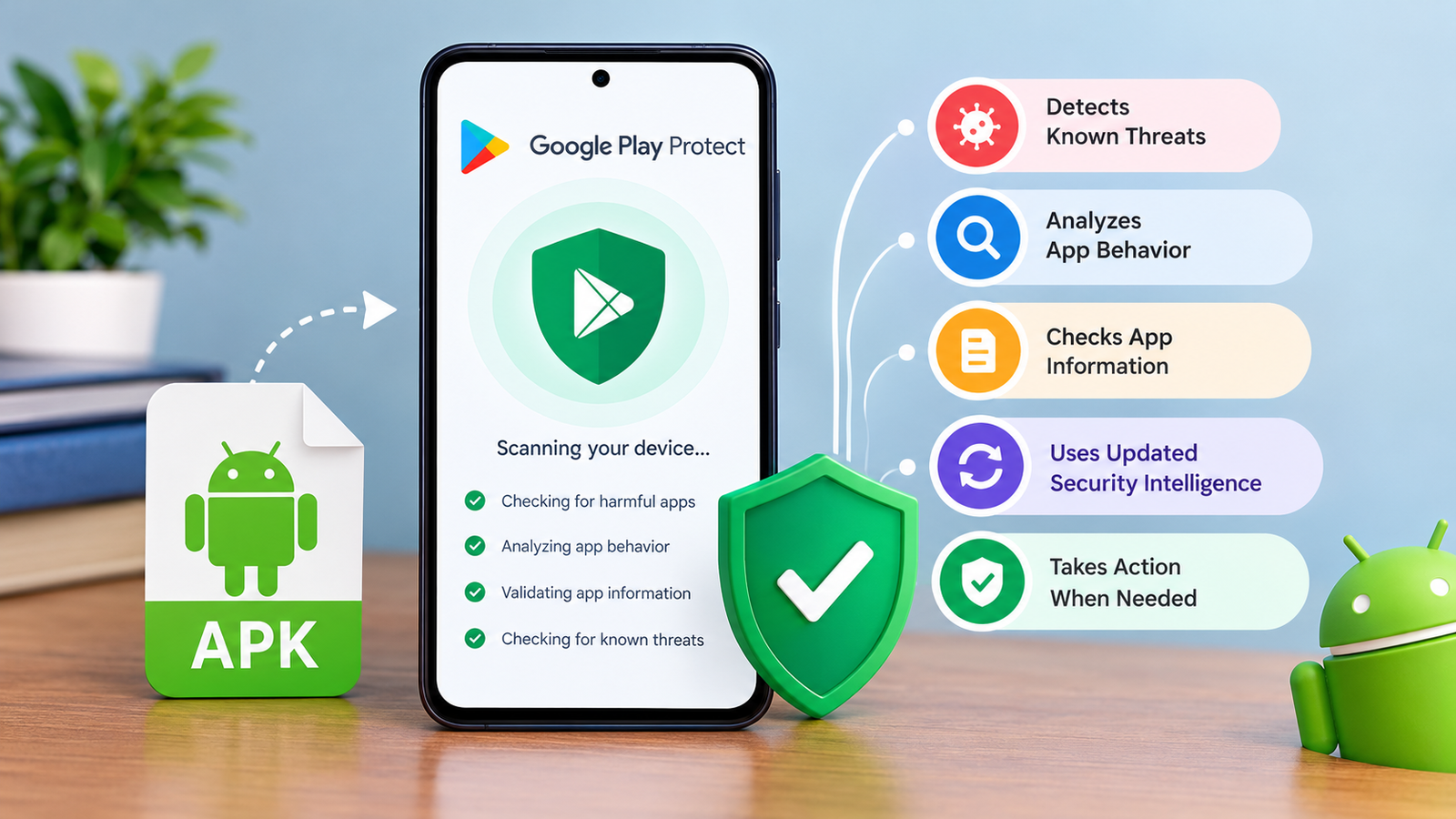
Keep Google Play Protect enabled and allow it to scan applications when prompted. Play Protect can identify many known threats and potentially harmful applications, but no security scanner detects every malicious file.
Do not ignore a security warning just because a website claims its APK is safe.
Step 5: Avoid Installing Suspicious Files
If you cannot verify the file’s authenticity, the safest option is not to install it.
Delete suspicious downloads and obtain the genuine application from a trusted official source instead.
How to Protect Yourself From Fake PhonePe Payment Screenshots
Fake payment screenshots and imitation transaction interfaces can be particularly dangerous for shopkeepers, delivery workers, freelancers, and online sellers.
Use these precautions whenever someone claims to have sent you money.
- Check your own account: Open the genuine payment application or check your bank account independently.
- Wait for confirmation: Do not hand over goods until the payment is actually reflected in your account.
- Verify the transaction details: Check the amount, transaction status, and available reference information.
- Ignore screenshots as proof: Images can be edited or generated using imitation interfaces.
- Never share OTPs or PINs: A person does not need your secret payment PIN to send you money.
- Be cautious of urgency: Scammers may insist that you act immediately or claim that a delayed payment is normal.
A notification or success screen displayed on someone else’s device should never replace independent payment verification.
What to Do If You Have Installed a Fake PhonePe APK
If you suspect that you installed a fraudulent payment application, act promptly. The appropriate response depends on whether you only installed the file or also entered sensitive information.
1. Stop Using the Suspicious App
Do not enter your payment PIN, banking credentials, passwords, or verification codes into the application.
Avoid making transactions through it until you have established that the app is legitimate.
2. Remove Suspicious Permissions
Open your Android settings and review the application’s permissions. Pay particular attention to Accessibility, notification access, device administrator access, and permission to install unknown applications.
Disable suspicious access before attempting to uninstall the app if you can do so safely.
3. Uninstall the Application
Go to Settings, open Apps, select the suspicious application, and choose Uninstall.
Menu names vary between Android manufacturers. If the application cannot be removed, review its special access settings and seek help from a trusted device-security professional.
Run Google Play Protect afterward and install available Android security updates.
4. Secure Your Financial Accounts
If you entered sensitive credentials or suspect that the application accessed private information, contact your bank and PhonePe through their official support channels.
Depending on the situation, you may need to change compromised passwords, secure your email account, review recent transactions, or ask your bank to block affected payment access.
Never share your PIN or OTP with someone claiming to help you remove malware.
5. Report Unauthorized Transactions Immediately
If money has been lost, contact your bank or payment provider promptly and report the transaction through official channels.
In India, suspected cyber financial fraud can also be reported through the National Cyber Crime Reporting Portal at https://cybercrime.gov.in/ or the national cybercrime helpline at 1930.
Preserve relevant transaction references, messages, screenshots, and other evidence. Do not delay reporting while trying to investigate the suspicious app yourself.
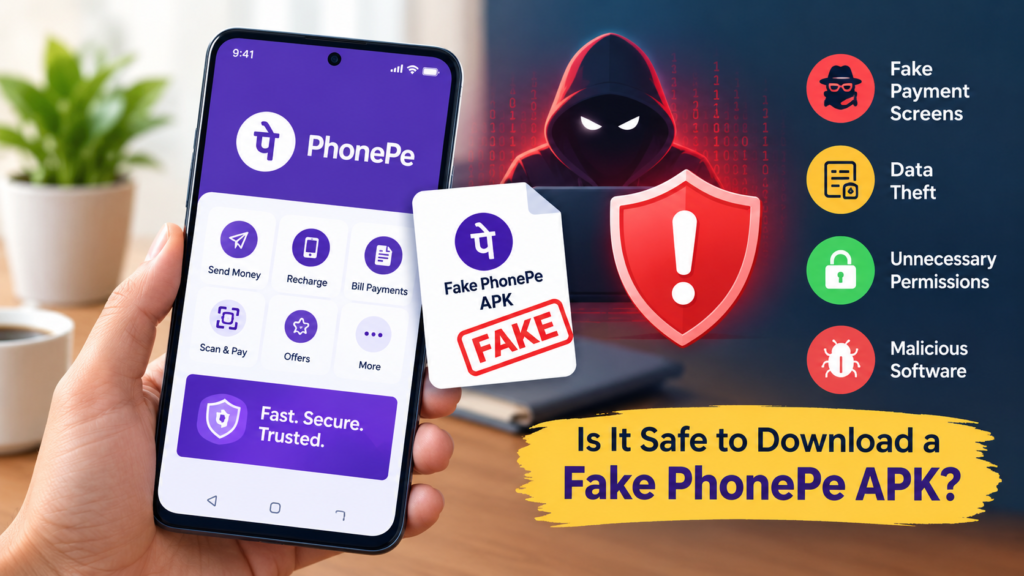
Is It Safe to Download a Fake PhonePe APK?
No. A fake PhonePe APK should not be considered safe because it imitates a familiar payment application.
Depending on its design, it could mislead users about payments, expose sensitive information, or contain malicious functionality. Even an imitation that only displays false transaction confirmations can cause serious financial harm.
If your goal is to use PhonePe for legitimate payments, download the official application from a verified source. If you are researching fake payment apps for security awareness, use reputable educational resources rather than installing unknown financial software on your everyday phone.
Frequently Asked Questions (FAQs)
1. What is a fake PhonePe APK?
A fake PhonePe APK is an unofficial Android application that imitates the genuine PhonePe app or its payment interface. It may display misleading transaction information, attempt to collect private data, or perform other deceptive activities.
2. How can I identify a fake PhonePe app?
Check the download source, developer information, app permissions, and official listing. Be suspicious of applications that promise fake payment confirmations or request unnecessary access. Never rely on the app icon or interface alone.
3. Can a fake PhonePe APK show a successful payment?
Yes. An imitation application may display a fabricated payment-success screen without transferring any money. Always verify incoming funds through your own genuine payment application or bank account.
4. Can a fake PhonePe APK steal personal information?
It may, depending on its functionality and permissions. A malicious application could attempt to collect sensitive information or abuse access to messages, notifications, or other device features. Avoid entering confidential details into unverified applications.
5. What should I do if I downloaded a fake PhonePe APK?
Do not install or open the file. If you have already installed it, review its permissions, uninstall it, scan your device, and secure any potentially exposed accounts. Contact your bank immediately if you suspect financial information has been compromised.
6. Where should I download the genuine PhonePe app?
Use the official PhonePe website at https://www.phonepe.com/ or find the verified PhonePe listing in the Google Play Store. Check the publisher carefully before installing an application.
Final Thoughts
Fake PhonePe APKs demonstrate how easily scammers can misuse familiar payment interfaces to deceive unsuspecting users. A convincing logo, payment notification, or successful transaction screen does not prove that an application is genuine or that money has reached your account.
The best protection is to download payment applications only from verified sources, review unexpected permissions, keep Android security features enabled, and confirm every incoming payment independently.
Also Read: Daraz: Online Shopping Guide 9 Smart Tips for Finding the Best Deals in Pakistan











1 comment