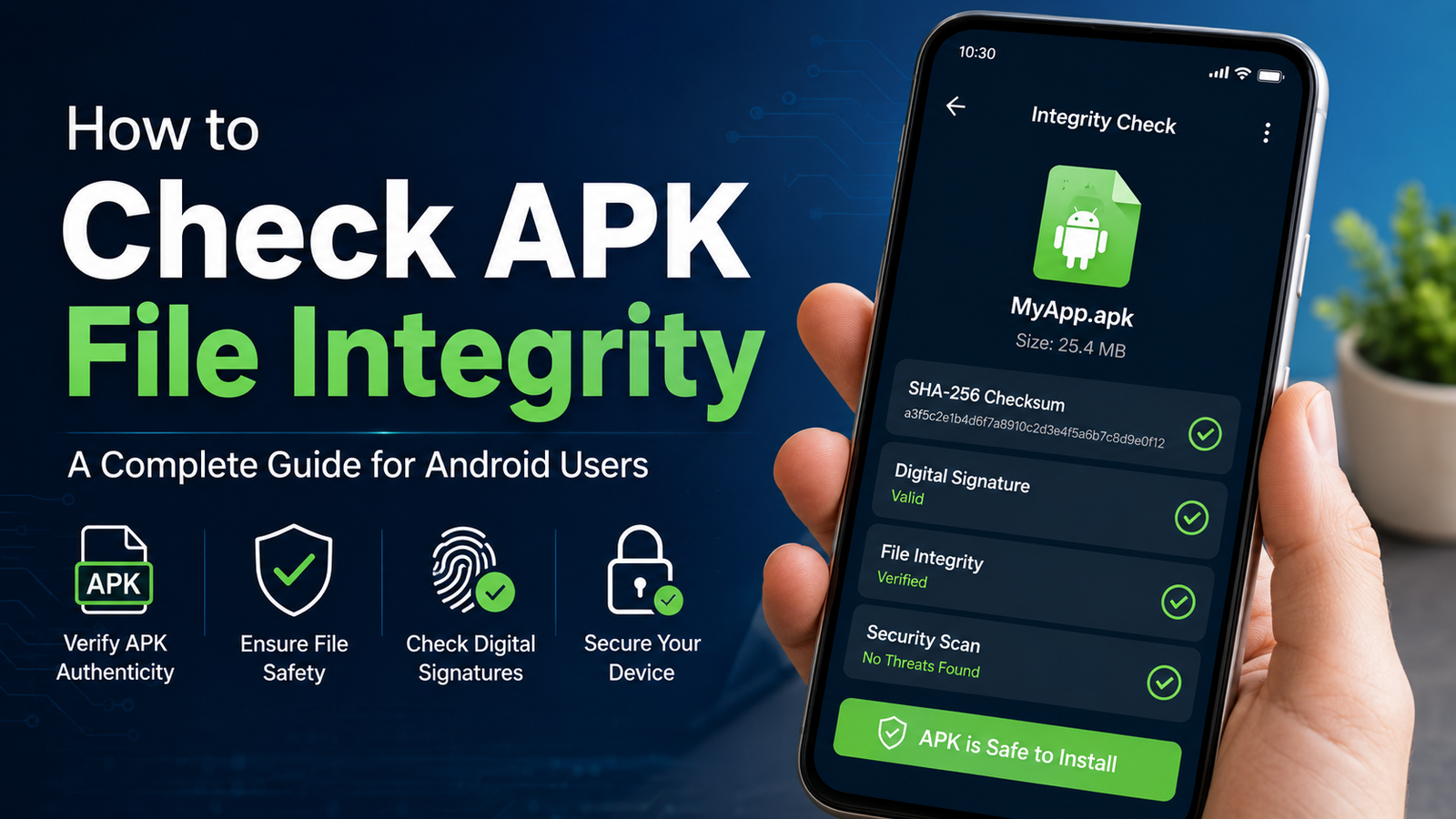
How to Check APK File Integrity: A Complete Guide for Android Users
Downloading an APK file from outside the Google Play Store can be useful, but it also comes with an important responsibility: making sure the file has not been modified, corrupted, or replaced with something unsafe. Learning How to Check APK File Integrity can help you verify that an APK is the file you actually intended to install and reduce the risk of installing a tampered package.
APK integrity checks are especially useful when downloading apps from third-party websites, transferring APKs between devices, or installing older versions of Android applications. In this guide, you will learn what APK integrity means, why it matters, and several practical ways to verify an APK before installation.
What Is APK File Integrity?
APK file integrity refers to whether an Android application package remains unchanged from its original or trusted version.
An APK is essentially a package containing the files Android needs to install and run an application. If someone modifies that package, even a small change can affect its contents or behavior.
Integrity verification can help answer questions such as:
- Has the APK been changed after it was published?
- Was the file damaged during downloading or transfer?
- Does the APK match a trusted version?
- Is the application signed with the expected certificate?
- Are the downloaded files identical to the files provided by a trusted source?
It is important to understand that an integrity check is not automatically a complete security guarantee. A modified APK can sometimes be properly signed with a different certificate, while a malicious application can also be distributed legitimately by an untrusted source.
Why Should You Check an APK Before Installing It?
Installing an APK without checking it can expose your device to unnecessary risks. Third-party APK files may be outdated, modified, repackaged, or distributed through unreliable websites.
Checking an APK first gives you another layer of confidence.
Some common reasons to verify an APK include:
- Preventing corrupted installations: A damaged download may fail during installation or behave unexpectedly.
- Detecting file changes: A checksum can reveal whether the file differs from a known original.
- Verifying the developer signature: Android application signing information can help identify the publisher associated with a package.
- Avoiding suspicious modifications: Unexpected certificates or package details can be warning signs.
- Confirming downloaded files: Integrity checks are useful after moving APKs between computers, phones, USB drives, or cloud storage.
For users who frequently download applications manually, verification should become part of the normal installation process.
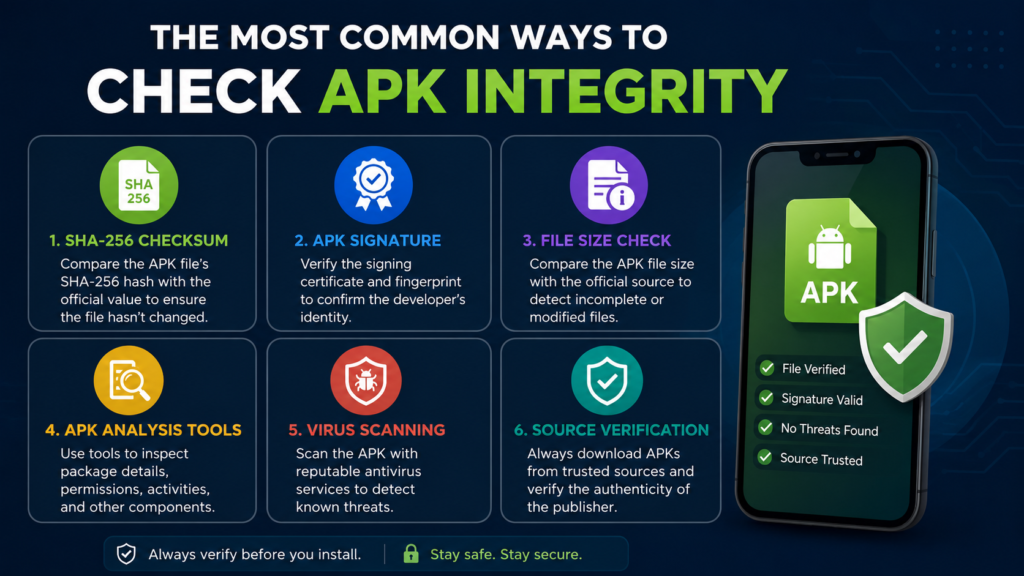
The Most Common Ways to Check APK Integrity
There is no single method that works for every situation. The best approach depends on what information you have available.
Here is a quick overview:
| Verification Method | What It Checks | Difficulty | Best Use |
|---|---|---|---|
| SHA-256 checksum | Exact file contents | Easy | Comparing with a trusted hash |
| APK signature | Signing certificate | Medium | Checking publisher identity |
| File size | Basic download consistency | Very Easy | Detecting obvious download problems |
| APK analysis tools | Package details and certificates | Medium | Detailed inspection |
| Virus scanning | Known security threats | Easy | Additional safety screening |
| Source verification | Download origin | Easy | Confirming website reliability |
Using more than one method is generally better than relying on a single check.
Check the APK Using a SHA-256 Hash
One of the most reliable ways to compare an APK with a known copy is to calculate its cryptographic hash.
A SHA-256 hash produces a long string of characters based on the exact contents of a file. If even a tiny part of the APK changes, the resulting hash should also change.
For example, a trusted website might publish a SHA-256 value for an APK. You download the same file and calculate its SHA-256 hash. If both values match exactly, the files have the same contents.
How to Calculate a SHA-256 Hash on Windows
Windows users can use PowerShell without installing additional software.
Open PowerShell and run:
Replace the path with the actual location of your APK.
You will receive a SHA-256 hash. Compare it character by character with the hash provided by your trusted source.
How to Check a Hash on Linux or macOS
On many Linux distributions and macOS systems, the following command can be used:
Linux users may also have access to:
Again, the important part is an exact match.
A matching hash confirms that the two files are identical. However, it does not prove that the APK itself is safe if the original file came from an untrustworthy source.
Verify the APK Signature
Android applications use digital signing to establish a relationship between an APK and its signing certificate.
Signature verification is different from a checksum.
A checksum tells you whether two files have identical contents. A signature helps you determine whether an APK was signed using the expected cryptographic identity.
This distinction matters when checking an application downloaded from somewhere other than its official distribution channel.
You can inspect APK signing information with Android development tools or dedicated APK analysis utilities. Depending on the APK format and signing scheme, different signing information may be available.
If you are comparing an APK with an official release, look for consistency in:
- Certificate information
- Certificate fingerprints
- Signer details
- Package name
- Version information
A certificate mismatch deserves attention, especially when you expected the APK to come from the same developer.
Compare the APK Package Name
The package name is another useful detail to inspect.
For example, an application may have a package identifier such as:
The package name alone cannot prove that an APK is legitimate, because package information can be misleading or manipulated. However, it can help you identify obvious inconsistencies.
Before installing an APK, compare its:
- Package name
- Application name
- Version number
- Version code
- Developer information
- Requested permissions
If these details are significantly different from the information associated with the official application, investigate further before proceeding.
Check the APK File Size
File size is not a cryptographic integrity test, but it can still be useful.
Suppose a trusted source says an APK is approximately 80 MB, but your downloaded file is only 3 MB. That difference does not automatically mean the APK is malicious, because different versions and packaging methods can have different sizes. Still, it is a reason to double-check the download.
Similarly, an unusually large file compared with the expected release may deserve investigation.
File size should therefore be treated as a quick screening step rather than proof of authenticity.
Scan the APK for Security Threats
Another useful step is scanning the APK with a reputable security service or antivirus solution.
Security scanners can sometimes detect:
- Known malware
- Suspicious code
- Potentially unwanted applications
- Previously identified malicious packages
- Known security signatures
However, no scanner can guarantee that an APK is completely safe.
A clean scan is best considered one part of a broader verification process. Combine it with source verification, hash comparison, and signature inspection when possible.
Inspect APK Contents Before Installation
An APK can be inspected because it is essentially a structured application package.
Specialized APK analysis tools can reveal information such as:
- AndroidManifest details
- Permissions
- Activities
- Services
- Receivers
- Certificates
- Native libraries
- Application resources
This can be particularly helpful when an APK is obtained from a third-party source.
Pay attention to permissions that appear unrelated to the application’s purpose. For example, a simple utility app requesting extensive access to sensitive device features may warrant additional investigation.
Permissions alone do not prove that an application is malicious, but unexpected permissions can be a useful warning sign.
How to Check APK File Integrity Before Installation
If you regularly install APK files manually, follow a simple verification workflow instead of relying on a single test.
Step 1: Download From a Trusted Source
Start with the most reliable source available. Prefer the developer’s official distribution channel or a well-established APK repository with clear information about the application.
Avoid random download pages, suspicious redirects, and files shared through unknown sources.
Step 2: Record the File Details
Before installing, check the APK’s:
- File name
- File size
- Version
- Package name
- Source
- Download date
Keeping these details makes later comparisons easier.
Step 3: Calculate the SHA-256 Hash
Generate a SHA-256 checksum for the APK using your operating system or a trusted utility.
Compare it with a checksum published by a trustworthy source.
If the values do not match, stop and investigate instead of assuming the file is fine.
Step 4: Inspect the Signature
Check the APK’s signing certificate and compare it with information from a trusted release.
A certificate mismatch is particularly important when you are trying to verify that an APK came from the same developer.
Step 5: Scan the File
Use a reputable security scanner as an additional layer of protection.
Do not treat a clean result as absolute proof of safety.
Step 6: Review Permissions and Package Information
Look at the application’s permissions and package details. Check whether they make sense for the app you are downloading.
Step 7: Install Only After Verification
Once the file passes your checks and comes from a trustworthy source, you can decide whether installation is appropriate.
What If the APK Hash Does Not Match?
A different hash does not always mean the APK contains malware.
There are several possible explanations:
- You downloaded a different version.
- The publisher released an updated build.
- The APK was repackaged.
- The file was modified.
- The download was corrupted.
- The source provided incorrect hash information.
- You compared hashes from different releases.
The safest response is to avoid installing the file until you understand the difference.
Download the APK again from the trusted source and compare the new hash. If it still does not match the expected value, investigate the release details or use another trusted source.
Hash Verification vs Signature Verification
These two methods are often confused, but they answer different questions.
A hash comparison asks:
A signature check asks:
Both can be valuable.
For example, if you have an official APK and a downloaded APK, comparing SHA-256 hashes can establish whether their contents are identical. Signature verification can provide additional evidence about the application’s signing identity.
Using both methods gives you a stronger verification process than relying on either one alone.
Common Mistakes to Avoid When Verifying APKs
Even users who understand APK security can make simple verification mistakes.
Avoid these common errors:
- Comparing the wrong versions: Always make sure the APK releases are identical before comparing hashes.
- Ignoring certificate changes: A signature difference can be significant.
- Trusting file names: A convincing APK name does not prove authenticity.
- Relying only on antivirus scans: Security scanners are helpful but not infallible.
- Downloading from unknown websites: The source matters as much as the file.
- Ignoring permissions: Unexpected access requirements deserve investigation.
- Installing first and checking later: Verification is more useful before installation.
- Using hashes from questionable sources: A checksum is only useful when the reference value itself can be trusted.
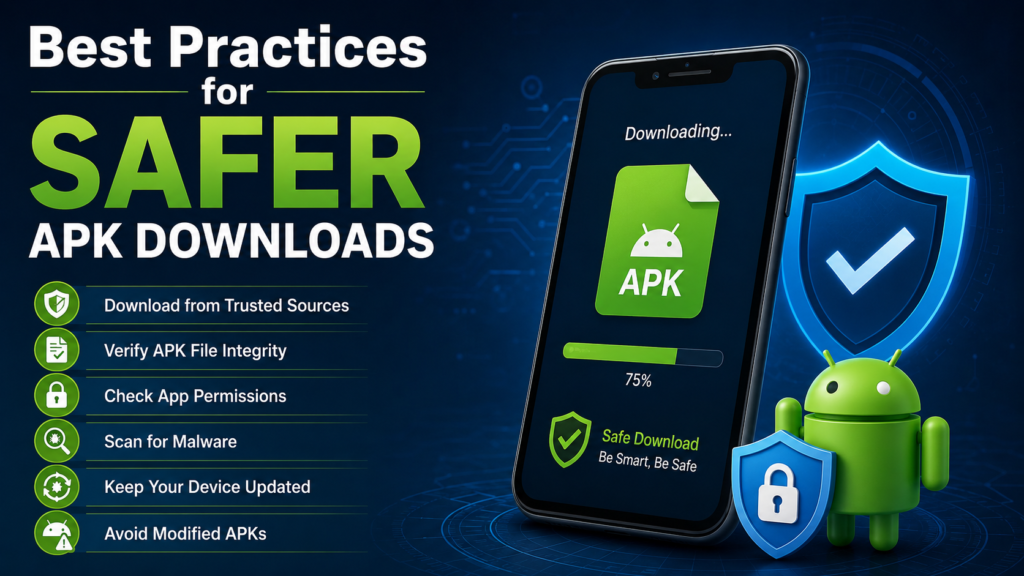
Best Practices for Safer APK Downloads
A few habits can make manual APK installation considerably safer.
Always try to:
- Download from reputable sources.
- Keep Android and security software updated.
- Check application versions before installation.
- Verify hashes when trusted checksum information is available.
- Inspect signing certificates when authenticity matters.
- Scan suspicious or unfamiliar files.
- Avoid modified APKs when you need the official application.
- Keep backups of important data.
- Uninstall applications that behave unexpectedly.
- Pay attention to unusual permissions or device behavior.
No single security measure is perfect. Layering several simple checks is usually more effective.
Frequently Asked Questions
Is checking an APK hash enough to prove it is safe?
No. A matching hash proves that your file has the same contents as the trusted reference file. It does not prove that the original APK is completely safe. Source reputation, signatures, permissions, and security scanning can provide additional context.
Can I check an APK without installing it?
Yes. You can inspect an APK’s hash, signature, package information, permissions, and other metadata without installing it. This is actually preferable when you are uncertain about the file.
What is the best hash for APK verification?
SHA-256 is a common choice because it provides a strong cryptographic fingerprint for comparing files. The important point is that the reference hash must come from a trustworthy source.
What does an APK signature tell me?
An APK signature provides information about the cryptographic identity used to sign the application. Comparing certificate fingerprints with a trusted release can help identify whether the APK is associated with the expected signing identity.
Can a modified APK have a valid signature?
A modified APK can be signed again with a different certificate. Therefore, simply finding that an APK has a signature does not automatically mean it is an authentic release from the expected developer. The signing identity needs to be considered.
Should I install an APK if the hash does not match?
It is better not to install it until you understand why the hash differs. Confirm that you are comparing the same application version and that the reference checksum comes from a trustworthy source.
Final Thoughts
Knowing How to Check APK File Integrity is a valuable skill for anyone who installs Android applications manually. A few minutes of verification can help you identify corrupted downloads, unexpected modifications, mismatched releases, and other warning signs before an APK reaches your device.
Also Read: What Is an APKS File on Android: Complete Guide for Android Users














1 comment