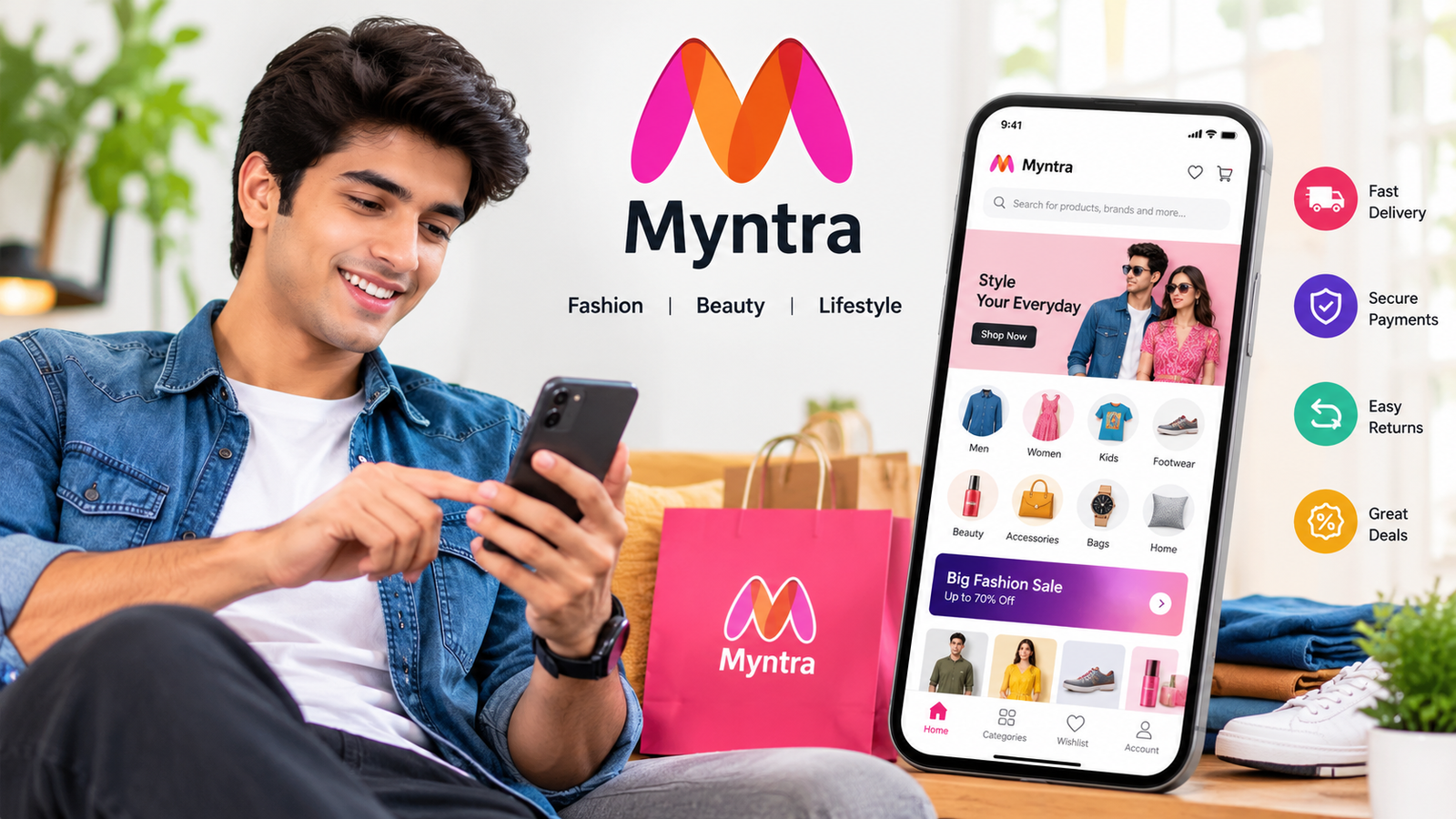
Myntra App: Features, Benefits, Shopping Tips, and How to Use It
Online shopping has become a convenient way to discover new fashion trends, compare prices, and purchase clothing without visiting physical stores. Among India’s popular fashion shopping platforms, the Myntra app stands out for its wide selection of apparel, footwear, beauty products, and accessories. Whether you want everyday clothing, stylish outfits for special occasions, or the latest fashion trends, the app provides a convenient way to explore different options from your smartphone.
The Myntra app is designed to make fashion shopping easier by bringing products from various brands into one place. Users can browse collections, check product details, compare prices, apply eligible discounts, and track their orders through the app.
In this guide, you will learn what the Myntra app is, its main features, how to download and use it, its advantages, and important tips for shopping safely. This information can help you decide whether Myntra is the right platform for your fashion needs.
What Is the Myntra App?
The Myntra app is a mobile shopping application focused primarily on fashion, lifestyle products, and beauty items. It allows customers to shop for products from different brands using an Android smartphone or an iPhone.
Instead of visiting multiple websites to find clothing and accessories, users can explore a large collection through one platform. The app includes products for men, women, and children, along with footwear, bags, watches, and personal care items.
Myntra also provides tools that make the shopping process more convenient. Customers can search for specific products, filter results by size or price, read customer reviews, and save interesting items to their wishlists.
The platform is particularly useful for people who prefer shopping online and want access to different styles and brands from one place.
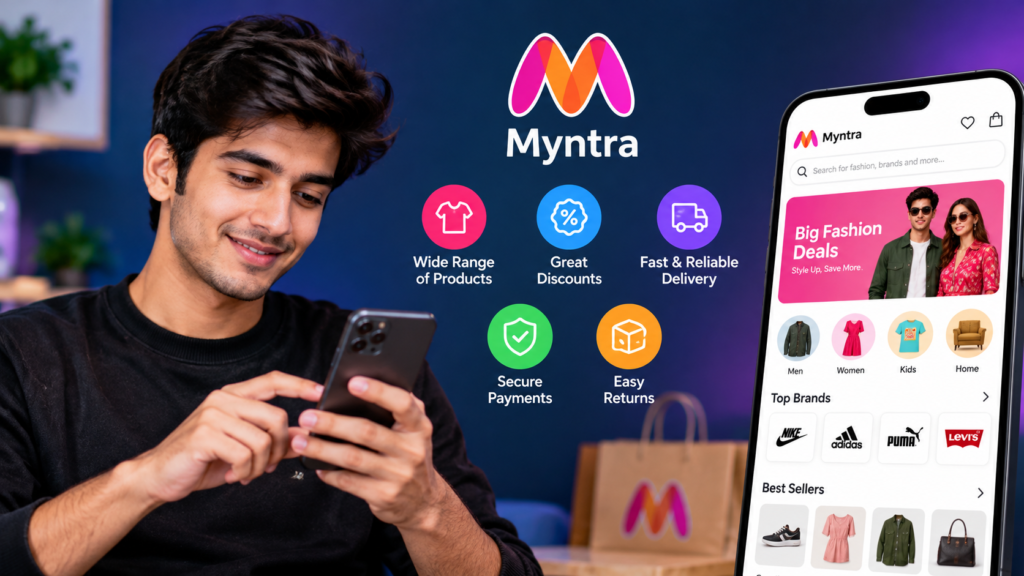
Key Features of the
App
The Myntra app offers several features intended to simplify online fashion shopping. Understanding these features can help you make better purchasing decisions.Key Features of the Myntra App
1. Wide Range of Fashion Products
One of the main attractions of the Myntra app is its extensive product selection. Depending on availability, users can find:
- Men’s shirts, jeans, trousers, and jackets
- Women’s dresses, tops, ethnic wear, and footwear
- Children’s clothing and accessories
- Sneakers, sandals, heels, and formal shoes
- Handbags, backpacks, watches, and fashion accessories
- Beauty, skincare, and personal care products
- Sportswear, activewear, and casual clothing
Having multiple product categories in one application makes it easier to browse different items without switching between shopping platforms.
2. Products From Different Brands
Myntra features products from various fashion and lifestyle brands. This gives customers the opportunity to compare different designs, materials, and prices before making a purchase.
You can explore budget-friendly clothing, everyday essentials, premium fashion products, and selected designer collections, depending on the brands available.
Before purchasing an item, check the product description, seller information where available, customer feedback, and applicable return conditions.
3. Search and Filtering Options
Finding the right product becomes easier when an app offers useful search and filtering tools.
The Myntra app allows users to search for specific items and narrow down results using available filters. These may include:
- Brand
- Price range
- Size
- Colour
- Discount
- Customer rating
- Product category
- Style or occasion
For example, if you are searching for black running shoes within a particular budget, you can use relevant filters to reduce the number of products displayed.
This saves time and makes it easier to find products that match your preferences.
4. Discounts, Deals, and Special Offers
The Myntra app may feature seasonal sales, brand promotions, coupon codes, and limited-time discounts. These offers can help shoppers save money when purchasing eligible products.
However, not every product qualifies for every promotion. Some discounts may require a minimum order value or apply only to selected brands and categories.
Before placing an order, compare the final checkout price rather than relying only on the advertised discount percentage. Also review any delivery charges or other applicable fees.
5. Wishlist and Shopping Bag
The wishlist feature allows users to save products they may want to purchase later. It is useful when comparing clothing options or waiting for a suitable price.
The shopping bag, on the other hand, stores items you intend to order. You can review your selections, check sizes and quantities, and remove unwanted products before checkout.
Using these features can make shopping more organized, especially when comparing multiple products.
6. Order Tracking and Delivery Updates
After placing an order, customers can use the app to check its status and view available delivery updates.
Depending on the order and location, tracking information may show whether an item is being processed, shipped, or out for delivery.
Delivery estimates can vary based on the product, destination, logistics arrangements, and other factors. Check the estimated delivery date displayed for your particular order.
7. Customer Reviews and Product Details
Product photographs can help you understand how an item looks, but they do not always show how it fits or feels in real life.
Customer reviews provide additional information about sizing, material quality, comfort, colour accuracy, and overall satisfaction.
Before purchasing clothing or footwear, consider checking:
- The size chart and measurements
- Fabric or material information
- Customer photographs, when available
- Recent reviews from verified purchasers, where identified
- Product-specific return and exchange conditions
These simple checks can reduce the chances of choosing an unsuitable product.
How to Download the Myntra App
The safest way to download the Myntra app is through an official app store or a download link provided by Myntra’s official website.
For Android Users
Follow these steps to install the app:
- Open the Google Play Store on your Android phone.
- Search for “Myntra.”
- Check the app name and publisher details to confirm you have found the official application.
- Open the app’s listing and review its information.
- Tap Install.
- Wait for the installation to finish.
- Open the app and follow the on-screen instructions.
Make sure your phone has sufficient storage space and a stable internet connection.
For iPhone Users
iPhone users can follow a similar process:
- Open the Apple App Store.
- Search for the Myntra app.
- Verify the application details.
- Tap the download or Get button.
- Authenticate the download if requested.
- Open the app after installation.
The availability of the app and certain features may depend on your country, device, and account settings.
Safety tip: Avoid downloading unofficial APK files from unfamiliar websites. Such files may be modified, outdated, or contain unwanted software. The official app store is generally the preferred option for installation.
How to Use the Myntra App for Shopping
Once the application is installed, you can begin exploring its features.
Step 1: Open the App and Sign In
Launch the Myntra app and follow the available sign-in instructions. You may be asked to provide account details or verify your identity.
Use an account you control and never share verification codes or passwords with strangers.
Step 2: Browse or Search for Products
Explore the homepage to discover available collections, or use the search bar to find a particular item.
You can search for terms such as casual shirts, women’s handbags, running shoes, or ethnic wear. Specific searches usually make it easier to identify relevant products.
Step 3: Compare Products
Open product pages and review their photographs, descriptions, available sizes, prices, and customer feedback.
Do not select an item based solely on its discount. Consider whether the product meets your requirements and offers reasonable value for its price.
Step 4: Add Items to Your Shopping Bag
Choose the appropriate size, colour, or other available options. Add the product to your shopping bag and review your selection before proceeding.
For clothing, consult the size chart rather than assuming that the same size will fit identically across every brand.
Step 5: Apply Available Offers
Check whether any eligible coupons or promotions are available. Review the final price shown at checkout to understand the amount you will pay.
Make sure you understand any minimum spending requirements or other offer conditions.
Step 6: Complete Your Order
Enter or select your delivery address, choose an available payment method, and confirm the order details.
Before placing the order, double-check the product, size, quantity, delivery information, and total cost.
After the purchase, use the order section to review available tracking information.
Myntra App: Quick Overview
The following table summarizes the main aspects of the application.
| Feature | What It Offers |
|---|---|
| Main purpose | Online fashion and lifestyle shopping |
| Product categories | Clothing, footwear, accessories, beauty, and more |
| Brand selection | Products from multiple brands |
| Search tools | Product searches and available filters |
| Shopping convenience | Wishlist and shopping bag |
| Promotions | Eligible discounts, coupons, and sales |
| Order management | Order details and tracking updates |
| Device support | Android and iOS, subject to availability |
| Best suited for | People shopping for fashion and lifestyle products |
Features, offers, and product availability can change over time, so consult the current app listing and product pages for the latest information.
Advantages of Using the Myntra App
The Myntra app offers several potential benefits for people who prefer shopping online.
Convenience
You can browse products and place orders from home, at work, or while travelling. There is no need to visit multiple physical stores to compare different clothing styles.
More Choices
The availability of products from different brands makes it easier to explore a variety of designs, price ranges, and fashion categories.
Easier Price Comparison
Product listings allow you to compare prices and available discounts. This can help you identify options that fit your budget.
Helpful Shopping Tools
Search filters, wishlists, product reviews, and order tracking can make the overall shopping experience more manageable.
Access to Seasonal Collections
The app may showcase seasonal fashion, festive collections, and new arrivals, helping users discover styles for different occasions.
Despite these advantages, online shopping still has limitations. Product photographs may not fully represent colour or material, and the fit of clothing can vary between brands.
Disadvantages and Limitations of the Myntra App
Although the application can make shopping convenient, there are a few points to consider before relying on it for every purchase.
- Sizing differences: Clothing sizes may vary between brands and product types.
- Delivery delays: Estimated delivery dates are not always guaranteed.
- Product availability: Popular sizes, colours, or designs may sell out.
- Return conditions: Return and exchange eligibility can vary by item and order.
- Internet dependency: Browsing and purchasing generally require an internet connection.
- Unplanned spending: Frequent promotions may encourage unnecessary purchases.
To avoid disappointment, read product descriptions carefully, review the total price, and check the applicable return policy before ordering.
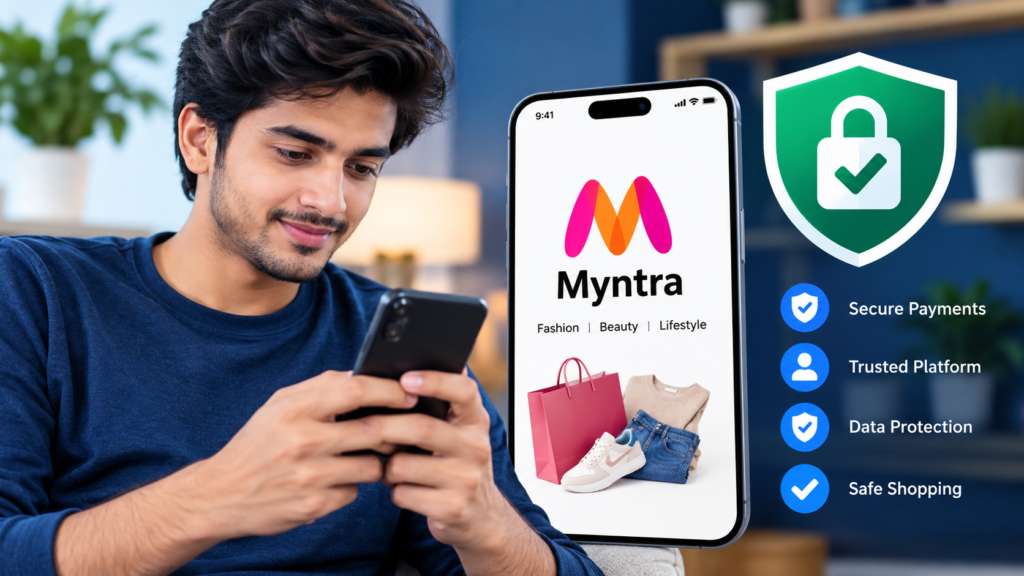
Is the Myntra App Safe to Use?
Using the official Myntra app obtained through a trusted source is generally a safer approach than installing an application from an unknown website. However, safe shopping also depends on how you protect your account and payment information.
Follow these precautions:
- Download the app from an official app store.
- Confirm that you are using the legitimate application.
- Never share passwords, PINs, or one-time verification codes.
- Review payment details before confirming an order.
- Avoid clicking suspicious links claiming to offer exclusive Myntra rewards.
- Check the return policy before buying expensive or size-sensitive items.
- Contact customer support through official channels if an order or payment appears suspicious.
Be especially cautious of messages claiming you have won a prize or must pay an unexpected fee to receive a refund. Verify such claims through official support instead of following links in unsolicited messages.
Tips to Get Better Value From the Myntra App
A few practical habits can help you shop more confidently and avoid unnecessary expenses.
Set a budget before browsing. Decide how much you want to spend and focus on products within that range.
Compare similar products. Check material, construction, ratings, and total cost instead of comparing discount percentages alone.
Read recent reviews. Feedback from other customers may reveal useful information about sizing, comfort, and durability.
Check return eligibility. Some products may have different return or exchange conditions. Confirm these details before purchasing.
Review the final checkout amount. Ensure that the selected products, coupons, and delivery details are correct.
Avoid impulse purchases. Add interesting products to your wishlist and revisit them later if you are unsure whether you need them.
These steps can help you make more informed shopping decisions without spending more than necessary.
Frequently Asked Questions (FAQs)
1. What is the Myntra app used for?
The Myntra app is used for online shopping, mainly for fashion and lifestyle products. Customers can browse clothing, footwear, accessories, beauty products, and items from various brands, depending on availability.
2. Is the Myntra app free to download?
Yes, downloading the official Myntra app is generally free. However, purchases made through the application require payment, and any applicable delivery charges or other fees depend on the order.
3. How can I download the Myntra app on Android?
Open the Google Play Store, search for Myntra, verify the official application details, and tap Install. Once the installation is complete, open the app and follow the setup instructions.
4. Can I track my order through the Myntra app?
Yes. The app provides order details and available tracking updates for purchases. Open the relevant order in your account to check its current status and estimated delivery information.
5. Can I return products purchased through the Myntra app?
Return or exchange options depend on the product, order, and applicable policy. Review the conditions shown on the product page or order details before making a purchase.
6. Is it safe to download the Myntra APK from third-party websites?
Third-party APK files may be modified, outdated, or unsafe. For better security, use the Google Play Store or another official distribution channel supported by Myntra instead of downloading APK files from unknown websites.
Final Thoughts
The Myntra app is a convenient option for people who want to explore fashion, footwear, accessories, and lifestyle products through their smartphones. Its product selection, search filters, customer reviews, shopping bag, and order tracking features can make online shopping easier and more organized.
However, getting the most from the app requires more than finding an attractive product or a large discount. Check sizes, compare prices, read customer feedback, and understand the applicable return conditions before placing an order.
Also Read: How to Compare APK File Hashes: A Complete Guide for Android Users













1 comment