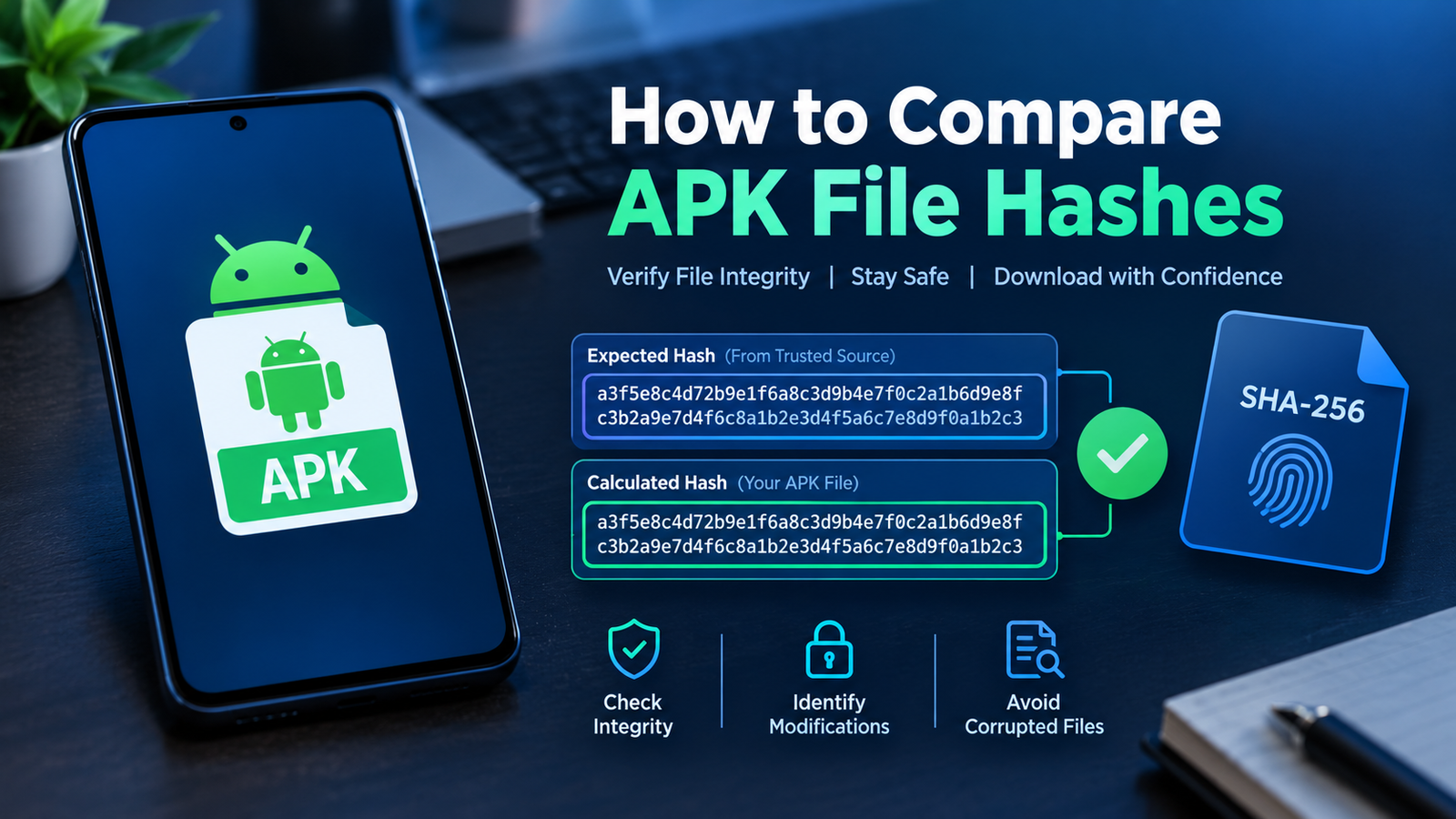
How to Compare APK File Hashes: A Complete Guide for Android Users
Downloading an APK file from the internet can be convenient, especially when an app is unavailable in your region or you need a specific version. However, before installing an APK, it is important to check whether the file matches the version provided by a trusted source. One useful way to do this is by comparing APK file hashes.
If you are wondering how to compare APK file hashes, the process is straightforward once you understand what a hash is, how to generate one, and where to find the original value for comparison. This method can help you identify unexpected file changes, incomplete downloads, and files that differ from an official release.
In this guide, you will learn how APK hashes work, which tools you can use, how to compare hash values on different devices, and what to do if the results do not match.
What Is an APK File Hash?
An APK file hash is a fixed-length string generated from the contents of an Android application package using a cryptographic hash algorithm. It works like a digital fingerprint for a particular file.
Even a small change to the APK can produce a completely different hash value. For example, if someone modifies the file or the download becomes corrupted, its calculated hash may no longer match the value published by a trusted source.
Common hash algorithms include:
- SHA-256: A widely used cryptographic hash algorithm suitable for checking file integrity.
- SHA-1: An older algorithm that may appear in legacy documentation but is not preferred for modern security checks.
- MD5: An older checksum algorithm that can detect accidental file changes but is not suitable for strong security verification.
For APK verification, SHA-256 is generally the best choice when a trusted reference value is available.
Why Should You Compare APK File Hashes?
Comparing hashes provides an additional way to check whether a downloaded APK matches a known reference file.
There are several reasons to perform this check before installing an Android application.
1. Check File Integrity
A download may be interrupted, corrupted, or altered during transfer. If the downloaded APK has a different hash from the expected file, you have a reason to investigate before installing it.
2. Identify Unexpected Modifications
Some APK files are modified to change app behavior, add features, or remove restrictions. Comparing the hash with a verified reference can reveal that the file is not identical to the expected release.
However, a hash mismatch alone does not prove that a file is malicious. The APK could simply be a different version or a legitimate build.
3. Verify a Specific APK Version
An app may have multiple releases for different Android versions, processors, or device configurations. Hash comparison can help confirm whether a downloaded file matches a particular release when the publisher provides its hash.
4. Improve Your APK Security Checks
Hash comparison is one part of a broader security process. You should also verify the download source, inspect the app’s requested permissions, and consider the APK’s digital signature.
Remember that a matching hash proves that the file matches the reference value. It does not automatically prove that the original file is safe.
What Do You Need Before Comparing APK Hashes?
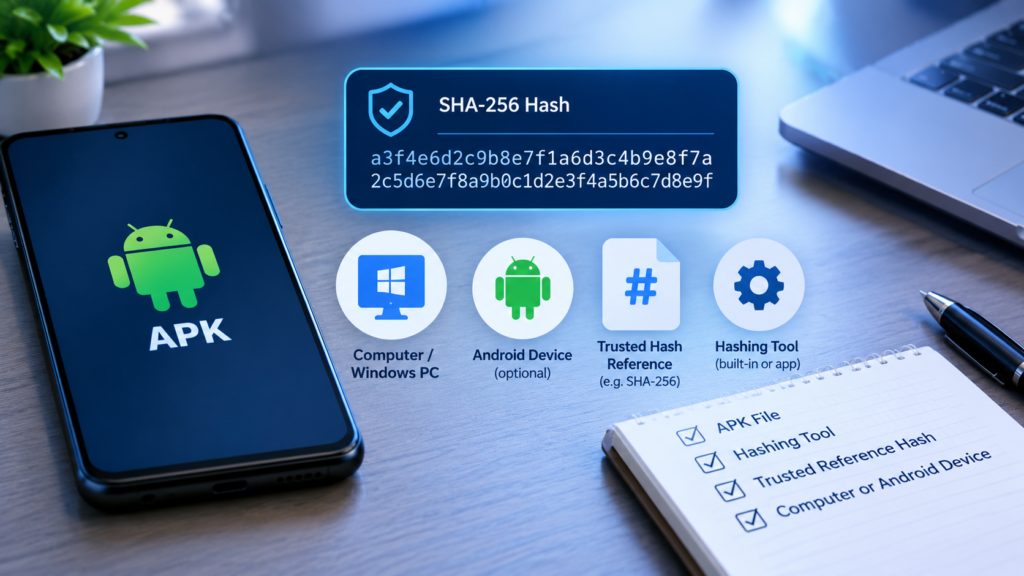
Before starting, make sure you have the following:
- The APK file you want to check.
- A reliable tool that calculates cryptographic hashes.
- The expected SHA-256 hash from a trustworthy source, if one is available.
- Access to a computer or Android device where you can calculate the hash.
The most important requirement is a trustworthy reference hash. Calculating a hash for your APK is easy, but you cannot determine whether it is authentic simply by looking at the resulting string.
For example, if you download an APK from an unfamiliar website, use a hash published by the official developer or another source that independently verifies the exact file. A checksum displayed beside a download on the same untrusted website may not provide meaningful protection.
How to Compare APK File Hashes on Windows
Windows includes a built-in command-line utility called certutil, which can calculate an APK’s SHA-256 hash without requiring additional software.
Follow these steps.
Step 1: Locate Your APK File
Find the APK you downloaded. For example, assume its filename is example.apk and it is stored in your Downloads folder.
Make sure you select the correct file, particularly if you have downloaded several versions of the same application.
Step 2: Open Command Prompt
Press the Windows key, type cmd, and open Command Prompt.
You can also open a terminal from the folder containing your APK.
Step 3: Calculate the SHA-256 Hash
Enter the following command, replacing the example path with your actual APK location:
certutil -hashfile "C:\Users\YourName\Downloads\example.apk" SHA256Press Enter.
Windows will display the SHA-256 hash generated from the file. It will look like a long sequence of hexadecimal characters.
Step 4: Compare the Result With the Reference
Copy the calculated hash and compare it with the SHA-256 value published by the trusted source.
Check the entire string, not just its first or last few characters.
- If both values match exactly, the files are identical with extremely high confidence.
- If the values differ, the files are not identical, or one of the values may have been copied incorrectly.
For SHA-256, the expected output contains 64 hexadecimal characters.
How to Compare APK File Hashes on Android
You can also calculate an APK hash directly on an Android device. This can be useful when you download files to your phone and do not have access to a computer.
Method 1: Use a Trusted Hash Calculator
Look for a reputable file-checksum utility that supports SHA-256. Prefer a tool from a trusted developer, and review its permissions and privacy practices before installing it.
Then follow these steps:
- Open the hash calculator.
- Select the APK file from your device storage.
- Choose SHA-256 as the hash algorithm.
- Start the calculation.
- Copy the generated hash.
- Compare it with the expected value from a trusted source.
A simple checksum tool should not need unnecessary access to your contacts, messages, microphone, or other personal information.
Method 2: Use a Trusted Command-Line Environment
Advanced users may use a reputable command-line environment on Android that supports standard file utilities.
If the environment includes sha256sum, you can run:
sha256sum example.apkReplace example.apk with the correct file path if necessary.
The command calculates the SHA-256 hash and displays it alongside the filename.
Be careful when installing command-line tools. Download them from their official distribution channels rather than unfamiliar APK websites.
How to Compare Two APK Files Directly
Sometimes, you may have two APK files and want to know whether they are identical. For example, you might have an older download and a second copy obtained from another source.
You can calculate the SHA-256 hash of both files and compare the results.
On Windows, run these commands separately:
certutil -hashfile "C:\APK\app-one.apk" SHA256certutil -hashfile "C:\APK\app-two.apk" SHA256If both SHA-256 values match exactly, the two files are effectively identical for practical file-integrity purposes.
If the hashes differ, the files have different contents. Possible reasons include:
- They belong to different app versions.
- One APK is built for a different device architecture.
- One file was modified after publication.
- One download is incomplete or corrupted.
- The files use different signing certificates or contain different resources.
A mismatch does not tell you which file is correct. You need additional information about the expected version and its source.
APK Hash Comparison Methods at a Glance
The following table summarizes the most practical options for Android users.
| Method | Device | Best Use | Skill Level |
|---|---|---|---|
Windows certutil | Windows PC | Checking downloaded APK files | Beginner |
| Android hash calculator | Android phone or tablet | Verifying files directly on a phone | Beginner |
sha256sum command | Android or Linux environment with the utility installed | Quick checksum verification | Intermediate |
| Digital signature verification | Computer or Android analysis tools | Checking the APK’s signing identity | Intermediate |
| Comparing two calculated hashes | Any supported device | Checking whether two APK files match | Beginner |
For most users, SHA-256 comparison through a trusted tool is a good starting point. Digital signature verification provides additional information about the publisher identity and whether the package has been signed consistently.
What If the APK Hashes Do Not Match?
If the calculated hash differs from the published value, do not immediately assume that the APK contains malware. First, identify why the values differ.
1. Check the APK Version
Confirm that the downloaded file belongs to the same version as the reference hash. Different versions of an app will normally have different hashes.
2. Confirm the File Variant
Some apps are distributed as separate APK files for different processor architectures, screen configurations, or Android versions. A hash published for one variant will not match another.
3. Download the File Again
A failed or interrupted download can create problems. Delete the questionable copy and download the APK again from a trustworthy source.
4. Check for Copying Errors
SHA-256 hashes are long strings, so an accidental missing character or extra space can cause a comparison error. Copy both values carefully and compare the complete strings.
5. Investigate the Source
If the mismatch continues, check whether the publisher provides a new checksum or whether the file has been replaced with a different release.
Do not install the APK simply because a website claims that the mismatch is normal. Verify the file through a more reliable source first.
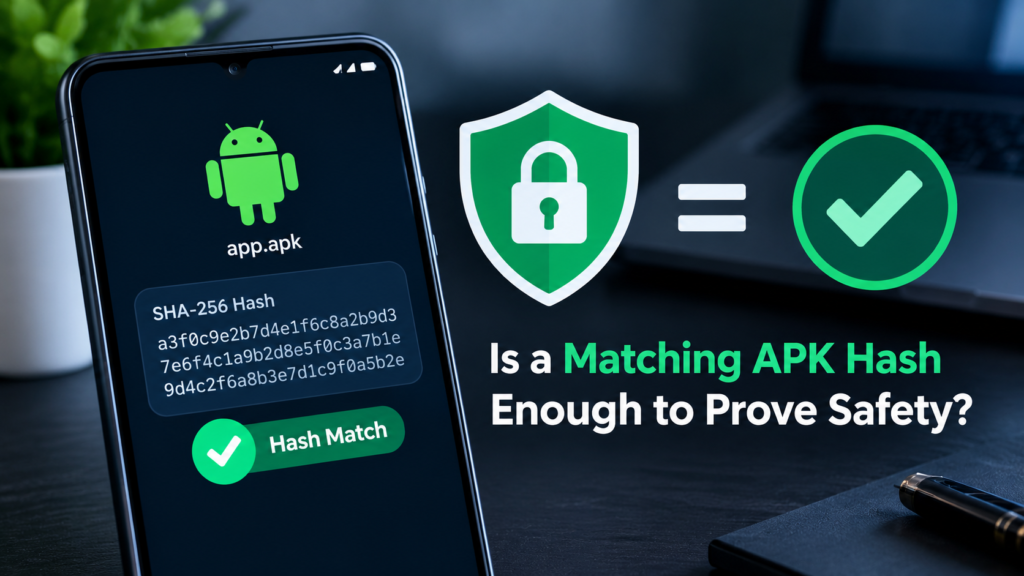
Is a Matching APK Hash Enough to Prove Safety?
No. A matching hash establishes that the APK matches the file represented by the reference hash, assuming the reference itself is trustworthy.
It does not prove that the app is harmless. A malicious file could still have a matching hash if the reference was published by an untrustworthy source or if the original application itself contains harmful behavior.
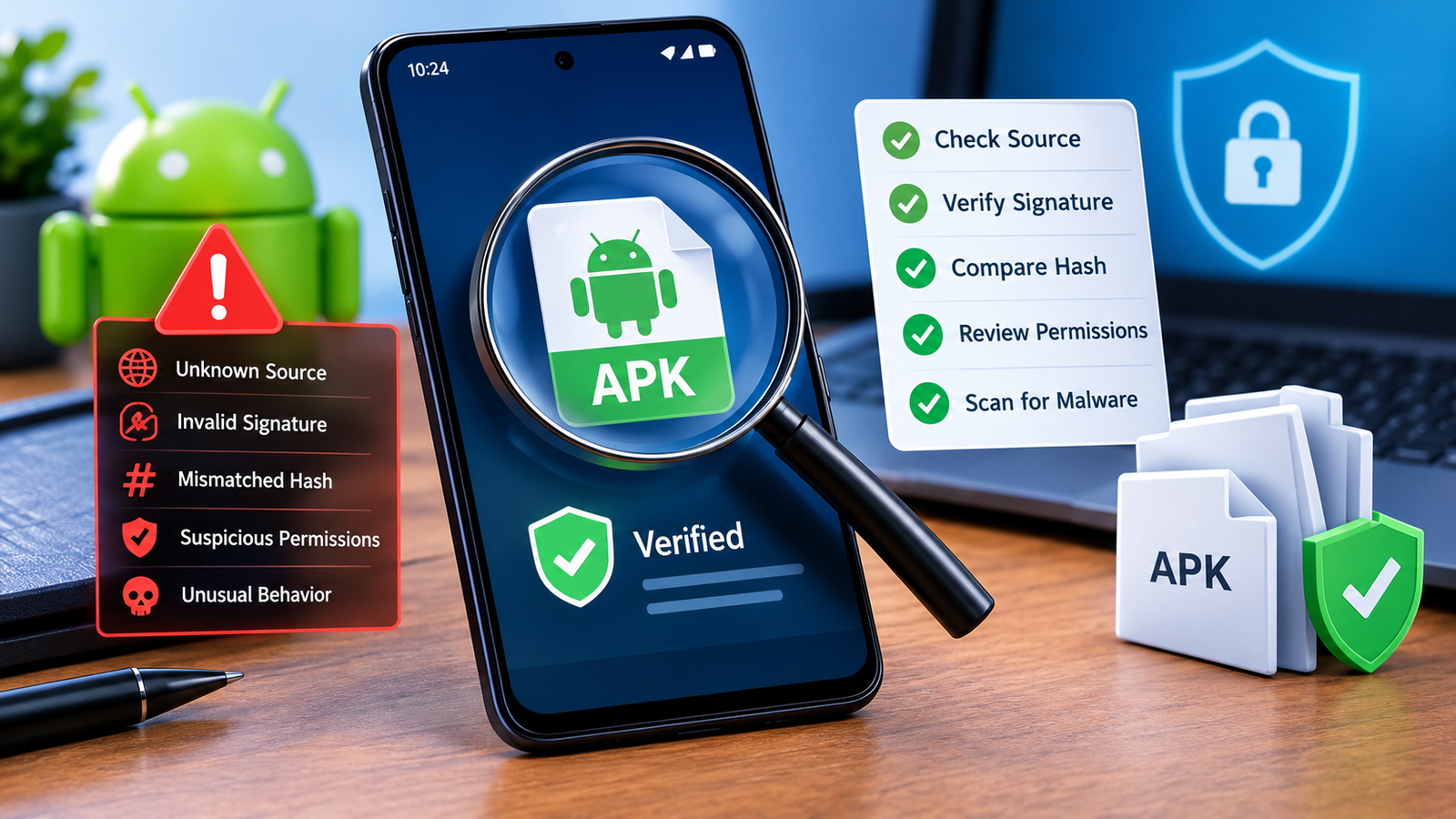
For better protection, combine hash comparison with other checks:
- Download APKs from official developer websites or reputable distribution platforms.
- Verify the reference hash through an independent, trustworthy channel when possible.
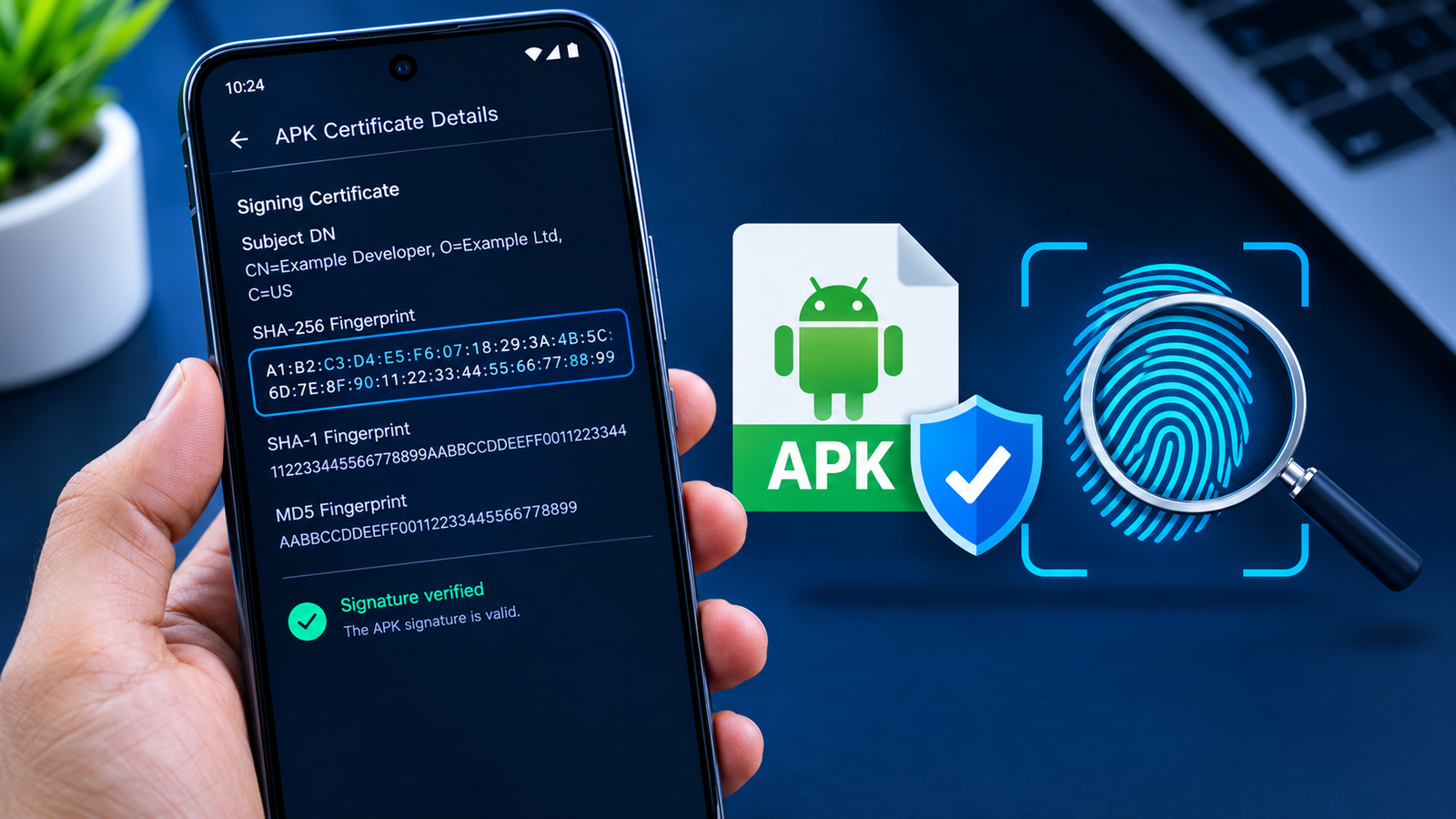
- Check the digital signature and signing certificate when appropriate.
- Review requested permissions and whether they make sense for the app.
- Use reputable security software when available.
- Avoid installing files from suspicious advertisements, unsolicited messages, or unknown download links.
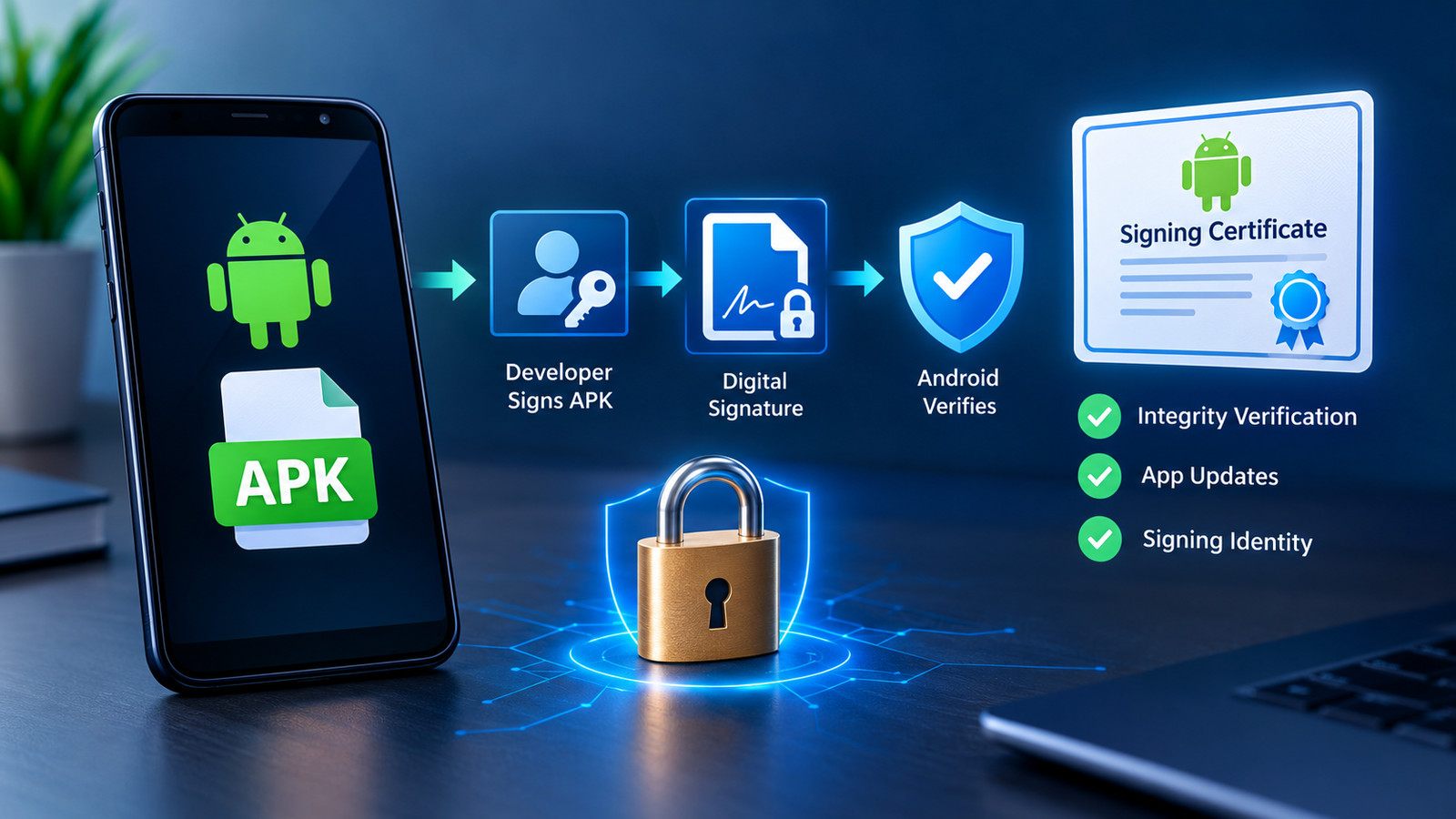
You should also understand that a digital signature and a file hash serve different purposes. A hash identifies file contents, while a signature can help establish whether a package was signed by the expected signing key and whether its signed contents have been altered.
Frequently Asked Questions
1. How do I compare APK file hashes?
Calculate the APK’s SHA-256 hash using a trusted utility, then compare it with the expected SHA-256 value from a reliable source. If both values match exactly, the file matches the reference with extremely high confidence.
2. Which hash algorithm is best for APK files?
SHA-256 is a practical choice for checking APK file integrity. It is widely supported and offers stronger security properties than older algorithms such as MD5 and SHA-1.
3. Can I compare APK hashes without installing the app?
Yes. You can calculate an APK’s hash before installation using a computer or a trusted Android checksum utility. The app does not need to be installed to calculate its file hash.
4. What does it mean if two APK hashes are different?
Different hashes mean the files are not identical. They may belong to different app versions, contain different resources, target different devices, or have been modified. A mismatch alone does not prove that either file is malicious.
5. Does a matching SHA-256 hash mean an APK is safe?
Not necessarily. It means the file matches the reference value, provided the comparison was performed correctly. You must also trust the source of the reference hash and consider the app’s signature, permissions, and origin.
6. Can I compare APK hashes on my mobile phone?
Yes. A trusted Android checksum tool can calculate the SHA-256 hash of a downloaded APK. You can then compare the result with a published reference value without installing the app itself.
Final Thoughts
Learning how to compare APK file hashes is a useful step toward safer Android app downloads. A SHA-256 hash allows you to check whether a downloaded APK matches a trusted reference and can help identify unexpected changes, incorrect versions, and damaged files.
The process is simple: calculate the hash, obtain a reliable reference value, and compare the complete strings. If they match, you have evidence that the APK is identical to the referenced file. If they differ, investigate the version, variant, and download source before proceeding.
Also Read: Flipkart Flights: How to Book Flights, Compare Fares, and Find Better Travel Deals











1 comment