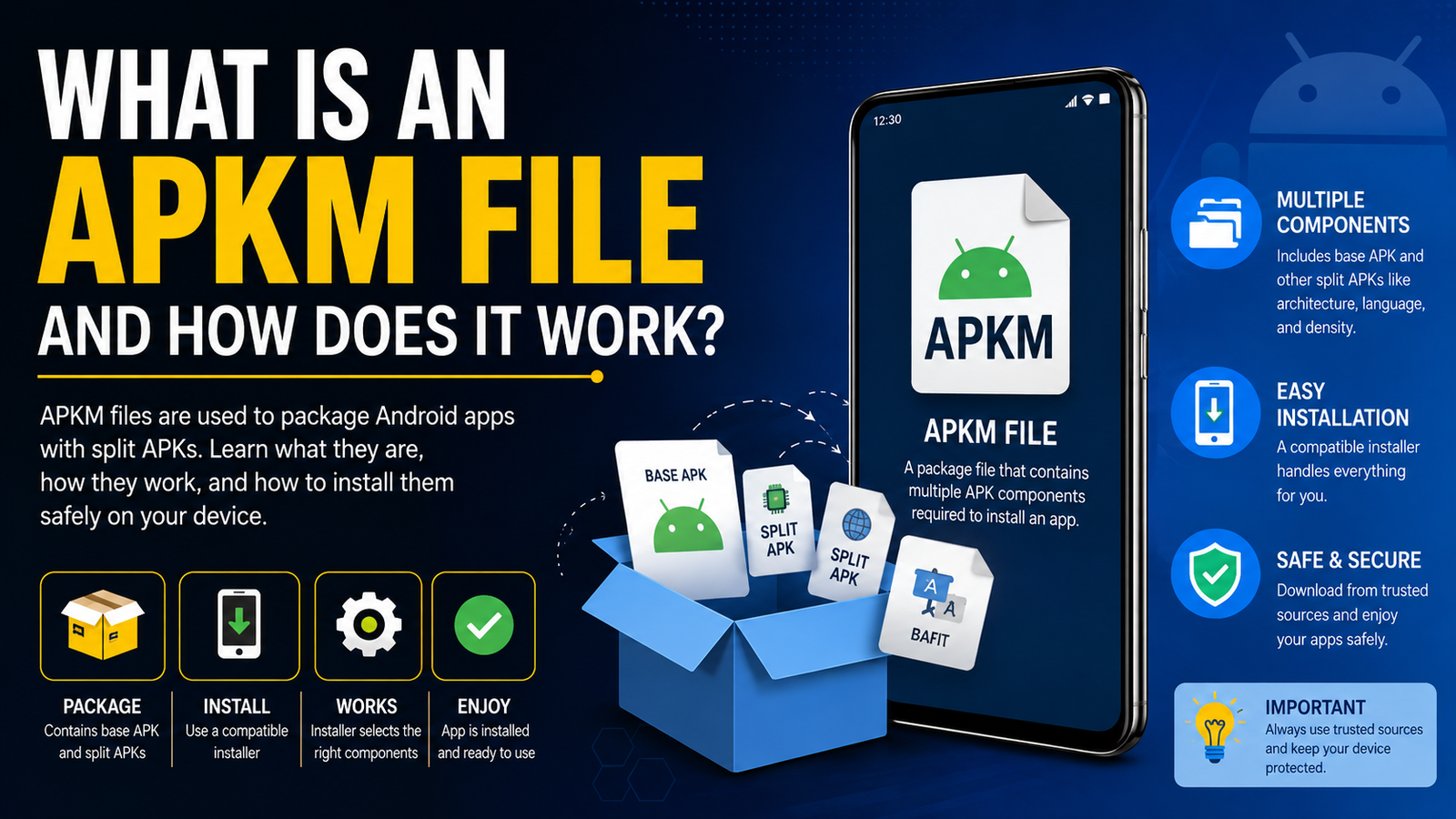
What Is an APKM File and How Does It Work: A Complete Guide to APKM Files
If you have downloaded Android apps from websites outside the Google Play Store, you may have come across file extensions such as APK, XAPK, APKS, and APKM. While an APK can usually be installed directly, an APKM file works a little differently.
So, what is an APKM file and how does it work? In simple terms, an APKM file is a package that contains the main APK of an Android application along with additional split APK files required by that app. The format is closely associated with APKMirror and was designed to make split-app distribution easier for users.
Understanding APKM files is useful if you regularly download Android apps manually. Instead of dealing with several separate APK files, an APKM package keeps the required components together and allows a compatible installer to install them as one application.
In this guide, we will explain what an APKM file is, how it works, how it differs from a regular APK, how to install one safely, and what to do if an APKM installation fails.
What Is an APKM File?
An APKM file is a package containing a base APK and one or more split APKs. These components work together to form a complete Android application. APKMirror developed the format as a convenient way to distribute applications that use Android’s split APK system.
The reason APKM files became useful is connected to the way modern Android apps are distributed.
In the past, developers commonly provided a single, relatively large APK containing everything an application needed. That approach was simple, but it could also mean that users downloaded resources they did not actually need.
Modern Android app distribution can divide an application into multiple parts. For example, different APK splits may contain resources for a particular CPU architecture, screen density, language, or optional feature.
An APKM file packages these components together so they can be distributed as a single downloadable file.
APKM in Simple Terms
Think of an APKM file like a box containing several pieces of an Android app.
Inside that box, you may find:
- A base APK containing the core application
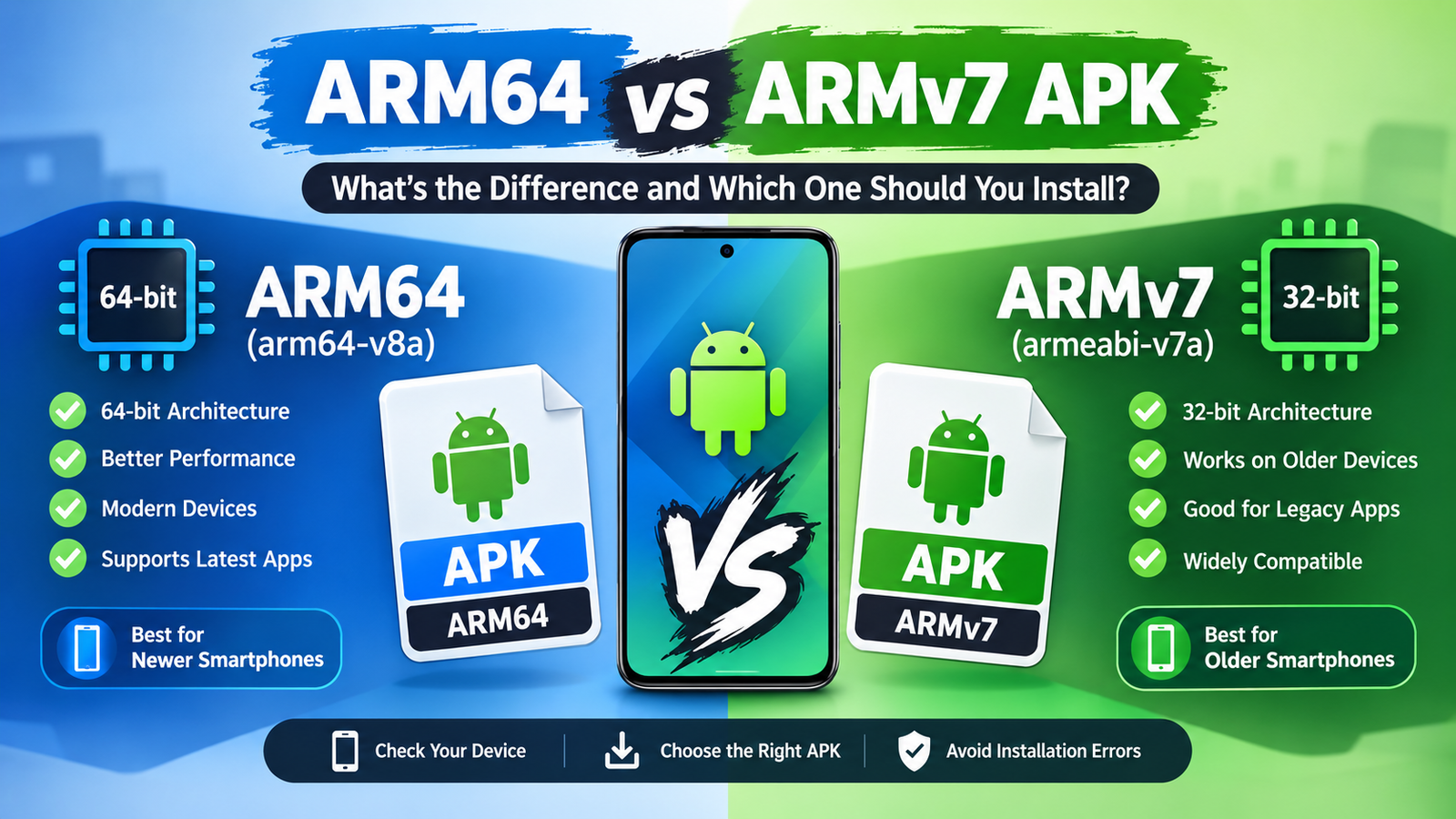
- Architecture-specific APK splits
- Screen-density resources
- Language resources
- Additional feature modules
- Other metadata needed by the installer
The exact contents vary from app to app.
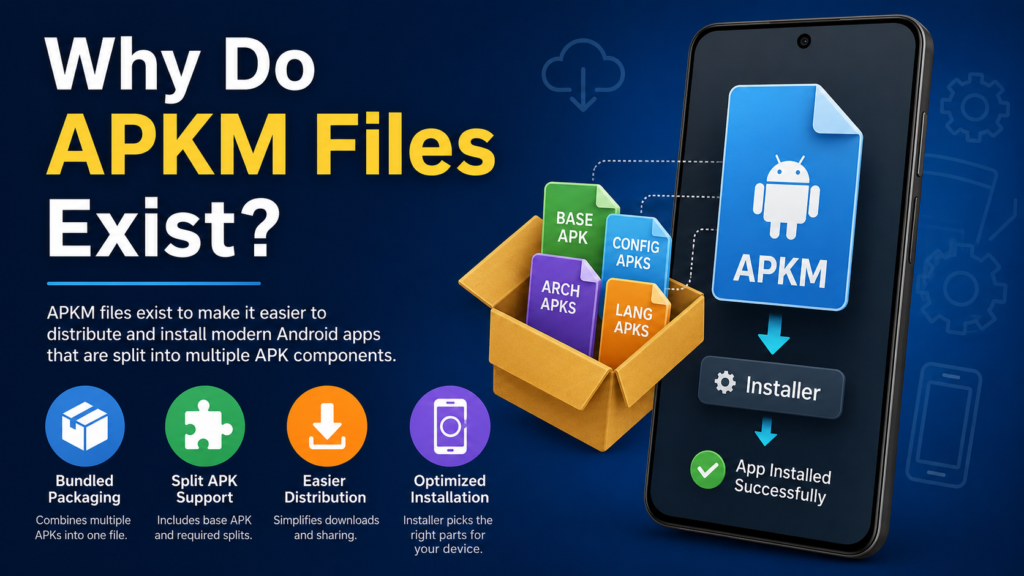
Why Do APKM Files Exist?
The growth of Android App Bundles and split APKs is the main reason formats such as APKM became important.
Google’s App Bundle system allows an app to be separated into different components. Instead of every user receiving one oversized package containing resources for every possible device configuration, the distribution system can provide the components relevant to a particular device.
APKMirror explains that App Bundles can result in a base APK plus multiple split APKs, such as architecture, display-density, and language components.
This approach can have several advantages.
For developers and app distributors, it makes handling different device configurations more practical. For users, it can reduce unnecessary resources when the correct splits are selected.
However, there is a problem when those split APKs are downloaded individually: Android does not treat the base APK as a complete application when required split components are missing.
That is where an APKM package and a compatible installer become useful.
How Does an APKM File Work?
The basic process is easier to understand when broken into several steps.
1. An App Is Divided Into Components
An Android application may contain resources designed for different devices. For example, an app could include native libraries for different CPU architectures or resources optimized for different screen densities.
Instead of putting everything into one enormous APK, these components can be separated into split APKs.
2. The Components Are Packaged Together
An APKM package brings the relevant APK components together into one downloadable file.
This means users do not necessarily have to download and manage multiple independent APK files.
3. A Compatible Installer Reads the APKM
Because Android does not normally install an APKM file by simply tapping it like a standard APK, a compatible installer is needed.
APKMirror’s official installer specifically supports .apkm, .xapk, .apks, and regular APK files.
4. The Installer Selects the Required Splits
The installer examines the package and determines which components are appropriate for the device.
For example, the package may contain several architecture or language variants, while your phone only needs a particular combination.
5. Android Installs the APK Set
The installer passes the necessary APK components to Android’s package installation system. Together, the base APK and required splits become the installed application.
This is why an APKM file should not simply be treated as another type of ordinary APK.
What Can Be Inside an APKM File?
The contents depend on the application, but an APKM package can contain different types of split components.
| Component | What It Does |
|---|---|
| Base APK | Contains the core application |
| Architecture split | Provides native libraries for a CPU architecture |
| Density split | Contains resources optimized for specific screen densities |
| Language split | Provides language-specific resources |
| Feature module | Adds functionality that may be distributed separately |
| Metadata | Provides information used by compatible installers |
This structure helps explain why extracting only the base APK may not always be enough to run an application.
For example, an app could require a specific architecture split containing native libraries. Installing only the base package could result in installation errors or an application that does not work correctly.
APK vs APKM: What Is the Difference?
The biggest difference between APK and APKM is what each file represents.
An APK is normally an Android application package that can be installed directly when it is a complete package and compatible with the device.
An APKM, on the other hand, is a container designed to distribute a collection of APK components.
Here is a quick comparison:
| Feature | APK | APKM |
| File extension | .apk | .apkm |
| Usually installed directly | Yes | No |
| Can contain split components | A single APK can be a split | Yes |
| Designed for bundled app distribution | Sometimes | Yes |
| Requires compatible installer | Usually no | Usually yes |
| Commonly associated with APKMirror | No | Yes |
| Can contain multiple APK files | No, not as a normal install package | Yes |
The important point is that an APKM file is not simply a larger APK. It is a package that can contain multiple APK components.
APKM vs XAPK vs APKS
Android users often confuse APKM with other bundle formats because they all appear when downloading apps outside traditional app-store installation.
Although they have similar purposes, they are not identical.
APKM
APKM is associated with APKMirror’s approach to packaging split APKs. It can contain a base APK and additional split APKs.
APKS
APKS is another bundle-oriented format commonly associated with APK sets. It can contain multiple APK files that need to be installed together.
XAPK
XAPK is commonly used as a broader package format that may contain an APK along with additional resources, such as OBB data, depending on how the package was created.
Regular APK
A regular APK is the simplest option. If it is a complete package and your device supports it, Android can generally install it directly.
The exact internal structure of third-party bundle formats can vary, so the file extension alone does not tell you everything about an app.
How to Install an APKM File on Android
Installing an APKM file is different from installing a normal APK.
The simplest approach is to use a compatible APKM installer. APKMirror’s official installer supports APKM files and is specifically designed to handle split APK installations.
Basic Installation Process
- Download the APKM file from a source you trust.
- Install a compatible APKM installer.
- Open the installer.
- Locate the downloaded APKM file.
- Select the file and review the included components.
- Follow the installer’s instructions.
- Allow the required installation permission if Android asks for it.
- Wait for the installation to finish.
- Open the application normally.
Android may require permission to install applications from the source you are using. The exact location of this setting can differ between Android versions and manufacturers.
Avoid granting broad permissions to unknown installer applications. Only use an installer you trust.
Can You Install APKM Without an Installer?
Technically, an APKM package can be handled manually because it contains APK files. However, doing this is considerably less convenient.
A user could extract the package and deal with the individual APK splits, but installing split packages correctly requires the appropriate set of components.
This is one reason dedicated installers are useful. They can simplify the process of selecting and installing the required splits instead of making users manage each component themselves.
For most people, using a reputable installer is easier and less error-prone than manually extracting the package.
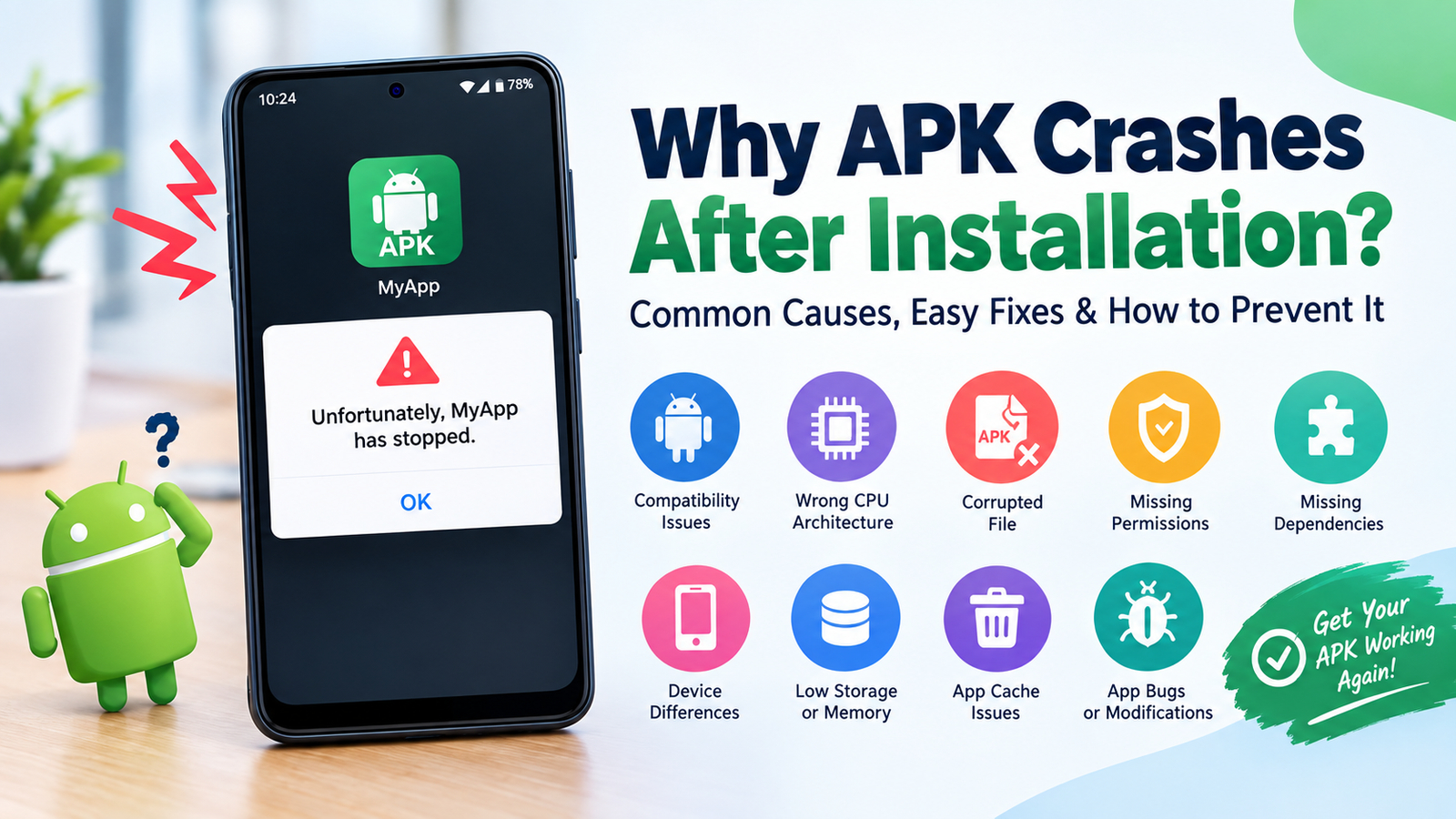
Why Won’t My APKM File Install?
There are several reasons an APKM installation may fail.
Incompatible Device
The package may not contain the architecture or Android version your device requires.
Missing Components
If an APK split is missing or damaged, the application may not install correctly.
Incorrect Installer
Not every file manager or APK installer understands APKM packages. You need an application capable of handling split APK installations.
Insufficient Storage
The APKM file may appear reasonably small while the installed application requires more space after its components are processed.
Android Compatibility
An application may require a newer Android version than the device supports.
Corrupted Download
A partially downloaded or damaged APKM file can also cause installation problems.
If an installer reports that there are no compatible architecture splits, for example, the package may simply not contain a component suitable for the device.
Is an APKM File Safe?
The APKM format itself is not inherently dangerous. The bigger issue is where the file came from and what application it contains.
An APKM file can package legitimate Android software, but it can also be distributed through untrusted websites. Installing an application outside an official app store therefore requires extra caution.
Before installing an APKM file, consider the following:
- Download from a reputable source.
- Check the application’s name and developer.
- Avoid suspicious modified packages.
- Be cautious of files promising paid features for free.
- Scan downloaded files when possible.
- Review the permissions requested by the application.
- Keep Android and security software updated.
- Avoid installing an APKM package if its origin is unclear.
A file extension does not guarantee that an application is trustworthy.
Advantages and Disadvantages of APKM Files
APKM packages can be useful, but they are not perfect for every Android user.
Advantages
- Keeps multiple APK components together.
- Makes split-app distribution easier.
- Can reduce the need to manage separate APK files manually.
- Allows compatible installers to select appropriate components.
- Useful for sideloading applications that are distributed as split APKs.
Disadvantages
- Cannot normally be installed like a standard APK.
- Requires a compatible installer.
- Installation can be confusing for beginners.
- Compatibility problems can occur with certain devices.
- Downloading from unofficial sources introduces security risks.
For experienced Android users, the advantages are often worth the extra step. Beginners may find regular APK files easier to understand.
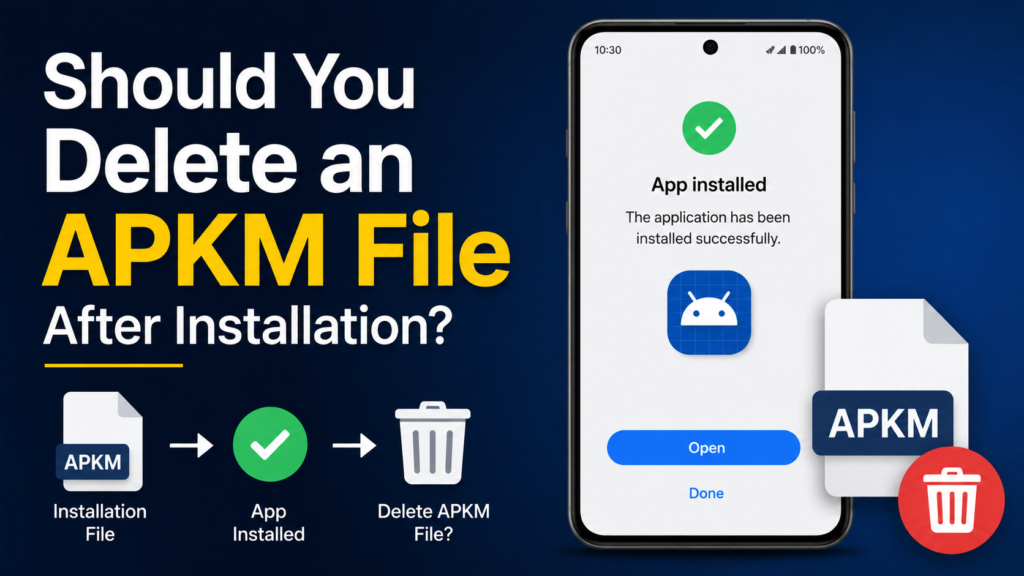
Should You Delete an APKM File After Installation
Yes, you can usually delete the APKM file after the application has been successfully installed.
The APKM file is an installation package, not the application itself. Once Android has installed the necessary components, keeping the original download is optional.
If you think you may need to reinstall the same version later, you can keep it. Otherwise, deleting old APKM packages can free up storage space.
Frequently Asked Questions About APKM Files
Is APKM the same as APK?
No. An APK is an Android application package, while an APKM is a container that can hold a base APK and multiple split APKs. APKM packages generally require a compatible installer.
Can I open an APKM file on my phone?
Yes, but simply tapping it may not work like it does with a regular APK. You generally need an installer that supports APKM and split APK packages.
Is APKM better than APK?
Neither format is universally better. A regular APK is simpler when a complete APK is available. APKM is useful when an application consists of multiple split components that need to be installed together.
Can I convert APKM to APK?
Not always in a meaningful way. An APKM package may contain several components that cannot simply be merged into one universal APK without changing how the application is packaged. In many cases, installing the APKM directly with a compatible installer is the better option.
Does APKM work on all Android phones?
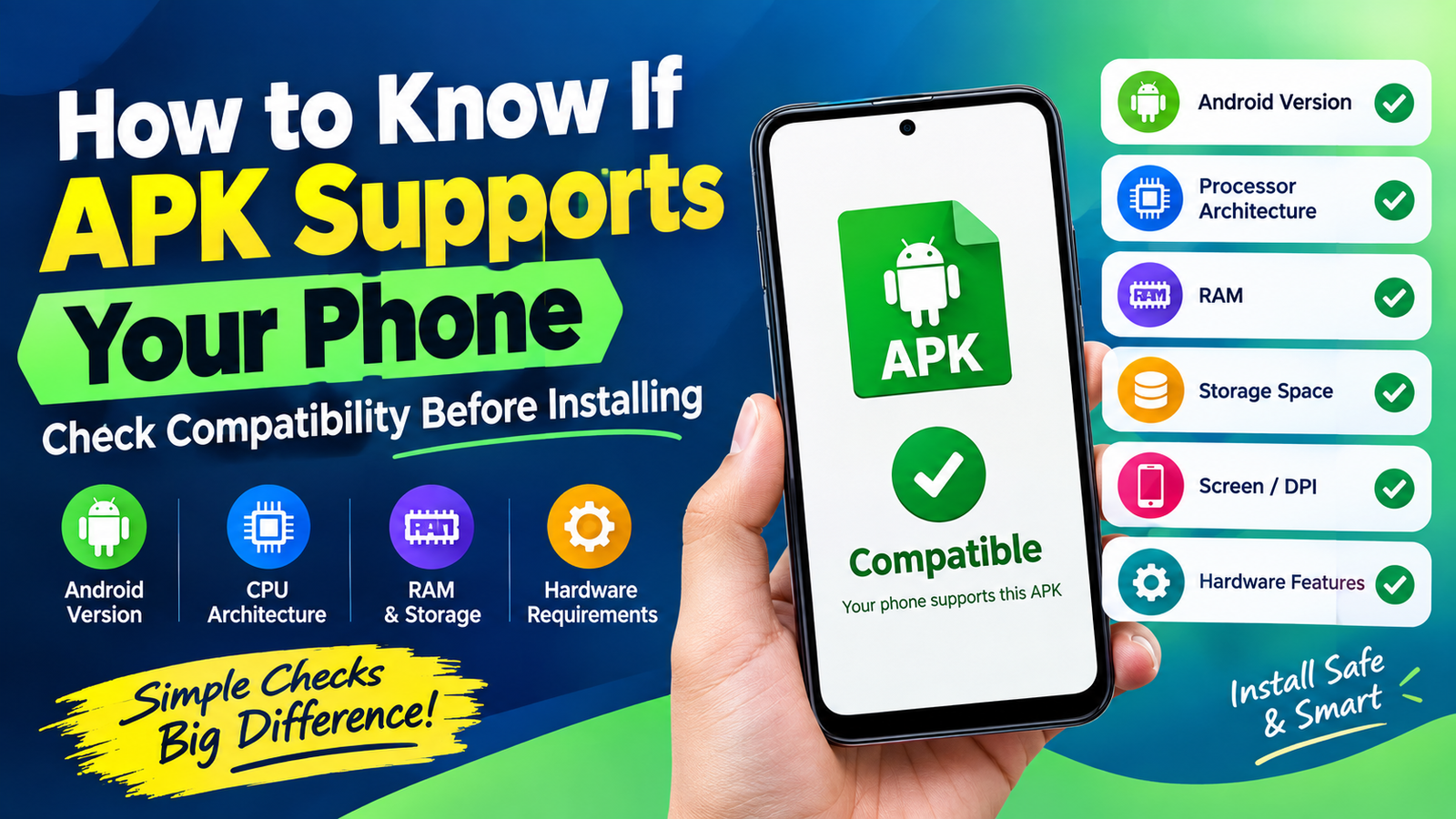
Not necessarily. Compatibility depends on the application, Android version, CPU architecture, and included splits. The installer may reject a package if the required components are not compatible with the device.
Is APKM safe to install?
The format itself does not determine whether an application is safe. The source of the file and the software inside it matter much more. Always download applications from trustworthy sources and check what you are installing.
Final Thoughts
So, what is an APKM file and how does it work? An APKM file is essentially a convenient package for distributing Android applications made up of a base APK and additional split APK components. It exists because modern Android applications are increasingly distributed in modular formats rather than as one large APK.
Also Read: What Is the Difference Between APK and XAPK: A Complete Android Guide











1 comment