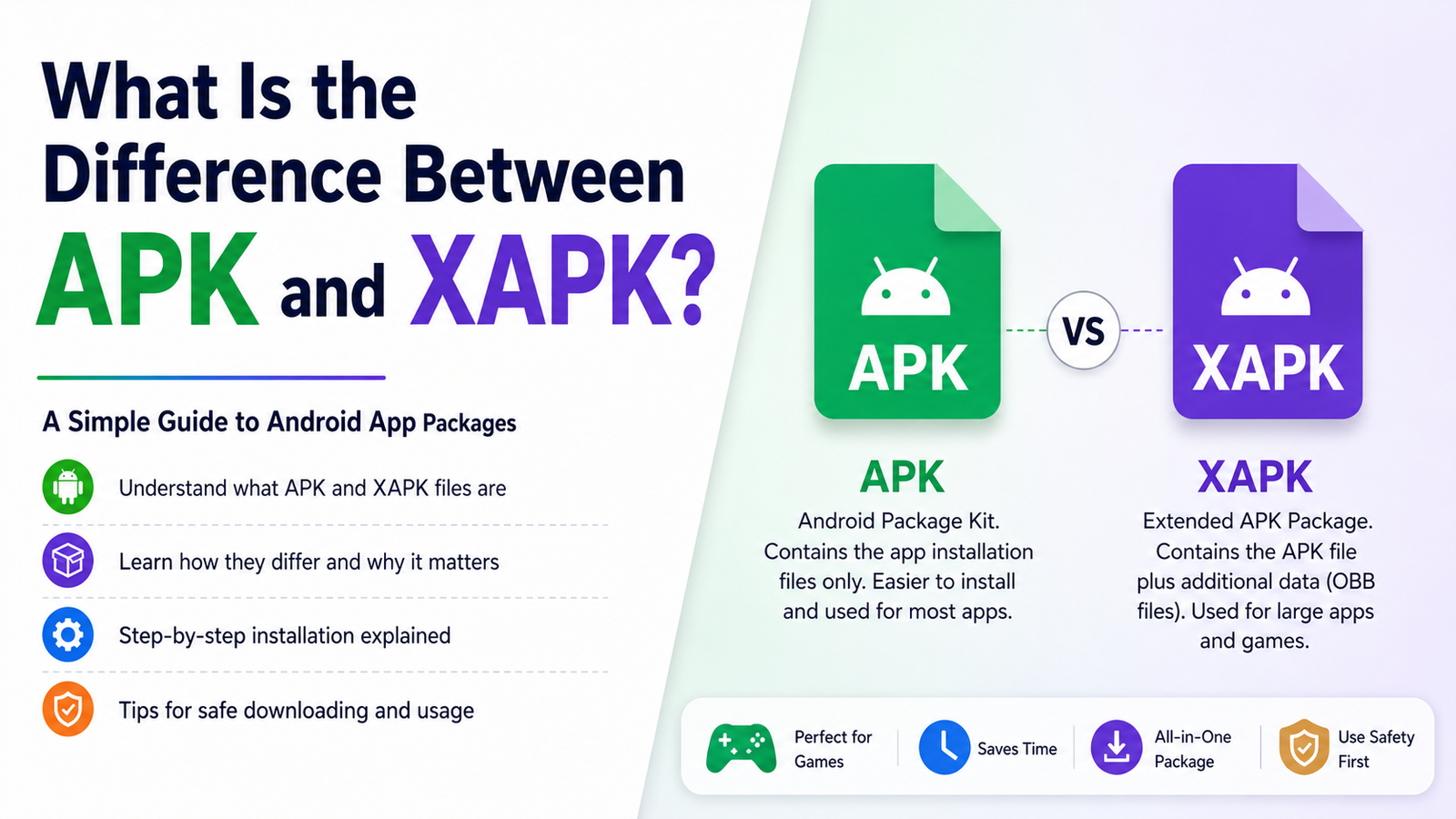
What Is the Difference Between APK and XAPK: A Complete Android Guide
Android users often come across different app file formats when downloading applications outside the Google Play Store. Two of the most common are APK and XAPK. Although both can be used to install Android applications, they are not exactly the same, and understanding the difference can save you from installation errors and unnecessary confusion.
If you have ever downloaded an app and wondered why one file installs normally while another requires a special installer, the file format is usually the reason. APK files generally contain the main application package, while XAPK files can bundle the APK together with additional resources such as OBB data.
In this guide, we will explain the difference between APK and XAPK, how each format works, when you should use one over the other, and what to consider before installing either file.
What Is an APK File?
APK stands for Android Package Kit. It is the standard file format Android uses to distribute and install applications. When you download an Android application as a standalone file, it will commonly have an .apk extension.
An APK contains the essential files required for an application to run. Depending on the app, these can include its code, resources, assets, certificates, and other components.
You can think of an APK as a packaged version of an Android application. Once Android verifies the package and the installation is allowed, the operating system extracts the necessary components and adds the application to your device.
APK files are commonly used when:
- Installing apps manually
- Testing applications during development
- Installing applications unavailable through a particular app store
- Updating an app outside the normal store process
- Installing older versions of an application
However, not every application can be distributed successfully as a single APK. Some large games and applications require additional files to store graphics, maps, audio, videos, or other resources. This is where XAPK becomes useful.
What Is an XAPK File?
XAPK is a package format commonly used to distribute Android applications that require more than a basic APK file.
An XAPK package can contain the main APK along with additional data. In many cases, this additional content includes OBB files, which are used by some larger Android games and applications to store extra resources.
Instead of downloading several separate files and placing them manually in different folders, an XAPK package can group the necessary components together.
Depending on how the package was created, an XAPK may contain:
- An APK installation file
- OBB or expansion data
- Additional application resources
- Metadata used by an installer
- Other files needed by the application
This makes XAPK particularly convenient for larger applications. However, Android does not generally treat XAPK as a standard installable package in the same way it treats an APK.
What Is the Difference Between APK and XAPK?
The biggest difference is what each package contains and how it is installed.
An APK is normally a single Android application package that Android can recognize directly. An XAPK is usually a container that can include an APK plus additional files required by the application.
Here is a simple comparison:
| Feature | APK | XAPK |
|---|---|---|
| File extension | .apk | .xapk |
| Main purpose | Installs an Android app | Packages an app with additional data |
| Additional OBB data | Usually not included | Can be included |
| Standard Android installer support | Yes | Usually requires compatible handling |
| Installation process | Generally straightforward | May require an XAPK-compatible installer |
| Common use | Small and standard apps | Larger apps and games |
| Multiple components | Usually one package | Can contain several components |
In simple terms, APK is the standard Android application package, while XAPK is a larger package that can bundle an APK with additional application data.
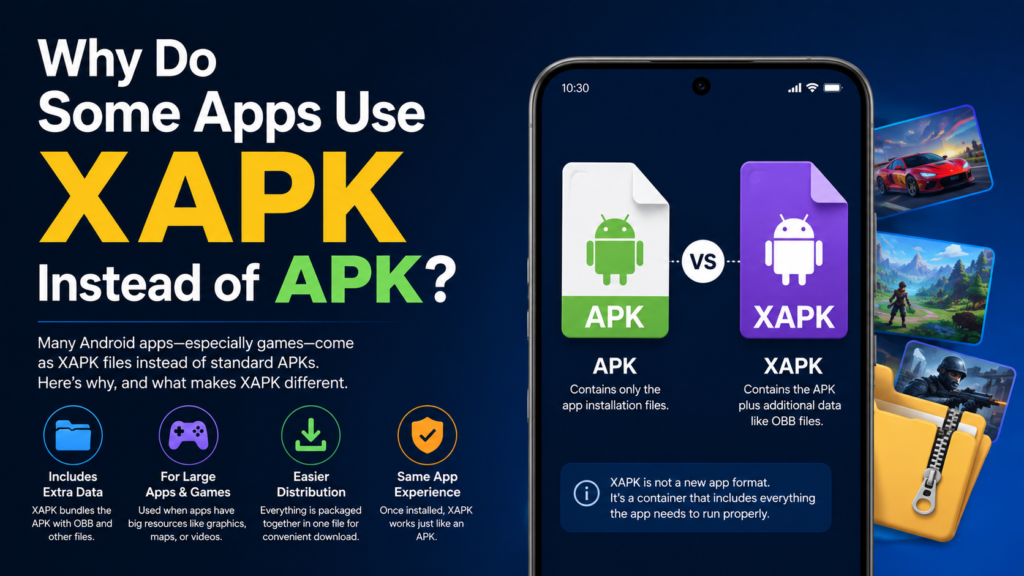
Why Do Some Apps Use XAPK Instead of APK?
The main reason is size and additional resources.
A basic APK can contain an application’s code and many of its resources. However, large games may require hundreds of megabytes or even several gigabytes of additional content.
For example, a game might have:
- High-resolution graphics
- Music and sound effects
- Character models
- Maps
- Cutscenes
- Downloadable game assets
Putting everything into a single standard package may not always be practical. Additional expansion files can therefore be distributed alongside the main application.
An XAPK package can make this distribution easier by keeping the relevant files together.
How Does APK Installation Work?
Installing an APK is relatively straightforward when the file is compatible with your Android device.
The general process is:
- Download the APK from a trustworthy source.
- Open the downloaded file.
- If Android asks for permission to install from that source, review and enable the appropriate setting.
- Follow the installation prompts.
- Wait for Android to complete the installation.
- Open the application and check that it works correctly.
The exact menus can differ between Android versions and manufacturers. Some newer devices also provide additional security warnings when an application comes from outside an official app store.
It is important to understand that manually installing an APK means you are responsible for verifying where the file came from.
How Does XAPK Installation Work?
XAPK installation is slightly different because Android’s normal package installer may not recognize the .xapk extension as a standard application package.
A compatible XAPK installer can identify the APK and any additional files contained in the package. Depending on the package structure, the installer may extract the files and place the additional data in the appropriate location.
A typical process looks like this:
- Download the XAPK file.
- Install or open a trusted XAPK-compatible installer.
- Select the downloaded XAPK.
- Allow the installer to process the package.
- Follow the installation instructions.
- Wait while the APK and additional resources are installed.
- Launch the application after the process finishes.
The exact steps depend on the Android version and the installer being used.
APK vs XAPK: Which One Is Better?
Neither format is automatically better. The right choice depends on the application you are trying to install.
For a normal application that is distributed as one package, an APK is usually the simpler option. You can install it using Android’s package installer without dealing with additional expansion files.
XAPK can be more convenient when an application includes large additional resources. Instead of handling the APK and extra data separately, the package can keep everything together.
Choose an APK when:
- The application is distributed as a single package.
- You want a simple installation process.
- No additional OBB data is required.
- Your Android device supports the application normally.
Choose XAPK when:
- The application comes with additional data.
- The download specifically provides an XAPK package.
- The package includes OBB or other expansion files.
- You have a compatible and trustworthy installation method.
Common Problems When Installing APK and XAPK Files
Manual installation does not always go smoothly. Several issues can prevent an application from installing or running properly.
APK Installation Failed
An APK may fail to install because of an incompatible Android version, corrupted download, insufficient storage, or a package conflict with an existing application.
If an APK installation fails, check:
- Whether your Android version meets the app’s requirements
- Whether enough storage is available
- Whether the downloaded file is complete
- Whether another version of the same app is already installed
- Whether the APK is compatible with your device architecture
XAPK Installs but the App Does Not Work
This can happen when the additional files were not installed correctly. Some applications rely heavily on expansion data, so installing only the APK may not be enough.
A compatible installer can help place the additional files where the application expects them.
Package Parsing Errors
A parsing error can indicate that the package is damaged or incompatible. Downloading the file again from a reliable source may solve the issue, but you should not repeatedly install unknown files simply because an error appears.
Is XAPK Safe?
The XAPK format itself is not inherently dangerous. Just like an APK, however, its safety depends heavily on where the file came from and what it contains.
A file extension does not guarantee that an application is safe.
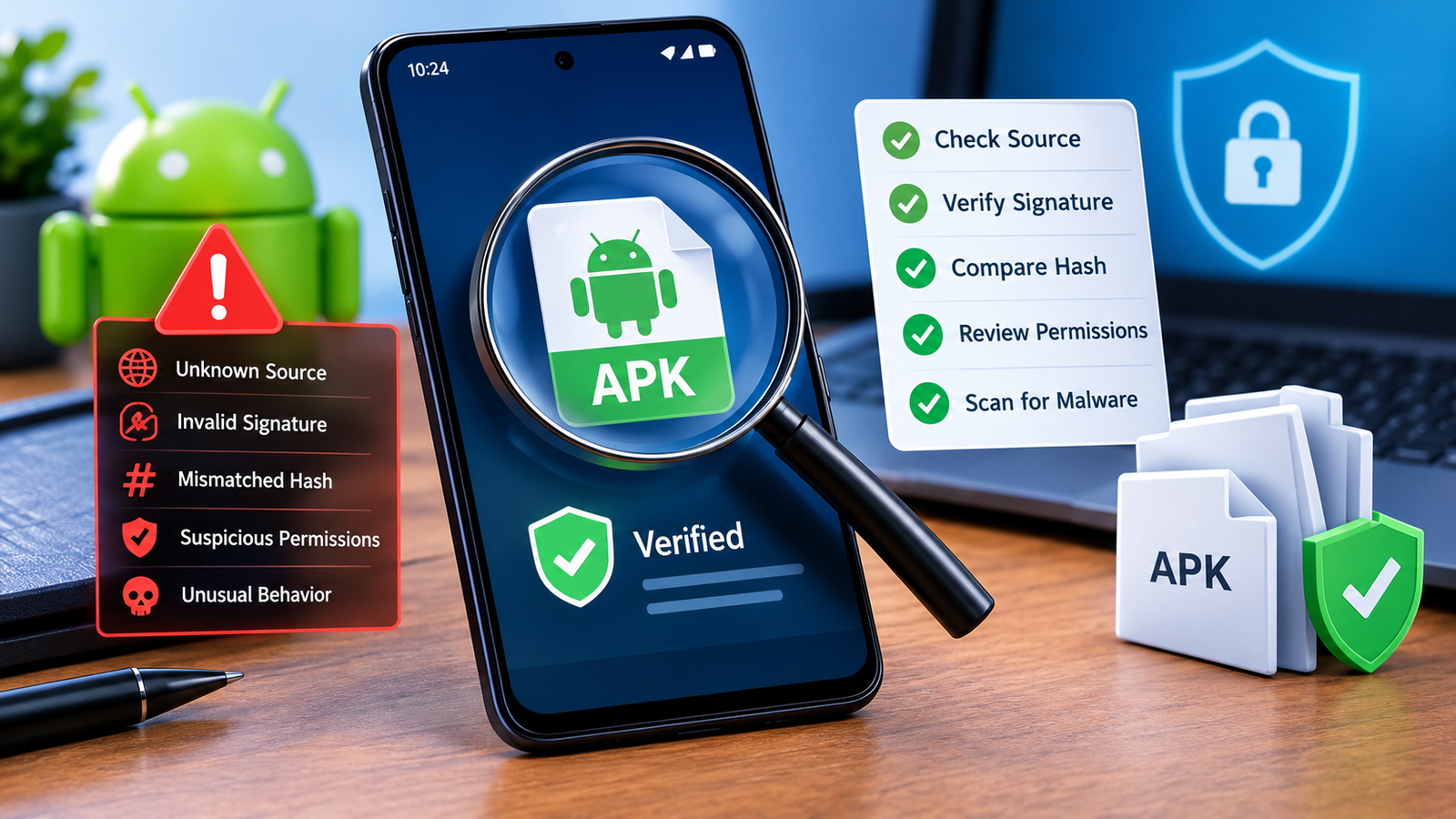
Before installing an APK or XAPK, consider:
- Downloading from a reputable source
- Checking the application’s developer information
- Avoiding suspicious modified packages
- Reviewing requested permissions
- Keeping Android security features enabled
- Scanning files when appropriate
- Avoiding files that make unrealistic claims
Be especially careful with modified applications. A modified package may have been changed from the original application and could contain unwanted or malicious components.
APK and XAPK Security Tips
Installing applications outside an official app store requires extra caution. A few simple habits can significantly reduce unnecessary risks.
Check the Source
Do not download an application simply because it appears near the top of a search result. Look at the website, developer information, user feedback, and download details.
Check Permissions
Think about whether the permissions requested by an application make sense.
For example, a simple calculator requesting extensive access to unrelated personal information should raise questions.
Keep Your Device Updated
Android security updates can address vulnerabilities and improve protection against malicious applications. Keeping your operating system and security tools updated is therefore important.
Avoid Unnecessary Modified Packages
Modified APKs and XAPKs may offer additional features, but they also introduce another layer of uncertainty. If you do not need modifications, an original application package is generally easier to trust.
Can You Convert XAPK to APK?
Sometimes an XAPK can be unpacked to reveal the APK inside it. However, simply extracting the APK does not necessarily mean the application will work correctly.
If the XAPK contains additional OBB or resource files, those files may still be necessary. Installing only the extracted APK could result in missing content, crashes, or an application that cannot load properly.
For that reason, it is usually better to understand what is inside the package before attempting to separate its components.
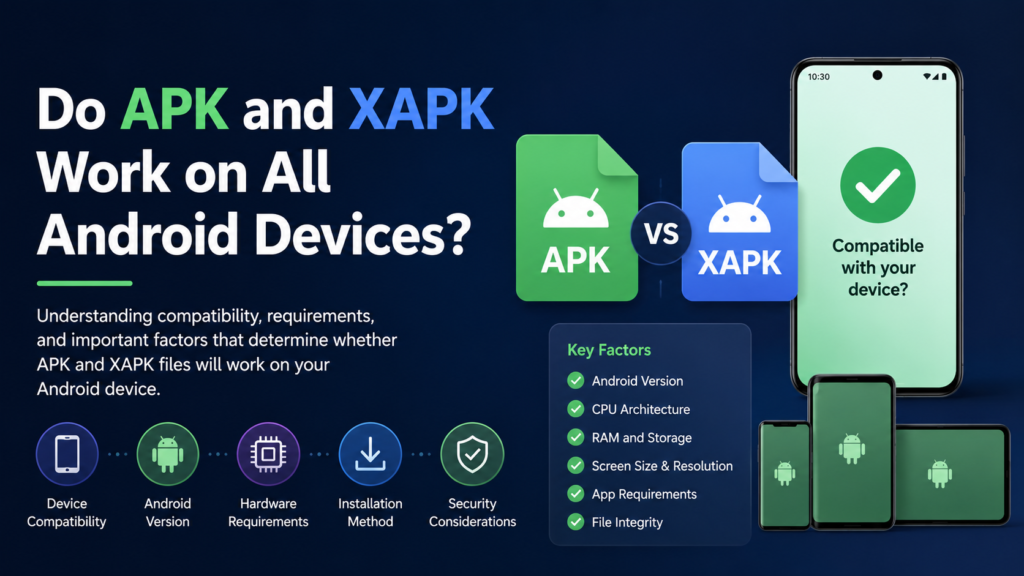
Do APK and XAPK Work on All Android Devices?
Not necessarily.
Compatibility can depend on several factors, including:
- Android version
- CPU architecture
- Screen or device requirements
- Available storage
- Application requirements
- Package structure
- Developer restrictions
A package designed for one Android environment may not work correctly on another.
This is particularly important for large games because their performance and resource requirements can vary significantly between devices.
Frequently Asked Questions
Is XAPK better than APK?
Not necessarily. APK is the standard Android package and is usually simpler to install. XAPK is useful when an application needs additional files, such as expansion data. The better format depends on the application’s requirements.
Can I install XAPK without an XAPK installer?
In some cases, you may be able to extract the package and manually handle its contents, but this can be more complicated. A compatible installer is generally easier when the XAPK contains multiple components.
Does every Android app support XAPK?
No. XAPK is mainly useful for applications distributed with additional resources. Many ordinary Android applications only require a standard APK.
Is an XAPK file the same as an APK?
No. An APK is the standard Android application package, while an XAPK is a container that can include an APK and additional files such as OBB data.
Why does my XAPK installation fail?
Possible causes include a damaged download, insufficient storage, incompatible Android software, an unsupported device architecture, or incorrect handling of additional files.
Can I delete the XAPK after installing the app?
Usually, the downloaded installation package is no longer required after a successful installation, provided the application and its necessary data have been installed correctly. Keeping a backup is optional if you may need to reinstall the same version later.
Final Thoughts
Understanding the difference between APK and XAPK makes Android app installation much easier. An APK is the standard package used to install an Android application, while an XAPK can bundle that APK with additional resources needed by larger or more complex applications.
Also Read: How to Update an APK Without Losing App Data: Complete Android Guide for Safe APK Updates












1 comment