What Is an APKS File on Android: Complete Guide for Android Users
If you have ever downloaded an Android app from a third-party website, you may have come across file formats such as APK, XAPK, APKM, or APKS. While APK files are familiar to most Android users, the APKS format can be confusing, especially when your phone refuses to install it like a normal application.
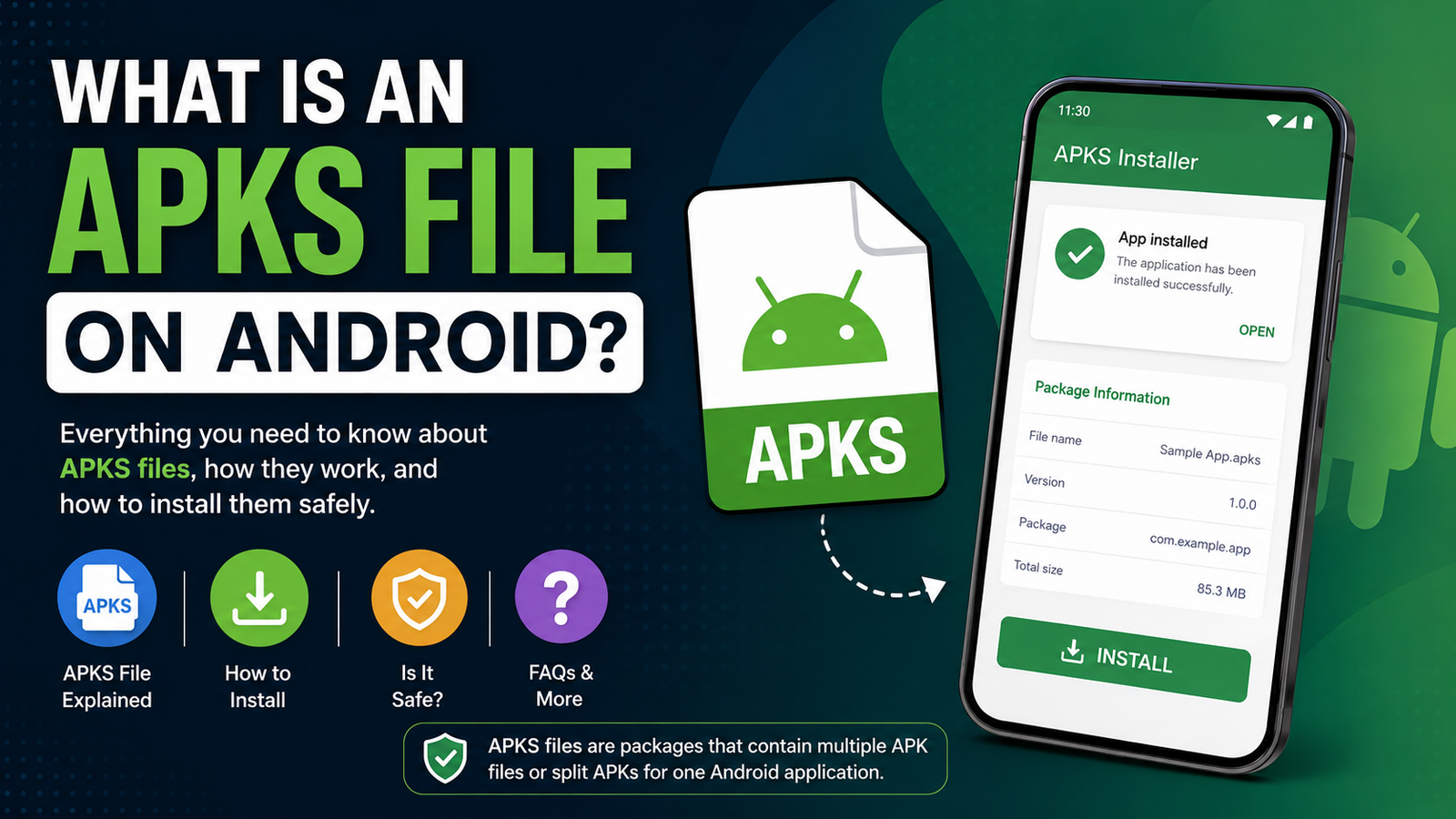
So, what is an APKS file on Android? An APKS file is essentially a package containing multiple APK files that together make up an Android application. It is commonly used when an app is divided into several APK components, such as a base APK and additional split APKs.
Unlike a standard APK, an APKS file usually cannot be installed simply by tapping it in your phone’s file manager. A compatible installer is often required to unpack and install the individual APK components correctly.
In this guide, we’ll explain what APKS files are, why developers and app platforms use them, how they differ from APK and XAPK files, and how you can safely install them on Android.
What Is an APKS File on Android?
An APKS file is a bundle of APK files packaged together in a single archive. The format is often associated with apps distributed as split APKs.
Instead of putting every part of an application into one large APK, Android apps can be separated into multiple components. These components may include:
- A base APK containing the core application
- Configuration APKs for different device architectures
- Language-specific APKs
- Screen-density resources
- Additional application modules
An APKS package keeps these files together so they can be installed as one application.
The file itself is not usually a completely different type of Android application. Think of it as a container that holds the APK components required to install a particular app properly.
This approach can make app distribution more efficient because Android devices do not necessarily need every possible resource included in a single package.
Why Are APKS Files Used?
Modern Android applications can support thousands of different devices. Phones vary in processor architecture, screen density, Android version, language, and other hardware or software characteristics.
Including every possible resource in one APK can make the application unnecessarily large.
Split APKs help solve this problem.
For example, an app may contain resources for several processor architectures. A particular smartphone only needs one of them. Instead of downloading everything, the distribution system can provide the components relevant to that device.
APKS files can package these split components together for easier distribution through third-party app platforms and backup tools.
There are several reasons you might encounter an APKS file:
- You downloaded an app from an alternative Android app website.
- An application was distributed as split APKs.
- You are backing up an installed application.
- The app platform packages multiple APK components into one downloadable file.
- The original app was designed for Android’s modern app bundle system.
APKS vs APK: What’s the Difference?
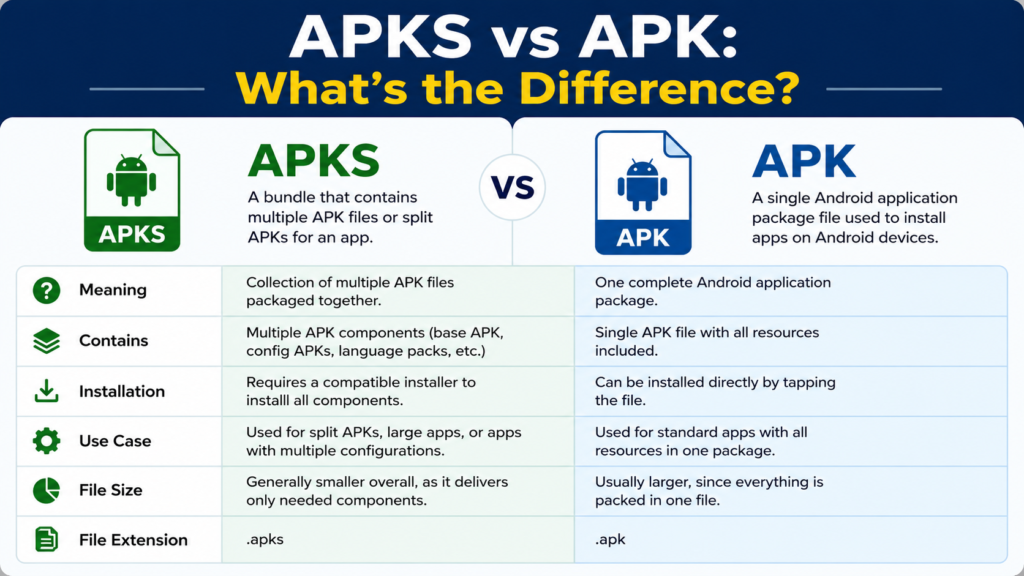
The biggest difference between APK and APKS is how application components are packaged.
An APK is a standard Android application package. In many cases, you can download an APK and tap it to begin installation, provided Android allows installation from that source.
An APKS file, on the other hand, generally contains multiple APK files. Because those components need to be installed together, Android’s standard package installer may not recognize the APKS file directly.
Here’s a quick comparison:
| Feature | APK | APKS |
|---|---|---|
| Meaning | Android application package | Bundle containing multiple APK files |
| Usually contains | One APK package | Multiple APK components |
| Direct installation | Often possible | Usually requires a compatible installer |
| Common use | Standard app distribution | Split APK distribution |
| File extension | .apk | .apks |
| Size | Can be large | May contain several smaller components |
| Device-specific components | Usually bundled | Can be separated into split APKs |
In simple terms, APK is the application package, while APKS is a collection of APK packages designed to work together.
APKS vs XAPK: Are They the Same?
APKS and XAPK are sometimes confused because both can contain more than a single APK file.
However, they are not necessarily identical.
An XAPK package can contain an APK along with additional resources, such as OBB data files. Depending on the source, an XAPK package may also contain other files required by an application.
APKS, meanwhile, is primarily associated with collections of split APKs.
The exact contents can vary depending on the tool or platform that created the package, so it is always a good idea to check what is inside a downloaded file before attempting installation.
Quick comparison
| File Type | General Purpose | Typical Contents |
| APK | Standard Android app package | One APK |
| APKS | Split APK bundle | Multiple APK files |
| XAPK | Extended Android app package | APK plus additional app data or components |
| APKM | Split APK package format | Multiple APK components |
The important point is that these formats may require different installation methods. Renaming one format to another does not normally convert it into a compatible package.
Can You Install an APKS File Directly?
In most situations, you cannot install an APKS file by simply tapping it like a regular APK.
Android’s package installer is primarily designed to handle standard application packages. An APKS archive needs to be processed so that its individual APK components can be installed together.
A compatible split-APK installer can usually handle this process.
The basic process generally looks like this:
- Download the APKS file from a trusted source.
- Install a reputable application capable of handling split APK packages.
- Open the installer and select the APKS file.
- Allow the installer to access the required file.
- Select the appropriate APK components if necessary.
- Start the installation.
- Wait until all required components are installed.
The exact steps can vary depending on your Android version and the application you use to install the package.
How to Install an APKS File on Android
If you have an APKS file and need to install it, using a trusted split-APK installer is generally the simplest approach.
Before starting, make sure the package comes from a reliable source. Installing unknown applications can expose your device to malware, unwanted permissions, or modified software.
Step 1: Download the APKS File
First, download the APKS package to your Android phone.
Pay attention to the source. A familiar website or reputable application distributor is preferable to an unknown download page that provides suspicious files or excessive pop-ups.
Step 2: Install a Compatible Installer
Because APKS files contain multiple APK components, you need an installer that understands split APK packages.
Some Android utilities are specifically designed to install APK bundles and split packages.
Only install an installer from a trustworthy source, and check its reputation and requested permissions.
Step 3: Open the APKS Package
Launch the compatible installer and locate the APKS file in your device’s storage.
Depending on the installer, you may need to browse to the Downloads folder or another location where the file was saved.
Step 4: Install the Required Components
The installer should identify the APK components contained in the APKS package.
It can then install the necessary files as a single application.
If the package is incompatible with your device, the installation may fail. This can happen when the package was created for a different Android version, processor architecture, or device configuration.
Step 5: Launch the App
After installation is complete, check your app drawer and open the application.
If everything was packaged correctly and your device meets the app’s requirements, it should work normally.
Why Does an APKS Installation Fail?
Sometimes an APKS file refuses to install even when you follow the correct procedure. There can be several reasons for this.
The Package Is Incomplete
If the download was interrupted or the file was damaged, one or more APK components may be missing.
Try downloading the package again from the original source.
The File Is Not Compatible
Some applications require a specific Android version, CPU architecture, screen configuration, or other device characteristics.
A package intended for another device may not install correctly.
The Installer Does Not Support the Package
Not every APK installer can process split APK bundles. If your installer only supports standard APK files, it may not recognize an APKS package.
Existing App Conflicts
If the application is already installed, the new package may conflict with the existing version.
In some cases, an update can only be installed when the signing certificate matches the currently installed application.
Insufficient Storage
Although an APKS file may look relatively small, installation requires additional storage because the package needs to be extracted and installed.
Make sure your device has enough free space.
Is an APKS File Safe?
The APKS file format itself is not dangerous. The main security concern is where the file came from and what APK components it contains.
An APKS package can theoretically contain modified or malicious APK files, just like a standard APK downloaded from an untrusted source.
For safer Android sideloading:
- Download applications from reputable sources whenever possible.
- Avoid suspicious websites offering cracked or heavily modified applications.
- Check the application’s requested permissions.
- Keep Android and Google Play Protect updated.
- Avoid installing files that you did not intentionally download.
- Be cautious with applications asking for unnecessary access to sensitive information.
- Scan questionable files with a reputable security solution before installation.
Remember that a familiar file extension does not guarantee that the application is trustworthy.
Can You Convert APKS to APK?
You may be able to extract the contents of an APKS package and find individual APK files inside it. However, simply extracting one APK does not necessarily create a complete version of the application.
Some apps depend on multiple split APKs. Installing only the base APK may result in an incomplete installation or an application that does not function correctly.
For this reason, it is generally better to use an installer designed to handle the entire APKS package rather than trying to manually convert it.
If you specifically need a universal APK, you would need a proper tool and a package configuration that supports creating one. Not every APKS package can or should be converted into a single standalone APK.
What Happens Inside an APKS File?
An APKS file can be thought of as a container.
Depending on how it was created, it may contain a base application package along with several split APKs. Each component has a particular role.
For example, one component might provide the main application, while another contains resources optimized for a specific processor architecture. Another may contain language or screen-density resources.
This structure is one reason why manually installing individual APK files can sometimes cause problems.
The components are intended to work together.
APKS Files and Android App Bundles
The rise of Android App Bundles has made split APK distribution more common.
Developers can create an Android App Bundle containing different resources and configurations. Distribution systems can then generate optimized APKs for individual devices.
This helps reduce unnecessary downloads because a phone does not need every resource intended for every possible device.
APKS files can be useful when those generated split APKs are packaged together for distribution outside the standard app store installation process.
For everyday users, the technical details are less important than one key fact: an APKS file may contain several APK parts that need to be installed together.
Should You Download APKS Files Instead of APKs?
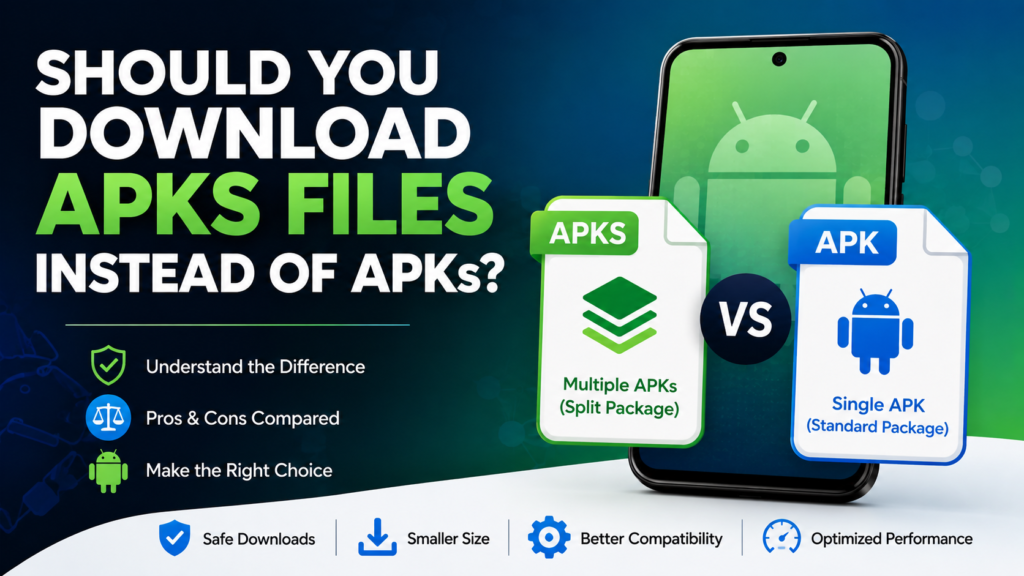
There is no universal answer.
If an app is officially available through a trusted app store, installing it through that store is usually the simplest and safest option.
An APKS file can be useful when:
- The application is distributed as split APKs.
- You need an offline copy of an application.
- You are using a trusted alternative app distribution platform.
- You need to restore a previously backed-up application package.
However, APKS files can be less convenient than standard APKs because they usually require a compatible installer.
For most casual Android users, the easiest option is still to use an official application store whenever the app is available there.
Frequently Asked Questions About APKS Files
What is an APKS file on Android?
An APKS file is a package containing multiple APK files or split APK components that belong to the same Android application. It allows several application components to be distributed together instead of being delivered as one traditional APK.
Can I open an APKS file?
Yes. An APKS file can generally be opened or processed using software that supports APK bundle formats. However, opening the archive and installing the application are different things. To install it correctly, you typically need a compatible split-APK installer.
Is APKS better than APK?
Neither format is universally better. APK is simpler when you have a single application package, while APKS can efficiently package multiple APK components. The appropriate format depends on how the application is distributed.
Why won’t my phone install an APKS file?
Android’s standard installer may not recognize APKS files because they contain multiple APK components. Installation can also fail because of an incomplete download, incompatible device architecture, insufficient storage, an unsupported Android version, or a conflict with an existing application.
Can I change APKS to APK?
You can extract APK files from an APKS package, but that does not necessarily turn the entire application into a standalone APK. If the app depends on multiple split components, installing only one extracted APK may not work correctly.
Are APKS files safe?
The APKS format itself is not inherently unsafe. Security depends largely on the APK components inside the package and the source from which you downloaded it. Always use reputable sources and avoid suspicious or modified applications.
Final Thoughts
So, what is an APKS file on Android? In simple terms, it is a package that brings multiple APK components together so they can be distributed and installed as one application.
The format is useful because modern Android apps often contain different resources optimized for different devices. Instead of forcing every user to download every possible component, applications can be divided into smaller pieces.
For Android users, the main difference to remember is simple: an APK is generally a single Android application package, while an APKS file is commonly a bundle of multiple APK components.
Also Read: What Is an APKM File and How Does It Work: A Complete Guide to APKM Files














1 comment