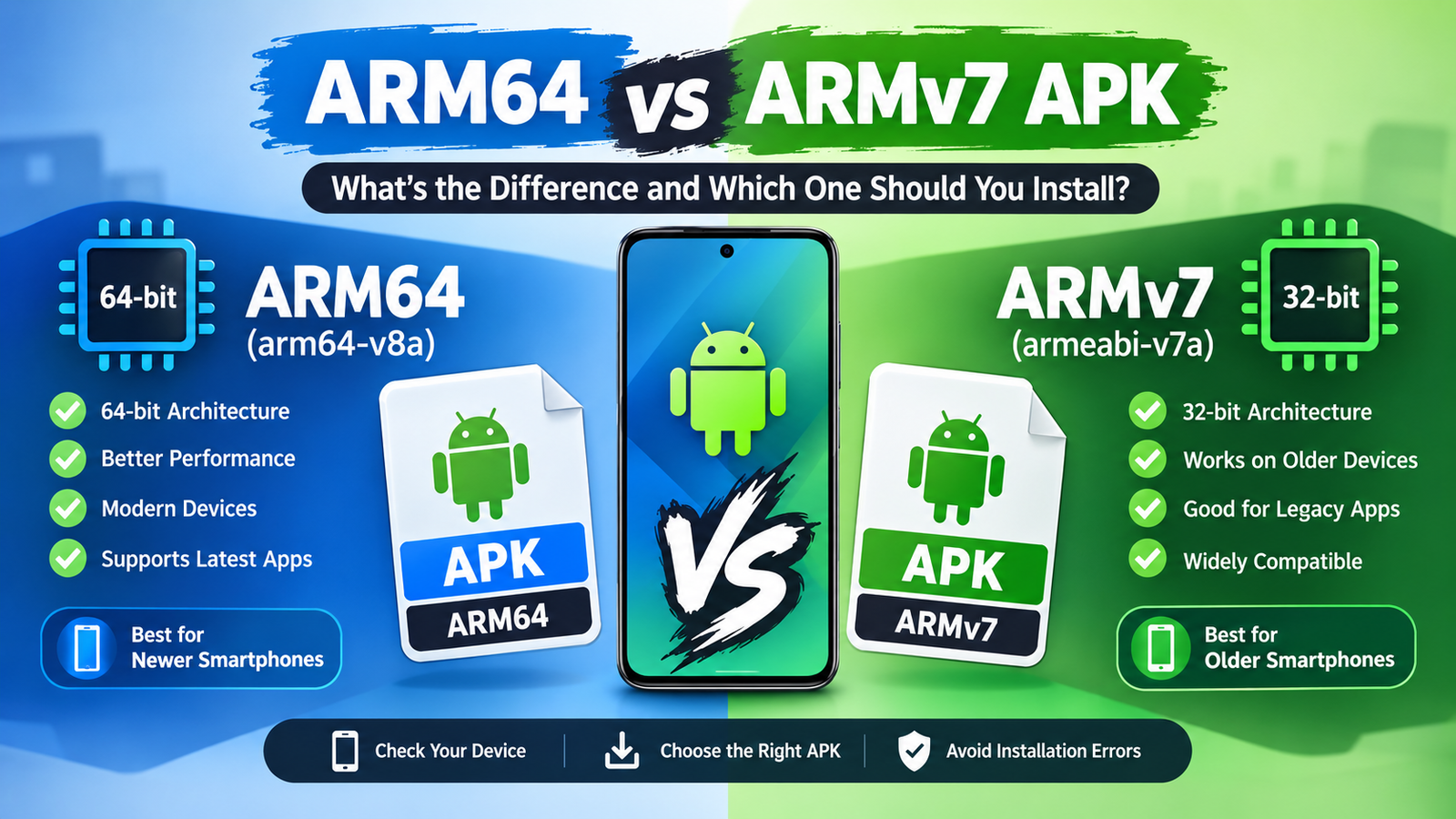
ARM64 vs ARMv7 APK: What’s the Difference and Which One Should You Install
When downloading an APK outside the Google Play Store, you may come across different versions of the same app, such as ARM64 APK, ARMv7 APK, or sometimes universal APK. If you are unsure which file belongs on your Android phone, choosing the wrong architecture can lead to installation errors, crashes, or poor app performance.
The terms ARM64 and ARMv7 describe the processor architecture supported by an Android device. Most modern smartphones use 64-bit ARM processors, while older Android phones may still rely on ARMv7. Understanding the difference can help you download the correct APK and avoid unnecessary installation problems.
In this guide, we’ll explain ARM64 vs ARMv7 APK in simple terms, compare their compatibility and performance, and show you how to determine which APK your Android phone needs.
What Is an ARM APK?
An ARM APK is an Android application package designed to work with a particular ARM processor architecture.
ARM processors are widely used in smartphones, tablets, Android TV devices, and other mobile hardware because they offer a good balance between performance and power efficiency.
When developers build an Android application, they may include native libraries compiled for different processor architectures. An APK containing libraries for one architecture may not work correctly on another architecture.
Common Android architectures include:
- ARMv7 (armeabi-v7a) – 32-bit ARM architecture
- ARM64 (arm64-v8a) – 64-bit ARM architecture
- x86 – 32-bit Intel/AMD architecture
- x86_64 – 64-bit Intel/AMD architecture
For Android phones, ARM-based architectures are by far the most common.
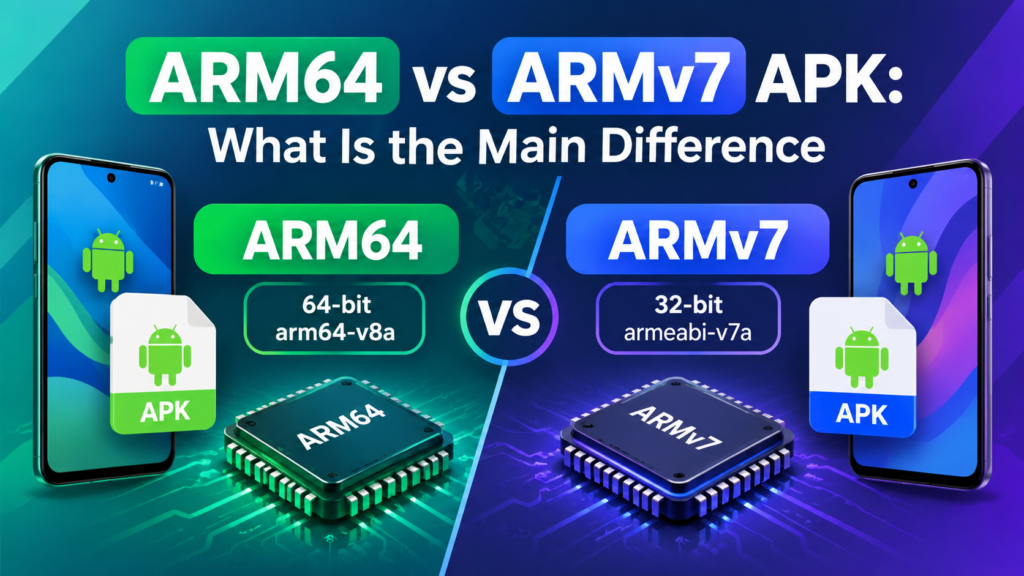
ARM64 vs ARMv7 APK: What Is the Main Difference?
The biggest difference between ARM64 and ARMv7 is the processor architecture they are designed for.
ARMv7 APKs target 32-bit ARM processors, while ARM64 APKs are built for 64-bit ARM processors.
ARM64 can handle 64-bit instructions and is designed for newer generations of hardware. ARMv7 is an older 32-bit architecture that remains relevant mainly for older devices and certain legacy applications.
Here is a quick comparison:
| Feature | ARM64 APK | ARMv7 APK |
|---|---|---|
| Architecture | 64-bit ARM | 32-bit ARM |
| Android ABI | arm64-v8a | armeabi-v7a |
| Typical devices | Newer smartphones | Older smartphones |
| Memory capabilities | Better support for modern 64-bit systems | Designed for 32-bit environments |
| Modern app compatibility | Generally better | More limited |
| Hardware generation | Newer | Older |
| File compatibility | Requires ARM64-compatible environment | Requires ARMv7-compatible environment |
Although ARM64 is newer, that does not automatically mean an ARM64 APK can be installed on every Android device.
What Is an ARMv7 APK?
An ARMv7 APK is compiled for the armeabi-v7a Android Application Binary Interface, commonly shortened to ARMv7.
It was widely used by Android devices before 64-bit processors became standard.
Older phones and tablets may still require ARMv7 applications. If you install an APK containing only ARM64 native libraries on an ARMv7-only device, Android generally cannot execute those libraries.
ARMv7 applications can still be useful when:
- You have an older Android smartphone.
- Your device uses a 32-bit ARM environment.
- The app developer provides separate architecture-specific downloads.
- A legacy application has not been updated for 64-bit systems.
ARMv7 is not necessarily a bad choice. It is simply intended for a different generation of hardware.
What Is an ARM64 APK?
An ARM64 APK is designed for 64-bit ARM processors and uses the arm64-v8a ABI.
Most modern Android smartphones use ARM64-compatible processors. These include many devices powered by newer Snapdragon, MediaTek, Exynos, Tensor, and similar mobile chipsets.
ARM64 provides the foundation for modern 64-bit Android applications and can take advantage of the capabilities of current hardware and operating systems.
An ARM64 APK is usually the appropriate choice when your device supports the arm64-v8a architecture.
However, processor support and Android’s actual application environment are not always exactly the same thing. A phone may have 64-bit-capable hardware while running a 32-bit operating system or environment.
That is why checking the device’s supported ABI is more reliable than simply looking at the processor name.
ARM64 vs ARMv7 APK Compatibility
Compatibility is one of the most important differences when comparing ARM64 and ARMv7 APK files.
An APK with native ARM64 libraries expects an environment capable of running 64-bit ARM code. An ARMv7 APK, on the other hand, contains native libraries intended for 32-bit ARM environments.
In simple terms:
ARM64 device/environment → ARM64 APK is generally preferred
ARMv7 device/environment → ARMv7 APK is generally required
Some Android devices can run both 32-bit and 64-bit applications. This means an ARM64 phone may be able to install an ARMv7 APK if the required 32-bit support is available.
This is why compatibility can sometimes appear confusing. A newer phone may successfully run an older 32-bit application, while an older 32-bit device cannot run an ARM64-only application.
Does ARM64 APK Perform Better Than ARMv7?
Not every ARM64 APK will automatically feel faster than an ARMv7 APK.
Performance depends on several factors, including the application itself, processor, RAM, Android version, optimization, and the tasks being performed.
However, ARM64 provides a more modern environment and is generally better suited to current Android software.
For demanding applications such as:
- Games
- Video editors
- 3D applications
- Camera apps
- Productivity tools
- AI-powered applications
developers can take advantage of modern 64-bit hardware and software capabilities.
For basic applications, the difference may not be noticeable during everyday use.
The most important rule is to use the architecture that matches your device rather than choosing an APK simply because it sounds more powerful.
How to Check Whether Your Phone Uses ARM64 or ARMv7
You do not have to guess which APK your phone needs. Android device information apps can usually show the supported ABI.
Method 1: Use a Device Information App
Apps designed to display Android hardware information can show details about your CPU architecture and supported ABIs.
Look for information such as:
- arm64-v8a
- armeabi-v7a
- 64-bit
- 32-bit
If the device information lists arm64-v8a, it supports ARM64 applications.
If it lists only armeabi-v7a, you should generally use the ARMv7 version.
Method 2: Check Using Android Tools
Advanced users can also use ADB or a terminal environment to inspect Android system properties.
Commands such as getprop can reveal architecture-related information, depending on the device and Android version.
For most users, however, a reputable device-information utility is easier and less confusing.
Method 3: Check the APK’s Architecture
If you already downloaded an APK, you can inspect its package information with an APK analysis tool.
The native library folders can provide clues. For example:
lib/arm64-v8a/→ ARM64lib/armeabi-v7a/→ ARMv7
Some APKs contain multiple architectures, so you may see more than one folder.
What Is a Universal APK?
A universal APK is designed to support multiple processor architectures within the same package.
For example, a universal APK may include native libraries for:
- ARMv7
- ARM64
- x86
- x86_64
This makes the APK easier to distribute because users do not necessarily have to identify their processor architecture before downloading it.
The disadvantage is that a universal APK can be larger because it contains files for architectures that your phone may not use.
If separate ARM64 and ARMv7 versions are available, the architecture-specific package can sometimes be smaller and more efficient.
ARM64 APK vs Universal APK
Choosing between ARM64 and a universal APK depends on your priorities.
| Factor | ARM64 APK | Universal APK |
|---|---|---|
| Download size | Usually smaller | Usually larger |
| Compatibility | Targeted | Broad |
| Best for | Known ARM64 devices | Unknown or mixed devices |
| Extra libraries | Fewer | Multiple architectures |
| Installation choice | Requires architecture knowledge | Easier for beginners |
If you know your phone supports ARM64, an ARM64 APK is often the cleaner choice.
If you are unsure about your device architecture and a trusted source offers a universal version, the universal package may be more convenient.
Can an ARM64 Phone Run an ARMv7 APK?
In many cases, yes.
A 64-bit ARM Android device may support 32-bit applications, allowing it to run software compiled for ARMv7.
However, compatibility depends on the Android operating system, device configuration, and whether the necessary 32-bit libraries are available.
This creates an important distinction:
64-bit hardware does not always mean every 32-bit APK will work, and 32-bit hardware cannot normally run ARM64 native code.
Therefore, checking the actual supported ABI remains the safest approach.
Can ARMv7 Phones Run ARM64 APKs?
Generally, no.
An ARMv7-only environment does not have the capability required to execute ARM64 native code.
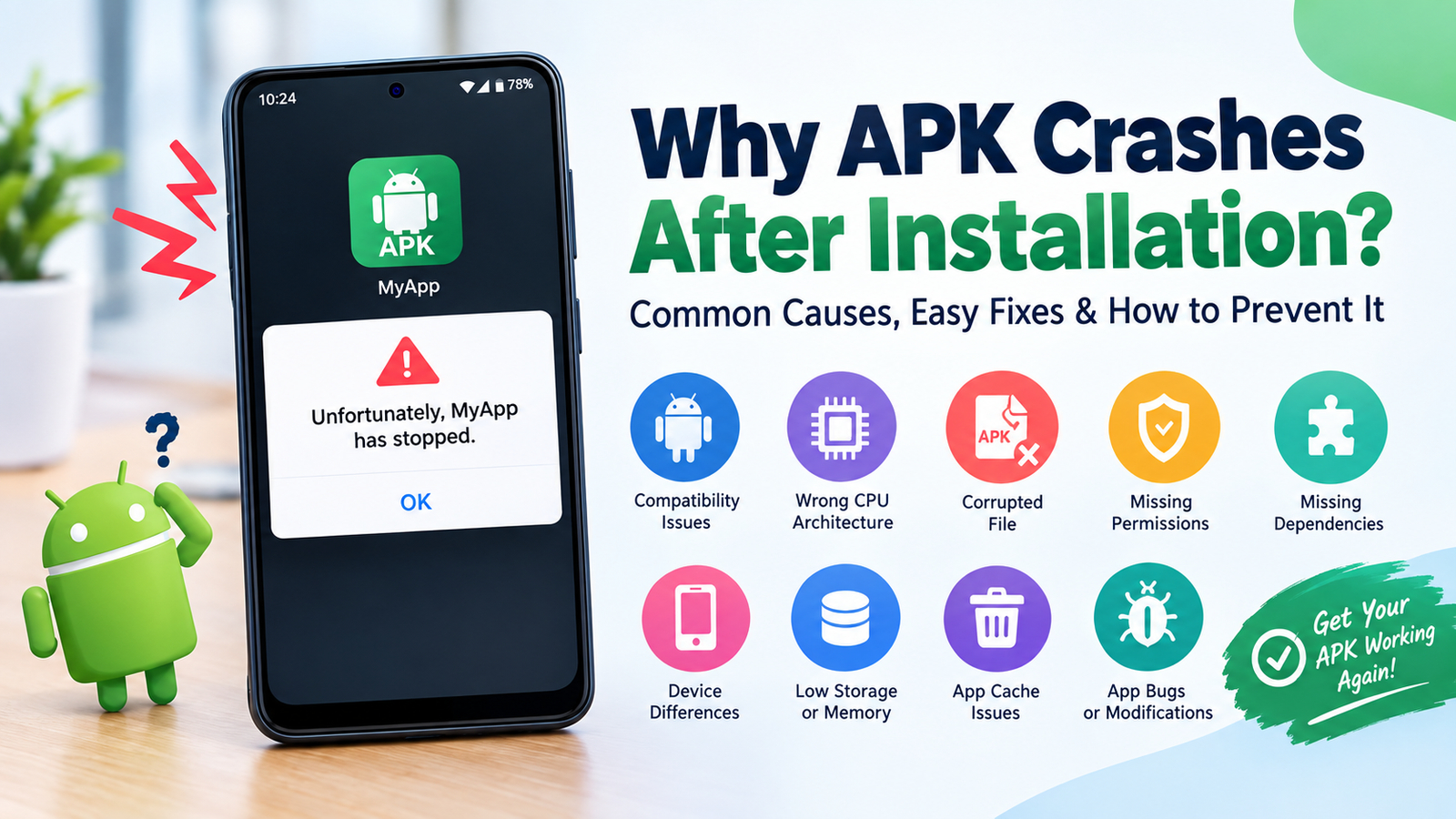
If you try installing an ARM64-only application on an incompatible older device, you may encounter messages such as:
- App not installed
- Parse error
- Incompatible app
- Installation failed
- Application crashes immediately
The exact message depends on the APK, Android version, and installation method.
If your device is ARMv7-only, look for an ARMv7-compatible release or a universal package that includes ARMv7 libraries.
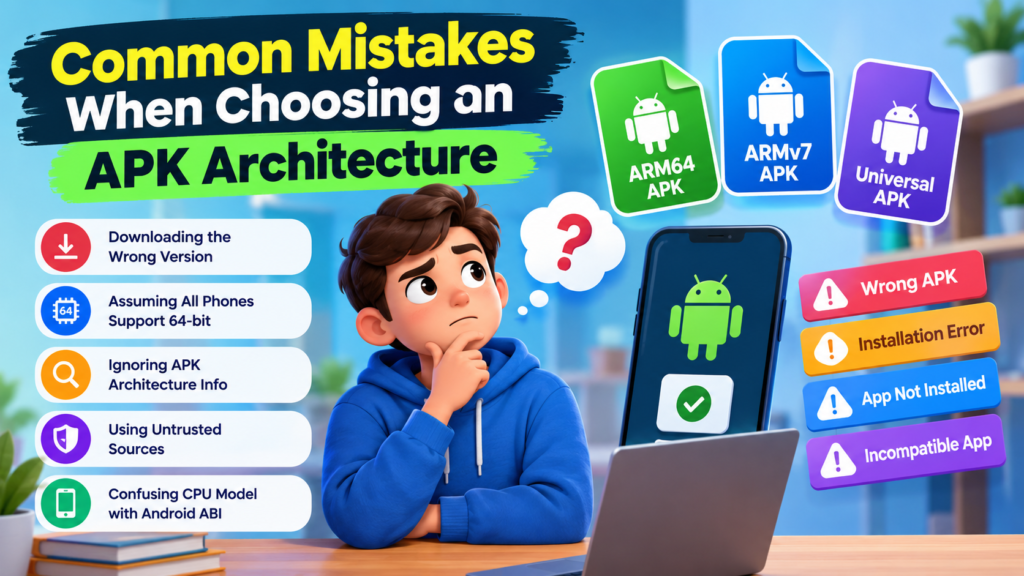
Common Mistakes When Choosing an APK Architecture
Many APK installation problems are caused by downloading the wrong package.
Here are some mistakes worth avoiding:
- Downloading ARM64 simply because it is newer
- Assuming every Android phone supports 64-bit apps
- Ignoring the APK’s architecture information
- Installing APKs from untrusted websites
- Confusing CPU model with Android ABI
- Assuming a universal APK is always the smallest option
- Using an outdated ARMv7 version when the developer requires ARM64
Before installing an APK, check both architecture compatibility and source reliability.
A technically compatible APK can still be unsafe if it has been modified or obtained from an untrustworthy source.
Which APK Should You Choose?
The simplest way to decide is to start with your device’s supported architecture.
Choose ARM64 APK when:
- Your device supports
arm64-v8a. - You are using a modern Android phone.
- The developer provides a dedicated ARM64 release.
- You want an architecture-specific package.
Choose ARMv7 APK when:
- Your device supports
armeabi-v7a. - You have an older ARM-based Android device.
- The application specifically requires ARMv7.
Choose Universal APK when:
- You do not know your device architecture.
- The package comes from a trustworthy source.
- You want broader compatibility.
- The larger download size is not a concern.
FAQ: ARM64 vs ARMv7 APK
Is ARM64 better than ARMv7?
ARM64 is a newer 64-bit architecture and is generally better suited to modern Android devices and applications. However, “better” does not mean it works on every phone. The APK must match the device’s supported environment.
What does ARM64-v8a mean in an APK?
arm64-v8a is the Android ABI identifier commonly used for 64-bit ARM applications. If your Android environment supports this ABI, an ARM64 APK is generally appropriate.
What does armeabi-v7a mean?
armeabi-v7a identifies the 32-bit ARM ABI commonly known as ARMv7. It is primarily associated with older Android hardware and 32-bit application support.
Can I install ARMv7 APK on an ARM64 phone?
Often, yes. Many ARM64 Android devices can run compatible 32-bit applications. However, support varies depending on the operating system and device configuration.
Can I install ARM64 APK on an ARMv7 phone?
Normally, no. An ARMv7-only environment cannot execute ARM64 native code. You should look for an ARMv7-compatible or universal APK instead.
How do I know which APK to download?
Check your phone’s supported ABI using a reputable device-information tool. If it shows arm64-v8a, use the ARM64 version when available. If it shows armeabi-v7a, use the ARMv7 version.
Final Thoughts
Understanding ARM64 vs ARMv7 APK can save you from many unnecessary Android installation problems. ARM64 is the modern 64-bit ARM architecture used by most newer Android devices, while ARMv7 is an older 32-bit architecture that remains important for compatible legacy devices.
The best APK is not necessarily the newest or largest one. It is the package that matches your device’s supported architecture.
Also Raed: Takken 3 APK: A Complete Guide to Playing the Classic Fighting Game on Android











1 comment