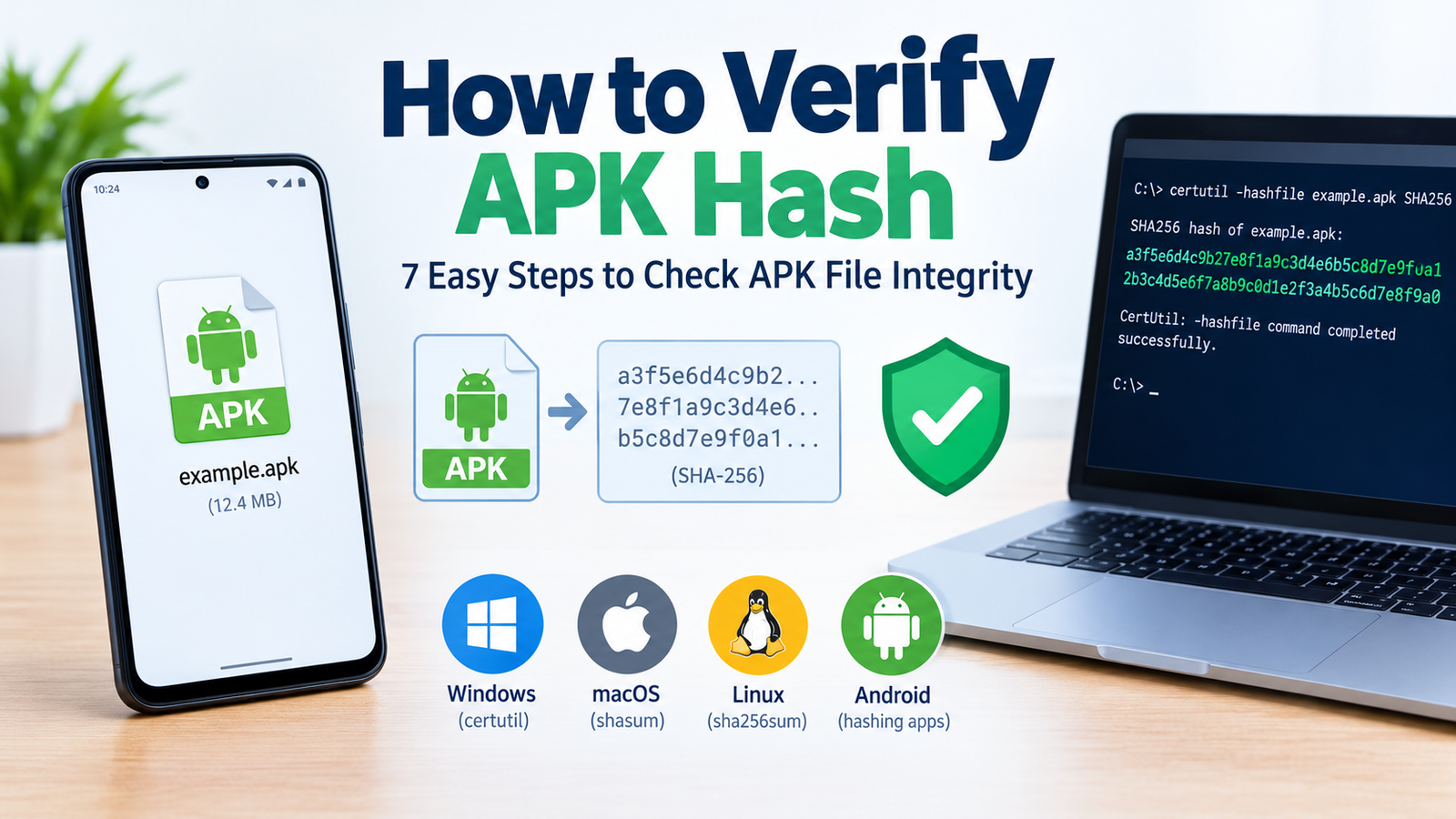
How to Verify APK Hash: 7 Easy Steps to Check APK File Integrity
Downloading Android apps through APK files can be convenient, especially when you need a particular app version or cannot access an app through the Play Store. However, before installing a downloaded file, it is important to check whether it matches the original file provided by a trusted source. One way to do this is by learning how to verify APK hash.
An APK hash is a digital fingerprint generated from a file using a mathematical algorithm. By calculating the hash of your downloaded APK and comparing it with a trusted reference value, you can determine whether both files match.
This process is useful for identifying corrupted downloads, detecting unexpected modifications, and checking the integrity of installation files. However, a matching hash alone cannot guarantee that an APK is safe to install.
In this guide, you will learn how APK hashes work, how to calculate them on different devices, how to compare hash values, and what to do when a verification check fails.
What Is an APK Hash?
An APK hash is a fixed-length string produced by applying a hashing algorithm to an Android application package. The result represents the contents of that particular file.
Even a small change to the APK will normally produce a completely different cryptographic hash. This makes hashing useful for checking whether a downloaded file matches a known original.
Several hashing algorithms exist, but they do not all offer the same level of security.
| Hash algorithm | Output length | Recommended use |
|---|---|---|
| SHA-256 | 64 hexadecimal characters | Preferred for modern file integrity checks |
| SHA-1 | 40 hexadecimal characters | Legacy compatibility and older records |
| MD5 | 32 hexadecimal characters | Basic identification, not security-sensitive verification |
For most APK verification tasks, SHA-256 is the best choice.
For example, a SHA-256 hash might look like a long string of letters and numbers. The value generated for your APK will depend on the exact contents of that file.
Remember that a hash is not an app rating or a security score. It is a fingerprint that becomes useful when you compare it against a reliable reference.
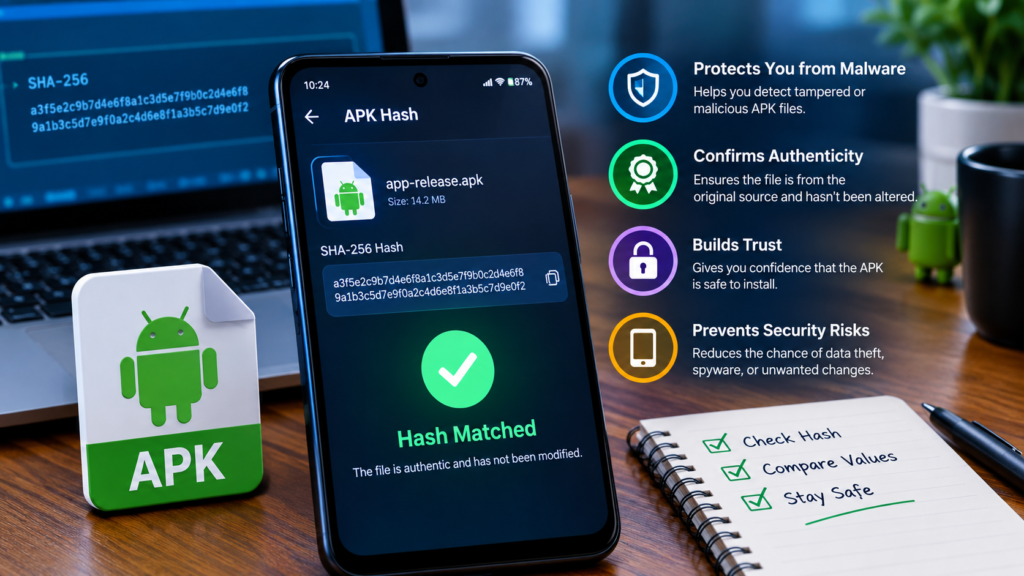
Why Should You Verify an APK Hash?
Checking an APK hash helps you understand whether the file you downloaded matches the file represented by a trusted checksum.
There are several reasons why this matters.
Detect Corrupted APK Downloads
An interrupted download, storage issue, or transfer error can sometimes result in an incomplete or damaged file. Comparing its hash with the expected value can help reveal the problem.
Identify Unexpected File Modifications
If an APK changes after its original hash was calculated, the new hash will almost certainly be different. This can help you detect unexpected modifications before installing the file.
Confirm That You Have the Correct Version
Different releases of the same Android app usually have different hashes. Checking the expected hash can help you distinguish between the exact APK you intended to download and another release.
Improve Your Download Security
APK hash verification is particularly useful when downloading installation files from third-party websites or transferring APKs between devices.
However, it is important to obtain the reference hash from a trustworthy source. A suspicious website could publish a modified APK together with a matching hash for that same modified file.
What You Need Before Verifying an APK Hash
Before starting the verification process, prepare the following items.
- The downloaded APK: Make sure you know the exact location and filename.
- A trusted reference hash: Obtain the expected SHA-256 value from the official developer or another reliable source.
- A hashing tool: Use a built-in command-line utility or a reputable file-hashing application.
- The correct app version: Confirm that the reference belongs to the same release and APK variant.
If you cannot find an official reference hash, you can still calculate the APK’s SHA-256 fingerprint. However, without a trusted value for comparison, you cannot confirm that the file matches the original through hash verification alone.
How to Verify APK Hash on Windows
Windows includes a built-in command-line tool called certutil, which can calculate SHA-256 hashes without requiring additional software.
Follow these steps to check your APK file.
Step 1: Find Your Downloaded APK
Open your Downloads folder and locate the APK you want to verify.
For this example, assume the filename is example.apk.
Step 2: Open Command Prompt
Press Windows + R, type cmd, and press Enter.
A Command Prompt window will open.
Step 3: Run the SHA-256 Command
Enter the following command, replacing the example path with the actual location of your APK.
Press Enter to calculate the hash.
Windows will display the SHA-256 value for the selected file. Make sure the command points to the correct APK rather than another file with a similar name.
Step 4: Compare the Hash Values
Copy the displayed SHA-256 value and compare it with the trusted reference hash.
Check the entire string, including every letter and number.
- Matching values: The downloaded APK matches the file represented by the reference hash.
- Different values: The APK and reference do not represent identical file contents.
- No reference available: You have calculated a fingerprint, but you have not independently verified the APK against an original.
You can also use PowerShell:
Both methods provide a straightforward way to calculate an APK hash on Windows.
How to Verify APK Hash on Android
You do not necessarily need a computer to calculate an APK hash. You can perform the check directly on your Android phone using a suitable hashing utility.
Step 1: Choose a Trusted Hashing Tool
Look for a reputable application that supports SHA-256 file hashing. Prefer tools from trusted sources and review their requested permissions before installing them.
A basic file-hashing utility should not need access to unrelated personal information.
Step 2: Select the APK File
Open the hashing application and select the downloaded APK from your device’s storage.
Depending on your Android version, you may need to grant access to the folder containing the file.
Step 3: Calculate the SHA-256 Hash
Select SHA-256 from the available algorithms and start the calculation.
The tool should display the resulting hash once the process finishes.
Step 4: Compare the Result With a Trusted Reference
Copy the calculated value and compare it with the reference hash provided by the developer or trusted distributor.
If both values match, the APK is identical to the file represented by that reference, with extremely high confidence.
If they differ, check the file version and download source before proceeding.
How to Verify APK Hash on macOS and Linux
Mac and Linux users can calculate APK hashes through their built-in terminal environments.
On macOS
Open Terminal and run:
Replace example.apk with your actual filename.
The command calculates the file’s SHA-256 hash and displays it alongside the filename. Compare the result with your trusted reference.
On Linux
Open a terminal an
The output contains the calculated hash and the file path.
If you have saved a trusted checksum in a properly formatted file named apk-hash.txt, you can also use:
The checksum file must contain the expected SHA-256 value and the corresponding filename or path in the format required by the command.
A successful check reports that the file is OK. A failed check means the file does not match the expected checksum or could not be read.
What Does an APK Hash Mismatch Mean?
If your calculated hash differs from the reference, do not immediately assume that the APK contains malware. Several explanations are possible.
| Possible reason | Explanation | What to do |
|---|---|---|
| Corrupted download | The downloaded file may be incomplete or damaged | Download it again from a trusted source |
| Different app release | The reference belongs to another version | Check the version number and release details |
| Different APK variant | The file targets a different device or architecture | Confirm the correct APK variant |
| Modified APK | The file contents may have been changed | Avoid installing it until its origin is verified |
| Incorrect reference | The published hash may be outdated or inaccurate | Obtain the correct value from a reliable source |
The most important step is to establish whether the downloaded APK and reference hash are supposed to represent the exact same file.
For example, two legitimate releases of the same app will generally have different hashes. This is normal and does not, by itself, indicate a security problem.
If you cannot explain the mismatch, download a fresh copy from an official or otherwise trusted source and verify it again.
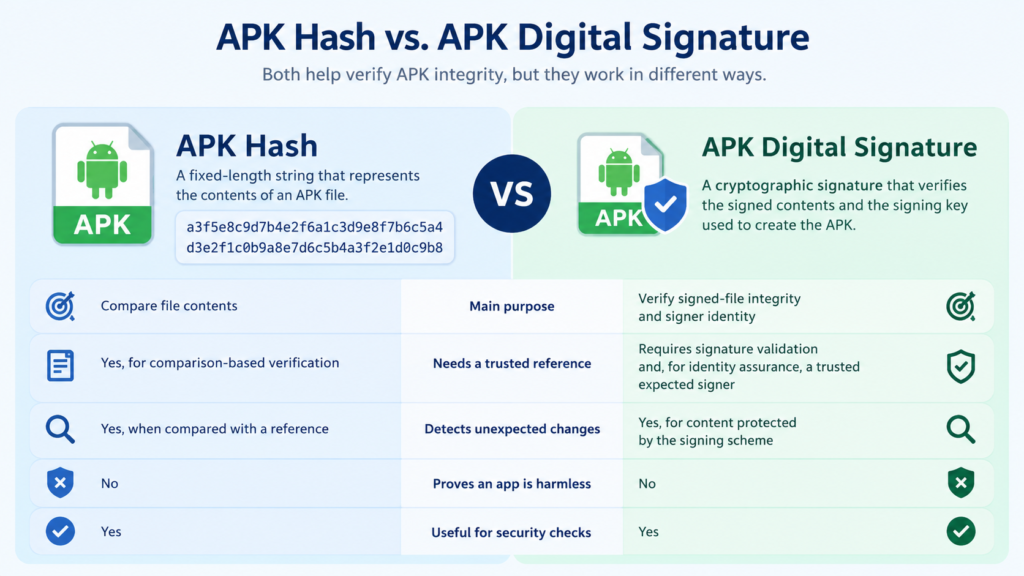
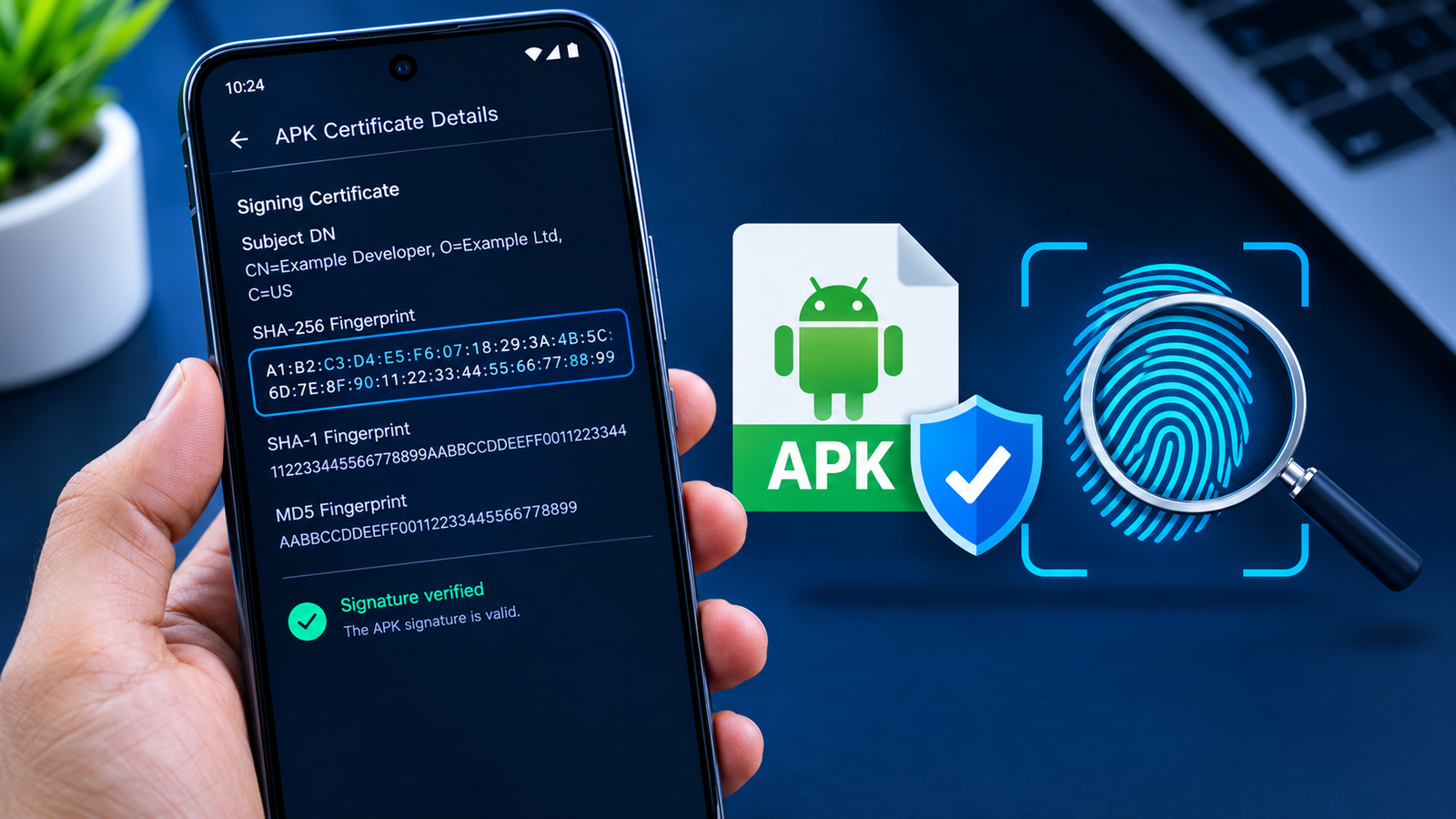
APK Hash vs. APK Digital Signature
Hash verification and digital-signature verification are two different ways to examine an APK’s integrity.
A hash helps you compare the contents of two files. An APK digital signature helps verify that the package’s signed contents remain intact and that the file was signed using a particular signing key.
| Feature | APK hash | APK digital signature |
|---|---|---|
| Main purpose | Compare file contents | Verify signed-file integrity and signer identity |
| Needs a trusted reference | Yes, for comparison-based verification | Requires signature validation and, for identity assurance, a trusted expected signer |
| Detects unexpected changes | Yes, when compared with a reference | Yes, for content protected by the signing scheme |
| Proves an app is harmless | No | No |
| Useful for security checks | Yes | Yes |
A valid signature does not automatically mean that an app is trustworthy. A malicious app can also be signed.
For stronger verification, check the APK’s hash against a trusted reference and confirm that its signing certificate matches the expected developer identity whenever possible.
Best Practices for Safe APK Hash Verification
Follow these recommendations to make your APK verification process more reliable.
- Use SHA-256: It is the preferred option for modern file integrity checks.
- Trust the reference source: A checksum is only as trustworthy as the source that provides it.
- Check the exact version: Confirm that the hash belongs to the same app release and APK variant.
- Investigate mismatches: Never ignore a failed check when you expect the file to match an official reference.
- Verify digital signatures: Check the expected signer when reliable signature information is available.
- Use security scanning when appropriate: Hash verification does not detect every type of malicious behavior.
- Avoid unknown tools: Do not install untrusted applications just to calculate a file hash.
- Keep a record of verified files: Saving the filename, version, source, and trusted checksum can help with future comparisons.
These practices are especially helpful when you download APKs outside the Play Store or maintain copies of older app versions.
Frequently Asked Questions
1. How do I verify APK hash quickly?
On Windows, use certutil -hashfile "path\to\app.apk" SHA256. On macOS, use shasum -a 256, and on Linux, use sha256sum. Compare the result with a trusted reference hash for the exact same file.
2. Which hash algorithm is best for APK verification?
SHA-256 is generally the preferred choice. It offers strong protection against deliberate hash collisions and is widely supported by modern operating systems and security tools.
3. Can I verify an APK hash without a computer?
Yes. You can use a reputable Android file-hashing utility or a compatible terminal environment. Calculate the APK’s SHA-256 hash and compare it with a reference from a source you trust.
4. What should I do if my APK hash does not match?
Check the app version, filename, APK variant, and reference source. Download a fresh copy from a trusted source and calculate the hash again. If the mismatch remains unexplained, avoid installing the file.
5. Does a matching APK hash mean the file is safe?
No. A matching hash indicates that the file corresponds to the trusted reference, assuming the reference is authentic. It does not prove that the original APK is free of malware or unwanted behavior.
6. Where can I find an APK’s original SHA-256 hash?
Check the official developer’s release page or a reputable distributor that publishes checksums. If no trustworthy reference is available, you can calculate the file’s hash for future comparisons, but you cannot establish its authenticity from that value alone.
Final Thoughts
Learning how to verify APK hash gives you a practical way to check whether an Android installation file matches a trusted reference. The process is simple: calculate the SHA-256 hash, obtain the expected value from a reliable source, and compare the two carefully.
Windows users can use certutil, macOS users can use shasum, Linux users can use sha256sum, and Android users can choose a reputable hashing utility.
Also Read: How to Install Older APK on New Android: A Complete Step-by-Step Guide












1 comment