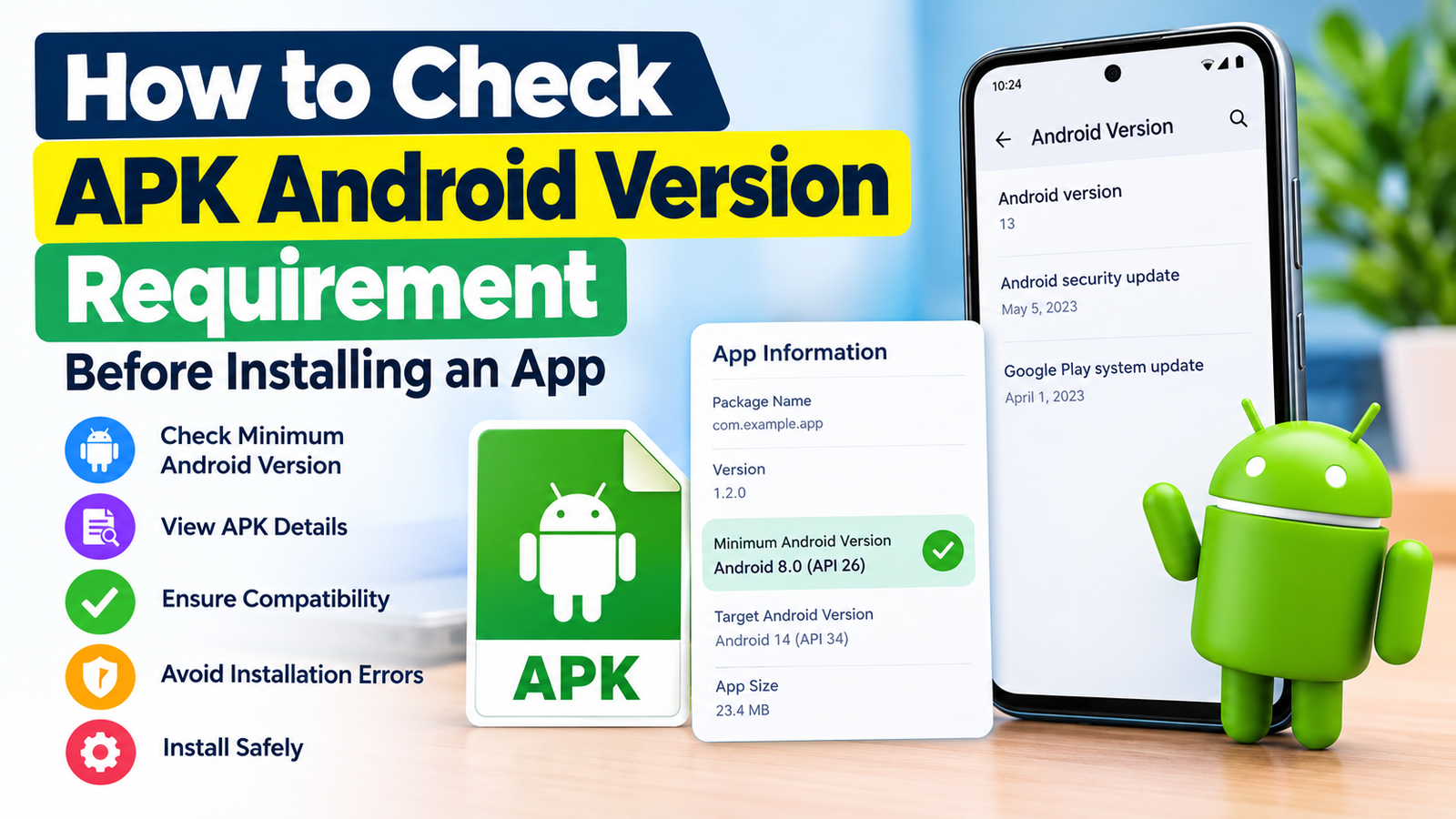
How to Check APK Android Version Requirement: Before Installing an App
Installing an APK on Android can sometimes lead to unexpected problems. The app may refuse to install, crash immediately, or show an error saying that the application is not compatible with your device. One of the most common reasons is a mismatch between the APK’s Android version requirement and the Android version running on your phone.
If you know how to check APK Android version requirement before installing an app, you can avoid many compatibility problems. Checking this information is especially useful when downloading APK files from websites instead of installing apps directly through an official app store.
The good news is that checking an APK’s Android version requirement is not necessarily complicated. You can use APK information websites, Android tools, or dedicated APK analysis applications to find the minimum Android version required by a particular file.
In this guide, you’ll learn what Android version requirements mean, how to check them, what information to look for, and what to do when an APK requires a newer Android version than your device supports.
What Is an APK Android Version Requirement?
An APK Android version requirement tells you which Android version an application needs to run properly.
Android applications are built using different versions of the Android software development platform. Developers specify a minimum supported Android version when creating an application.
For example, an APK may require:
- Android 8.0 or newer
- Android 9 or newer
- Android 11 or newer
- Android 13 or newer
If your phone is running an older version than the application’s minimum requirement, Android may prevent the installation or the app may not work correctly.
The requirement is generally associated with the application’s minimum SDK version, often called minSdkVersion. This value tells Android the oldest operating system version that the application is designed to support.
There can also be a target Android version, known as targetSdkVersion. This is different from the minimum requirement.
Minimum SDK vs. Target SDK
These two terms are easy to confuse.
| Term | What It Means |
|---|---|
| Minimum SDK | Oldest Android version that the app is designed to support |
| Target SDK | Android version the developer primarily targets when building the app |
| Compile SDK | Android API level used to compile the application |
| Your Android Version | Android version currently installed on your phone |
When checking APK compatibility, the minimum SDK is usually the most important value.
Why Should You Check an APK’s Android Requirement?
Checking compatibility before installation can save time and prevent frustrating errors.
Imagine downloading a large APK, transferring it to your phone, and then discovering that the application cannot be installed because your Android version is too old. Checking the requirement beforehand lets you identify the problem before spending time on the installation.
There are several reasons to check the requirement:
- Avoid installation errors.
- Determine whether your phone is compatible.
- Understand why an APK refuses to install.
- Compare an APK with your current Android version.
- Avoid downloading incompatible files.
- Troubleshoot apps that crash after installation.
It is particularly helpful when using older phones or APK files downloaded from third-party sources.
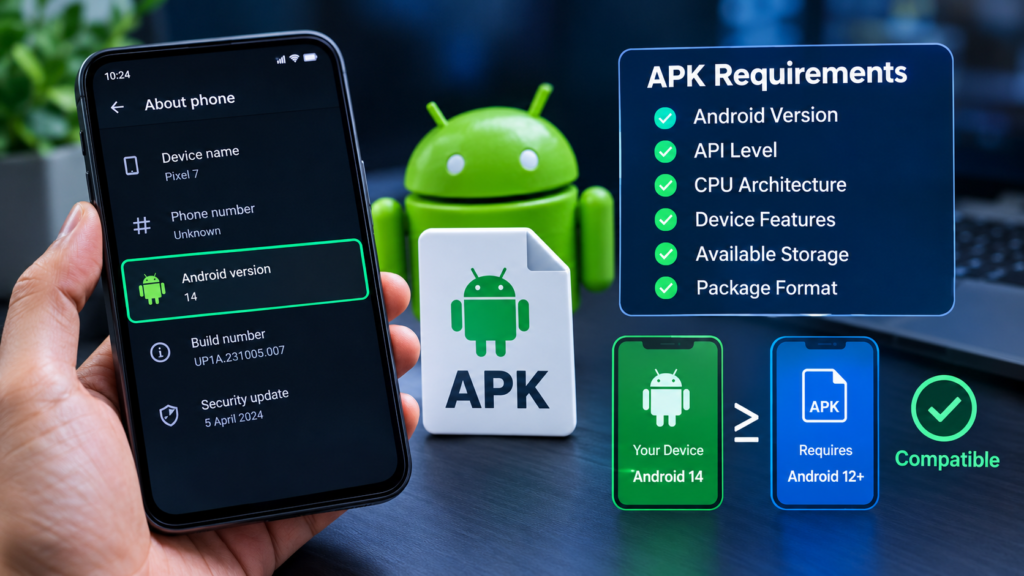
How to Check APK Android Version Requirement
There are several ways to find the Android version requirement of an APK. The easiest method depends on whether you already have the APK file and what device or computer you are using.
Check APK Information on Your Android Device
Some Android utilities can display detailed information about installed or downloaded APK files.
Depending on the tool, you may be able to see information such as:
- Minimum Android version
- Target Android version
- Package name
- Version number
- Application permissions
- CPU architecture
- APK size
- Application activities
Look for a field labeled Minimum SDK, Min SDK, Minimum Android Version, or something similar.
If the tool displays the minimum SDK as an API level instead of an Android version, you’ll need to convert the API level into the corresponding Android release.
Use an APK Analyzer
An APK analyzer is another useful method for checking an application’s technical details.
APK analysis tools can inspect the internal information stored inside an APK. Depending on the software, they can show the manifest information, including SDK requirements.
The Android application manifest contains important information about how an application interacts with the operating system. The minimum SDK requirement is commonly declared there.
For example, you might encounter information similar to:
minSdkVersion: 26
This means the application requires an Android version corresponding to API level 26 or newer.
The exact display depends on the APK analysis tool you’re using.
Check the APK’s Information Online
Another convenient option is to use a reputable APK information or analysis website.
Some services provide technical details about APK files and may show the required Android version. This can be useful if you are researching an APK before downloading or installing it.
When using an online service, be careful about uploading APK files that may contain private, proprietary, or sensitive information.
Also, remember that the Android version requirement alone does not prove that an APK is safe.
Compatibility and security are two different issues.
Understand Android API Levels
Android versions are associated with API levels. This can make APK compatibility information slightly confusing.
For example, an APK may tell you that it requires API level 29 instead of saying Android 10.
Here’s a simplified reference:
| Android Version | Approximate API Level |
|---|---|
| Android 8.0 | 26 |
| Android 8.1 | 27 |
| Android 9 | 28 |
| Android 10 | 29 |
| Android 11 | 30 |
| Android 12 | 31–32 |
| Android 13 | 33 |
| Android 14 | 34 |
| Android 15 | 35 |
| Android 16 | 36 |
API levels can be more useful than Android version names when you’re analyzing APK technical information.
For example, if an APK requires API level 30 and your phone uses API level 28, your Android version is below the application’s minimum requirement.
How to Check Your Phone’s Android Version
Before comparing an APK requirement with your device, you need to know which Android version your phone is running.
On many Android phones, you can check it by opening:
Settings → About phone → Android version
The exact menu can vary between manufacturers and Android versions.
You may also see an Android security update date, build number, or other software information. Do not confuse the security patch date with your Android version.
For example, your phone might have:
- Android 12
- A recent security patch
- A specific manufacturer software version
The Android version is what you need when comparing basic APK compatibility.
What Happens If the APK Requires a Newer Android Version?
If an APK requires a newer Android version than your phone supports, several things can happen.
The most obvious result is an installation error. Android may simply tell you that the application cannot be installed or that the app is incompatible with your device.
In other situations, the APK may install but fail to work properly.
You could experience:
- App crashes
- Missing features
- Blank screens
- Performance problems
- Unexpected errors
- Installation failures
The safest solution is usually to find a version of the application that officially supports your Android version.
Can You Install an APK That Requires an Older Android Version?
In many cases, an APK designed for an older Android version may install on a newer Android device. However, compatibility is not guaranteed.
A newer Android release can introduce security changes, permission restrictions, background activity limitations, and other system changes.
Therefore, simply seeing that your phone uses a newer Android version does not guarantee that every older APK will work perfectly.
If an older APK is important to you, check whether the developer provides compatibility information and whether the application is still maintained.
Other APK Compatibility Requirements to Check
Android version is only one part of APK compatibility.
Before installing an APK, you should also consider the following requirements.
CPU Architecture
Some APKs are built for specific processor architectures, such as:
- ARM64
- ARM
- x86
- x86_64
If the APK architecture does not match your device, installation or functionality may be affected.
Screen and Hardware Requirements
Some applications require specific hardware features.
For example, an app may depend on:
- GPS
- NFC
- Camera hardware
- Bluetooth
- Sensors
- Specific graphics capabilities
Available Storage
Even if your Android version is compatible, insufficient storage can prevent installation.
Make sure your device has enough free space for the APK and the installed application.
App Permissions
Review the permissions requested by an APK carefully. An application requesting access to sensitive device features should be treated with additional caution.
How to Fix an APK Android Version Compatibility Problem
If you discover that your APK requires a newer Android version, you have several possible options.
1. Update Android
If your phone supports a newer Android release, check for an available system update.
Go to your phone’s software update settings and look for an official update.
2. Find an Older Compatible APK
If the application supports older Android versions, look for an earlier release that meets your device’s requirements.
Only obtain APKs from sources you trust.
3. Upgrade Your Device
If your phone cannot receive newer Android updates and the application requires a newer operating system, upgrading the device may be the most practical long-term solution.
4. Look for an Alternative App
Sometimes the simplest solution is finding another application that supports your Android version and provides similar features.
Avoid attempting risky modifications just to force an incompatible application to run.
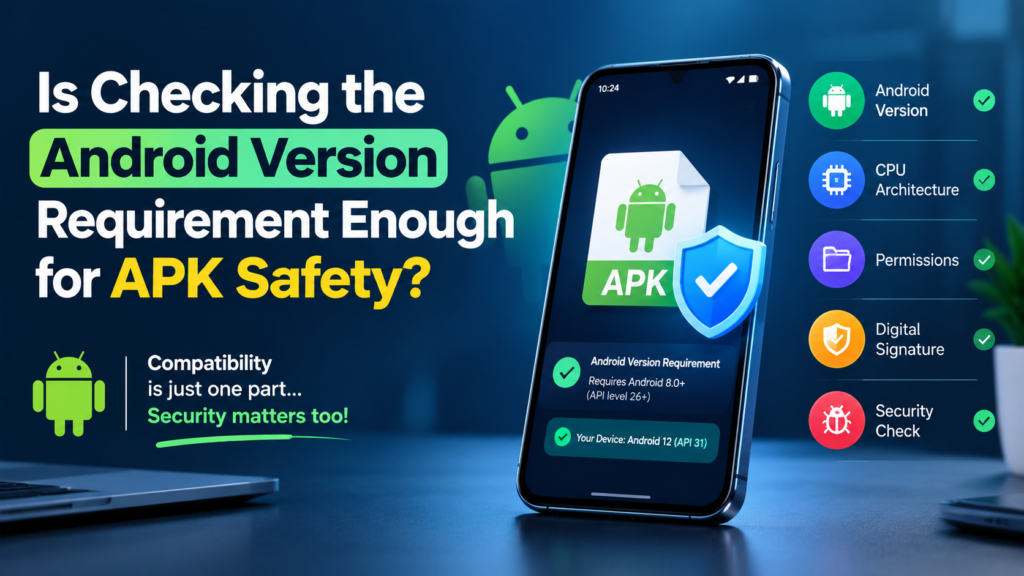
Is Checking the Android Version Requirement Enough for APK Safety?
No.
An APK can be compatible with your Android version and still be unsafe.
Compatibility tells you whether the application is technically suitable for your operating system. It does not tell you whether the APK has been modified, contains malicious code, or comes from a trustworthy source.
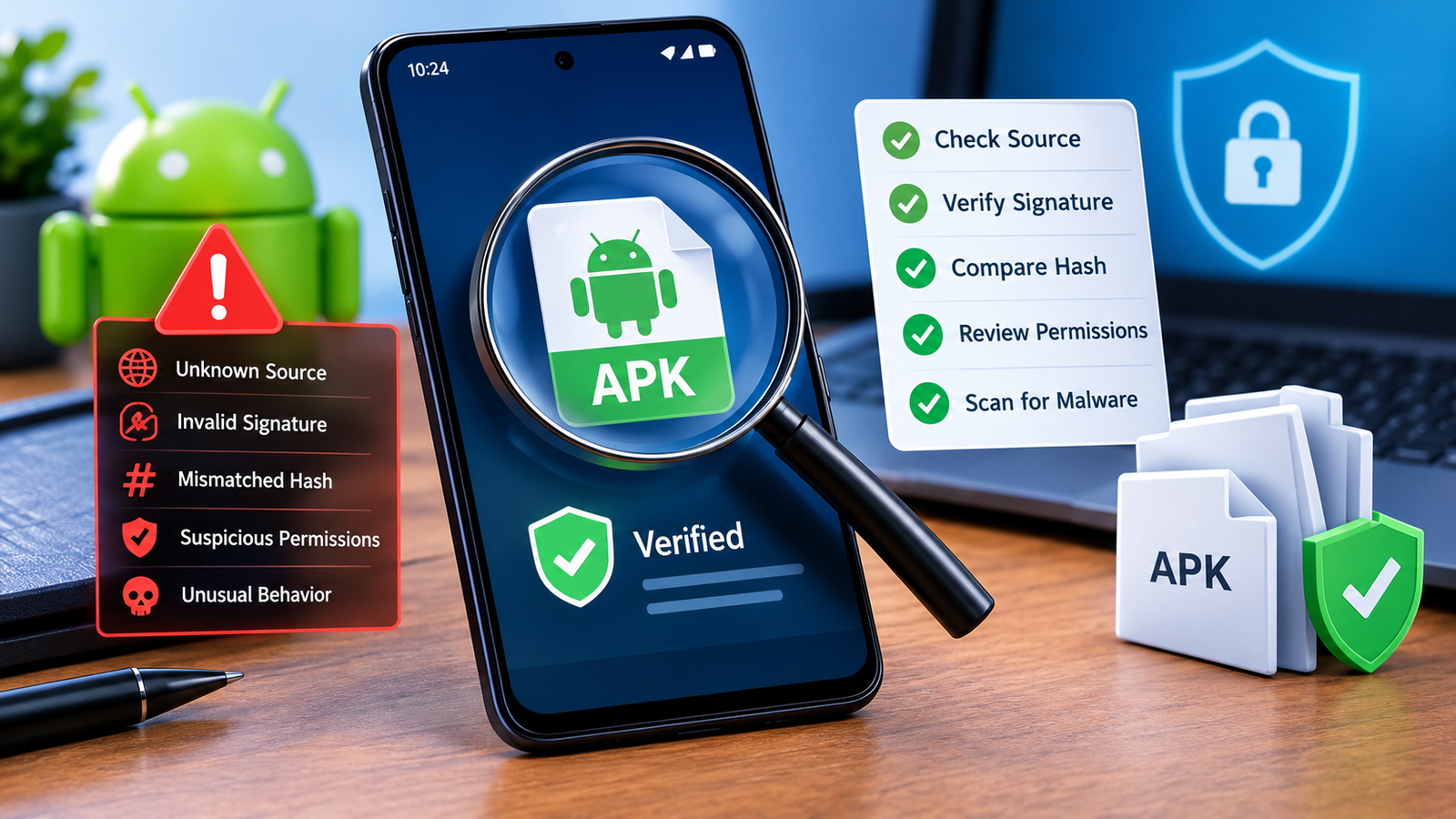
Before installing an APK, consider:
- Where the file came from.
- Whether the developer is known.
- Whether the APK has been modified.
- Whether the application requests unusual permissions.
- Whether the file matches the expected app and version.
- Whether security software identifies any problems.
Compatibility should be treated as one step in a broader APK safety check.
Quick APK Compatibility Checklist
Before installing an APK, use this checklist:
- Check your current Android version.
- Find the APK’s minimum Android requirement.
- Compare the required API level with your device.
- Check CPU architecture if available.
- Make sure enough storage is available.
- Review requested permissions.
- Verify the APK source.
- Check whether the application is still supported.
- Avoid modified APKs from unknown sources when possible.
- Keep your Android device updated.
This simple process can prevent many common APK installation problems.
Frequently Asked Questions
How do I check the minimum Android version required by an APK?
You can use an APK analysis tool or APK information utility to inspect the file’s minimum SDK requirement. Look for terms such as Minimum SDK, Min SDK, or Minimum Android Version.
What does minSdkVersion mean in an APK?
minSdkVersion defines the oldest Android API level that an application is designed to support. If your device uses an API level below that value, the APK may not be compatible.
How do I know if my Android phone can run an APK?
First, check your phone’s Android version under Settings → About phone → Android version. Then compare it with the APK’s minimum Android requirement. You should also check architecture and hardware requirements where applicable.
Can I install an APK if my Android version is too old?
Usually, an APK requiring a newer Android version cannot be properly installed or operated on an older system. Finding an older compatible version or updating Android is generally safer than trying to bypass compatibility restrictions.
Does a newer Android version always support older APKs?
Not necessarily. Many older applications can work on newer Android versions, but operating system changes can cause compatibility issues. An old APK may also have security or functionality problems.
Is an APK safe if it is compatible with my Android version?
No. Android compatibility does not guarantee security. Always consider the APK’s source, authenticity, permissions, and reputation before installing it.
Final Thoughts
Knowing how to check APK Android version requirement is a simple but useful skill for anyone who regularly works with APK files. Before installing an application, checking its minimum Android requirement can help you avoid compatibility errors, crashes, and wasted time.
Start by checking the Android version installed on your phone. Then inspect the APK’s minimum SDK or Android requirement and compare the two. If your device does not meet the requirement, look for an officially supported version, update your device if possible, or consider an alternative application.
Also Raed: How to Know If an APK Supports Your Phone: Before Installing It











1 comment