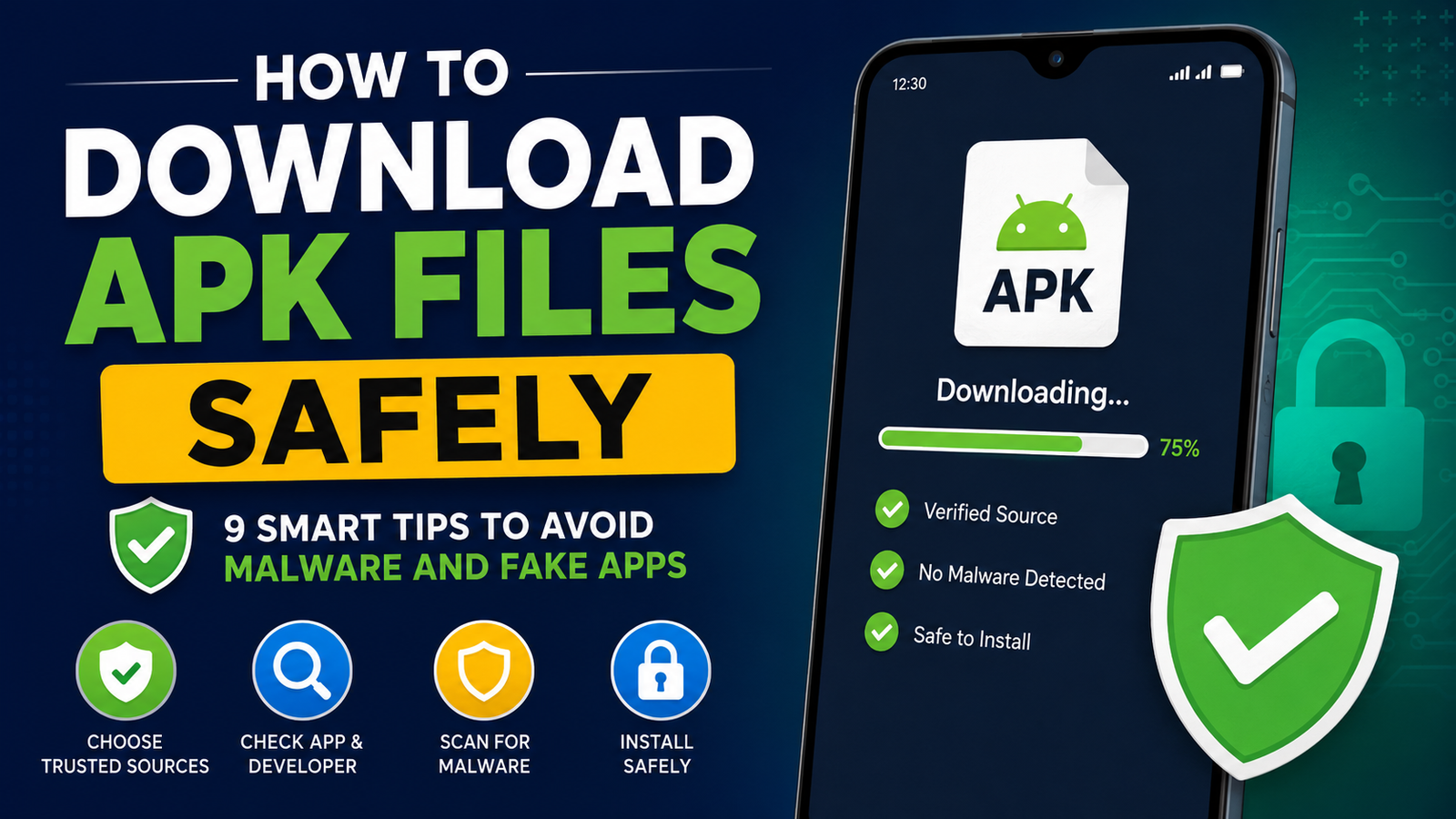
How to Download APK Files Safely: 9 Smart Tips to Avoid Malware and Fake Apps
Downloading an APK file can be useful when an Android app is unavailable through Google Play or when you need a specific version of an application. However, APK downloads also come with risks. A file that looks like a normal app installer could potentially contain malware, unwanted modifications, trackers, or other harmful components.
That is why learning how to download APK files safely is important before installing anything outside the official app store.
The good news is that safer APK downloading does not have to be complicated. By choosing trustworthy sources, checking the file carefully, verifying app information, and scanning downloads before installation, you can significantly reduce the risks.
In this guide, we will explain the most important steps to follow when downloading APK files, along with common mistakes to avoid.
What Is an APK File?
APK stands for Android Package Kit. It is the file format Android uses to distribute and install applications.
When you download an app from Google Play, Android handles much of the installation process automatically. When you download an APK manually, you are obtaining the application package yourself and then installing it on your device.
An APK can contain important components such as:
- The application’s code
- Images and other resources
- App configuration files
- Permissions and metadata
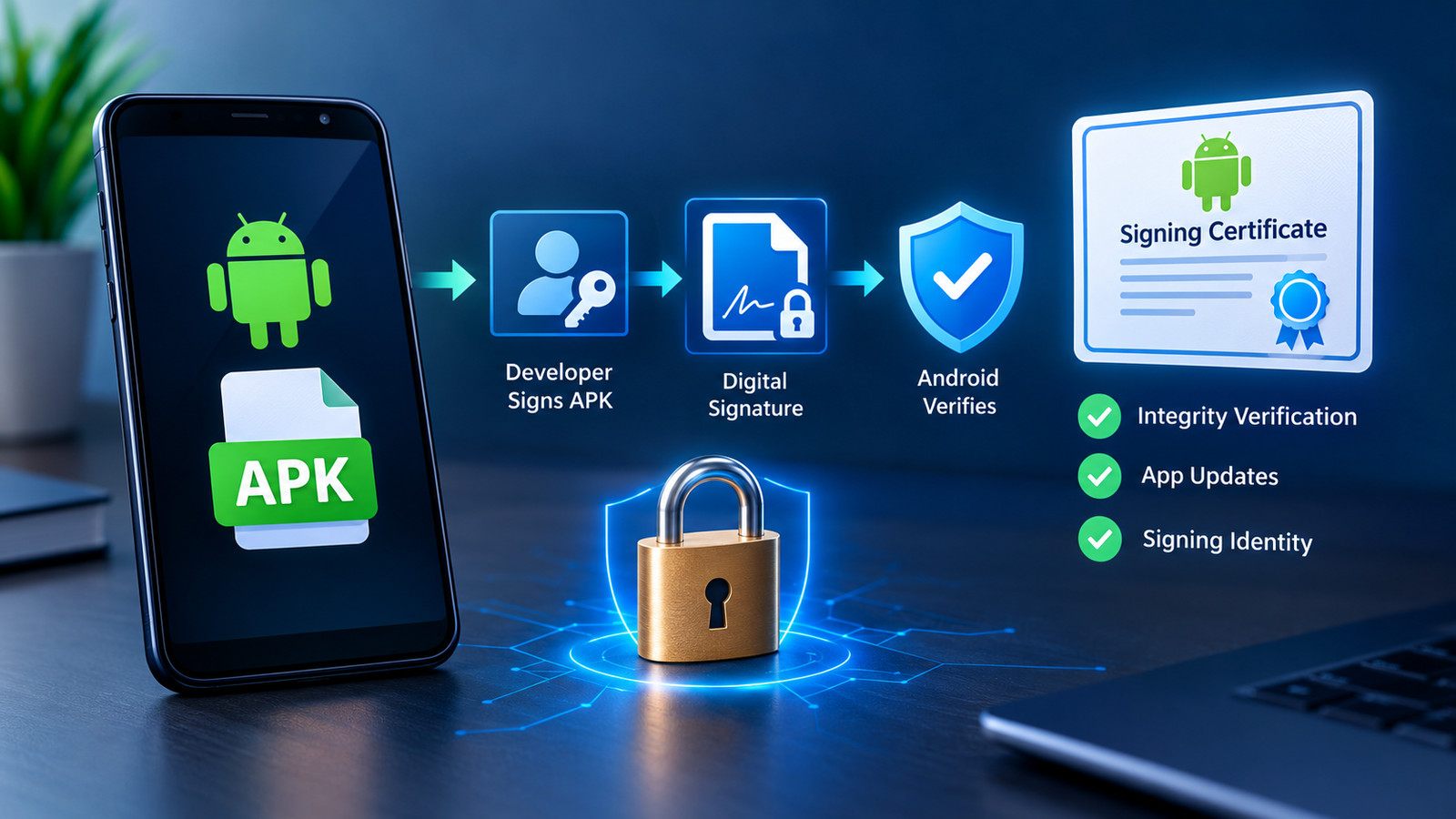
- Digital signing information
APK files are legitimate and are widely used for Android software distribution. The main concern is not the APK format itself but where the file came from and whether it has been modified.
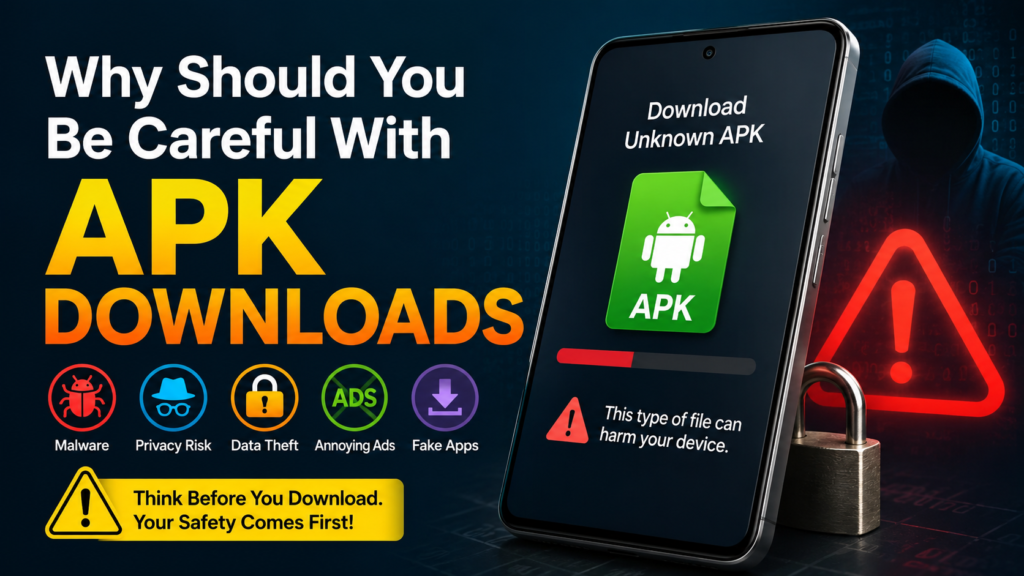
Why Should You Be Careful With APK Downloads?
Installing an APK from an unknown website gives you less protection than downloading an app through an official app store.
A malicious APK could be designed to steal information, display aggressive advertisements, install unwanted software, or perform other harmful activities.
Some websites also distribute fake versions of popular apps. These files may use familiar names and icons to make them appear legitimate.
Common APK-related risks include:
- Malware and spyware
- Fake or modified applications
- Excessive permissions
- Phishing features
- Hidden advertisements
- Outdated or vulnerable app versions
- Tampered APK packages
- Files bundled with unwanted software
This does not mean every APK download is dangerous. It simply means you should treat APK files as software that deserves the same caution you would use when installing a program on a computer.
How to Download APK Files Safely
There is no single trick that makes every APK completely safe. Instead, use several safety checks together.
The following steps can help you make better decisions before downloading and installing an APK.
1. Download APKs From Reputable Sources
The website you choose is one of the most important safety factors.
Avoid downloading APK files from random websites, pop-up advertisements, shortened links, suspicious forums, or pages that constantly redirect you to unrelated downloads.
A reputable APK source should provide useful information about the application rather than simply offering a large download button.
Before downloading, look for details such as:
- App name and developer
- Version number
- File size
- Update information
- Android compatibility
- Release information
- Installation requirements
Be particularly careful with websites promising “unlimited premium” versions of popular applications. Such modified files may have been altered in ways that are difficult to identify.
2. Check the Developer Name Carefully
A familiar app name does not necessarily mean the APK is genuine.
For example, if you are looking for an APK from a well-known developer, compare the developer information with the application’s official listing or official website.
Pay attention to small differences in spelling.
A fake application might use a developer name that looks almost identical to the legitimate one. This is a common trick used to make fraudulent apps appear trustworthy.
If the developer information does not match what you expect, stop and investigate before downloading the file.
3. Check the APK Version and File Details
Before downloading an APK, examine the version number and file size.
Suppose an application has an official release that is approximately 100 MB, but an unknown website offers a supposedly identical version that is only 8 MB. That difference does not automatically prove the file is malicious, but it is a reason to investigate further.
Similarly, an extremely old APK may contain security vulnerabilities that have already been fixed in newer releases.
Check:
- Version number
- Release date
- File size
- Android version requirements
- Architecture requirements when provided
- Developer information
Avoid downloading a file simply because it is the first result you see.
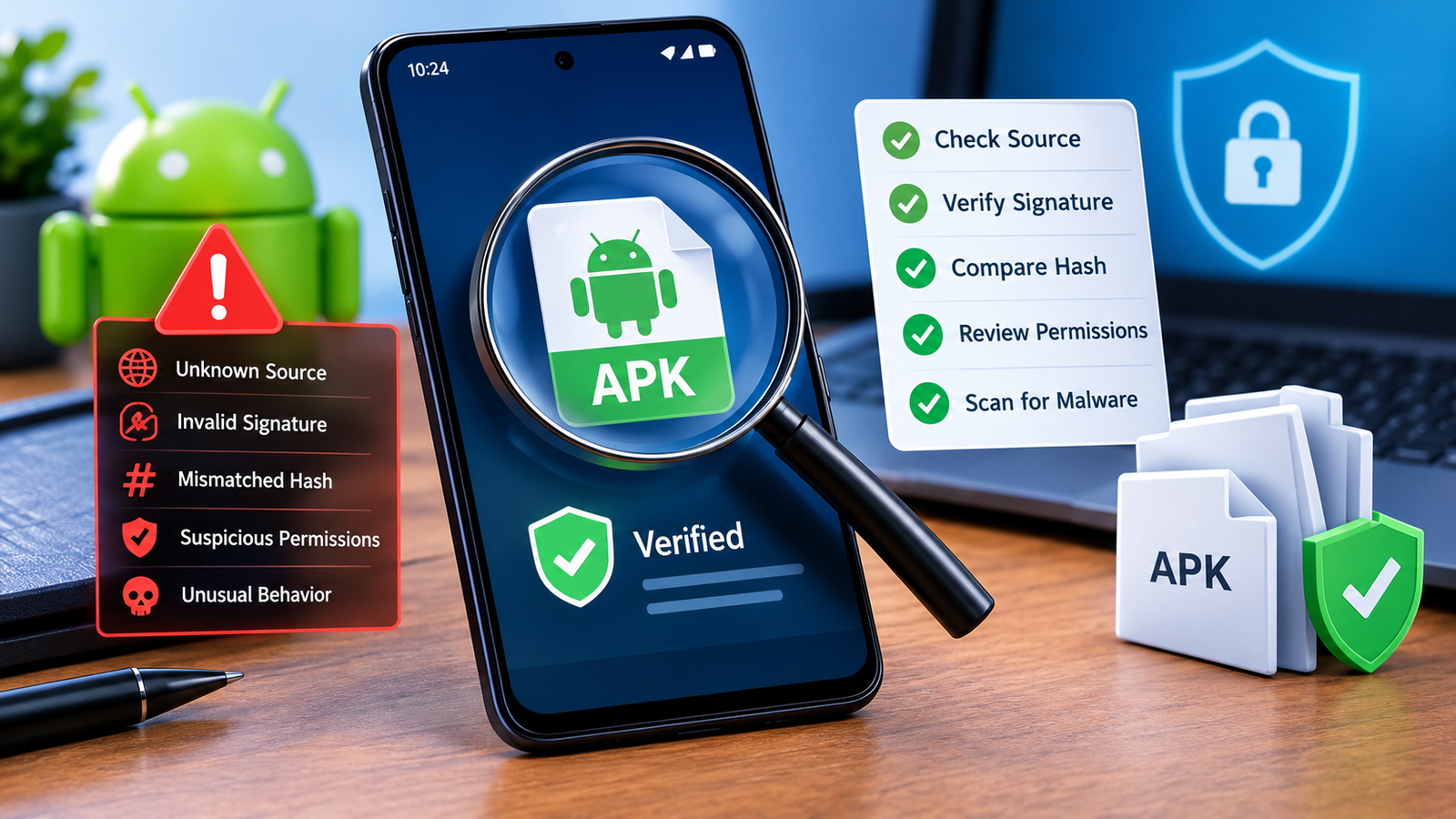
4. Verify the APK Before Installing It
One of the smartest habits when downloading APK files is to verify the file before opening it.
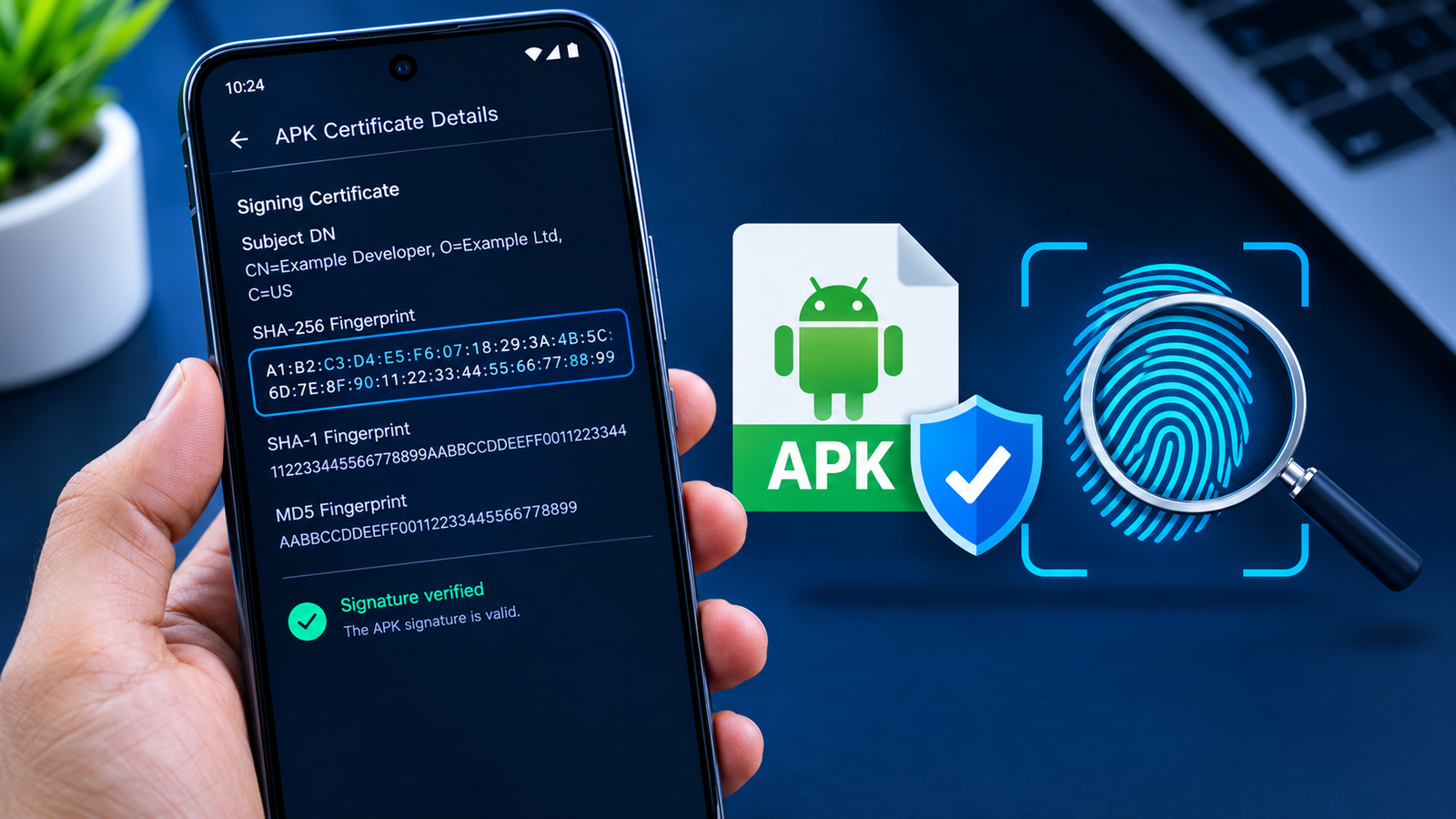
If the publisher provides a checksum or hash, you can compare the downloaded file’s hash with the official value.
A hash works like a digital fingerprint for a file. If the downloaded APK has a different hash from the one published by a trusted source, the files are not identical.
This can help detect accidental corruption or modification.
However, remember that a matching hash is only useful when the reference hash itself comes from a trustworthy source.
5. Scan the APK for Malware
Another useful safety step is scanning an APK file with a reputable security service or antivirus solution before installing it.
A scan can identify known malicious patterns and potentially suspicious files.
Keep in mind that no security scanner can guarantee that an APK is completely safe. New or cleverly disguised threats may not immediately be detected.
For that reason, scanning should be combined with other checks rather than treated as a guarantee.
6. Pay Attention to Android Permissions
Permissions can provide useful clues about what an application wants to access.
For example, a simple flashlight application requesting access to your contacts, microphone, SMS messages, and location deserves closer examination.
Some permissions may be completely legitimate depending on what the app does. A navigation application requesting location access makes sense. A calculator requesting access to your contacts may be harder to justify.
Before installing an APK, ask yourself:
Does this application actually need the permissions it is requesting?
If the answer is unclear, research the application before proceeding.
7. Keep Google Play Protect Enabled
Android includes security features designed to help identify potentially harmful applications.
Google Play Protect can scan applications and warn users about certain potentially harmful software.
If you regularly install APKs manually, keeping built-in Android security protections enabled is especially sensible.
Do not disable security warnings simply because an APK refuses to install.
A warning does not automatically mean the file is malicious, but it is a signal that deserves attention.
8. Avoid Suspicious “Download” Buttons
Some APK websites contain multiple download buttons, advertisements, and redirects.
It is easy to accidentally click an advertisement that looks like the actual download link.
Be cautious if clicking a button:
- Opens several new tabs
- Redirects you to unrelated websites
- Requests browser notifications
- Starts another download
- Claims your device is infected
- Asks you to install a different application
A legitimate APK download should not require you to install random software before you can obtain the file.
When in doubt, close the page and return to the original source.
9. Back Up Important Data Before Installing Unknown Apps
A backup cannot prevent malware, but it can reduce the consequences if something goes wrong.
Before experimenting with unfamiliar APK files, make sure important photos, documents, contacts, and other data are backed up.
This is particularly important when testing modified applications or APKs from sources you have never used before.
A backup gives you an additional recovery option if an installation causes unexpected problems.
APK Safety Checklist
Here is a quick checklist you can use before installing an APK:
| Safety Check | What to Look For | Why It Matters |
|---|---|---|
| Source | Reputable download website | Reduces the chance of malicious files |
| Developer | Correct developer name | Helps identify fake apps |
| Version | Current or trusted version | Avoids unnecessarily outdated software |
| File size | Reasonable size for the app | Can reveal suspicious differences |
| Permissions | Relevant permissions | Helps identify questionable behavior |
| Malware scan | No major security warnings | Adds another layer of protection |
| Hash | Matching official checksum | Helps verify file integrity |
| Play Protect | Security protection enabled | Provides additional Android protection |
| Backup | Important data backed up | Makes recovery easier if something goes wrong |
How to Recognize a Suspicious APK Website
Knowing how to download APK files safely also means recognizing websites that should be avoided.
A suspicious site may have several warning signs.
For example, be careful when a website:
- Has dozens of fake download buttons
- Uses aggressive pop-ups
- Automatically redirects visitors
- Offers every paid app for free
- Provides little information about developers
- Uses misleading security warnings
- Requires unnecessary browser extensions
- Promises unrealistic features
A professional-looking website is not automatically trustworthy either. Attackers can create convincing pages.
Instead of judging a website only by appearance, consider its reputation, transparency, file information, and consistency with official app details.
Should You Download Modified APKs?
Modified APKs, often called Mod APKs, can offer features that are not available in the original application.
However, modifications introduce another layer of risk because the APK has been changed from the developer’s original package.
You may not know exactly what was added or removed.
Potential problems include:
- Hidden code
- Unwanted advertisements
- Data collection
- Account theft
- Stability issues
- Security vulnerabilities
- App bans or account restrictions
If security is your priority, the original APK from a trusted source is generally a safer choice than an unknown modified version.
What About Older APK Versions?
Sometimes users download an older APK because a newer update removed a feature or introduced compatibility problems.
Older versions can be useful in specific situations, but they should be approached carefully.
An outdated application may contain security vulnerabilities that have been fixed in later versions.
If you need an older APK, make sure you understand why you are using it and obtain it from a source that clearly identifies the version and developer.
After installing it, avoid granting unnecessary permissions and consider updating once a compatible secure version becomes available.
What to Do If Android Blocks an APK
Android may prevent an APK from being installed for several reasons.
For example, the application might be incompatible with your Android version, the package could conflict with an existing installation, or your device may have security restrictions enabled.
You might see messages such as:
- “App not installed”
- “For your security, your phone currently isn’t allowed to install unknown apps”
- “Package appears to be invalid”
- “There was a problem parsing the package”
Do not immediately assume that disabling every security feature will solve the problem.
First check the APK’s source, compatibility, file integrity, and permissions. If the file appears suspicious, deleting it is safer than trying to force the installation.
Is Downloading an APK Legal?
APK files themselves are not illegal. They are simply Android application packages.
However, the legality of downloading a particular APK depends on the software, distribution rights, and circumstances.
For example, an application distributed by its developer through an official website can generally be obtained through that channel.
On the other hand, downloading unauthorized copies of paid applications or copyrighted software may violate copyright law or the application’s terms of service.
It is best to use legitimate sources and respect the developer’s distribution rights.
Common Mistakes to Avoid When Downloading APKs
Many APK-related security problems happen because users rush through the download and installation process.
Avoid these common mistakes:
- Downloading from the first random search result
- Installing APKs without checking the developer
- Ignoring Android security warnings
- Granting every permission automatically
- Installing heavily modified APKs from unknown sources
- Using outdated versions unnecessarily
- Clicking fake download buttons
- Assuming a popular app name guarantees authenticity
- Disabling security protections permanently
- Installing several unknown APKs at once
Taking a few extra minutes to investigate a file can prevent much bigger problems later.
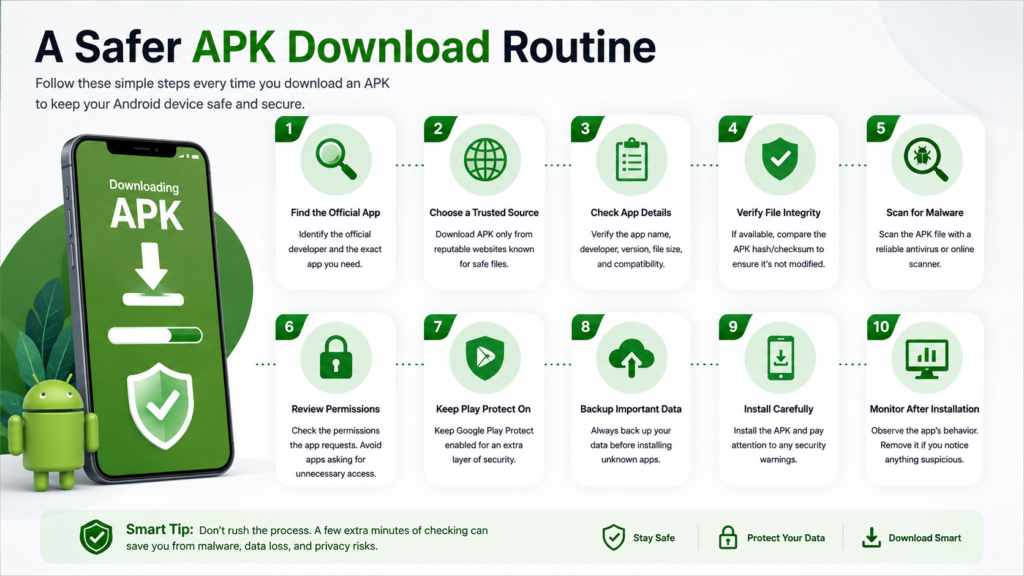
A Safer APK Download Routine
If you frequently install applications manually, create a simple routine and follow it every time.
Start by identifying the official developer and the exact application you need. Then choose a reputable source and compare the APK’s version, size, and developer information.
After downloading, scan the file and verify its integrity when possible.
Before installation, review the requested permissions and pay attention to any Android security warning.
Finally, monitor the application after installation. Unexpected advertisements, excessive battery consumption, unusual permissions, crashes, or strange behavior can all be reasons to investigate further.
This routine may take a few extra minutes, but it is much safer than installing files blindly.
Frequently Asked Questions
Is it safe to download APK files?
APK files can be safe when obtained from trustworthy sources and properly verified. The main risk comes from downloading modified, fake, outdated, or malicious APKs from unreliable websites.
How can I tell if an APK is safe?
Check the developer, version, file size, permissions, source, and digital signature when available. You can also scan the APK with reputable security software before installing it.
Can an APK contain a virus?
Yes. An APK can contain malicious code just like other software packages. This is why you should avoid unknown sources and scan suspicious files before installation.
Should I disable Google Play Protect to install an APK?
Generally, no. You should not disable security protections simply to force an installation. If Play Protect warns you about an application, investigate the warning and the APK’s source before continuing.
Are modified APKs safe?
Not necessarily. A modified APK has been changed from the developer’s original package, so there is greater uncertainty about what it contains. If safety is important, use the original application whenever possible.
What should I do if an APK seems suspicious?
Do not install it. Delete the file, avoid the website that provided it, and obtain the application from a more trustworthy source. If you already installed it and notice unusual behavior, uninstalling it and running a security scan are sensible first steps.
Final Thoughts
Learning how to download APK files safely is mostly about developing good habits.
The APK format itself is not the problem. The real risks come from untrusted sources, fake applications, modified packages, outdated software, and careless installation practices.
Also Raed: How to Install APK on Android: A Safe and Easy Step-by-Step Guide











1 comment